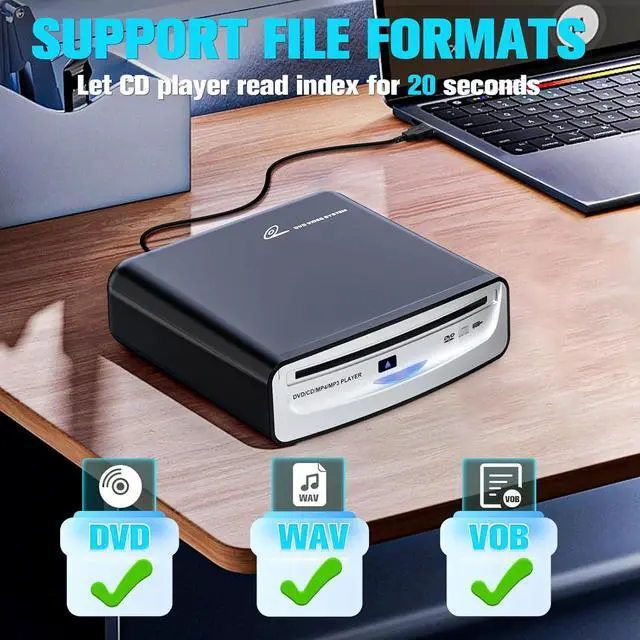
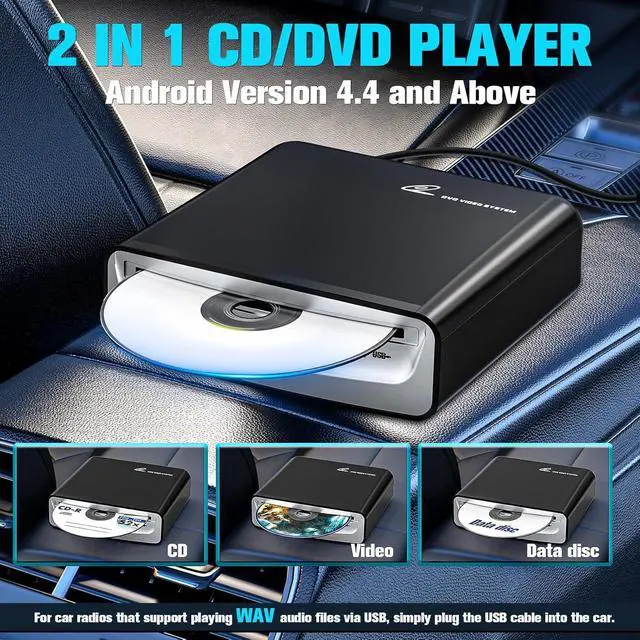
[UPGRADED COMPATIBILITY] Enhance your music experience with our upgraded CD Player, supporting WAV format files for wider compatibility. If your car audio system plays WAV, this player will seamlessly connect, making it compatible with various vehicles. Ideal for both Android and non-Android systems, including recent factory radios. Enjoy your favorite tracks on the goperfect for music lovers!
[MULTIFUNCTIONAL 2-IN-1 CD +DVD PLAYER] Our versatile player is not just a CD player; it also serves as a DVD player! For DVD playback in your car, ensure your audio system supports VOB format. This CD player easily connects to multimedia navigation screens with USB ports and works with Windows PCs, desktops, laptops, and smart TVs. Experience the convenience of a multi-functional device that meets all your entertainment needs on the go!
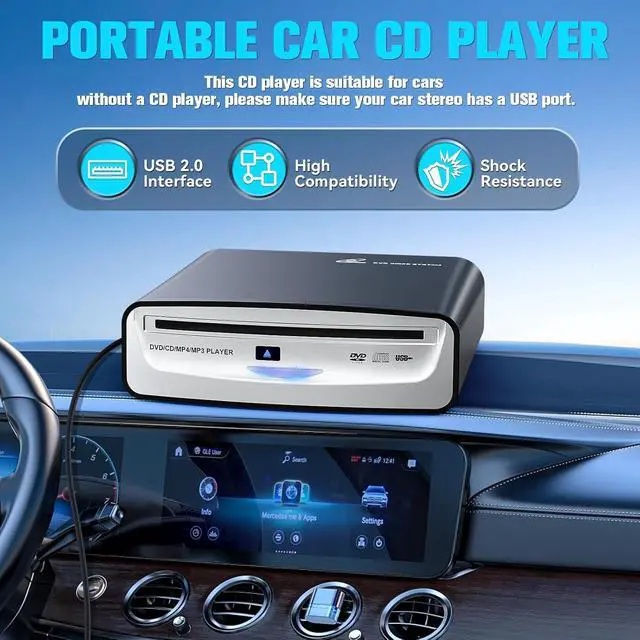
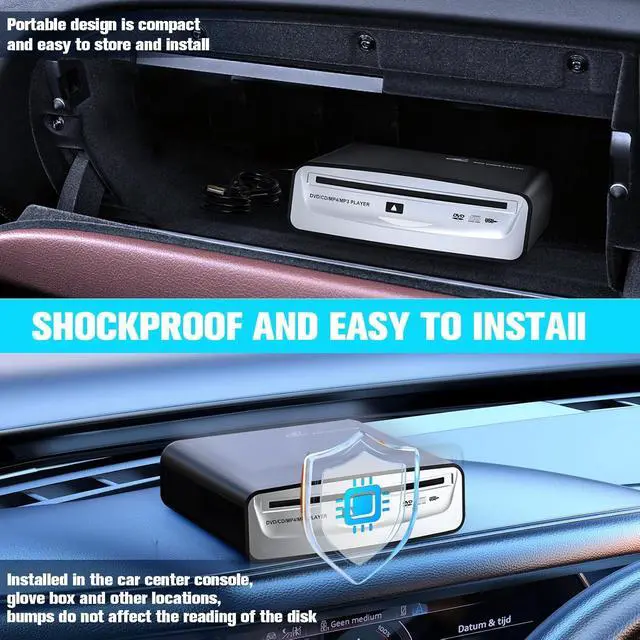
[EXTRA USB CABLE] Enhance your driving experience with our Car CD Player, which comes with a complimentary 1-meter USB cable! Easily install it on your car's center console, dashboard, glove compartment, or any fixed location. Featuring advanced chip technology, this player ensures smooth disc reading, even on bumpy rides.
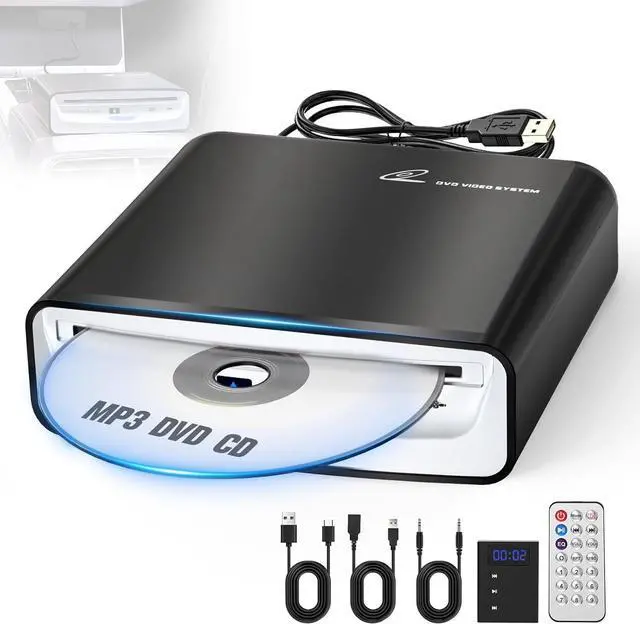
Package Includes: USB Car CD Player, USB Extension Cable, AUX Cable, Type-A Cable, Decoder, Remote Control.
[PRE-PURCHASE NOTE] Please make sure your car radio supports playing WAV music files before purchasing. If you are not sure if the external CD player is compatible with your car stereo, please kindly check the list under the website or contact us via messages.
Tip: It is normal that some disc reading functions may have problems. Please replace the disc with a new one.
UPGRADED USB CD/DVD PLAYER with DECODER1. For car without a CD player.
2. For cars with USB input (make sure car radio supports playing WAV audio files)
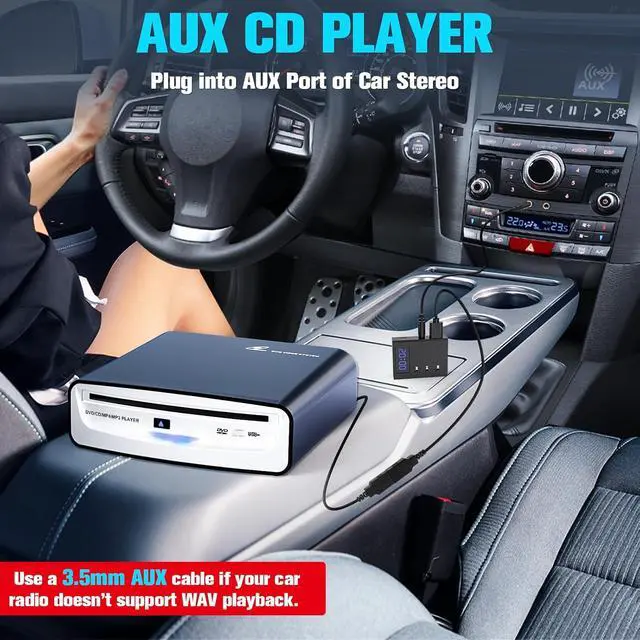
3. For cars with AUX input (the 3.5 mm auxiliary port), our external USB CD player comes with a decoder. (For cars which don't support playing WAV audio files)
Note: Your car radio must support WAV music files to use this external USB CD player. Otherwise, it wont be able to play music from the CD.
If youre unsure whether your original car stereo supports WAV music files, please reach out to support. Well assist you in checking.
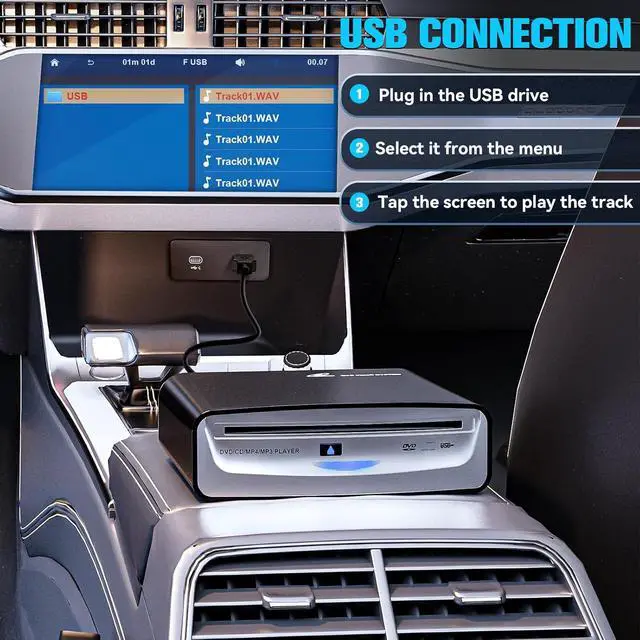
The first method to connect our CD player to the car -- USB Connection1. Plug in the CD player to the car radio's USB port, load the CD.
2. Switch the source to USB in the media settings.
3. Choose a WAV track to play.
NOTE: Only standard CD music format (. cda) discs can be played.
The second method of connecting our CD player to the car -- AUX / FM ConnectionFor an AUX connection, check if your car has an AUX input; note that CD tracks won't show on the car radio screen.
For FM connection, turn on the FM function and press the "Mode" button on the remote to adjust to the same frequency on the corresponding interface.
Compatible with Aftermarket Non-Android Car Stereo (including Linux, Wince, etc), like Pioneer, Kenwood, JVC, Sony, etc. Enhance Your Audio Experience While Driving.
Tips: This is NOT a blue ray CD player.