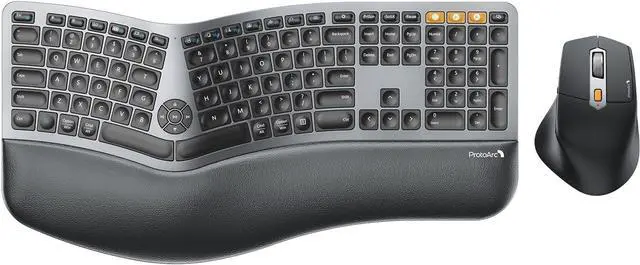
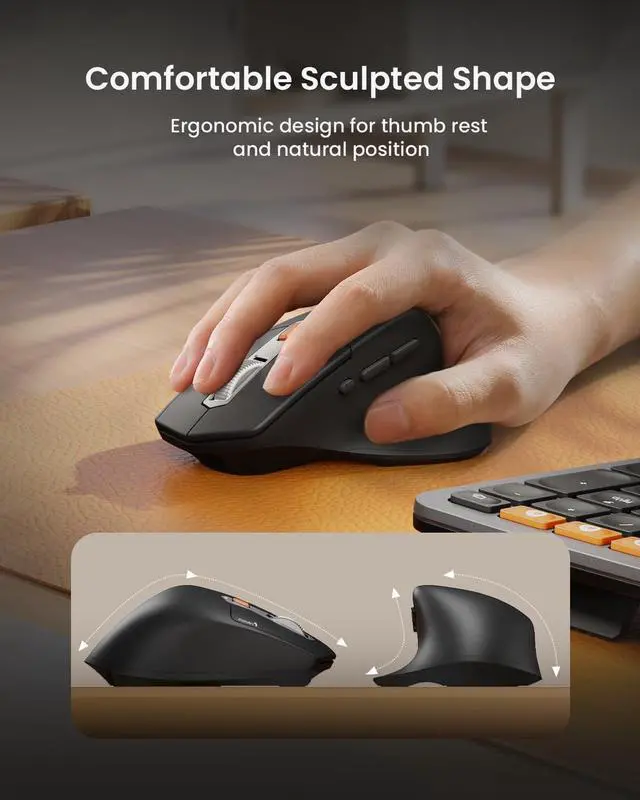
Precision Tracking: The contoured ergonomic mouse is designed with palm and thumb rest which provides better wrist support and keeps your hand in a natural position, effectively reduces the wrist tension and pain. 2000 DPI allows you to gain more precise control, forward/backward buttons provide more convenience for webpage browsing.
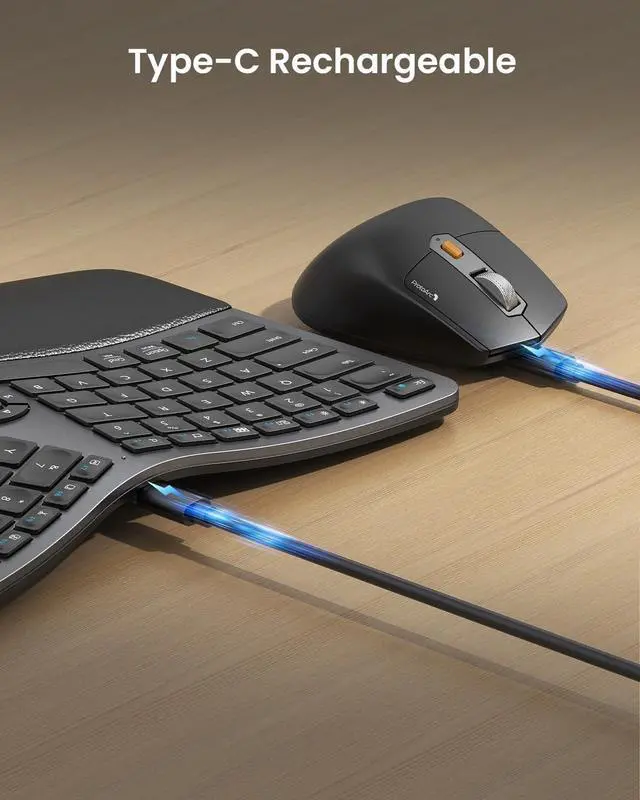
Type-C Charging: The ergonomic keyboard mouse combo are built-in 500mAh rechargeable lithium battery with 250 hours of standby time after 2 hours of full charge. Auto sleep mode for power saving after 30 minutes of no operation.
Space-Saving Tips: Using a full-size ergonomic keyboard mouse can enhance work efficiency, but it may occupy more workspace.
The ergonomic keyboard dimensions: 20.75" L x 11" W, please measure your desk dimensions for better fit.
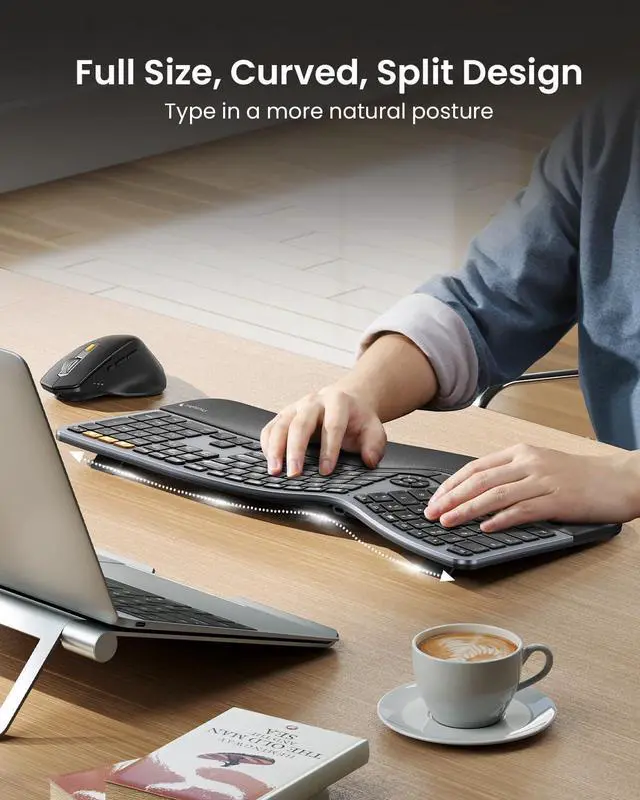
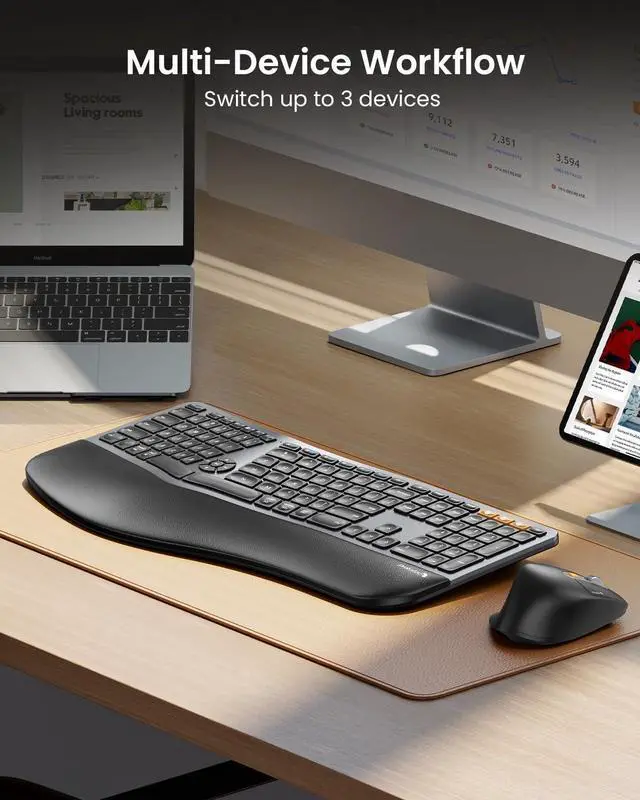
ergo wireless keyboard and mouse Merchant Video Ergonomic Split Design Full size layout and curved split design offer natural typing comfort and enhance work productivity.
1
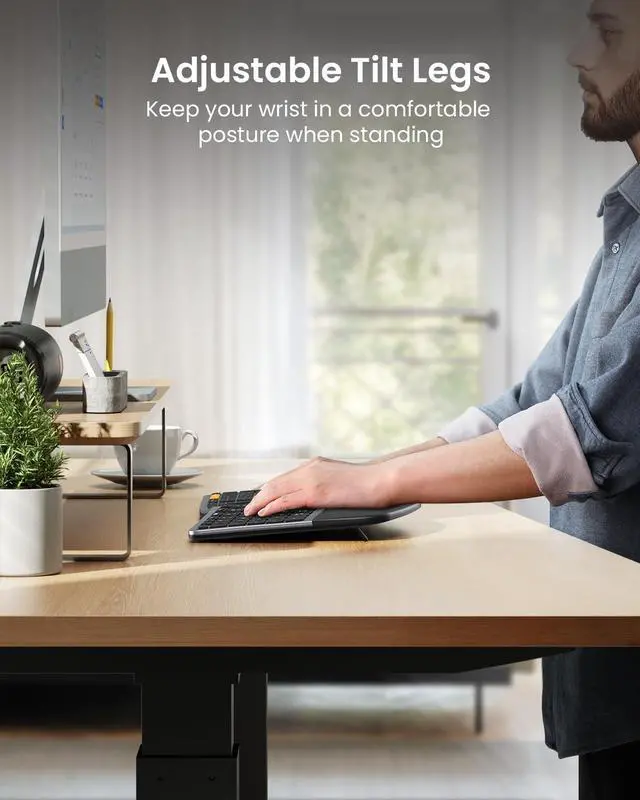
Adjustable Tilt Legs
2
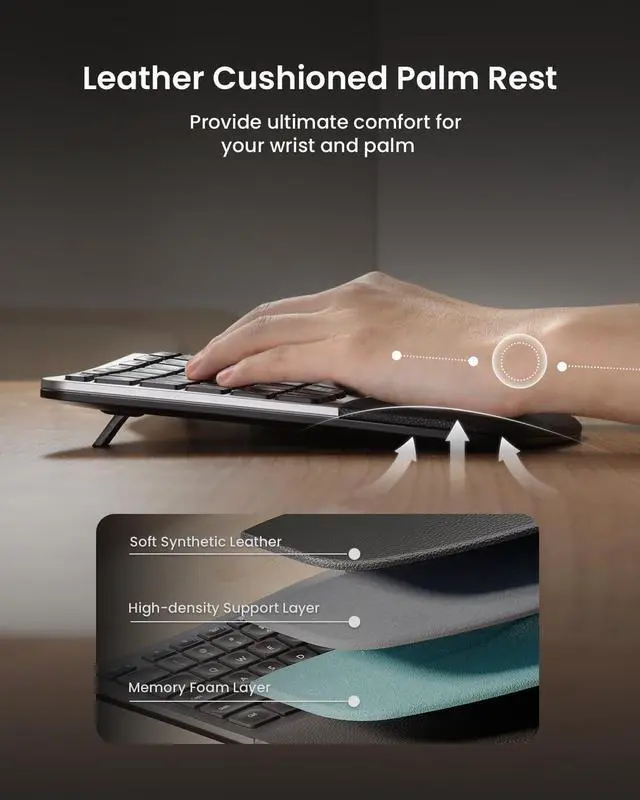
Cushioned Palm Rest
Scissor-switch Keys Silent to press and rebound quickly, low-profile keys offer a better tactile response. Scooped keys perfectly match the shape of your fingertips.
Adjustable Palm Lift 4 Adjustable tilt legs allows the keyboard to be the most comfortable angle, lift your wrist into an optimal position whether you sit or stand.
3-Level DPI Easily adjust the sensitivity between 3 DPI levels (800/1300/2000). Optical laser allows for quick response, smooth movement and precise tracking.
Side Buttons Control Ergonomic contoured shape for a more natural hand and wrist posture. Added forward/backward buttons help you easily browse the webpage.
Are you new to ergonomic keyboards? Unlike traditional keyboards, adjusting to the split layout of ergonomic keyboard may require an initial adaptation period before you become accustomed to its design and layout.
Is the ergonomic keyboard backlit? No, this ergonomic keyboard is not backlit.
What is the dimension of the keyboard and mouse? The dimension of the keyboard is 20.75 inch x 11 inch, this ergonomic keyboard is a full-size keyboard, it may occupy more workspace, please measure the desk dimension for better fit
The dimension of the mouse is 4.9 inch x 3.29 inch
How to deal with the keyboard mouse can not charge?
1. The rated charging voltage for the keyboard and mouse is 5V. It is recommended to use the computer's USB port for charging, and using a charger is not recommended
2. Try to change another USB-C cable to recharge, to confirm if it is a cable issue
How to deal with disconnection issues, keys repeating or typing delay?
1. Please ensure that the keyboard/mouse is fully charged
2. 2.4G: unplug and replug the USB dongle, trying a different USB port
3.
Bluetooth mode: delete the BT connection from your device's BT list, restart the device and re-pair the keyboard/mouse