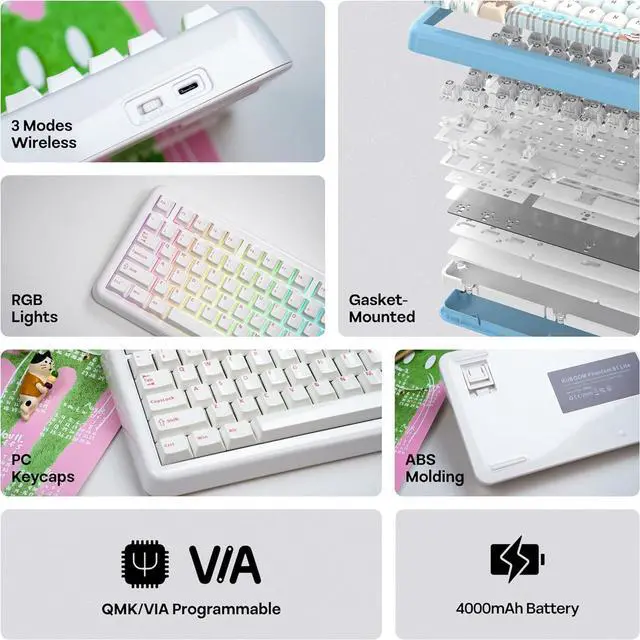
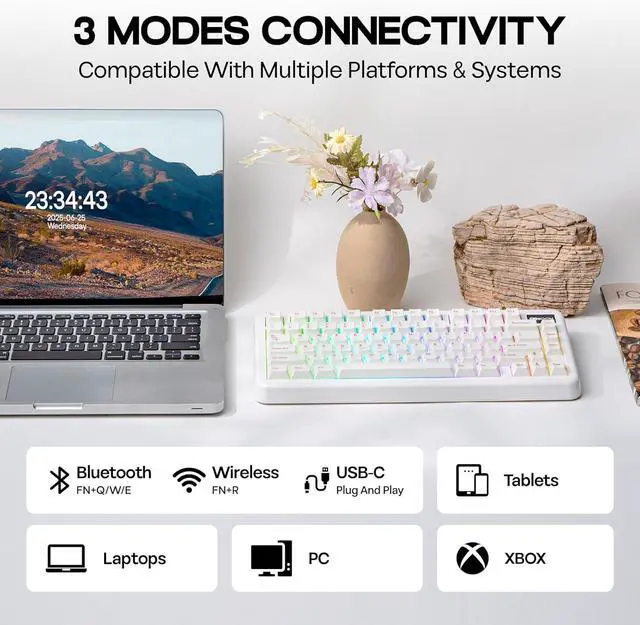
Sound-Enhancing Creamy Gasket Featuring a gasket-mounted Structure with various damping materials like latex sandwich foam, ixpe switch pads, PE transparent film, PCB Foam, and bottom Silicone, ensures rigidity and flexibility, the Pahntom81 Lite custom keyboard provides a creamy typing foundation for mechanical switch enthusiasts. The plate-mounted setup helps reduce ping noise, and the pre-lubricated stabilizers eliminate unwanted rattling, yielding a refined sound quality. This versatility appeals to the DIY community, content creators, and ergonomic users looking for customized comfort.
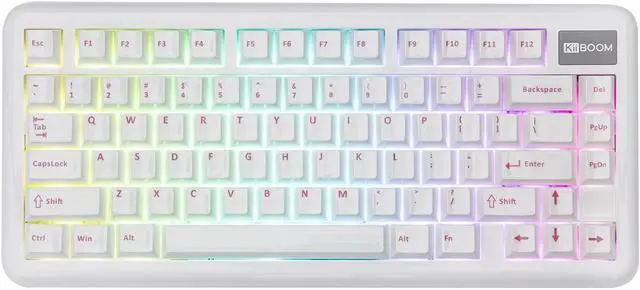
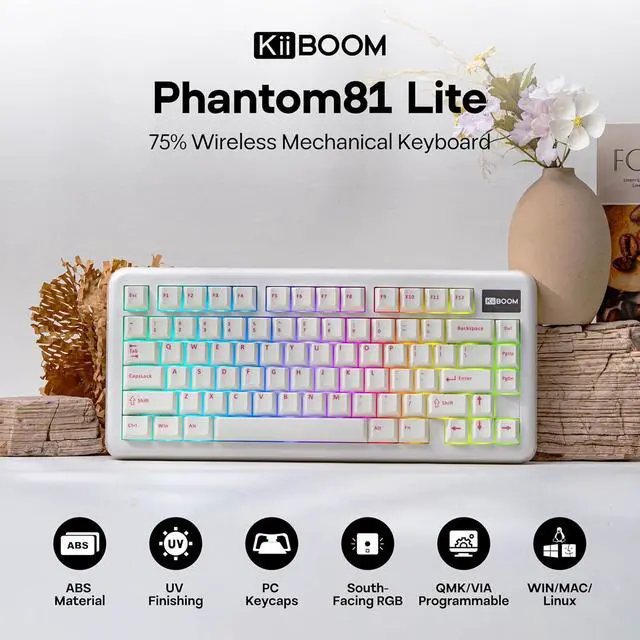
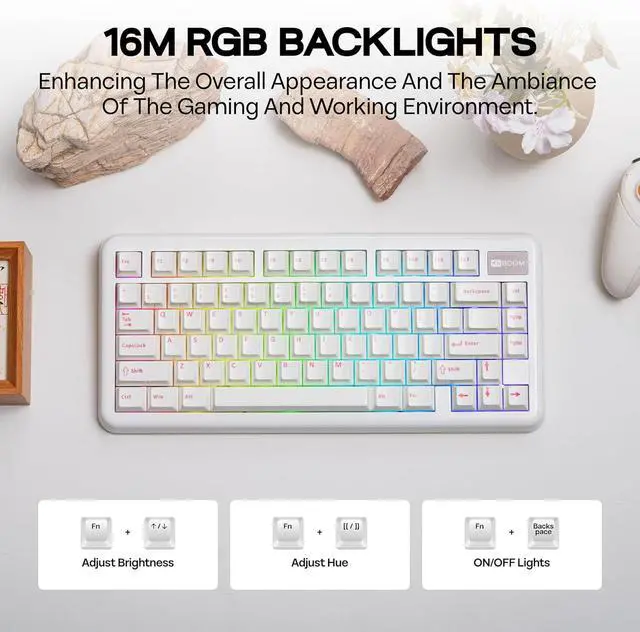
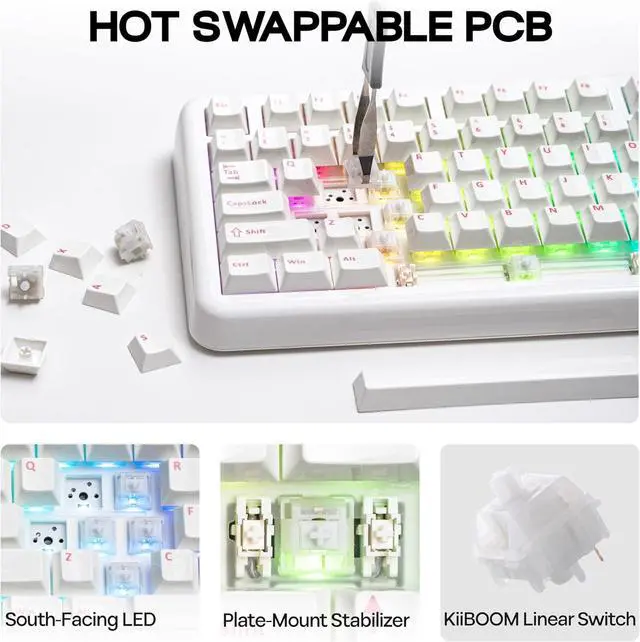
Vibrant RGB Backlight & Hot-Swappable Switch Enhance your workspace with a stunning array of 16.8 million RGB colors and customizable lighting modes that sync with music or games using dedicated software. The south-facing RGB backlighting on this keyboard offers dynamic and adjustable illumination, enhancing its aesthetic appeal. Pre-lubed at the factory, the Phantom81 Lite features linear switches that produce a smooth and delightful sound reminiscent of soft marbles. Thanks to its hot-swappable PCB, modifying your keyboard setup is effortless, enabling quick switch changes without the need for soldering.
Robust ABS Molding & UV Finishing The Phantom81 Lite keyboard is designed using premium ABS molding combined with advanced UV technology, offering both exceptional durability and an eye-catching aesthetic. The durable ABS construction provides resistance to scratches and a refined feel, while the UV finish boosts color intensity and guards against discoloration. Perfect for those who appreciate aesthetics alongside durability, its compact 75% layout optimizes desk space while maintaining full functionality, making it suitable for minimalist workspaces, gaming environments, or mobile professionals.
Phantom81 Lite Keyboard Merchant Video
Phantom81 Lite: Hot-Swappable Custom Mechanical Keyboard with RGB Backlights
Creamy Gasket Structure / Linear Switch / Packing ListWith Sound-Dampened LayersGasket-Mounted Structure Gasket-Mounted Design: Ensures a flexible and cushioned feel while typing. This design minimizes vibrations, providing a softer bottom-out and enhancing overall typing comfort.
Sound-Dampened Layers: Equipped with specialized sound-dampening materials, this keyboard significantly reduces noise. Enjoy a quieter workspace without compromising on the tactile feedback that mechanical keyboards are known for.
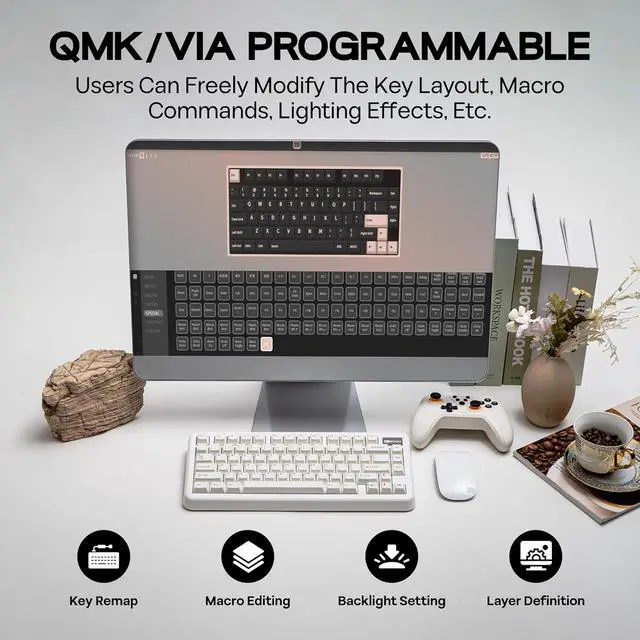
Phantom81 Lite Keyboard Merchant Video Where can I download the JSON file of the Phantom81 Lite keyboard to custom? Can I remap FN key?
You can download it on official website. And yes, you can use QMK/VIA to remap FN key.
Why I can't connect to VIA?
1. Make sure your keyboard is connected to your device in Wired mode
2. Upload the correct JSON file of the keyboard
3. If in VIA Application, try a few more times
4. If in online VIA Software, make sure you authorize the keyboard connecting VIA
What do the indicator lights mean?
Low battery: Fn key blinks red
Win Lock: Win key stays lit, Caps
Lock: Caps key stays lit
Mode switch: A/S blinks 3 times
Brightness/speed limit: Arrow keys blink 3 times
Current mode: Hold Fn to show (Q/W/E/R/T/A/S light up)
Why my Alt key and Win key swapped function?
The keyboard might be in the Mac mode. Press Fn + A to switch the keyboard back to Windows mode
How can I check my keyboard's remaining battery?
Hold FN + Enter to view your battery status:
The 1-0 keys will light up to show your current battery percentage (e. g., 6 lit keys = 60% charge)
Your keyboard charges automatically in both wired and wireless modes when connected via USB-C