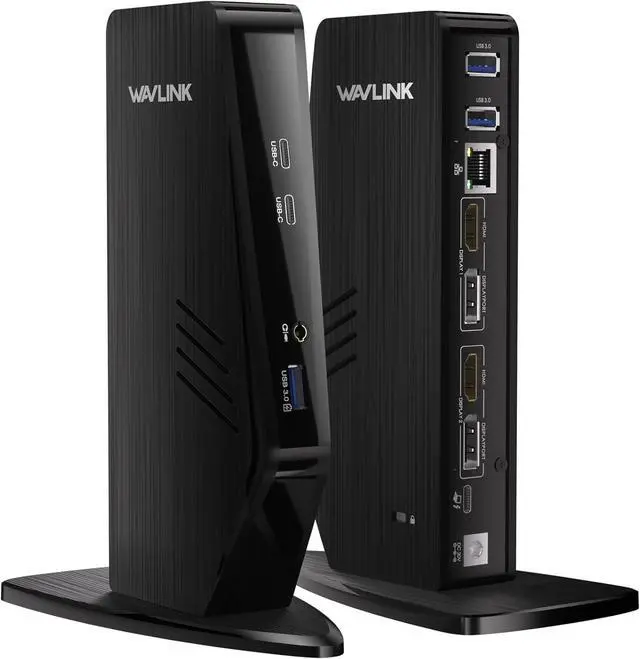
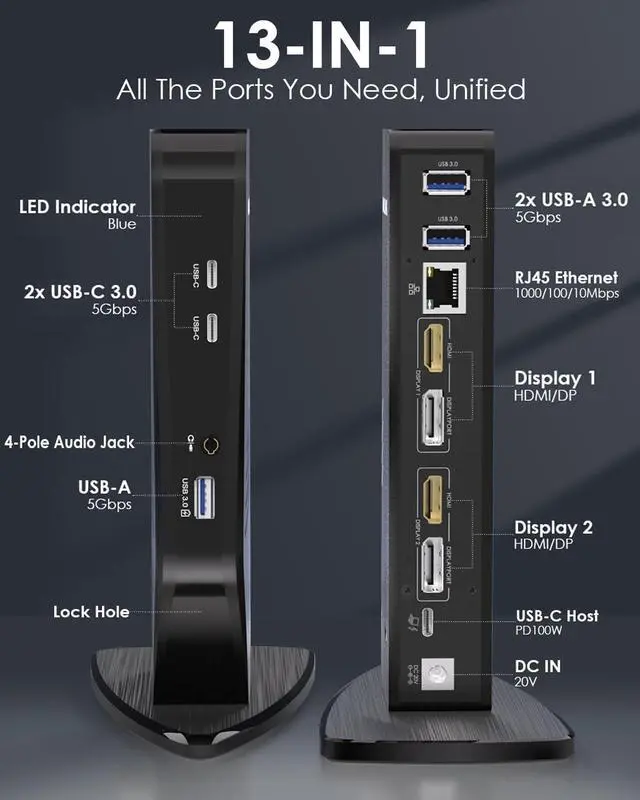
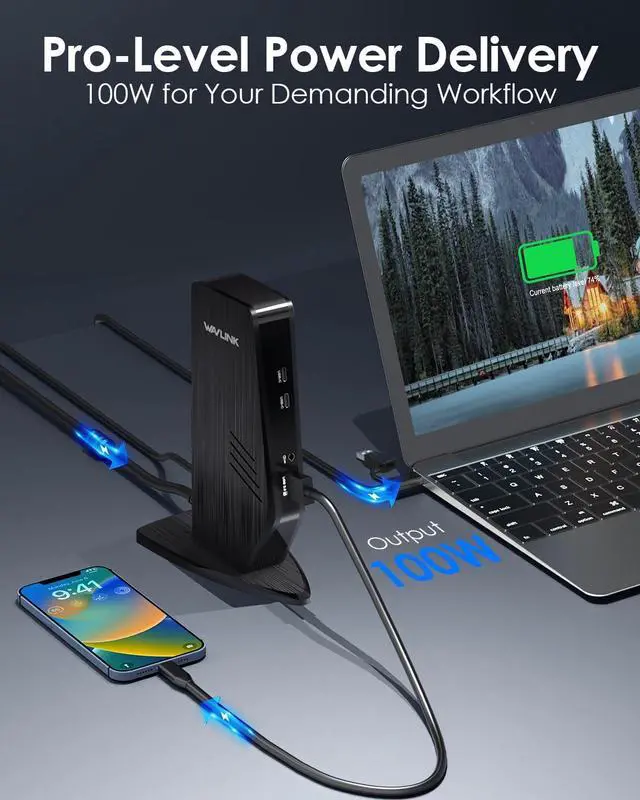
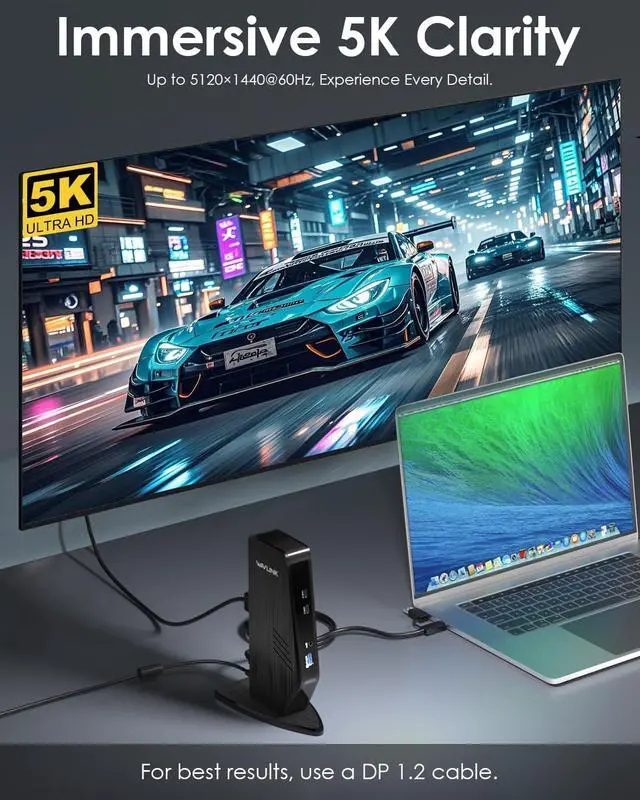
100W
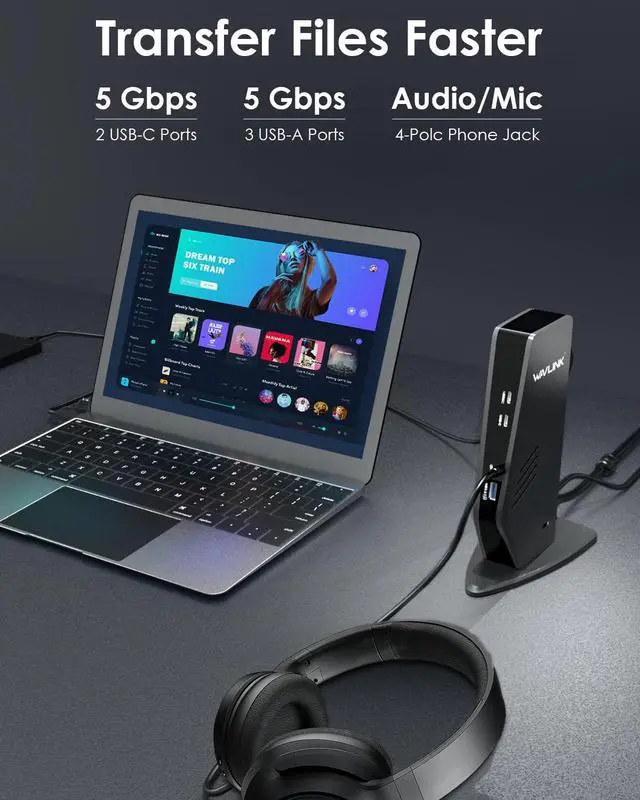
Pro Power Delivery: Keep your most demanding laptops, fully powered and running at peak performance. This professional-grade docking station delivers a massive 100W of Power Delivery via the upstream USB-C port, ensuring zero battery drain even during heavy tasks like video rendering, 3D modeling, or compiling code.
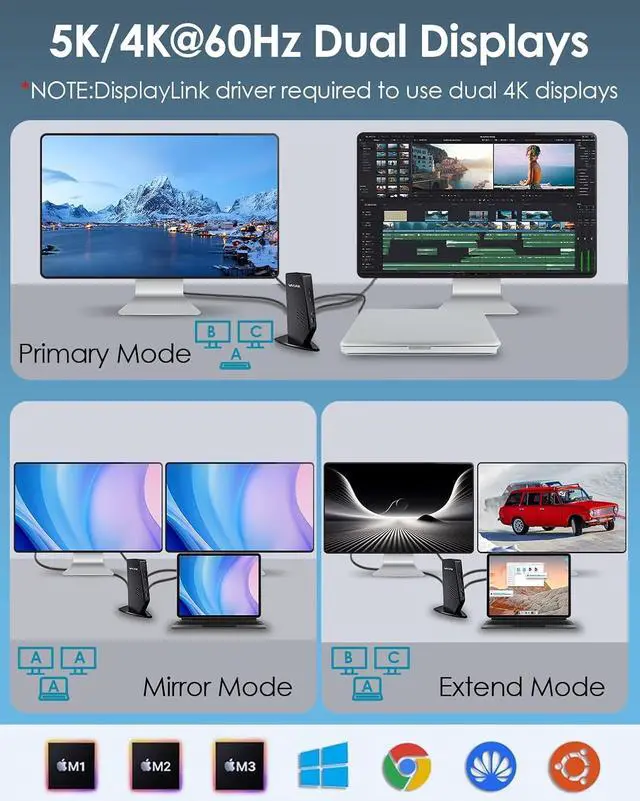
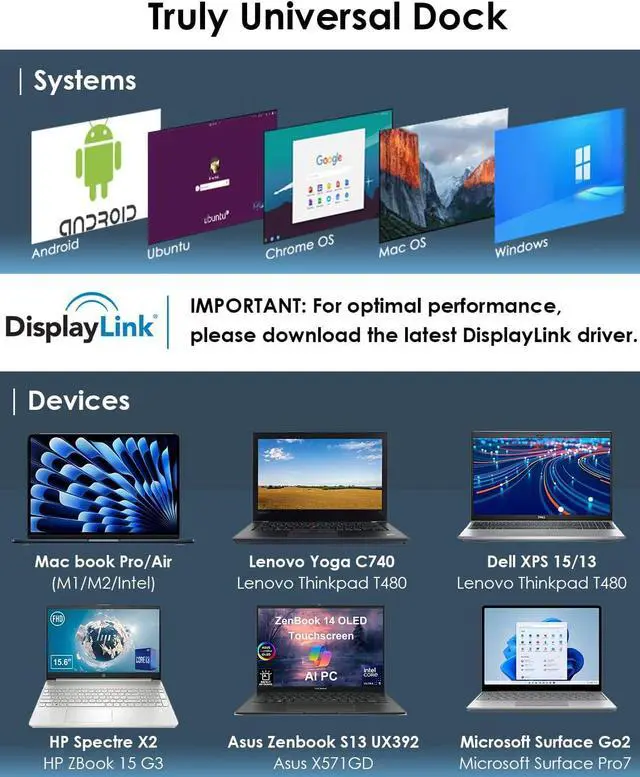
Wide Compatibility: docking station enables a MacBook to connect to two different displays via the DisplayLink driver, regardless of whether it is an M1/M2/M3/M4 model. Supports Windows 11/10/ 8.1 /8/7/XP/Vista, Mac OS 10.14 -14x and above versions, Chrome OS, Ubuntu, Android, Harmony OS. Incompatible with Unix systems, Linux, iOS and iPad operating systems.
Note: The DisplayLink driver must be installed on your device to ensure correct media display functionality.
What You Get: - 1 x 130W power adapter - 1 x USB Type C to C Cable - 1xUSB Type C to USB A Cable - 1 x Instruction Manual. Each base comes with a 1-year warranty and lifetime technical support. If you have any questions, please feel free to contact our customer service team.
USB Universal Docking Station Dual Monitor Display Dual 5K dock station Merchant Video displaylink dock station Merchant Video
Why can't I display multiple screens after installing the driver on my MacBook pro m1?
For macOS,
please follow these steps: Please
follow these steps: Privacy & Security > Screen Recording > Allow "DisplayLink manager" to join in. If not solved, Please look for official.
Why do I put the HDMI cable no sound?
1) Open the 'Sound' menu by searching or right clicking the sound icon on the taskbar
2) In the Playback Tab, select the display with DP or HDMI
3) Click Set Default
4) Click OK to save the settings
If not solved, Please look for.
What systems is this product compatible with?
Windows 11/10/8/ 8.1 /7, Windows Vista 7.7 / Windows XP 7.6M ac Os X 10.6 - 10.15,
Chrome OS from build R51
Android v 5.0 (Lollipop) or Later.
Can this dock Station charge a laptop
Yes, this universal docking station support charging your laptop.
Is it normal for this docking station to make beeping sounds during operation
Please don't worry. This is the beeps white noise of the current, It's an individual symptom case. If you have any questions, please contact the official of. It can be solved by upgrading the PD Firmware.