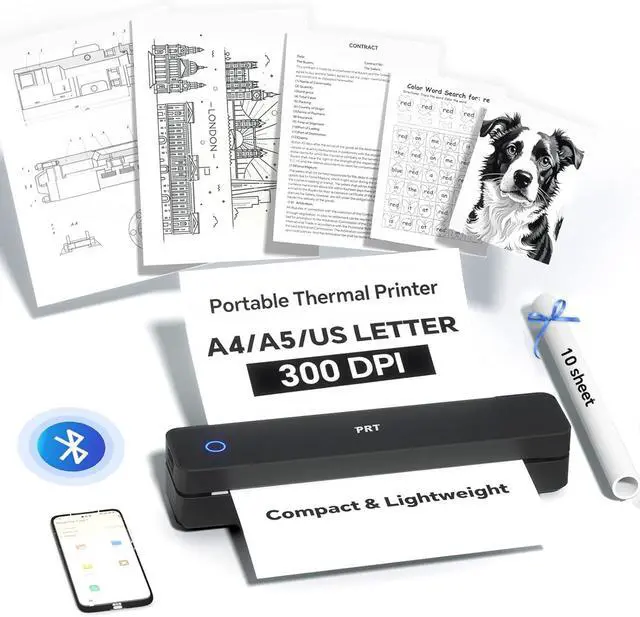
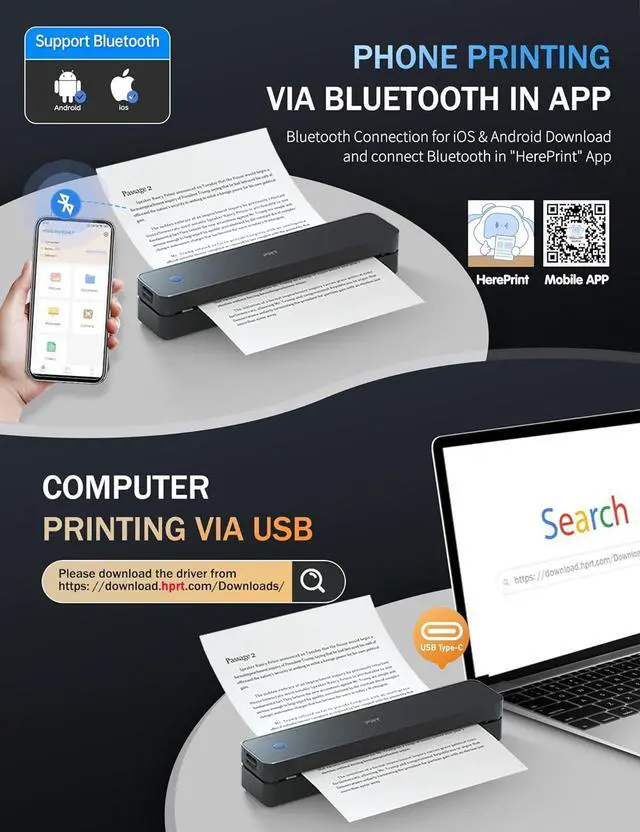
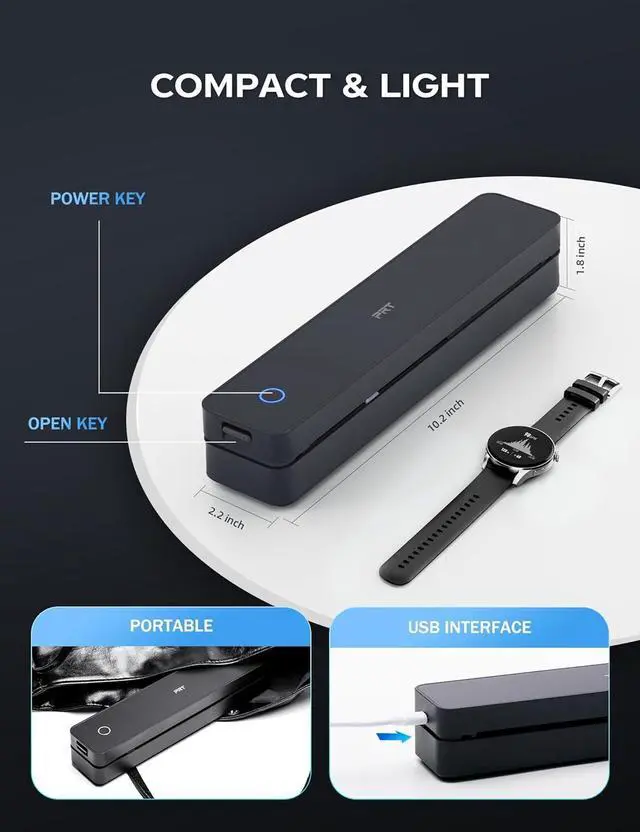
EASY TO USE: The compact printer enables Bluetooth wireless connecting & printing via the mobile device app "HerePrint". The printer can also connect to laptops and desktops with USB cable. When using a computer, just connect the printer with USB cable first, then install the driver. (Note: Download the driver from the H website on your computer)
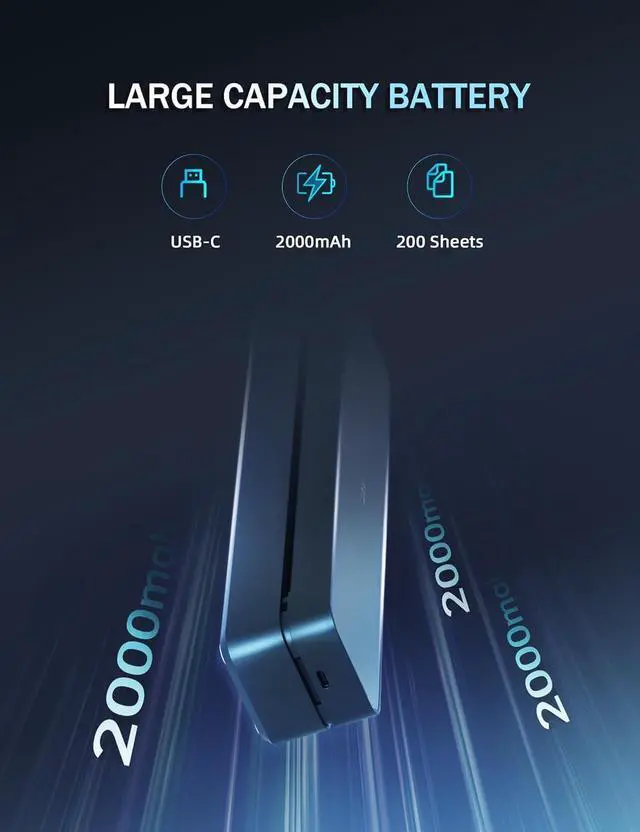
DURABLE AND LONG-LASTING BATTERY: The travel printer comes with a built-in 2000mAh battery. Once fully charged, this battery can support up to 4 hours of continuous printing, enabling the printer to produce up to 360 sheets of paper. The 300 dpi printer is suitable for home, school, office and vehicles.
SIMPLE MOBILE DEVICE PRINTING STEPS: (1) Download the "HerePrint" app from the App Store or Google Play on your mobile phone. (2) Turn on the inkless portable printer MT610 Pro. (3) Enable Bluetooth on your phone and click the + button in the app to complete the printer connection. Then select the file type and make paper settings, and start printing.
USB PRINTING ON COMPUTERS: (1) Turn on the printer. (2) Connect the printer to your computer via USB cable. (3) Download the corresponding driver for the MT610 Pro from H website. (4) Select " MT610 Pro" as your printer to start printing.
Tips: Before downloading the driver, power on the printer and connect the printer to your computer with USB cable first.
PRINT ANYTIME,
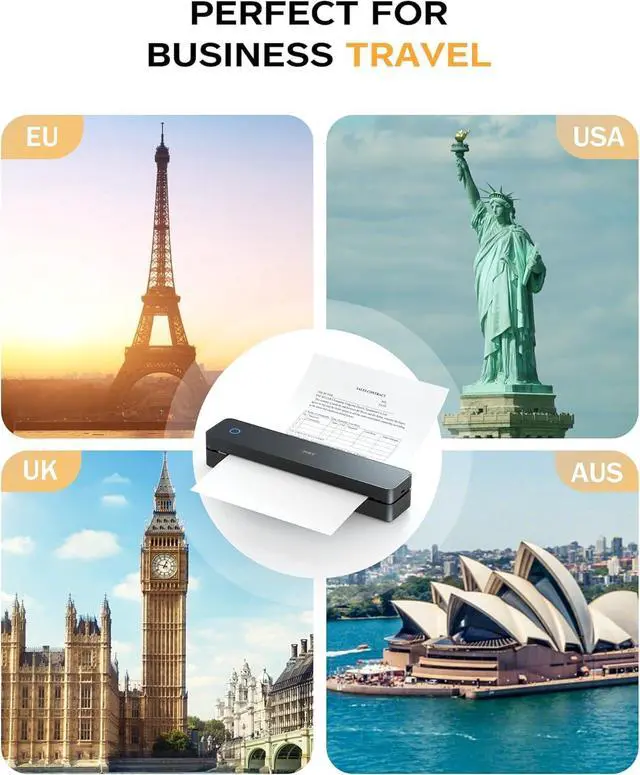
ANYWHERE: Our inkless printer provide network - free printing, guaranteeing ultimate convenience. Whether you're traveling, at home, in the office, or in a vehicle, you can effortlessly print contracts, office documents, or any other necessary documents from the "HerePrint" smartphone app.
Bluetooth Portable Printer For Mobile Phone
PC Printinng Via USB
Turn on the printer, connect the computer and printer with USB cable first
, then download the driver
Thermal Printer For Laptop & Desktop
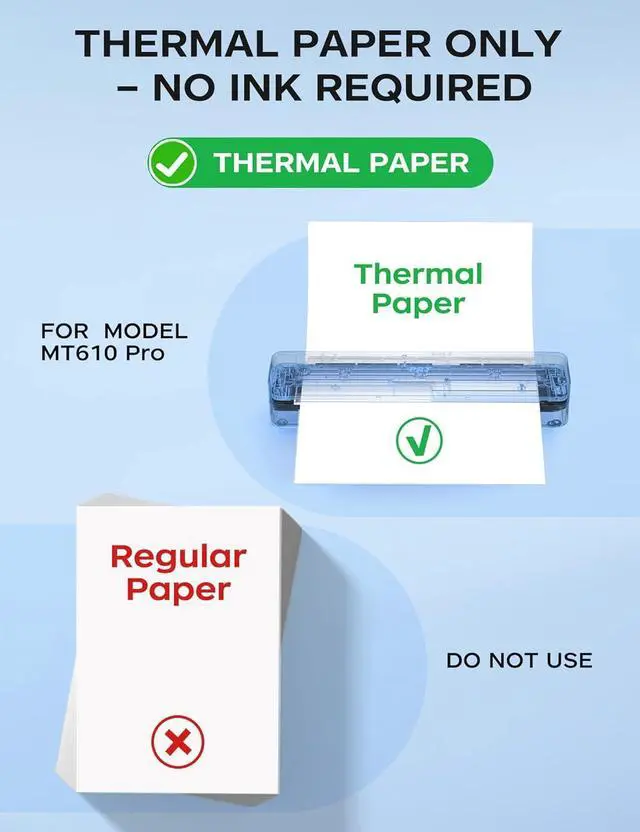
No Ink! Save Over 50% with Thermal Paper Only
PORTABLE AND LONG BATTERY LIFE PER CHARGE
How to print on my mobile phone?
Step 1: Download the mobile phone app HerePrint.
Step 2: Turn on the Printer MT610 Pro and make a Bluetooth connection in the APP.
How to print on my laptop via USB?
Step 1: Turn on the portable printer, connect the printer and laptop with a USB cable.
Step 2: Download&install the driver ( MT610 Pro) from H website.
Step 3: Set the righe size, choose MT610 Pro in the printer list to print via USB.
How long does the battery last on this printer?
Our printer features a superior long-lasting battery that delivers up to 360 pages and 4 hours of continuous use per full chargea 30% longer runtime than other leading products. Ideal for mobile professionals, classrooms, or busy households.
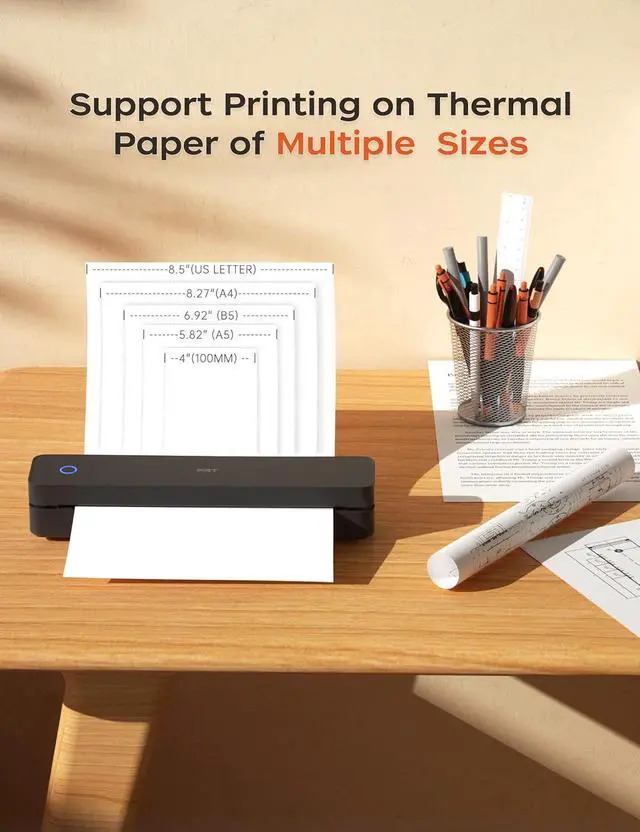
What thermal paper sizes can I use this travel printer to print?
This printer can use thermal paper with a width of 4" to 8.5".
Such as A4, A5, B5, 8.5"X 11" (US Letter)
Does the printer require ink?
No ink! Save over 50% with thermal paper only
Check Out More Excellent Accessories! Perfect for Complementing the Printer200 Sheet 8.5 x11 Thermal Paper
Carrying Case for MT610
Carrying Case for MT610
US Letter - 8.5X 11 inch
High-quality, economy thermal paper.
compatible with thermal document printers
For On-the-Go Protection
Lightweight MT610 Printer Carrying Case Water-Resistant and Shockproof
For On-the-Go Protection
Lightweight MT610 Printer Carrying Case Water-Resistant and Shockproof
Game-changer
Delivers vivid, clear
prints. Ideal for thermal document printer.
Compact and durable
Protects during travel
and is easy to carry.
Compact and durable
Protects during travel
and is easy to carry.