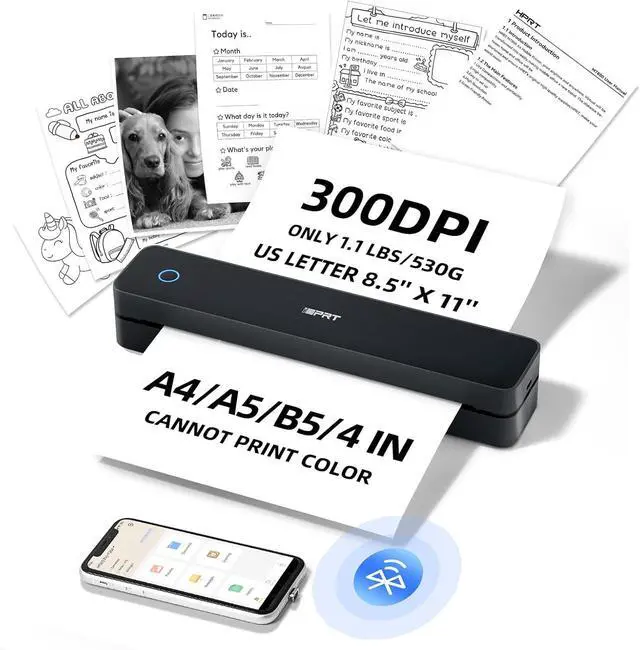
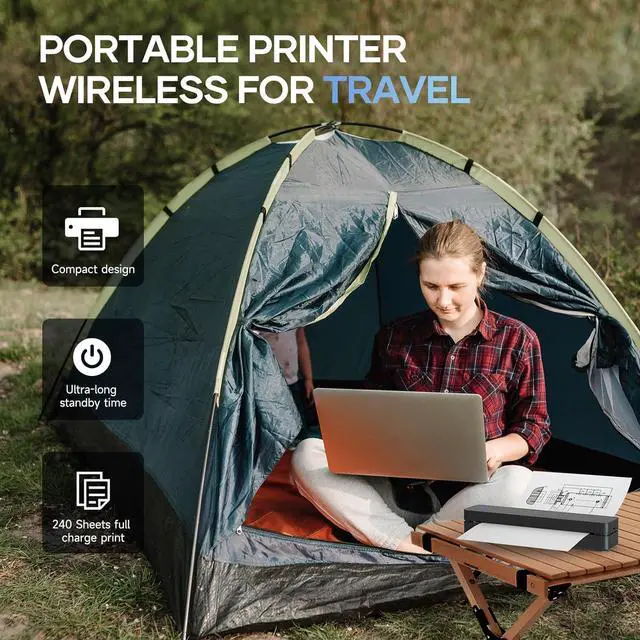
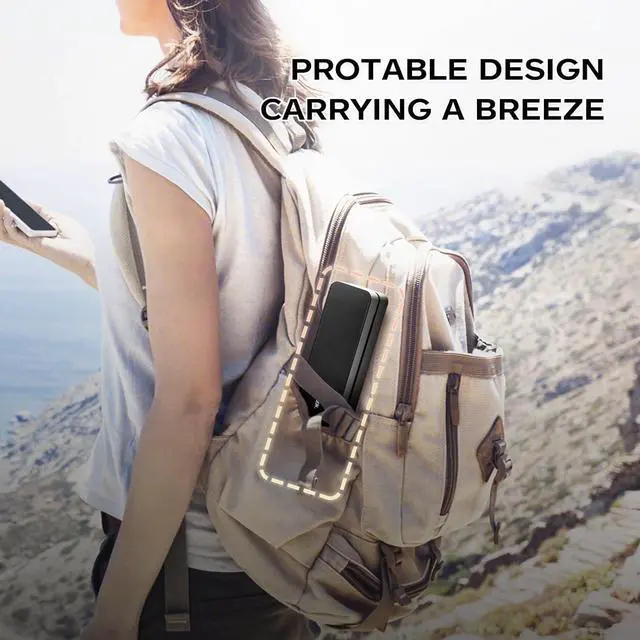
ULTRA-PORTABLE DESIGN: At only 1.1 lbs and 10.2 x 2.2 x 1.8 inch body size, this lightweight, compact printer is ideal for travel and on-the-go use, fitting easily into backpacks or briefcases
HIGH-QUALITY PRINTING & LONG-LASTING BATTERY: Experience crystal-clear printing with the MT610 Pro 300DPI portable travel printer. Equipped with 1 built-in 2000mAh batteries, it offers up to 4 hours of continuous printing and 360 sheets on a single charge
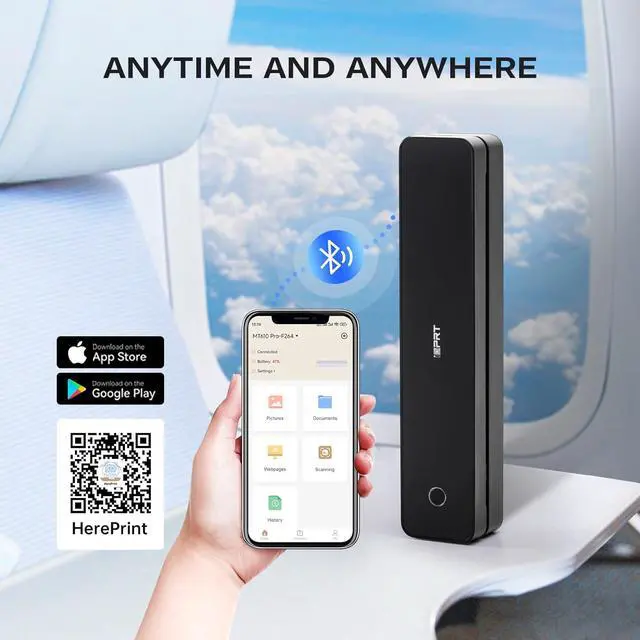
CELL PHONE START PRINT: Step
1: Download APP "HerePrint";
Step 2: Turn on the MT610 Pro and make a Bluetooth connection in the APP;
Step 3: Click the "+" sign to complete the device connection and select the file type to start print
PC STARTS PRINTING: Step
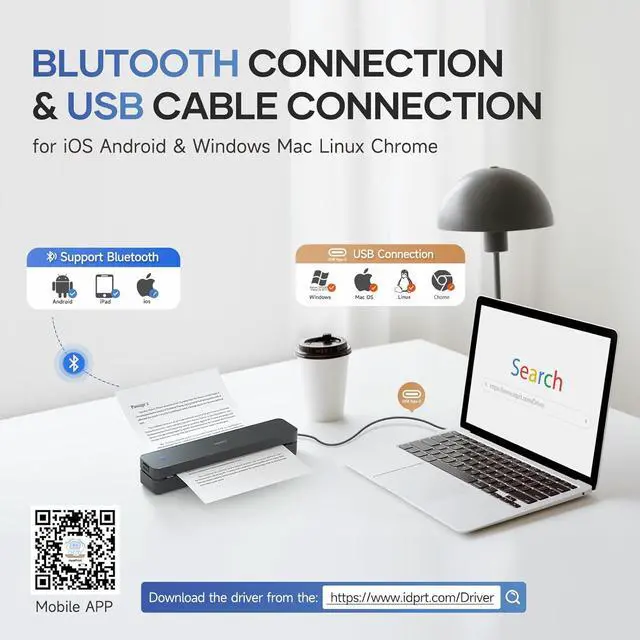
1: Use the USB cable to connect the MT610 Pro printer to your computer;
Step 2: Please download and install the MT610 Pro driver from the website;
Step 3: Select and open your document, and choose MT610 Pro-xxx in the printer list
MT610 Pro 300DPI Portable Thermal Printer Portable Printer Merchant Video Simple Connection, Easy Printing
MT610 Pro Portable Printer for Vehicles, Travel, Home, Office, School ect. 300DPI High Quality Print
How to connect your cell phone to print?
Step 1: Download APP "HerePrint".
Step 2: Turn on the MT610, turn on the Bluetooth of the cell phone and make a Bluetooth connection in the APP.
Step 3: Add MT610 printer with "+" sign in the upper right corner and start printing.
How to print from your computer?
Step 1: Download and install the driver from the website
Step 2: Turn on the MT610, use the USB cable to connect the MT610 printer to your computer.
Step 3: Select and open your document, and choose MT610 in the printer list.
Precautions for using the MT610 Pro thermal printer?
1. Your phone can't be connected by Bluetooth directly, you need to download the APP "HerePrint" to connect.
2. Desktop/laptop needs to use USB cable to connect and install the printer driver.
Does the MT610 Pro printer have paper included for printing?
Yes, the packing list contains 10 sheets of US letter
What you can do with the MT610 Pro?
The MT610 Portable Printer has a resolution of 300 DPI, and it can print patterns, text, forms, etc. on thermal paper with high quality. It can be used at home, office, outdoor travel, car and school.