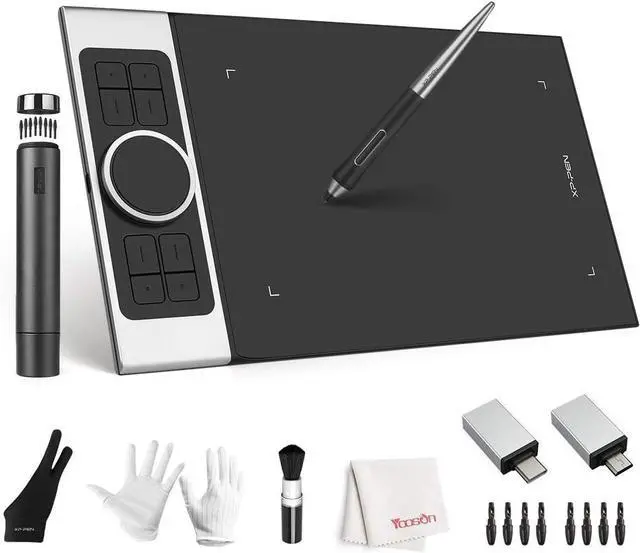
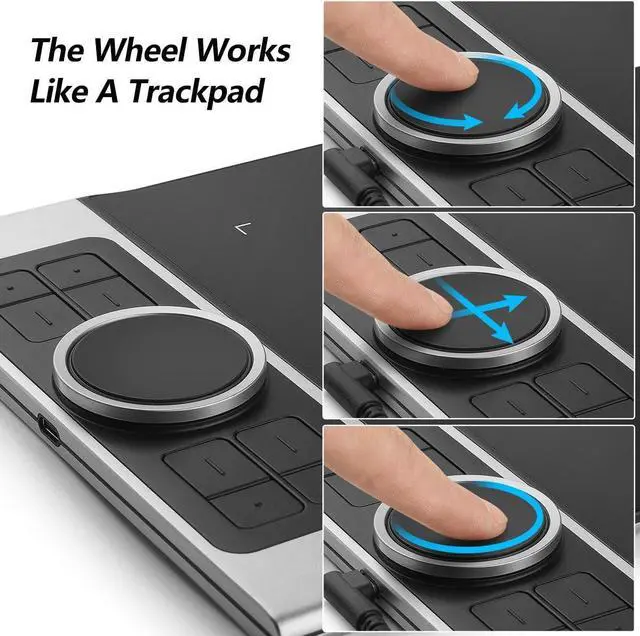
Deco pro m drawing tablet introducing the innovative combination of a double wheel design and trackpad functionality! With an enlarged wheel, you can effortlessly navigate and enhance precision. The outer mechanical wheel allows you to smoothly zoom in or out of your canvas, adjust brush size, and more. Meanwhile, the inner virtual wheel functions as a trackpad/mouse mode, enabling seamless scrolling and additional actions. By utilizing both wheels simultaneously and accessing 4 shortcuts without having to switch back and forth, you can maintain complete focus on your creative process and maximize efficiency.
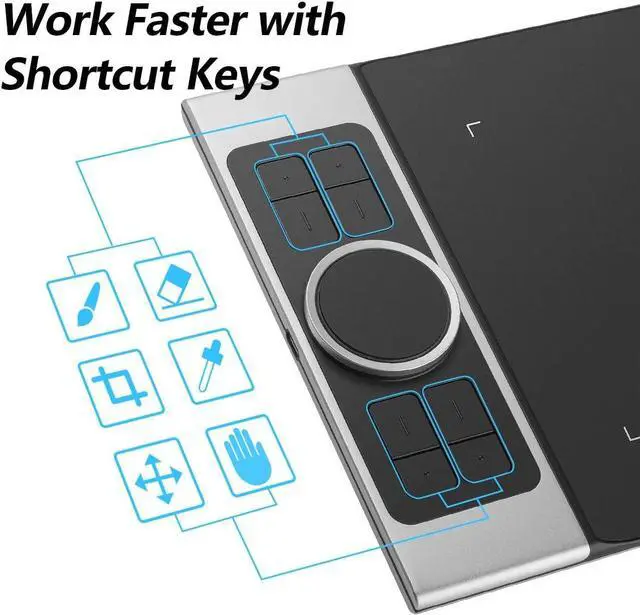
Customizable Express Keys: Deco pro m graphics drawing tablet Enhance your workflow and boost productivity with the 8 customizable express keys and 2 dial wheels on the side for short cuts like eraser, on the Deco Pro. These keys can be programmed to suit your specific needs, allowing you to access frequently used functions or shortcuts with a single touch. This deco pro m drawing tablet feature gives you complete control over your creative process, saving you valuable time and effort.
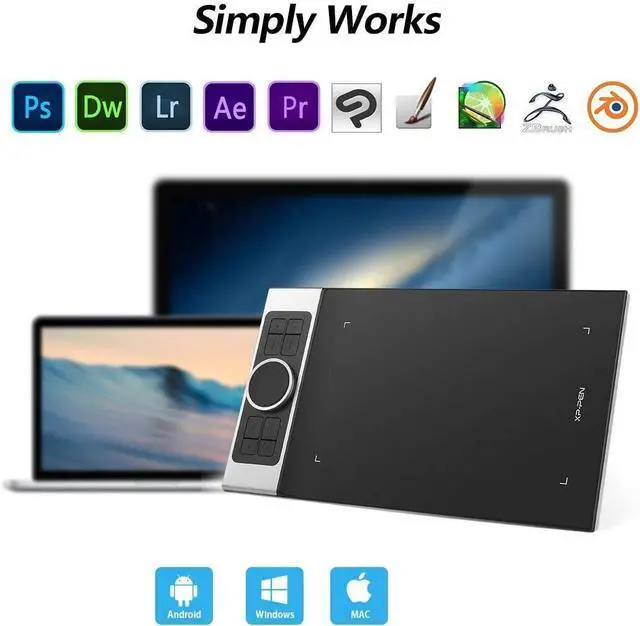
Compatible with Windows 10 / 8 / 7 and Mac OS 10.8. 0 / Android devices 6.0 or above; Driver program for the drawing tablet works with most of creative software such as Adobe Photoshop, Adobe Illustrator, Adobe Fireworks, Macromedia Flash, Comic Studio, SAI, Infinite Stratos, 3D MAX, Autodesk MAYA, Pixologic ZBrush and more. Deco pro m drawing tablet providing versatility and convenience for artists on the go. No matter which device you prefer to work with, the Deco Pro offers a smooth and seamless experience.
Deco Pro Medium Graphics Drawing Tablet
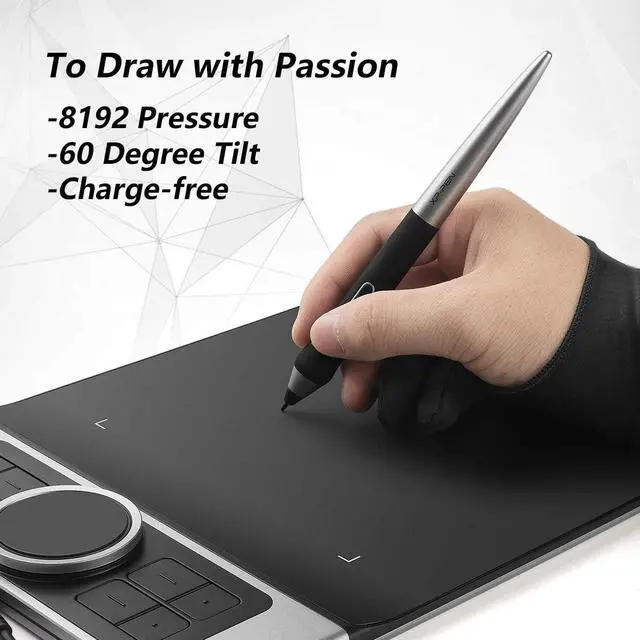
The newly-designed pen stylus supports 60 degree of tiltfunction that detects the way you hold the pen, adds new way to create;
8192 Level Of Pressure Sensitivity
Simply draw the lines of any width the correct pressapplied, the battery-free passive pen requires no charging at all;
Improved For Unparalleled Efficiency
New groundbreaking double wheel interface combines amechanical and virtual wheel that makes it possible to perform multipleactions with one hand, its easier and quicker than ever to capture, write, draw, and edit; The Deco Pro features 8 responsive shortcut keysand 2 dial wheels that can be programmed to many different softwareprograms, giving you instant access to specific functions for the taskat hand to expand your creative output.
Universality And Compatibility
The Deco Pro Series is compatible with Windows7/8/10, Linux (Detailed versions), Mac OS X 10.10 and above, Android 6.0 and above. Works with most major creative software including Photoshop, SAI, Painter, Illustrator, Clip Studio, GIMP, Medibang, Krita, FireAlpaca, Blender 3D and more.
Online Teaching/E-learning/Remote WorkE-Teaching
Teachers andstudents can create and explain interactive content visually by writing, editing, and annotating directly in files and sharing their screen inreal-time.
E-Meeting
The Deco Pro Mpen tablet allows you to start broadcasting for distance education orweb conferencing, entering an interactive classroom or meeting roomanytime, anywhere.
E-Learning
graphicstablets make your education journey much smoother and easier, and youreducation broadcasting more intuitive and attractive.
OTG Adapters Gadget The Deco Pro series supports connection with Android tablets andmobile phones. It works with most software such as, ibis Paint X, FlipaClip, Medibang, Autodesk Sketchbook, Zenbrush, Artrage, and more