• $199.98
  • Free 30-day Returns
  • Price alert
    Shop it at NeweggBusiness.

    Meet Your Seller

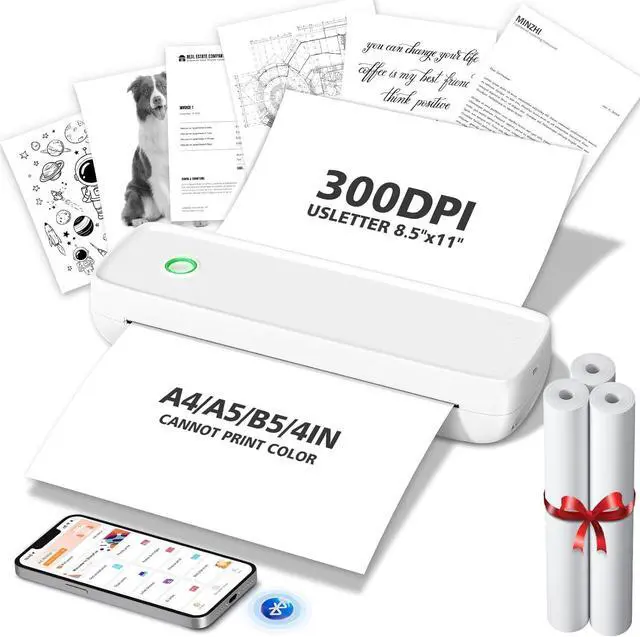
    Portable Thermal Printer,Wireless Printer Supports 8.5" X 11"US Letter&Legal,A4&A5 Paper,Bluetooth Inkless Travel Printer Compatible with Android iOS & Laptop for Office Travel Home

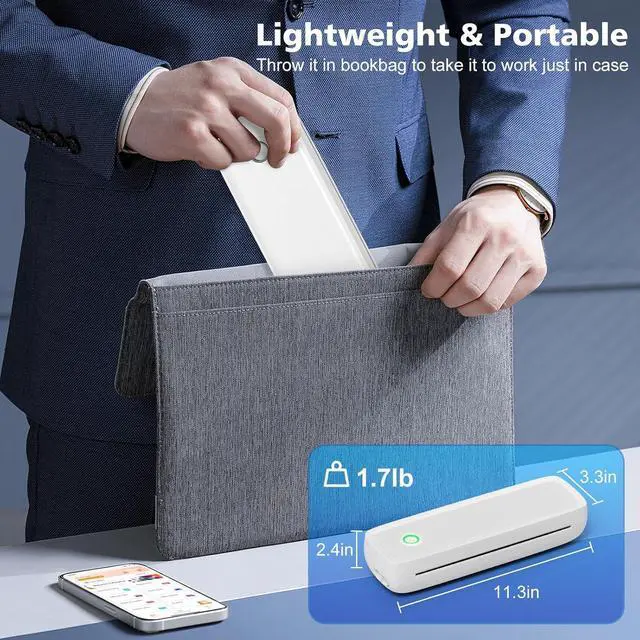
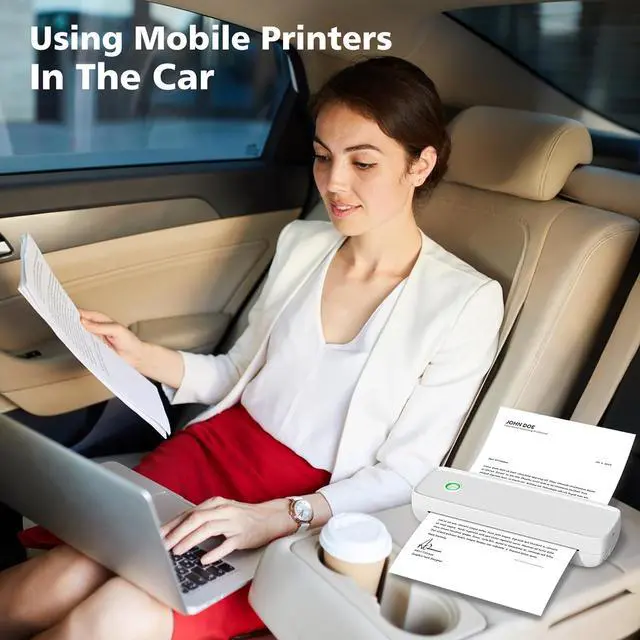
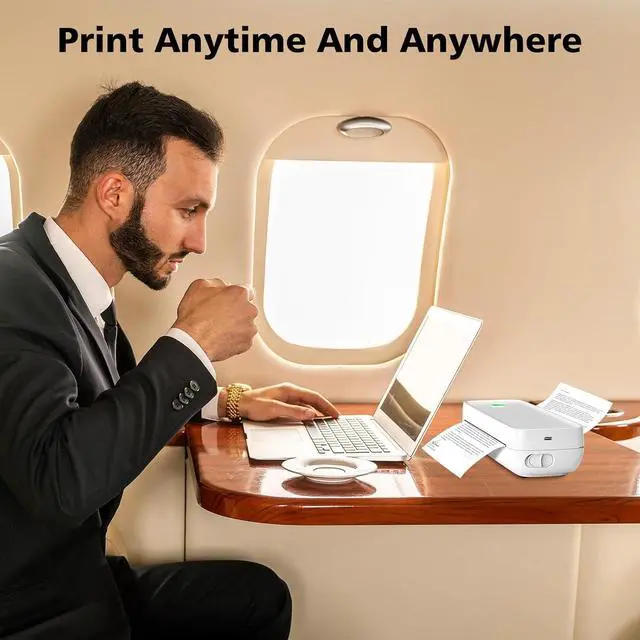
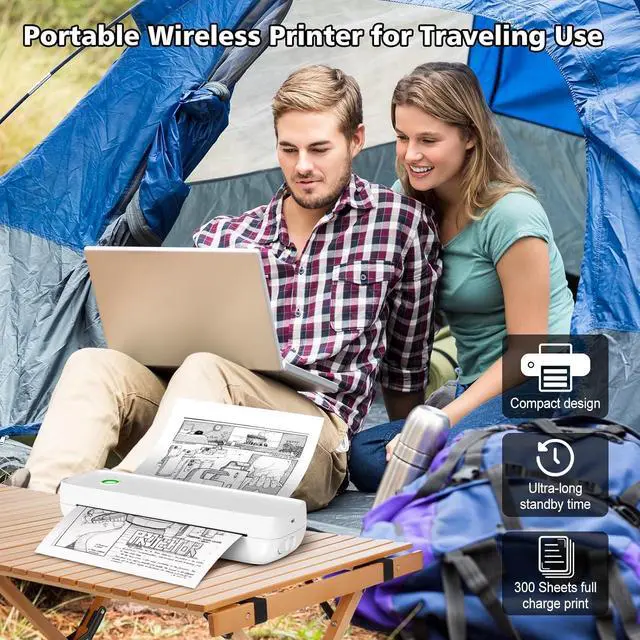
    • Portable Printer:This portable printers wireless for travel is compact and sensitive,weights only 1.7 pounds,about the size of two smartphones.You can easily put the travel printer in your briefcase and backpack and print it anytime and anywhere on the go
    • High Quality Printing (B&W):This portable thermal printer features a high-resolution printhead that allows you to print documents,custom labels,and black and white images in clear and professional quality
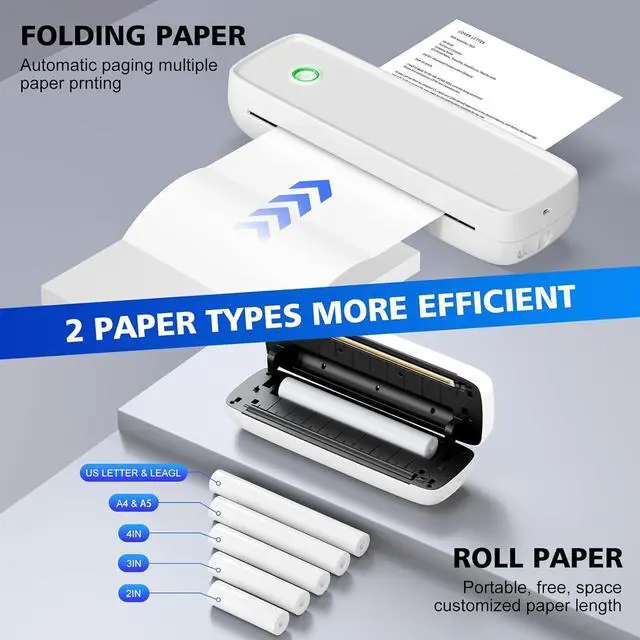
    • Cost-Effective Wireless Printer:This thermal printer uses thermal technology,no need to replace ink cartridges,no ink-related blockages and cleaning issues.Come with 3 roll thermal paper and resulting in substantial savings of hundreds of dollars per year
    +
    +
    Overview
    Specs
    Reviews
    avatar

    Any questions? Our AI beta will help you find out quickly.

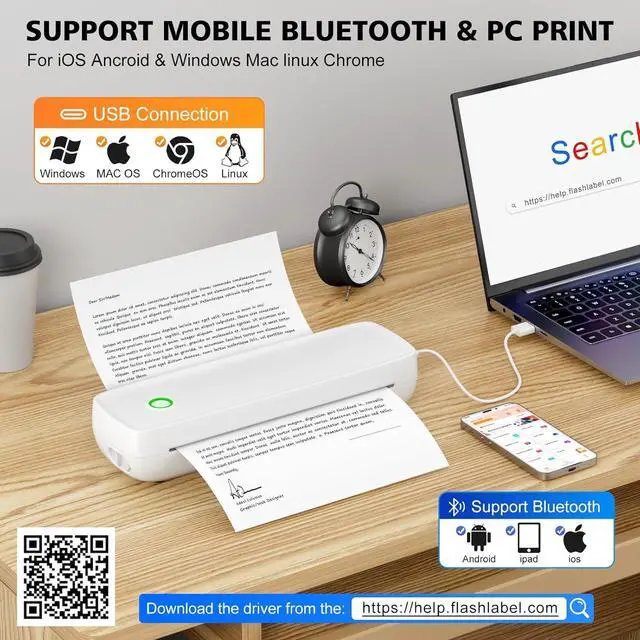
    Strong Compatibility: Portable wireless printer are compatible with a variety of operating systems and applications, including iOS, Android, and Windows. The inkless printer supports a variety of paper sizes, including but not limited to 8.5" x11" US Letter
    Printing Settings: The wireless portable printer supports Bluetooth and USB. Connect via
    Bluetooth on your phone: 1) Download "SharpFox" app. 2) Turn on the mobile printer. 3) Turn on Bluetooth and open the "SharpFox" app. 4) Add A80 device in the upper left corner of the app to establish a Bluetooth connection. For USB connection on PC, you need to install the driver from official website


    1
    outdoors
    2
    home
    3
    journey
    4
    construction site


    Blue light
    : Press and hold for 3 seconds to turn on, flashing blue light.
    Red light
    : No paper placed or low battery.
    Green light
    : Normal operation.
    (Note: When connecting to the computer with the data cable, it shows red when not turned on and blinks green when turned on)

    1
    APP 1
    2
    APP 2
    3
    APP 3
    1
    PC 1
    2
    PC 2
    3
    PC 3

    Warranty & Returns

    Warranty, Returns, And Additional Information

    Warranty

    • Please contact the Seller directly for warranty information. Warranty information may also be found on the Manufacturer's website.
    • CONTACT

    Return Policies

    Manufacturer Contact Info

    LOADING...