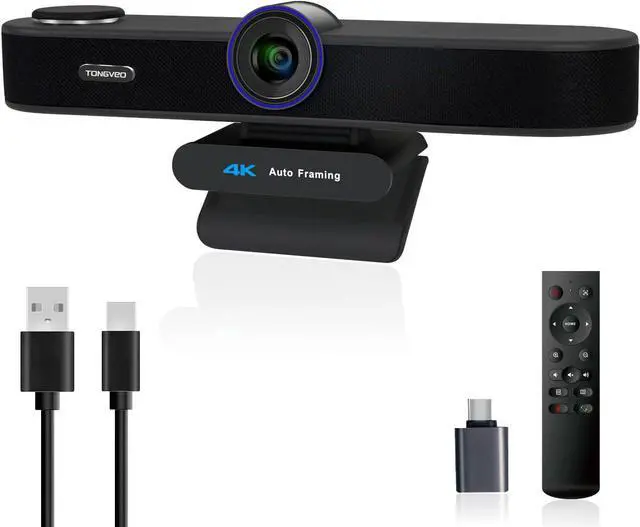
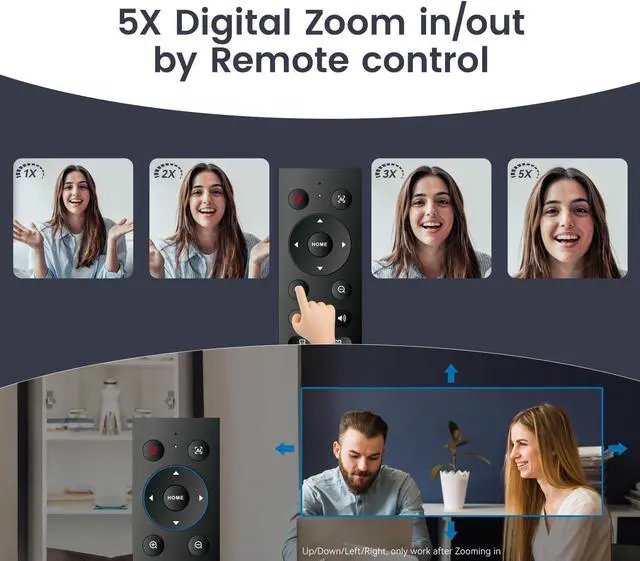
5x Digital Zoom & 3 Adjustable FOV ModesThe webcam 4K easily controls your video calls with the included remote, supports 5x digital zoom to zoom in or out, turn off the video, adjust the volume, left and right flip image, Mute the microphone etc. the FOV keys of the IR remote control can easily switch between 118° (wide), 100° (medium), and 88° (narrow) to perfect your view for group calls or solo presentations. you can adjust the most viewing satisfactory angle in video conferencing.
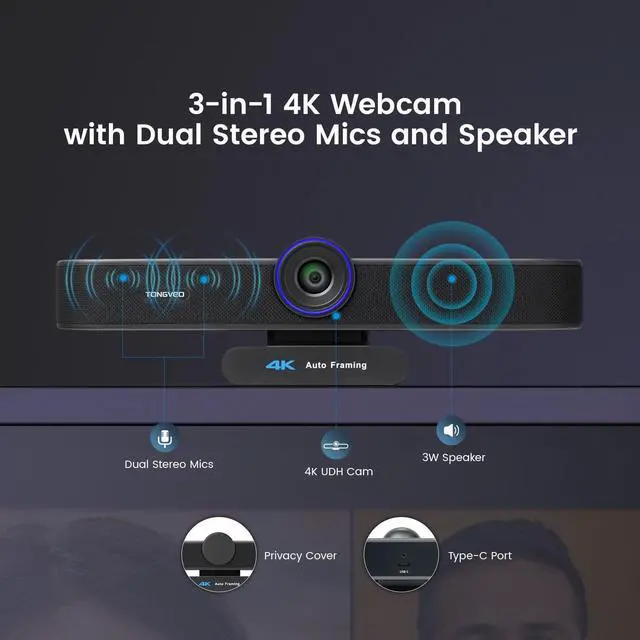
Built-in Dual Mics and SpeakerThe PC webcam built-in dual microphones and a 3W speaker, the 4K web Camera can be seen, be heard and speaking at same time, 360° omnidirectional mics with noise cancellation ensure that you get clear audio from every angle, effectively pick up voice up to 16.4 ft, and a speaker that you don't need to connect other audio equipment, and people at both ends of the video can always have a clear conversation
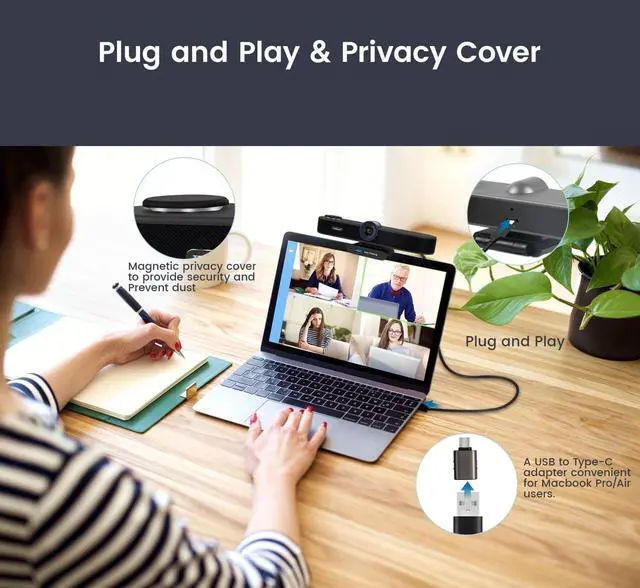
Plug and Play Webcam with Privacy CoverThis Zoomable webcam no need to drive and no need to plug in the power supply, just connect the USB cable to the computer to use the 4K webcam, the USB webcam with privacy cover to provide security, It also helps to protect the lens from dirt and debris, It can attached to the left side of the webcam lens
Widely CompatibleThe 4K webcam works with USB 2.0 / 3.0, no additional drivers required, compatible with Windows 7/8/10/11 and Mac OS etc, works with current popular video/meeting software, such as Zoom, Teams, WebEx, Facebook, Youtube, Teams, TikTok, etc, The 4K webcam is provided Technical Support, any question will be answered within 24 hours
3-in-1 5X Digital Zoom 4K Webcam with Microphones and Speaker 4K Webcam Merchant Video 5X Digital Zoom 4K Webcam with Microphones and Speaker
1
3-in-One Design
2
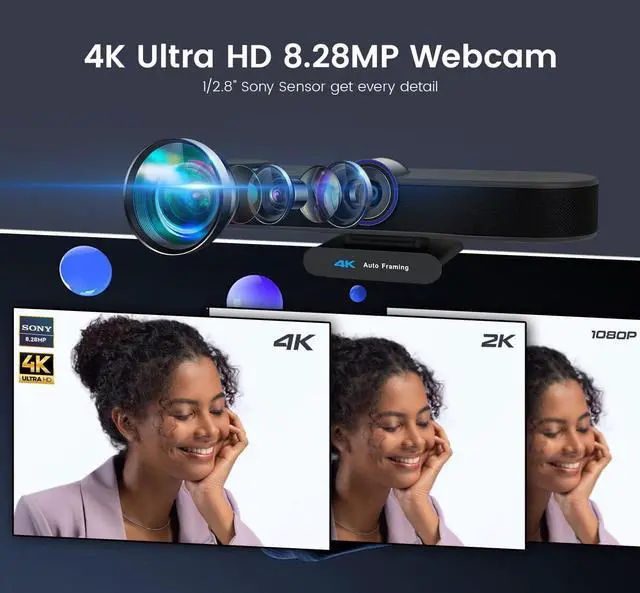
4K Ultra HD
3
5x Digital Zoom
4
USB Plug and Play
5
Wide Compatibility
Clear Voice pick-upBuilt-in Dual Noise-Cancelling Microphones Pick-up voice distance 16.8 ft
1
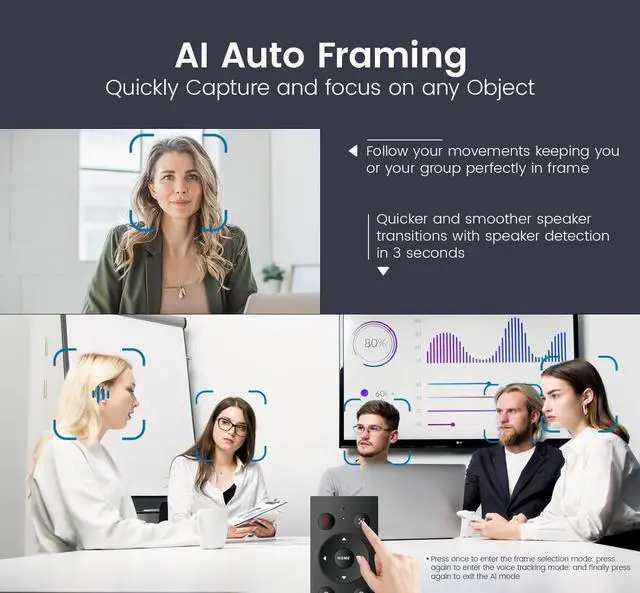
Auto Framing Voice Track
2
3 Adjustable FOV Modes
3
IR Remote Control
4
16.8 ft Voice pick-up
True Using Scenes