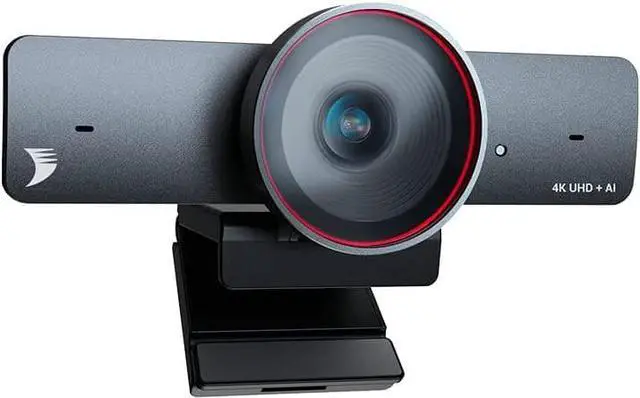
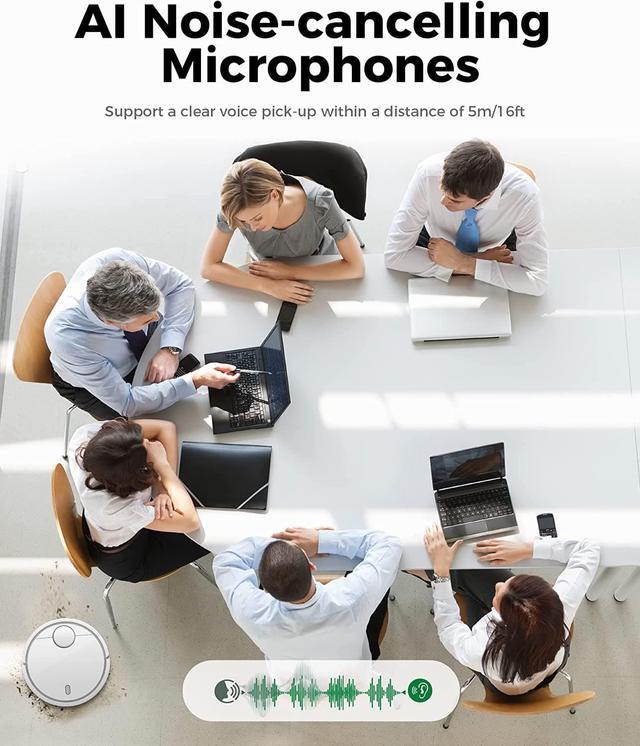
AI Noise-Canceling Mics: FOCUS 210 webcam has built-in dual AI noise-canceling mics to filter out wind noise, keyboard typing, and other environmental noises. It allows a straightforward voice pickup within a distance of up to 5m/16ft to ensure everyone can be heard.
Fully Certified & First-Class Service: We offer a 2-year warranty, 24/7 global service, and support. All of our products are FCC and CE-certified. A sound quality management system ensures professional-grade products. The app is also provided for AI tracking and video configuration. (Download on our official site or contact our tech support)
Soild Privacy Cover: We pay close attention to our customer's privacy. Use the attached lens cover to guard your privacy effectively, and protect the camera lens from dirt and debris when not in use.
Universal Compatibility & Easy to Use: Clip the webcam onto your laptop or computer, just plug and play. Start your video conference readily on Zoom, Teams, Skype, BlueJeans, Cisco Webex, Google Meet, GoTo Meeting, etc.
No Additional Cost: You pay nothing for repairs parts, labor, and shipping included.
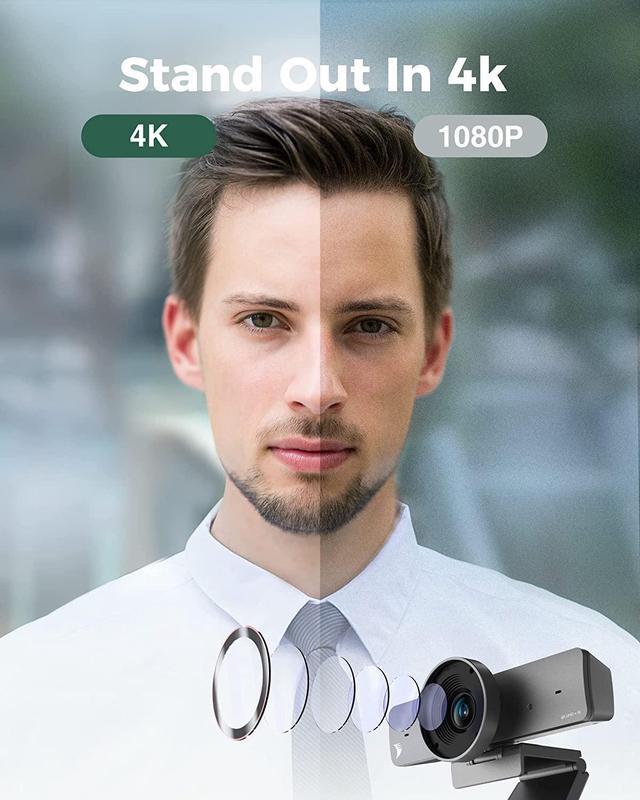
Focus 210: Bring You to the Ultra-HD 4K & AI Powered Meeting
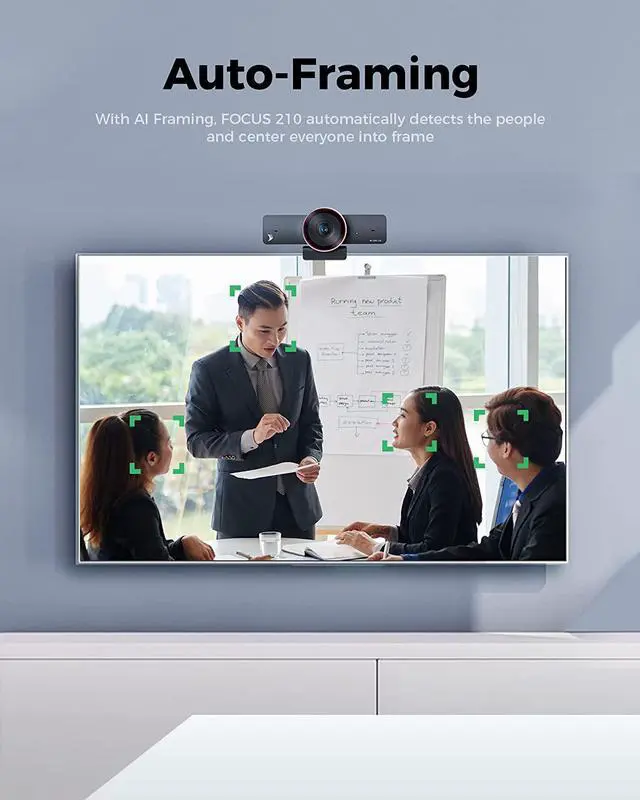
Fit Everyone into FrameWith AI Framing
, it automatically detects the people and center everyone into frame.
Dual AI Noise-Cancelling MicsSupport a clear voice pick up within the distance up to 5m/16ft
to ensure everyone could be heard.
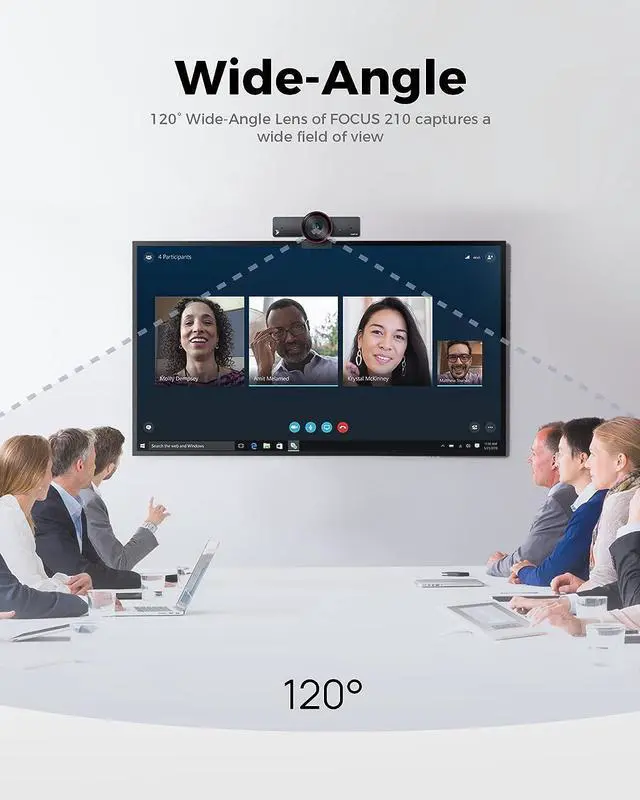
120° Wide-Angle LensAccurate and clear capture of your movement and muscle lines in a 120° wide field of view
Track Your Steps as You MoveThe camera can automatically follow you in real-time and ensure your image remains in the center.
Zoom In or Out As You WantYou can adjust its field of view to be more narrow or wide to just focus on what you want
1
AI Framing
2
AI Noise-Cancelling
3
120° Field of View
4
AI Presenter Tracking
5
8x Digital Zoom
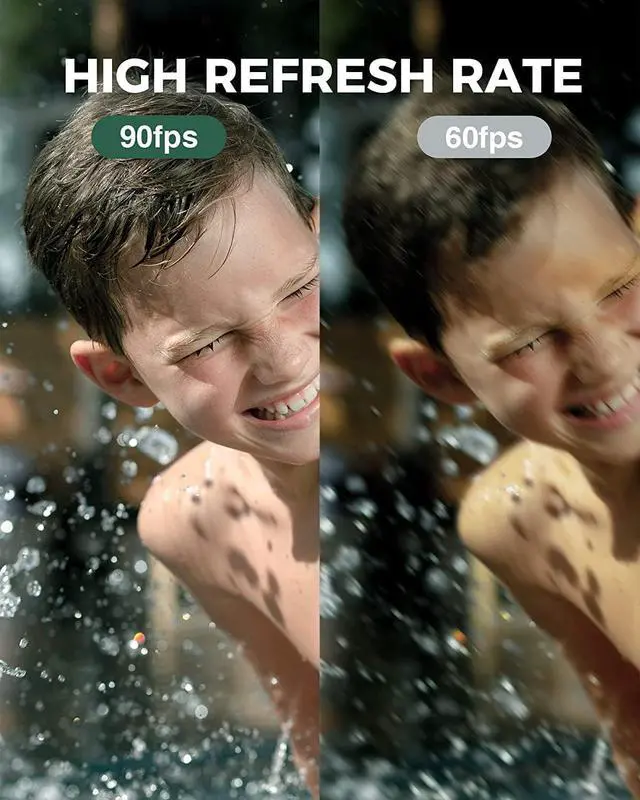
APP Control With the app control, you can adjust angle, fps, brightness, hue, contrast, saturation
.
We sincerely recommend you using the latest version of our APP to imporve overall functions and significant features of webcam, which will provide you with a more premium using experience when use it.
How can I upgrade the camera to the latest version? Firstly please download the FOCUS App and latest firmware at homepage. After install the App on computer, run it and open Support menu, then click Upgrade button to upload the firmware file.
The camera could be selected on application software but has no video output, how to check? Please check if the camera has been occupied by another application software. For example, if the camera is previewed at FOCUS App, then 3rd party application like OBS or Zoom can not access the camera video.
Do I need to download any driver to use this camera? No, the camera doesnt need any driver. However, its highly recommended to download the FOCUS App and latest firmware at homepage to make full use of its functions.
What is presenter tracking and how can I use it? Presenter Tracking automatically detects and tracks the presenter, who stands to present or naturally move on the stage. To use it, you can open the FOCUS App and select Presenter Tracking in the setting of Tracking Mode.
There is a system error MSVCP140. dll is Missing or 0xc00007b the application was unable to start, how to solve? The error code represents that there is something corrupted within your Windows files or a DLL file from your application files is missing. Please download the DLL file to fix the issue.