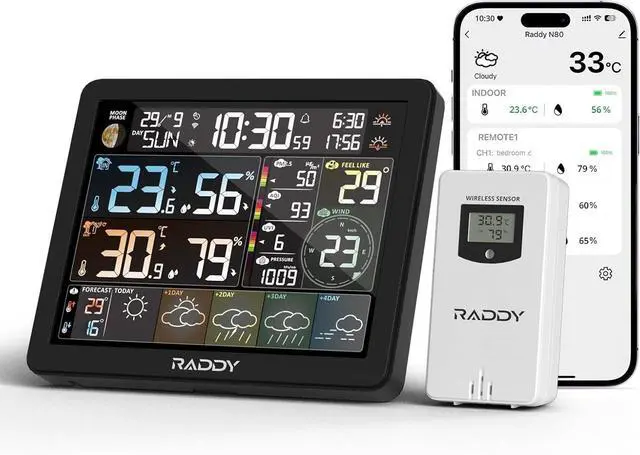
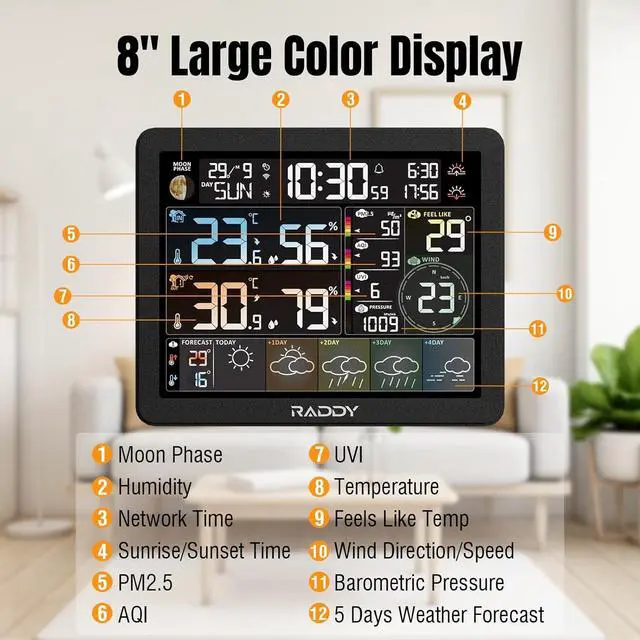
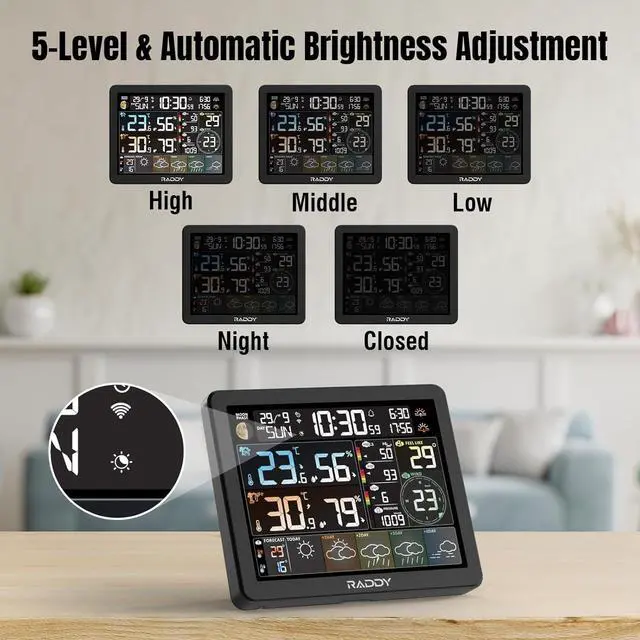
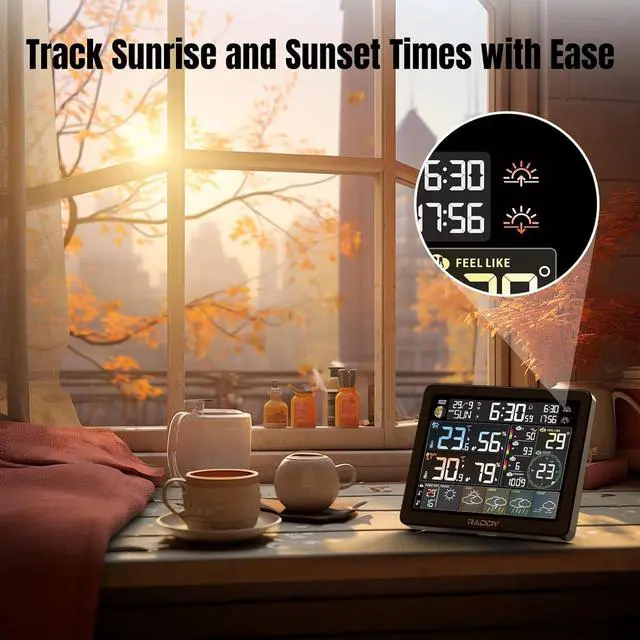
Advanced Backlight Control: Experience clear visibility with five backlight levels and automatic light sensing. Whether wall-mounted or placed on a tabletop, the N80 adapts to your environment for optimal readability
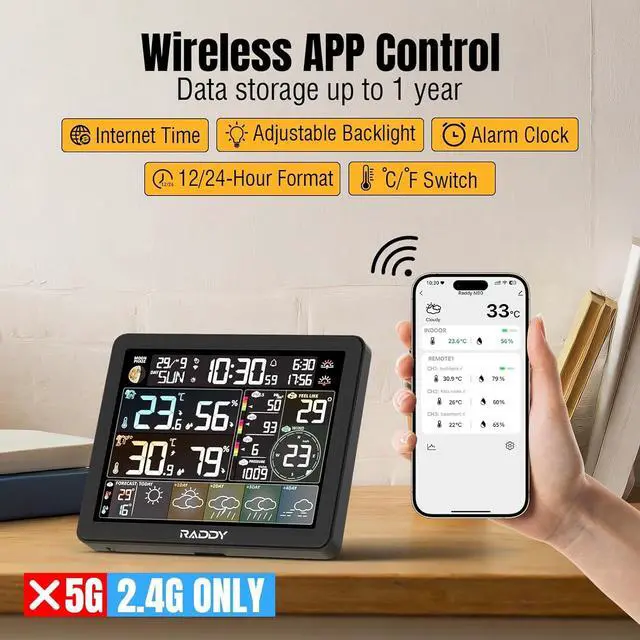
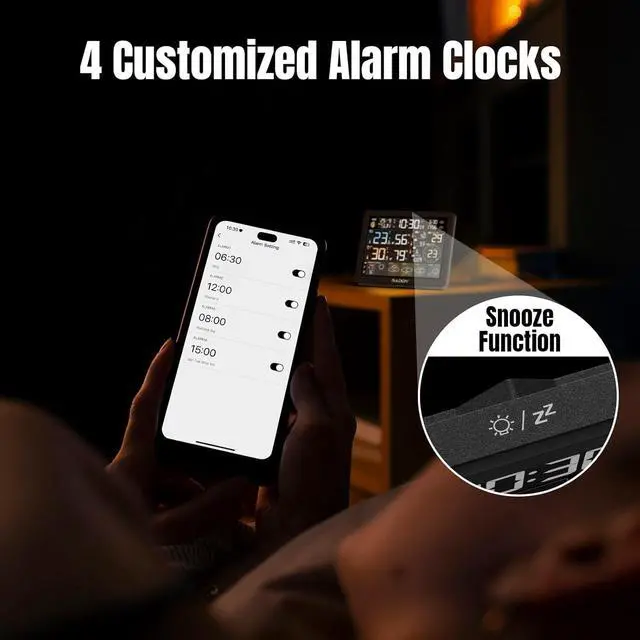
Four Customizable Alarms: Set up to four alarms tailored to your schedule, complete with a convenient snooze function. Stay on track with personalized alerts, ensuring you never miss an important task or event
How to Connect1. Download the
Tuya App: Search for "Tuya" in the App Store or Google Play, install it, register an account, and log in.
2. Power On the
Device: Connect the power adapter to the main unit. It will turn on and emit a BEEP. After 3 seconds, the device enters Wi-Fi pairing mode, displaying "AP 01. " If it doesnt enter pairing mode, press and hold the button for 3 seconds to start pairing manually.
3. Add the Device in the
App: Open the Tuya app, tap the + icon in the top right, and select "Add Device. " The app will automatically detect the Weather Station; select it from the list.
4. Complete the
Pairing: Follow the prompts to enter your Wi-Fi network name and password, then tap "Finish" once pairing is complete.
5.
Successful Connection: The Weather Station is now connected to the Tuya app.
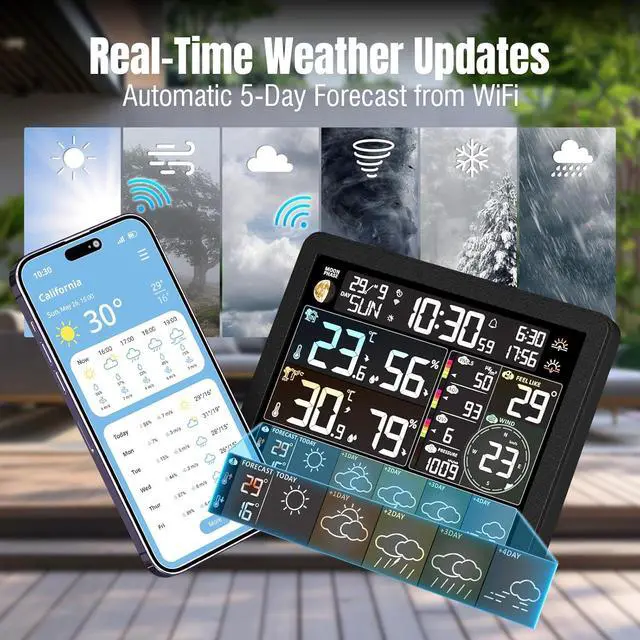
Network TimeEnsure your weather station displays the correct time by synchronizing with the network, eliminating the need for manual adjustments.
Specifications
APP Connectivity
Work with 2.4G Wi-Fi
Time Format
12/24H
Humidity Range
1%RH ~ 99%RH
Indoor Temperature Range
-10°C (14°F) ~ 50°C (122°F)
Outdoor Temperature Range
-40°C (-40°F) ~ 70°C (158°F)
Backlight Level
High/Middle/Low/Night/Closed
Data Transmission Frequency
433 MHz
Protection Class
IPX4
Display Console
2 x AAA batteries (not included)
Adapter
DC 5V, 1A
Remote Sensor
2 x AA batteries (not included) Whats in the box?
1 x N80 Weather Station
1 x Remote Sensor
1 x DC Cable with Adapter
1 x User Manual