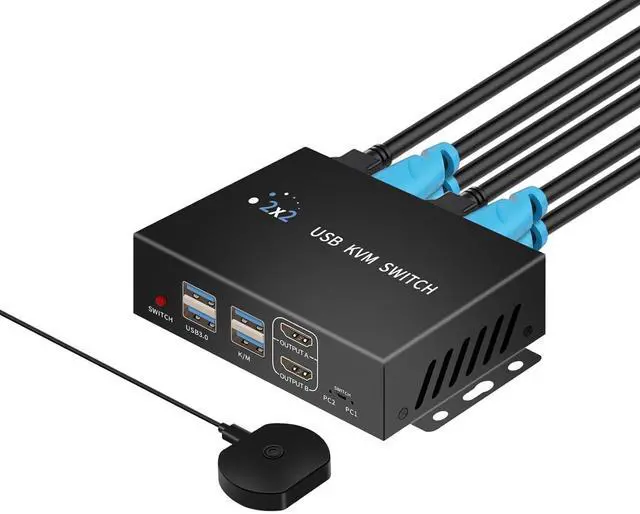
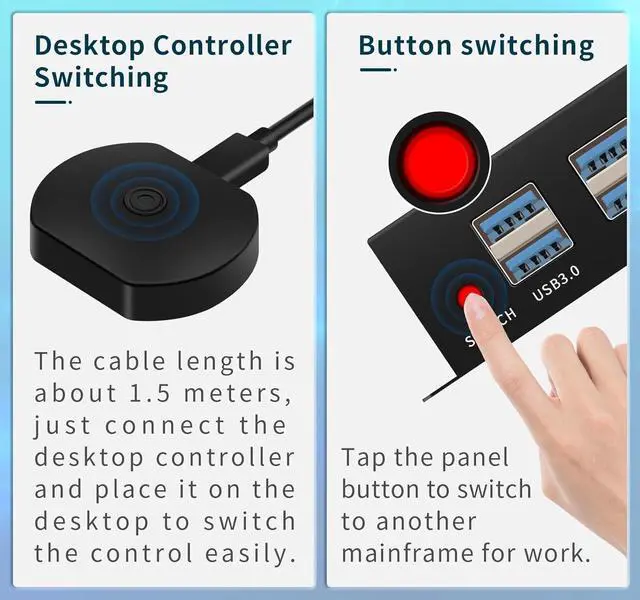
2 Kinds of Switching MethodsThis dual monitor kvm switch has 2 kinds of switching methods: button switching and desktop controller switching, switching two signal sources with one key. Using the desktop controller to switch the switch host and related cables can be stowed farther away from the desktop, the desktop is more clean and tidy. Both switching mode switch response time in 2-5 seconds, if only connected to the USB part of the second cut. This model does not support keyboard hotkey switching.
Both KVM switch and usb switcher 2 computers Use if you do not need to share the monitor, not connected to the HDMI part of the cable he is a USB switch, you can share 4 USB devices 2 computers, mouse keyboard switch to use. At the same time, you can also not connect the USB kvm part as HDMI switch use.
Stable workingdual monitor kvm switch has an external power supply design and comes with a 5V 2A USB charging cable, when connecting the hard disk and other high-power USB devices externally, please connect the external power supply due to the small current provided by the computer USB port itself.
Note: Adapter is not included in the kit.
Note: 1, If you are connecting to a typecUSB-C output source, such as a laptop, please use a high-quality typecUSB-C to HDMI converter from a well-known brand, ordinary converters may have compatibility issues; 2, HDMI cables are not included in the package, you need to prepare 6 HDMI cables.
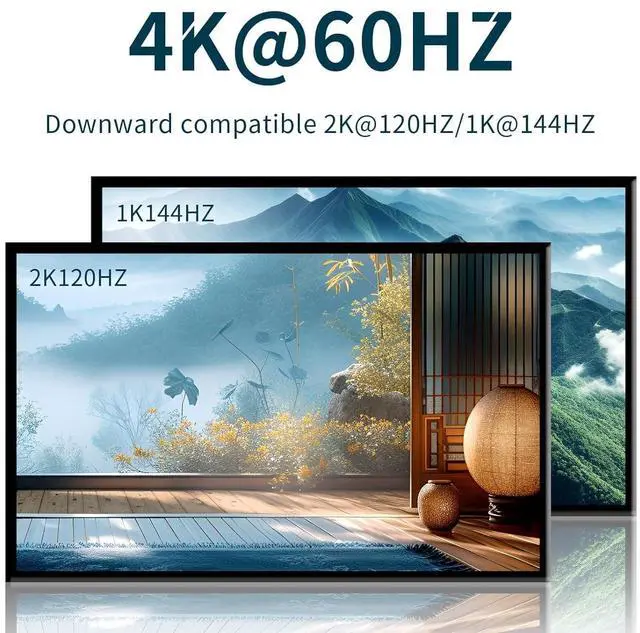
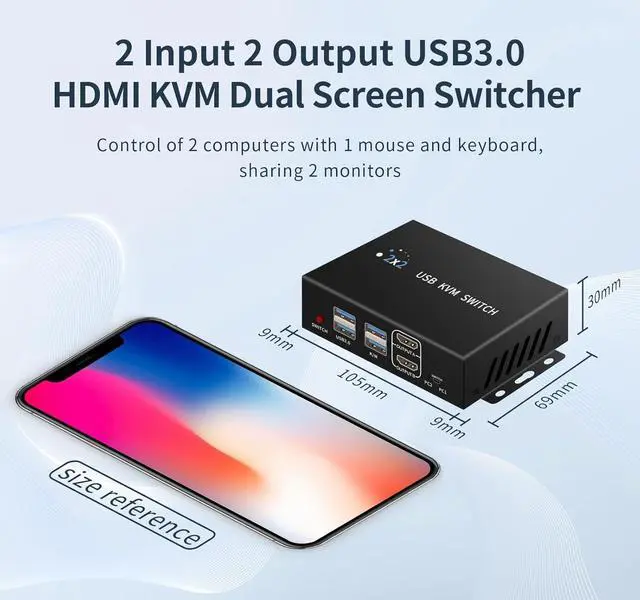
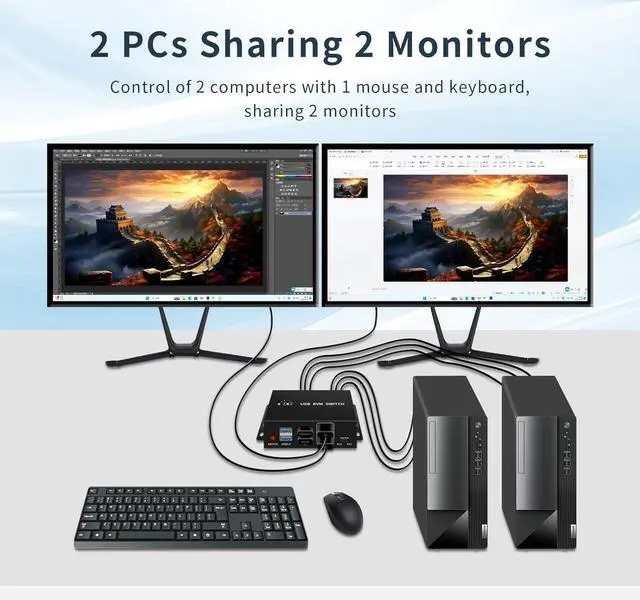
kvm switch 2 monitors 2 computers, monitor switch for 2 computers. This HDMI KVM switcher allows 2 computers to be switched to share 2 4K@60HZ monitor and 4 USB 3.0 devices, mouse and keyboard and printers and scanners, etc. It also provides 2 ways of switching: desktop controller and push-button switch. Hotkey switching is not supported.
Replication mode and extension mode The HDMI KVM Switch supports 1 computer connected to 2 monitors, duplicate
mode: displaying the same screen; extended mode: displaying different screens; and sharing a set of USB devices and a mouse and keyboard.
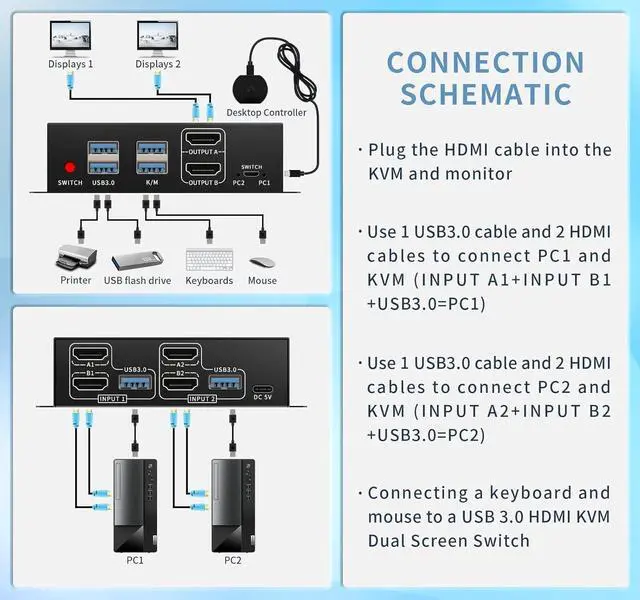
Note: Each computer needs to have 2 HDMI port outputs to realize dual-screen display.
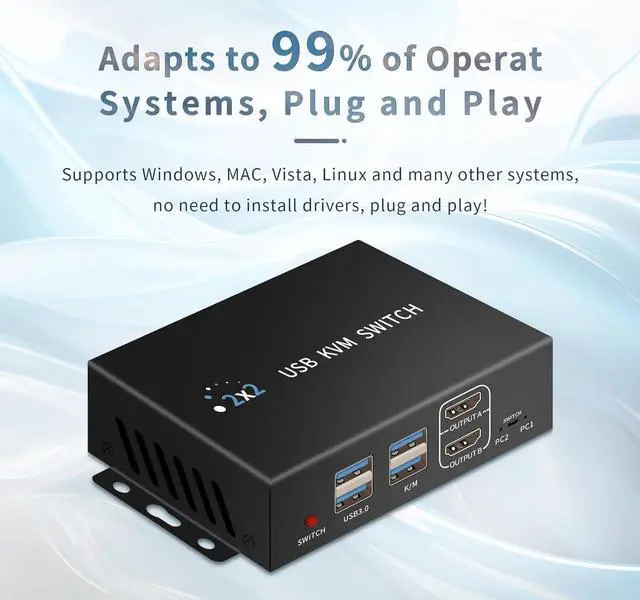
Wide operating system compatibility The KVM switch is compatible with W 7/8/10/11P, Linux, Ma and other systems. It also supports a variety of input and display devices. It is important to note that KVM is just a switch and requires the host computer and monitor to support the appropriate settings in order to be realized!
Simple Connection Each computer requires 2 HDMI cables and 1 USB cable to connect to the HDMI KVM switch, please connect the HDMI and USB pairs to the same host computer. Connect the 5V power cord and desktop controller.
Note: The HDMI cable and USB adapter are not included in the KVM switch kit.
Both KVM switch and usb 3.0 switcher 2 computers This kvm switcher has two switching methods: key switching and desktop controller switching. When switching with the desktop controller, you can keep the switch and cables away from your desktop instead of on it, so it stays clean and tidy.
kvm switch hdmi, usb kvm switch 2 computers
Desktop Controller Switching This kvm switcher has two switching methods: key switching and desktop controller switching. When switching with the desktop controller, you can keep the switch and cables away from your desktop instead of on it, so it stays clean and tidy.
kvm switches, computer switch for 2 computers
Accessories in the package We provide 2 x 3.3FT A-A USB 3.0 cables, 1 x 4.9FT meter desktop controller, 1 x 3.3FT USB power cable, you need to prepare 6 HDMI cables for successful connection and use. Please prepare 5V 2A USB adapter if necessary.
kvm switch, kvm switch 1 monitors 2 computers, kvm switch 2 monitors 2 computers,