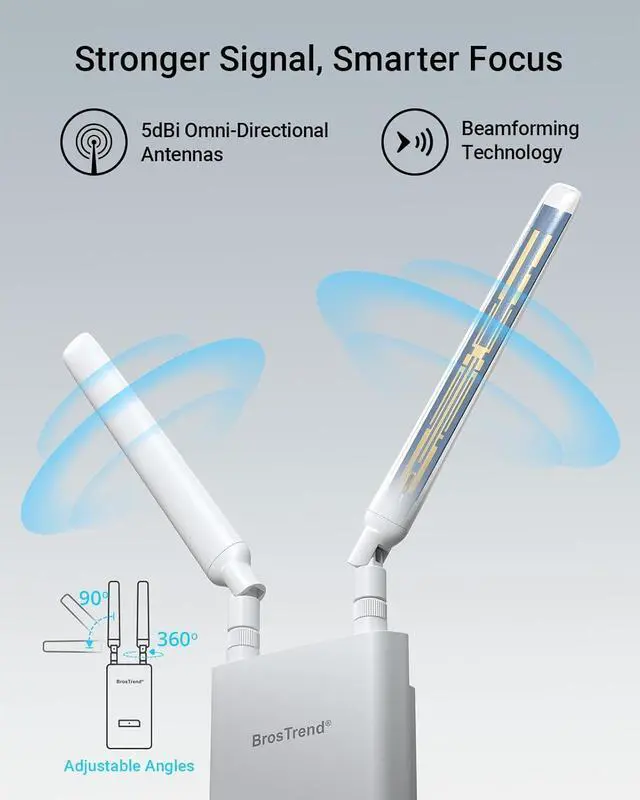
Stronger Signal, Smarter
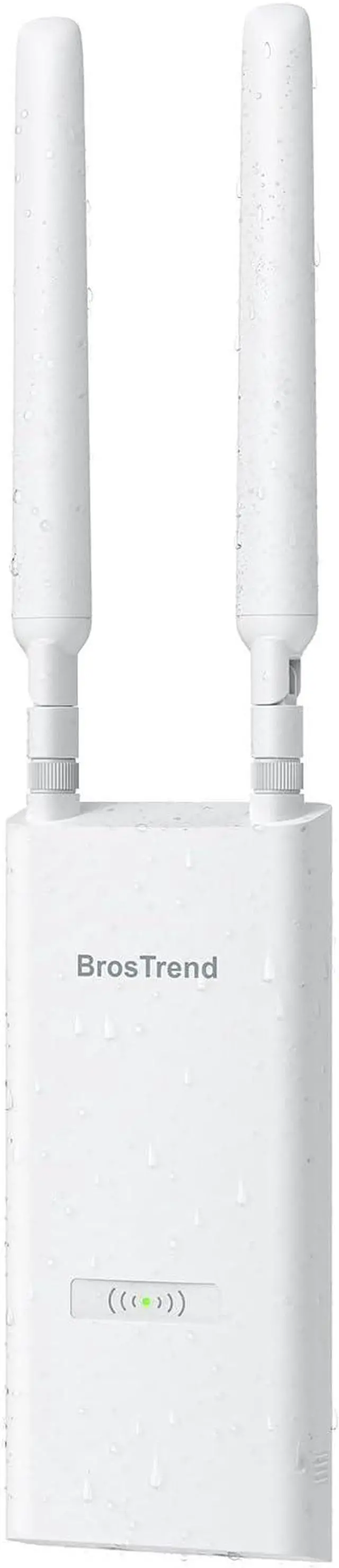
Focus: Two adjustable 5 dBi omni-directional antennas combined with Beamforming technology extend coverage and direct more powerful, consistent signals from your access point to devices across outdoor spaces
Gigabit Ethernet,
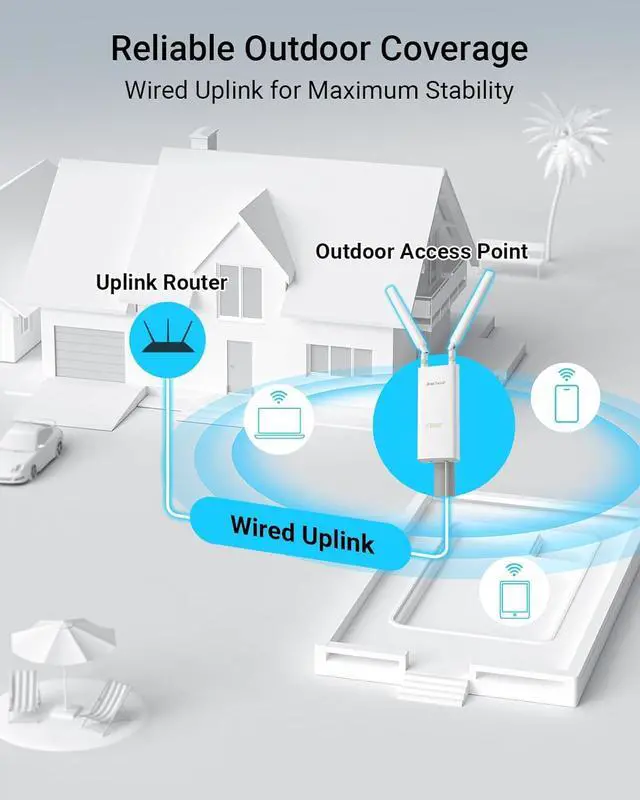
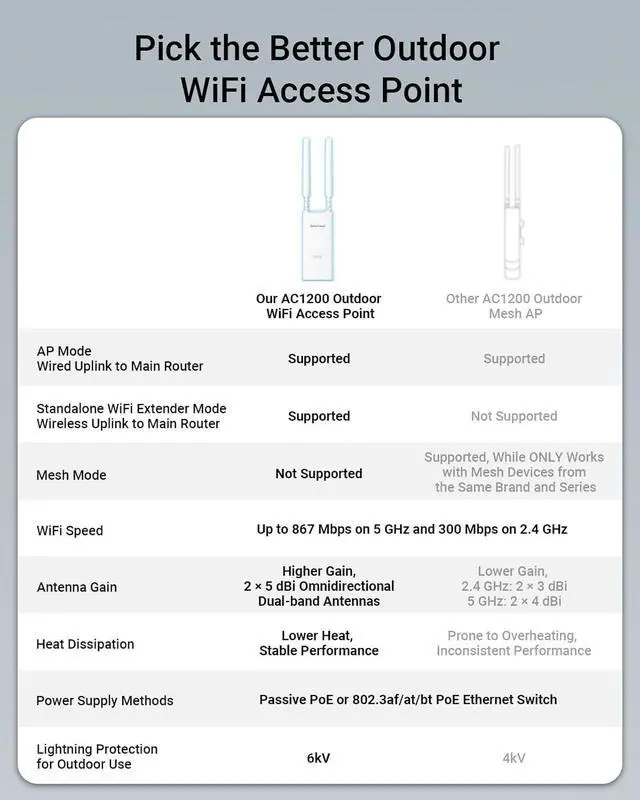
PoE Support: Featuring a 1000 Mbps Ethernet port, the WiFi access point is powered by a single Ethernet cableno nearby power outlet needed. Use the included Passive PoE injector (up to 164 ft) or a standard 802.3 af/at/bt PoE switch (up to 263 ft)
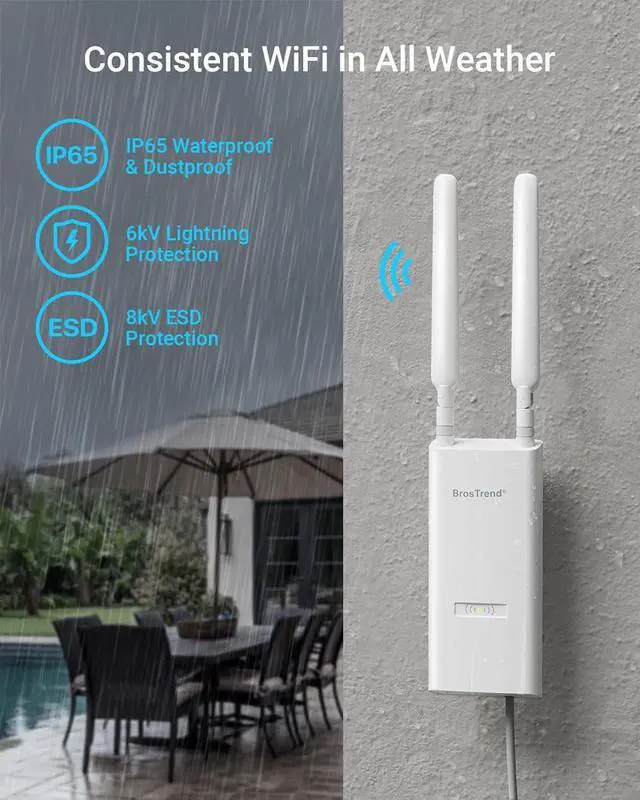
Installation Requirement: For outdoor installations, we recommend using qualified Cat5e or higher outdoor PoE-compatible Ethernet cables that are waterproof, shielded, UV-resistant, and capable of withstanding both high and low temperatures
AC1200 Outdoor WiFi Access Point Merchant Video 1
Wired for Fast WiFi
2
Stay Connected
3
Secure Outdoor WiFi
4
Standalone Extender
1
What's in the Box
2
Specification
Quick Setup, Reliable ConnectionStep 1Connect to the Default Network of the Outdoor WiFi Access PointPower the outdoor WiFi access point with the included PoE injector or a standard PoE switch, then connect to its default WiFi network (_EXT or _5GEXT
) with your smartphone or laptop.
Step 2Customize Your Outdoor NetworkOpen a web browser, log into the AP's web interface, select the Access Point Mode, and follow the on-screen instructions to customize your outdoor network.
Step 3Connect the Access Point to the Internet and Relocate ItPower and connect the AP using either the included passive PoE injector (up to 164ft) or an Internet-enabled standard PoE switch (up to 263ft), both via Cat5e or higher Ethernet cables. Once online, relocate the unit outdoors and connect your devices to the WiFi network. IMPORTANT
: For outdoor use, be sure to use PoE-compatible Ethernet cables that are waterproof, shielded, UV-resistant, and temperature-resistant
to ensure safe and reliable performance.