shipping Holiday Shipping Details & Extended Holiday Returns
  • $176.46
  • Free 30-day Returns
  • Price alert
    Shop it at NeweggBusiness.

    Meet Your Seller

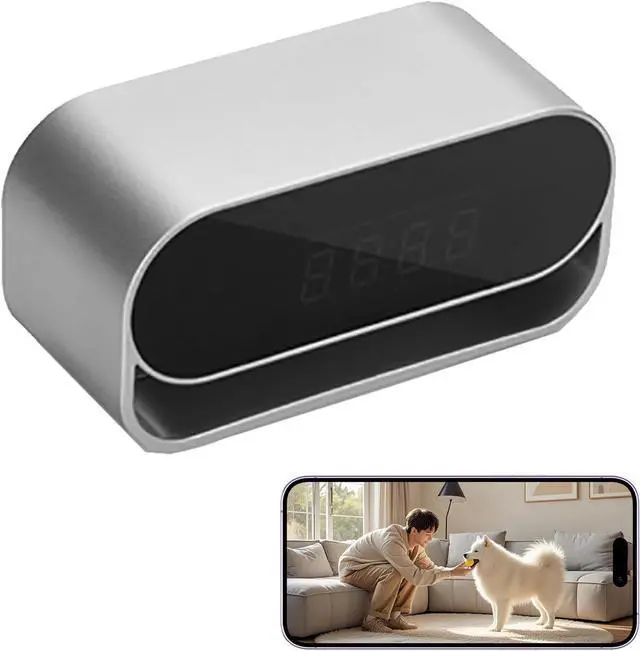
    4K Clock Camera Mini Wi Cam with Night Vision Wireless Smart Clock Security Pet Monitor Support App Remote & Motion Detection -No Audio

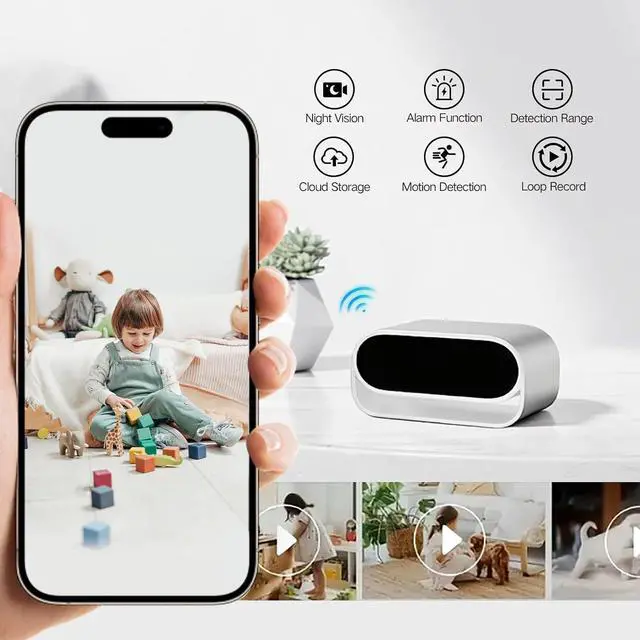
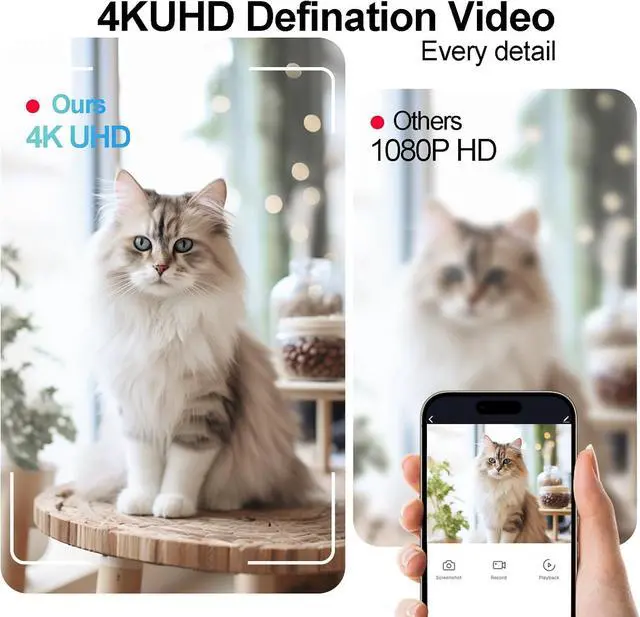
    • Clear 4k image (no audio): Enjoy 4k image with 110-degree wide view angle, providing sharp and detailed visuals directly to your mobile device. Provide night vision, can take clearly images even in darkness. (No Audio)
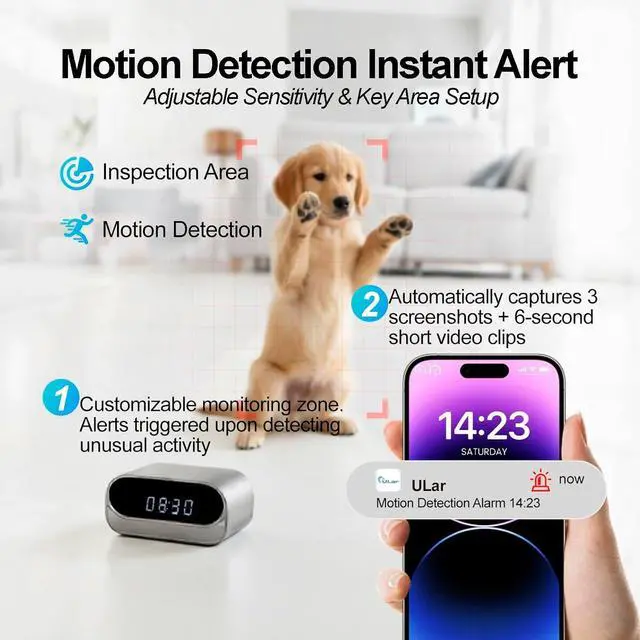
    • Motion Detection: With improved algorithms to reduce false alarms, and you can adjust the motion zone, When motion is detected, the camera clock sends instant alerts and clips to your phone.
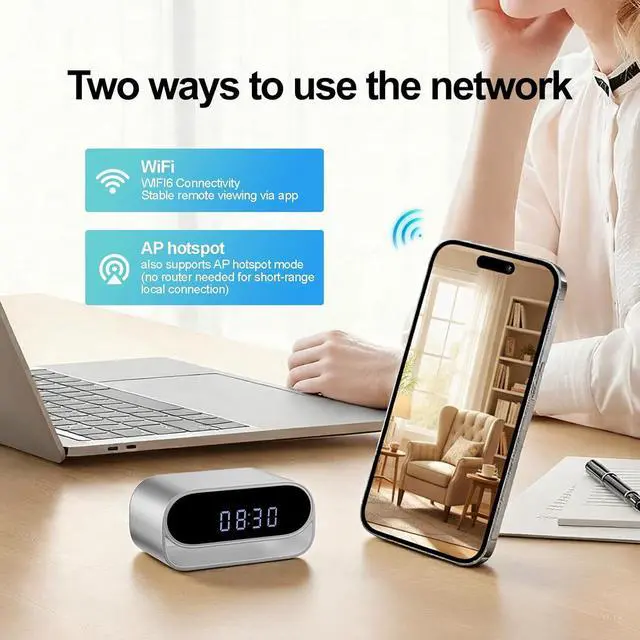
    • The camera supports 2.4G Wi6 for reliable router connectionno frequent disconnections. When the Wi is connecting, you can remotely view the image, adjust IR/indicator lights, and we also support multi-device simultaneous viewing (share with family). If theres no internet, use AP hotspot mode to connect directly via your phone for local short distance monitoring.
    +
    +
    Overview
    Reviews
    avatar

    Any questions? Our AI beta will help you find out quickly.

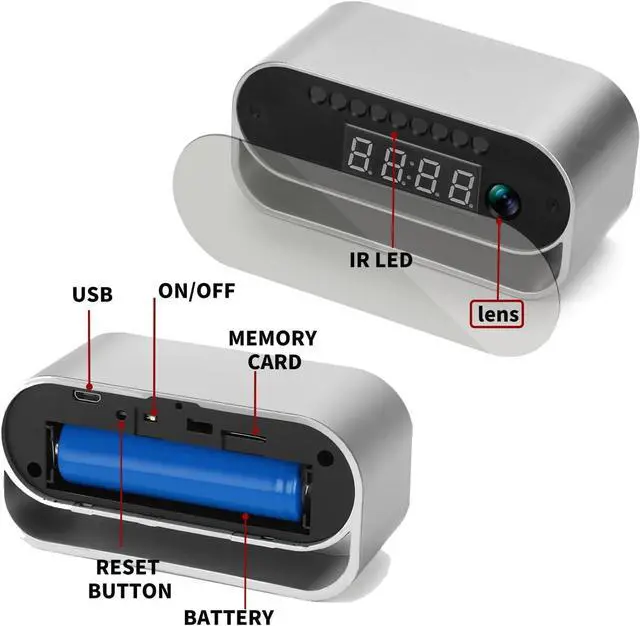
    Long-Lasting 2600mAh Battery + USB Power. Wire-free placement (no messy cables! )put it on tables, shelves. Includes 1 USB cable for backup power. Support local storage (SD card not includes) and cloud storage (need susbcription)
    How to Connect:
    Step1: Prepare your own SD card and insert it in card slot, plug in our USB line to power the clock and Turn on the switch, The indicator light will be keep on, wait a few seconds it will turn to red&blue blinking. Step2. Turn on your phone's Wi connect your home Wi. Then turn on our App to 'add camera', please notes select the mode 1 'smart n' and view the correct camera model you have. Step3. Conrm the Wi again, There will be a code on your App, you need use the clock camera to n this code, when the indicator light blinking blue rst then keep blue on, it says recognized. After this, you can set your camera password and remote the camera.

    Warranty & Returns

    Warranty, Returns, And Additional Information

    Warranty

    • Please contact the Seller directly for warranty information. Warranty information may also be found on the Manufacturer's website.
    • CONTACT

    Return Policies

    Manufacturer Contact Info

    LOADING...