• $194.08
  • Free 30-day Returns
  • Price alert
    Shop it at NeweggBusiness.

    Meet Your Seller

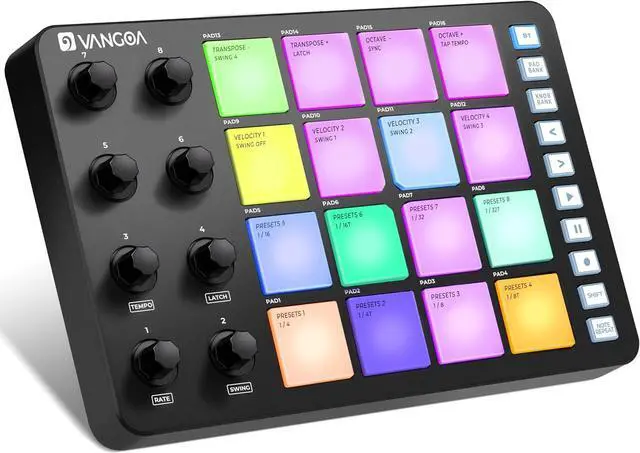
    Beat Maker Machine with 16 RGB Pads, Wireless USB Midi Velocity Drum Pad Controller 8 Knobs, Aftertouch Beating Machine with Note Repeat for Music Production Beginners, Daw, Mac, PC, Ipad

    • Rhythmic Revelations Await- Step into the beat making realm with the MIDI Pad Beat Maker Machine! Featuring 16 vibrant RGB pads that respond to your touch, this portae powered midi controller pad is a playground like beat makers for music production for beginners, adults, teens and seasoned pros alike.
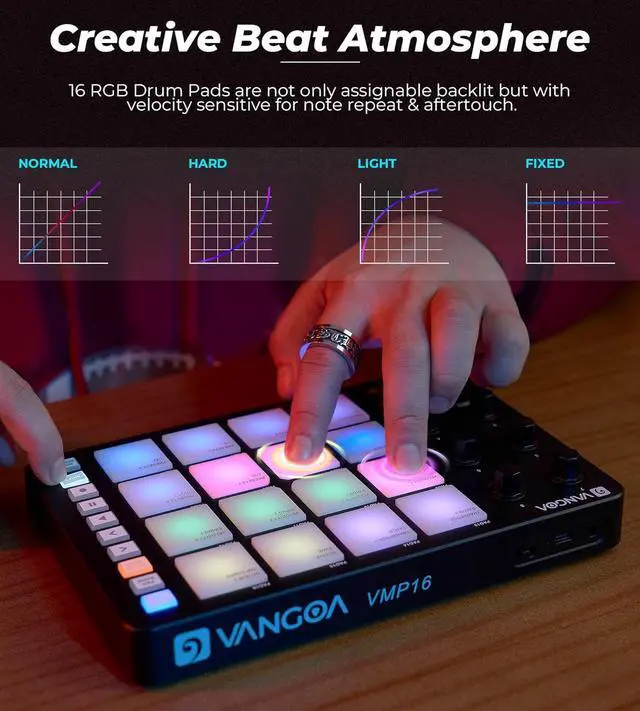
    • Colorful Creations at Your Fingertips- Dive into a world of musical color with the velocity-sensitive RGB pads that light up your creativity. Each midi pad responds to your touch, adding a visual and tactile dimension to your beats that will ignite your inspiration, Bdes, every mute pad of couter recording midi controllers enaes you to play witt disturbing others at night.
    • Ignite Your Imagination- perience the magic of aftertouch technology as you unleash pressive nuances in your music. The backlit feature in drum beat machine adds a dynamic layer to your beats, just allowing midi beat pad to infuse your tracks with emotion and flair.
    +
    +
    Overview
    Specs
    Reviews
    avatar

    Any questions? Our AI beta will help you find out quickly.

    Endless ploration with Note Repeat- Unleash your creativity with the note repeat function, turning sile beats into col rhythms with just a touch. periment, play, and let your imagination run wild as you discover new musical possibilities at your fingertips.
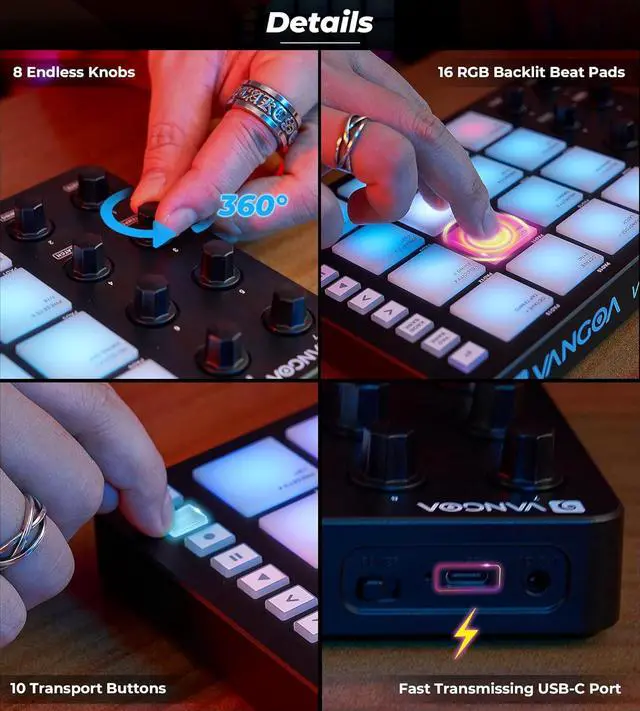
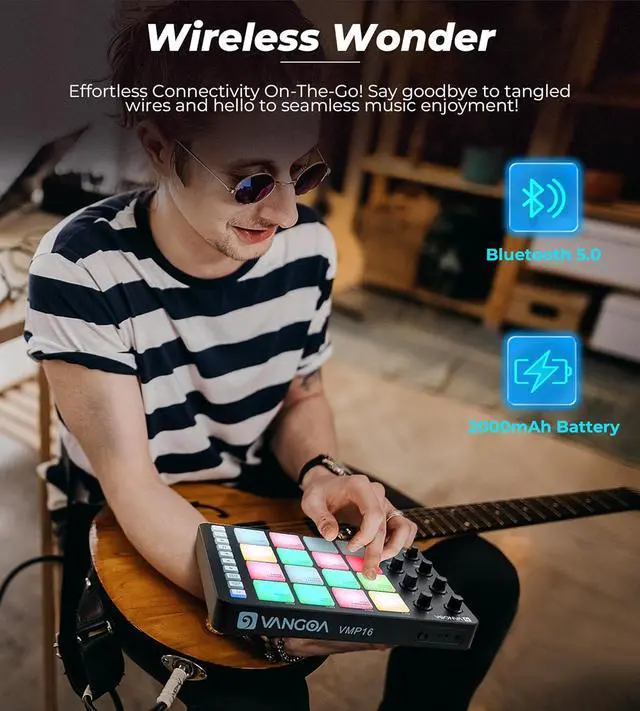
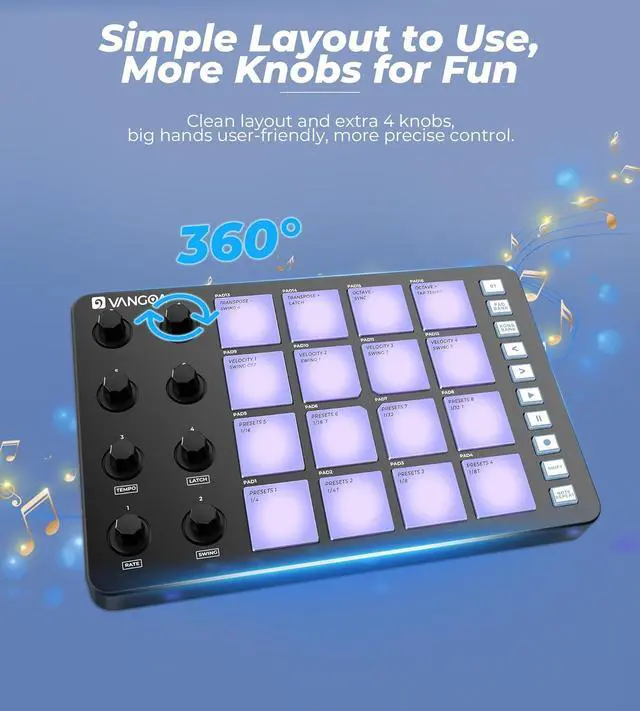
    Unleash Your Potential Anywhere, Anytime- 1 year satisfactory service. With 8 knobs for on-the-fly tweaking and a rechargeae dgn for ultimate portability, the midi drum pad is your tit to musical freedom. Whether you're in the studio or on the move, this versatile drum machine beat maker for music making eowers you to create, innovate, and press yourself like never before.
    About the Pad Sensitivity: You can press "SHIFT" and keep pressing from "VELOCITY 1" to "VELOCITY 4" to change the pad sensitivity from the slowest to the fastest. (If you just press the "SHIFT", you can check which sensitivity level it is now, it will light up to show), bdes, if you have any doubt about wireless connection, please kindly search "E Drive Connection Tutorial" title in Youtube, it will show you step by step.

    Warranty & Returns

    Warranty, Returns, And Additional Information

    Warranty

    • Please contact the Seller directly for warranty information. Warranty information may also be found on the Manufacturer's website.
    • CONTACT

    Return Policies

    Manufacturer Contact Info

    LOADING...