For X Series X/ (S)
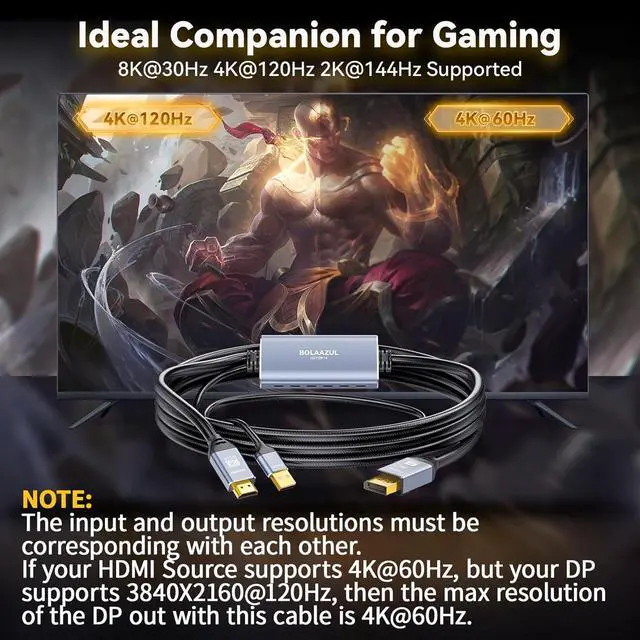
Users: 1) If the DisplayPort of your monitor does not support 3840X2160@120Hz, the UHD 4K 120Hz output from your X Series X won't be availae. 2) If your monitor's DisplayPort only supports 2K resolutions, we won't recommend you buy this cae as the 2K options from your X Series X/S won't be availae. When outputting 2K@120Hz from series X/S, its timing frequency is 497M while that of Displayport is 483.4M
For X Series X/ (S) Users: 3) To get 4K/120Hz and 2K/144Hz (for 8K 30Hz model only), the HDMI input must of HDMI 2.1 and capae of supporting 8K/30Hz, 4K/120Hz and 2K/144Hz. The DisplayPort of your monitor must support that too.
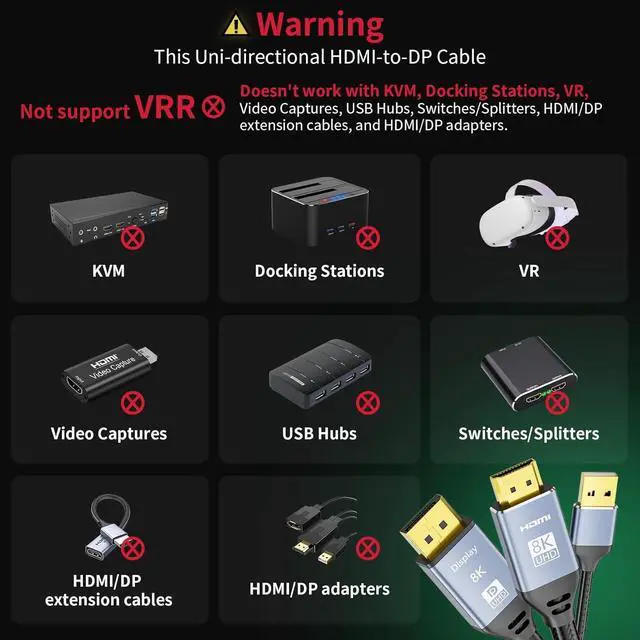
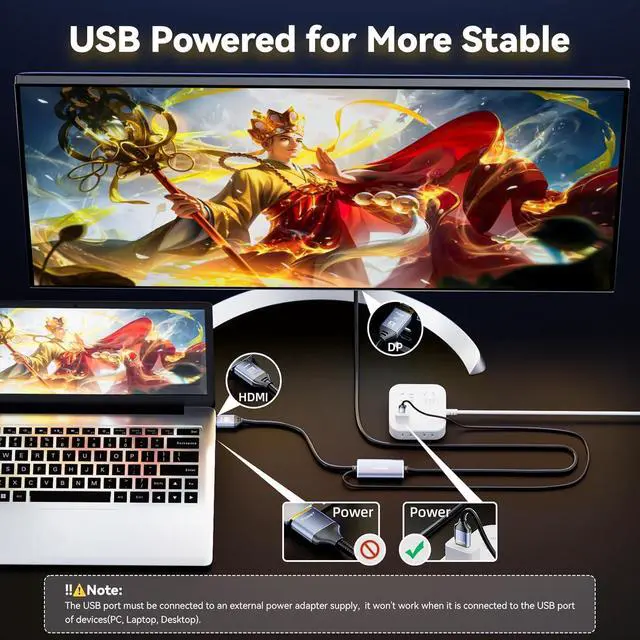
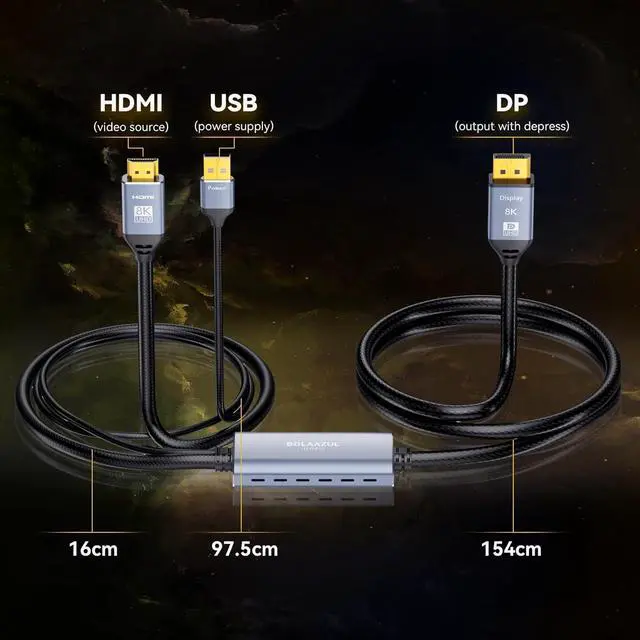
CAUTION: Unidirectional HDMI in to DP out converter cae, only supports converting the signal from HDMI source to DisplayPort out
For Laptop&PC Users: You need to set the resolutions and refresh rates of your PC and laptop via the Display settings of your PC and Laptop. In some cases, you need to set the refresh rates and resolutions via the video card control panel such as the Nvidia or control
Panel. (Note: Only the 8K 30Hz model supports refresh rates of more than 60Hz)
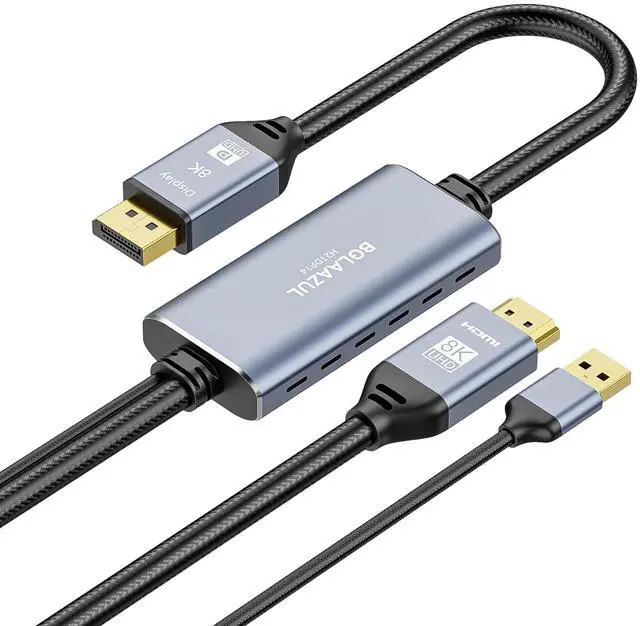
Cost-Effective: The HDMI 2.1 to Displayport 1.4 adapter cae from comes with a male plug on both ends and you can connect the HDMI video source and Display with DisplayPort witt any tra DP or HDMI cae



 Hot Seller


