




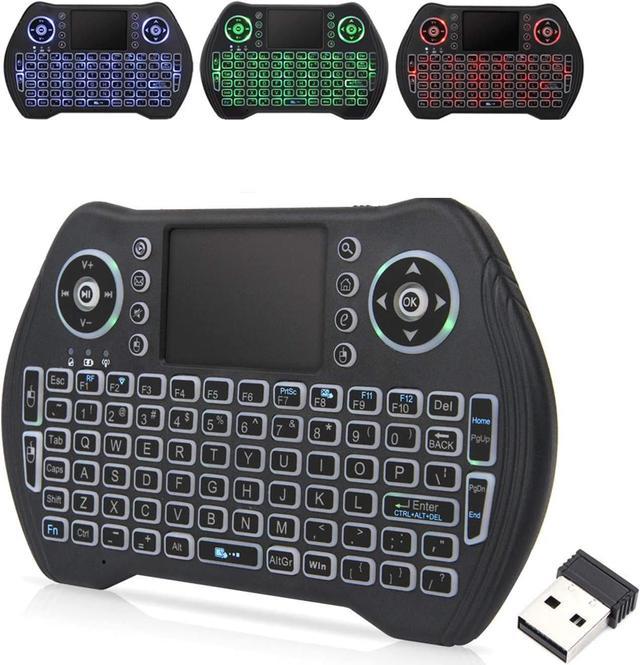


Welcome to Use EASYTONE MINI Wireless Keyboard
3 in 1 multifunction (wireless Keyboard + mouse + touchpad) EASYTONE MINI Keyboard adopts RF 2.4GHz wireless technology and brings you endless fun.
Applicable: Home entertainment, multimedia education, training, meetings, presentations and computer remote control computer-controlled; Car TV, HTPC, big screen TV, smart TV, hard disk player, network player, X-BOX
If you have problems with your keyboard, maybe you can find answer in here:
1. Blue indicator light: It is always on when the power is turned on. When the blue light flashes, it enters the pairing mode, and the keyboard will be invalid. You only need to manually pair it.
1) Plus the USB dongle into the device and turn on the keyboard.
2) Move the keyboard close to the USB dongle.
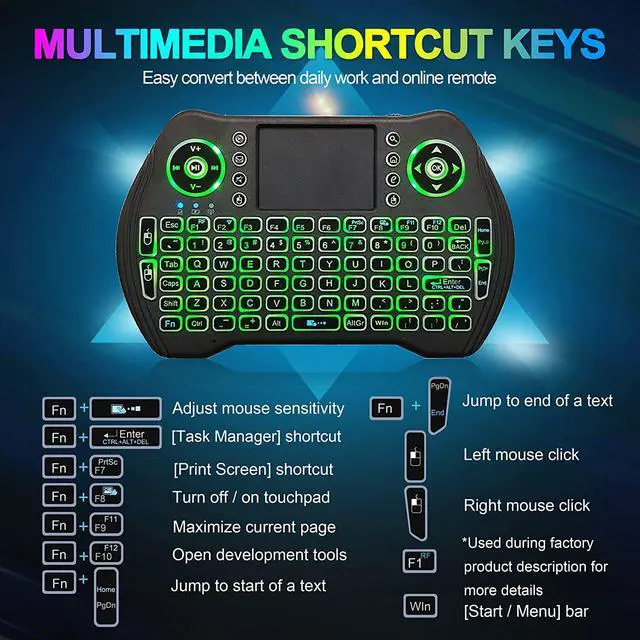
3) Press the "Fn" key, and then long press the "F1" key. Release the buttons when the blue indicator light flashes quickly.
4) When the blue light stops flashing, it means the keyboard and the USB dongle are paired successfully.
5) turn off the keyboard and turn it on again will find it works.
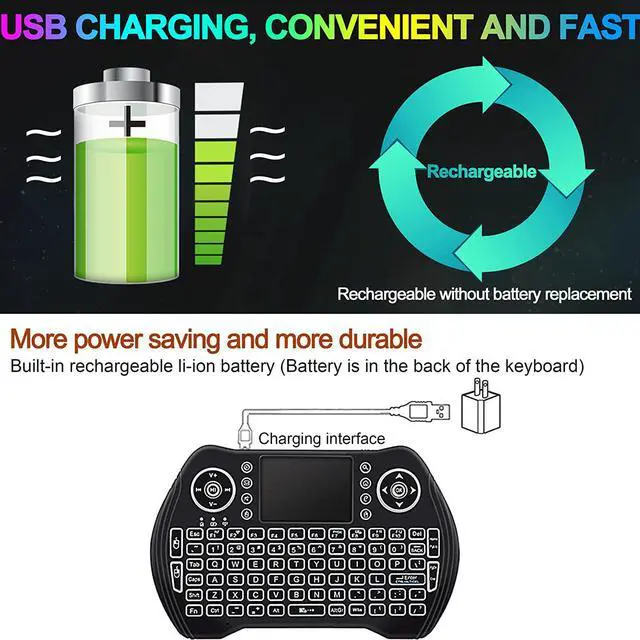
2. Red indicator light: The red light is normally off. The red light flashes when the battery is too low, indicating that you need to charge the keyboard. It is always on during the charging process, and the red light is off when the battery is fully charged.
3. Orange indicator light: The orange light is a working status light, which will only be on when the keyboard or mouse functions are operated. Orange light blinking indicates that the USB receiver is not connected to the device, and will turn off when the USB receiver is connected to the device.

Widely Compatible
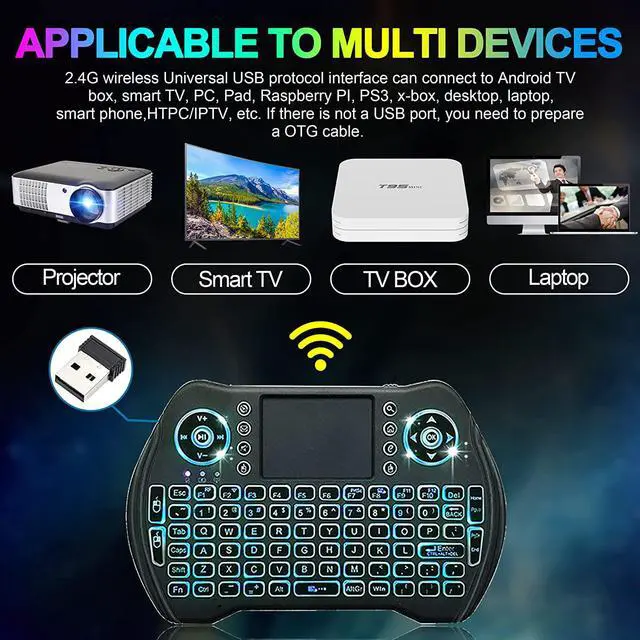
This mini wireless keyboard works well with Windows, Macbook, desktops, PC, Laptop, Computer Smart TV, android TV box, Google TV Box, Raspberry PI, PS3, HTPC/IPTV and more. It is perfect for conference, presentation, library, coffee shop, night work, travel, etc.
Easy Setup:
Simply insert the USB receiver into your computer, smart TV or TV box and use the keyboard instantly.
It allow you to gain quick access to common functions, such as volume level, playback control, copy paste text, and more.
Warm tips:
1. This product has 2.4G wireless connection through the USB connection but NO Bluetooth function
2. This product only can use below 2A USB plug charge, otherwise, can burn out the product
3. If you do not use the item in short time, no need to shut it down, because the product will automatically enter the standby state of sleep. Otherwise it will takes 30 seconds to restart the item.
4. The mini wireless keyboard supports connection to a smart TV. Please make sure that your smart TV is equipped with one of the Android, Windows, Mac OS, Linux systems.
5. This wireless mini keyboard does not support turn on your device( your TV or other devices), you need to open your device before using it.

Sit Back and Do More
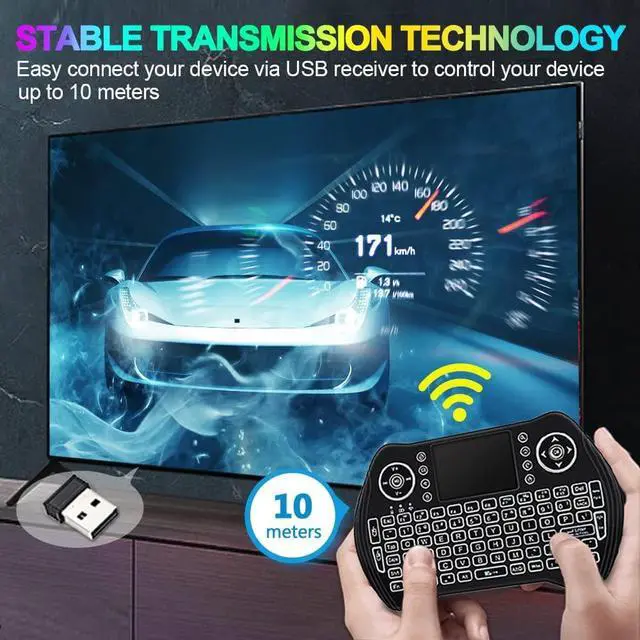
The RF 2.4GHz wireless technology delivers a powerful connection with up to a 10M range. You can use it to control your equipment from a distance, and you will find that your work efficiency and productivity are greatly improved.

Multipurpose Design
This backlit keyboard is very versatile. It perfect for home entertainment, multimedia education, training, meetings, presentations and computer remote control computer-controlled etc.

Work better and Save Space
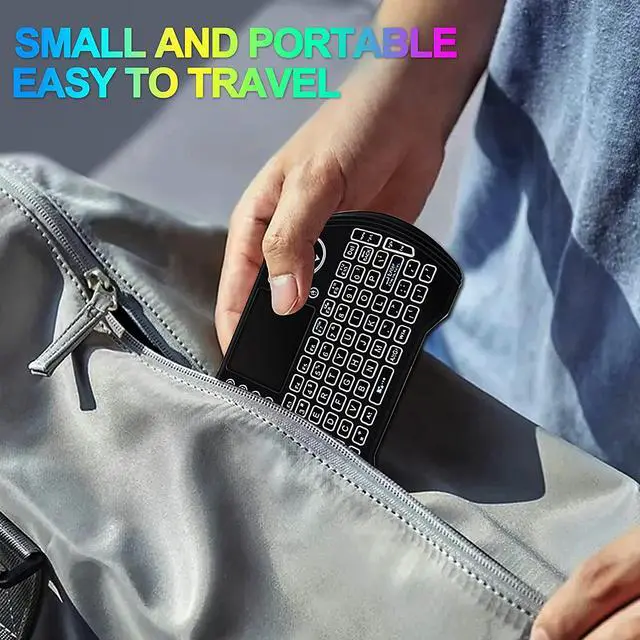
The portable keyboard has petite size, takes up very minimal space in your bag and just makes you say good bye to chunky keyboard to horizon a new experience of office entertainment anywhere, anytime.

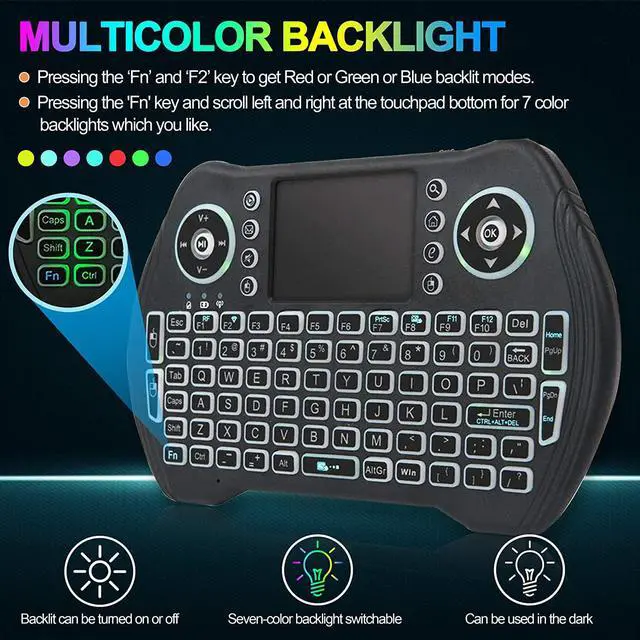
7 Colors RGB Backlit Function
The wireless handheld keyboard has 7 colors LED backlit. Allows you to clearly operate the keys when work at night, don't need to turn on the light which disturbing your families. You can turn off the backlight to save power when working in the day.
1. Pressing the Fn and F2 key to get Red or Green or Blue backlit modes.
2. Pressing the 'Fn' key and scroll left and right at the touchpad bottom for 7 color backlights which you like.

Great Rechargeable Battery Life
The mini keyboard built-in rechargeable lithium battery with long working time and standby time and supports auto sleep and auto wake mode for saving power.
- 1*MINI Keyboard
- 1*Rechargeable Battery
- 1*USB Dongle (Under battery cover)
- 1*Charging Cable
- 1*User manual

Your Media at Your Fingertips
The mini wireless keyboard has 92 keys with 360-degree flip design. It has 8 media hotkeys and provide instant access to most-used like mailbox, mute, left mouse button, search, home, browser homepage and right mouse button. It is very suitable for browsing the web, playing games or watching TV, put the web and your favorite music, games, and movies at your fingertips, easy to reach and use volume controls to enhance your media experience.
Precision touchpad- Edit documents, browse the web and play games at unparalleled speed with the built-in touchpad for your device. precisely navigate your device with multi-gesture as a whole new way, give you high efficiency in every scene you could imagine.
Touchpad with multi-finger function:
Single click=Left mouse
Double click=Right mouse
Double finger drag=Rolling screen