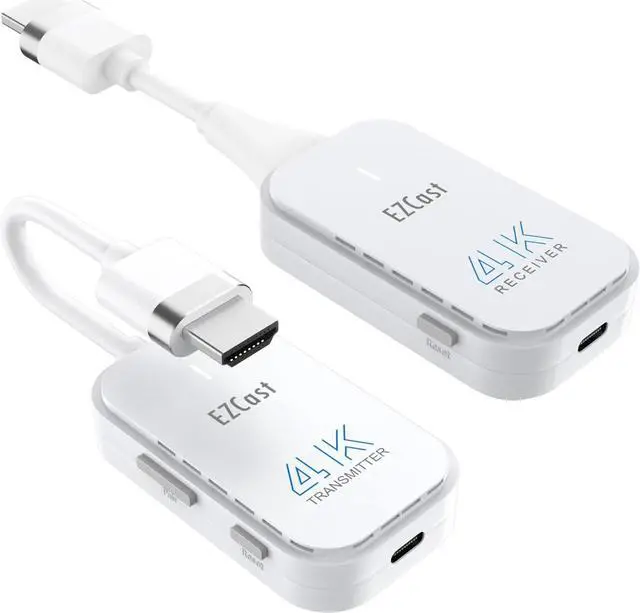
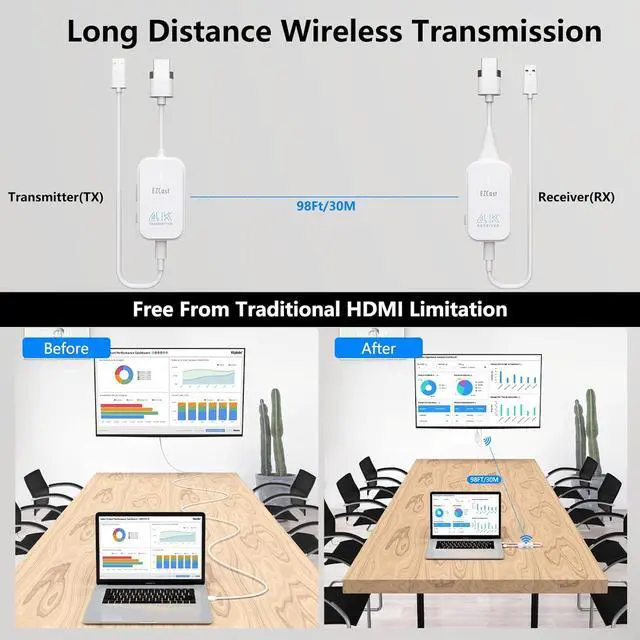
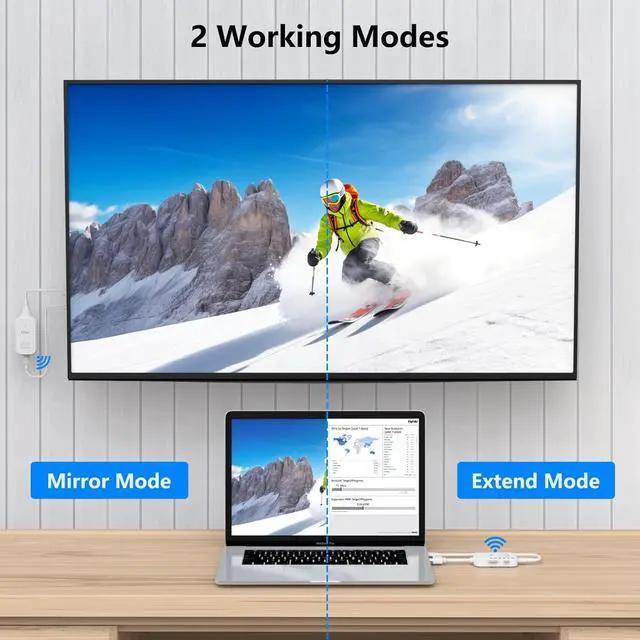
[ 98Ft/30M Wireless Transmission] HDMI wireless video transmitter and receiver allows to wirelessly transmit or extend audio/video signals to high-definition TVs, projectors or monitors with only low 0.1S latency, the wireless range up to 98Ft/30M in an open filed without any obstacle. Transmission distance is enough to cover the entire conference room or room in home.: The transmission distance will be shortened when working through the wall or floor.
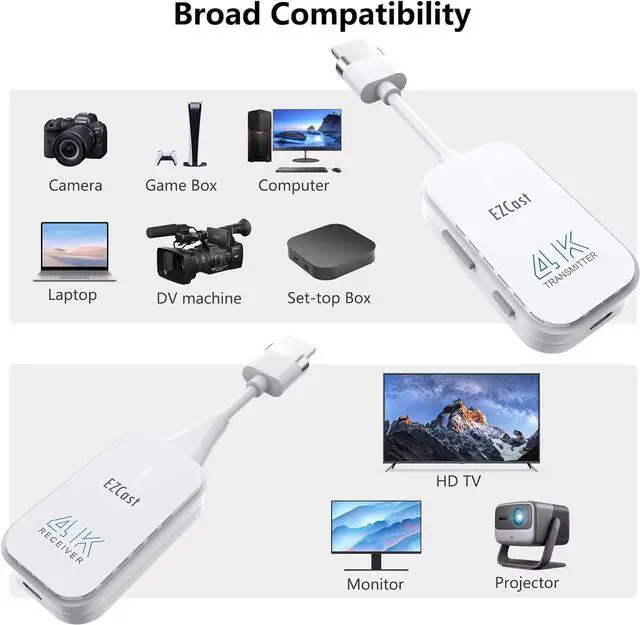
[ Wide Compatibility ] The wireless HDMI sender and receiver are light weight and easy to carry anywhere. The wireless HDMI extender kit is compatible with most HDMI output devices, including laptops, PCs, Blu-ray players, cameras, DVDs, DSLR cameras, set-top boxes, and more. ( )
[ Important Note] When the product becomes freezes or stuck or disconnect; When the computer is low power or the current to the HDMI input on computer is low, the power light on the transmitter will be weak or extinguished; In these 2 cases, please plug 5V/1A adapter (Not Included) into a wall socket to supply external power for the HDMI wireless kit.: This wireless HDMI extender doesn't support using with HDMI splittter.
Product Description
4K Wireless HDMI Transmitter and Receiver Kit
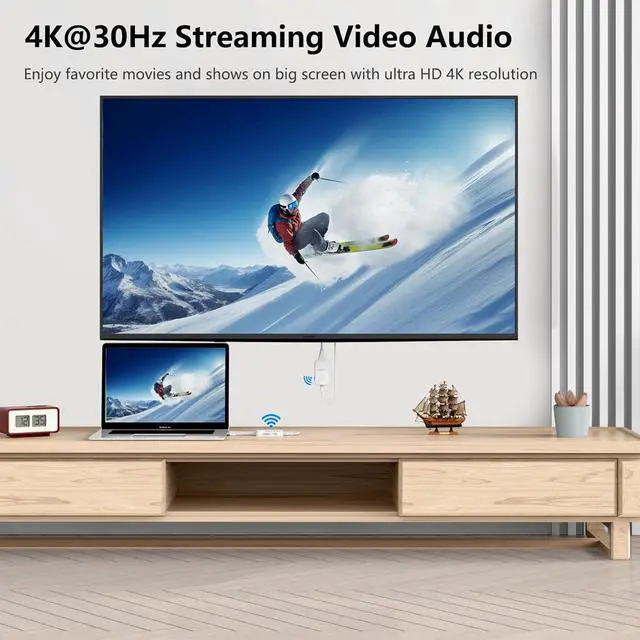
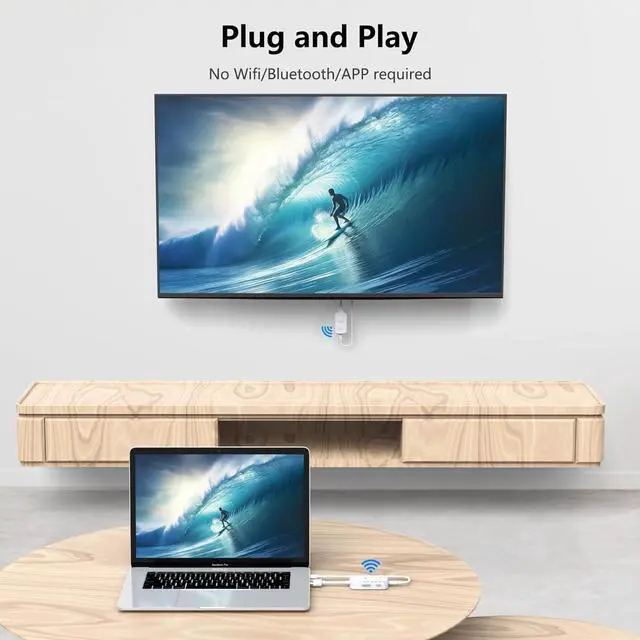
The HDMI wireless sender and receiver can wirelessly streaming 4K video&audio from PC/laptop/camera to big screen like HDTV/projector/monitor, plug and play, no Wifi, APP or Bluetooth required, which solves the the problem of the traditional HDMI cables and wiring connection.
Wireless HDMI Transmitter and Receiver Kit Auto-Paired Before Factory
Note: If the connection fails, please refer to the video to try re-pairing the kits manually.
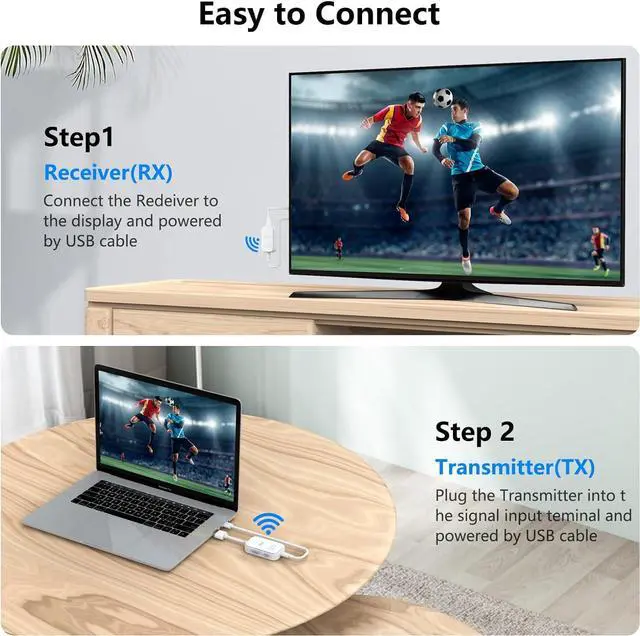
How to Connect
Step 1
Plug HDMI Receiver in desired monitor and power it.
Note
: If the display has no USB port or in low current, plug the power cable in 5V/1A charger.
Step 2
Power the HDMI transmitter and plug it into HDMI output devices like PC/Laptop.
Note:
If the PC in low power, plug the power cable in 5V/1A charger
Step 3
When the light on the HDMI transmitter become fast flashing means pairing is in progress.
Step 4
When the indicator on TX stops flashing and stays solid, it means pairing succeeded.
Comparison of Wireless HDMI Transmitter and Receiver Kit