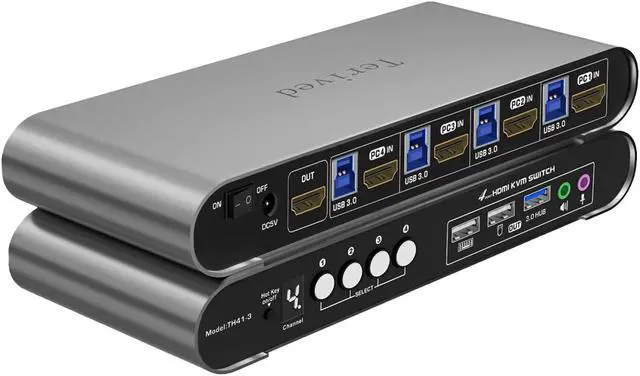
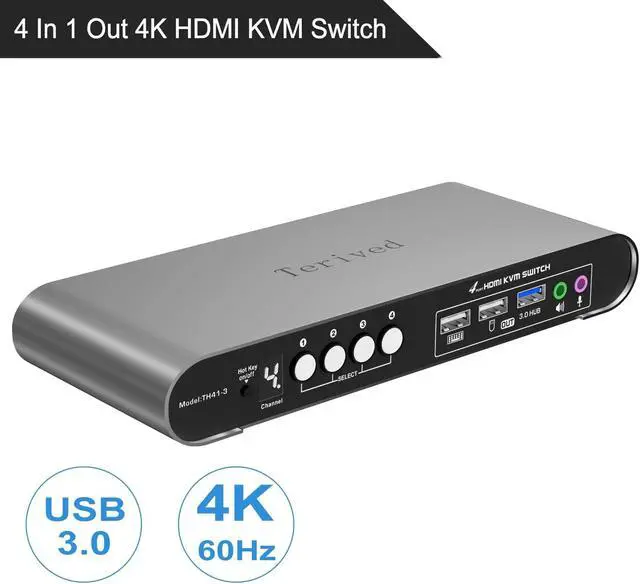
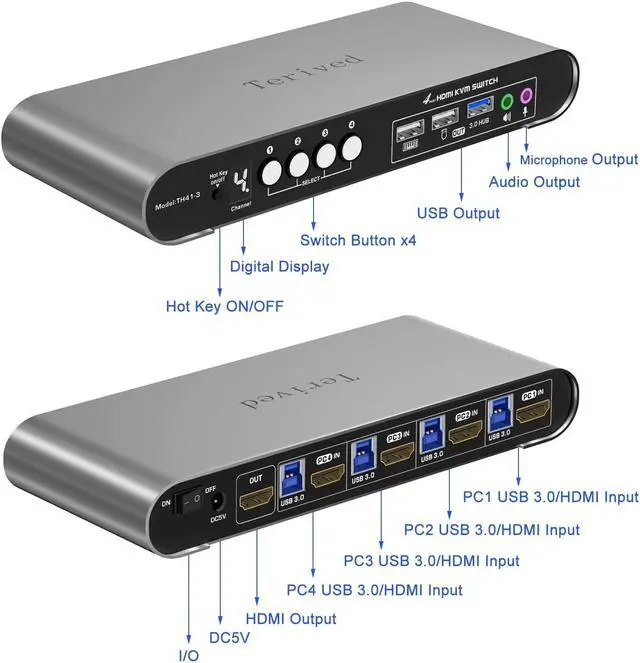
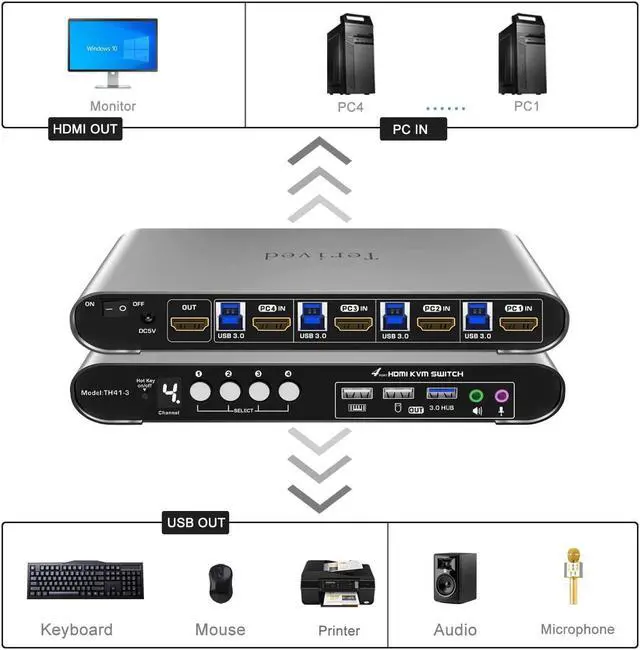
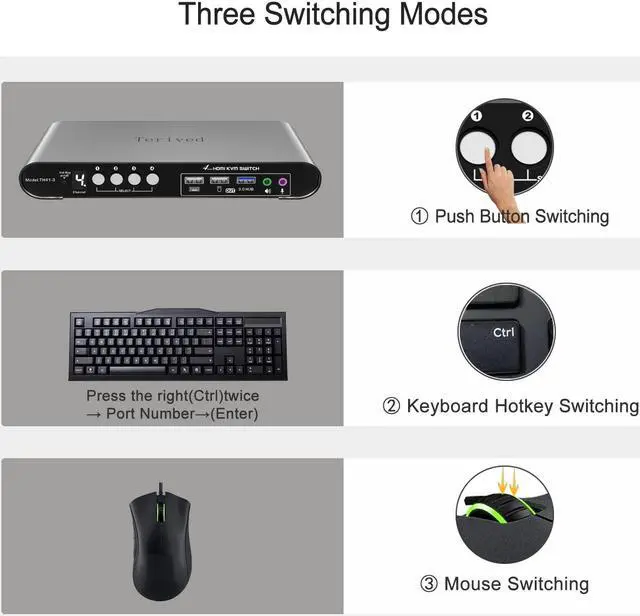
Digital Display- KVM Switch 4 port with a digital display which lets you easy to see the current channel even in the dark investmentfalseHotkey - Tired of a manual button switch? This product gives you a convenient way to switch with
Keyboard shortcut: press the right [CTRL] key twice, then press [1, 2, 3, or 4], followed by [Enter] to choose a computer. falseFour computers one HDMI monitor - Controls 4 HDMI interfaced computers or other applicable devices using one keyboard, a mouse, one monitor with audio & microphone, and USB 3.0 HUB portfalse-
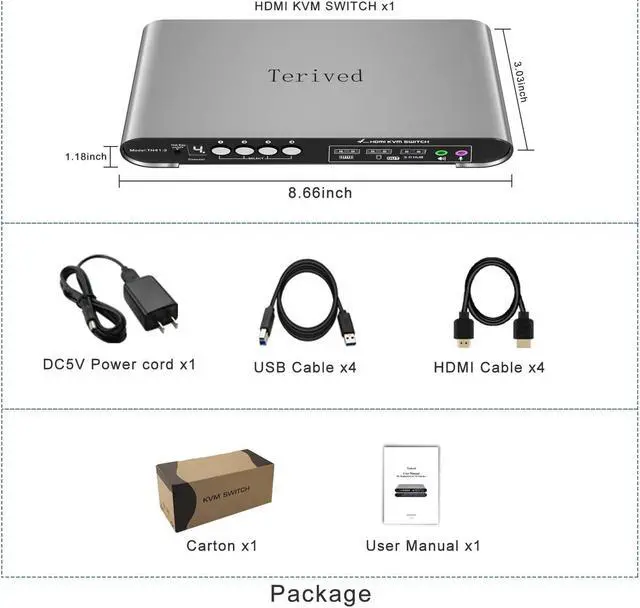
Attention: Please plug in all the cables included in the box; the four USB cables are for the front KVM USB ports. If you don't plug into your computers, your keyboard and mouse will not work. For audio, please select [USB Audio device] as the sound output option and then connect your speakers or headphones to the audio port.
- Aluminum Alloy Shell - We use high-quality aluminum alloy to provide our customers with an excellent premium look, great drop resistance, lightweight design, strong build, and robust corrosion resistance.
- Digital Display- KVM Switch 4 port with a digital display which lets you easy to see the current channel even in the dark investment
- Hotkey - Tired of a manual button switch? This product gives you a convenient way to switch with
Keyboard shortcut: press the right [CTRL] key twice, then press [1, 2, 3, or 4], followed by [Enter] to choose a computer.
- Four computers one HDMI monitor - Controls 4 HDMI interfaced computers or other applicable devices using one keyboard, a mouse, one monitor with audio & microphone, and USB 3.0 HUB port
- HDMI Switch 4K - Supported resolutions: 480i, 480p, 720p, 1080i, 1080p, 2K@144Hz, 4K@60Hz
RGB 4:4: 4 HDR10, HDMI 2.0 compatible. Auto-Scan, auto-detection, auto EDID. Hot plug & play and HDCP.
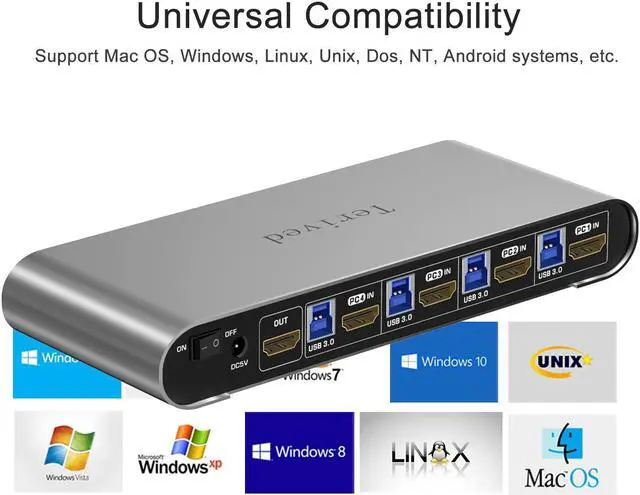
Multi-platform: support Windows 11/10/7/2000/XP/Vista, Linux, and Mac
- KVM switch with Automatic Switching: To enable the automatic switching feature of the KVM switch, press Right [CTRL] twice, then [S], and [Enter]. The default auto-switching time is 10 seconds. (To turn it off, simply press this shortcut combination again). You can adjust the auto-switching time by pressing Right [CTRL] twice, followed by [S], then [N], and [Enter], where 'N' represents the number of seconds for the switching time (ranging from 1 to 999 seconds