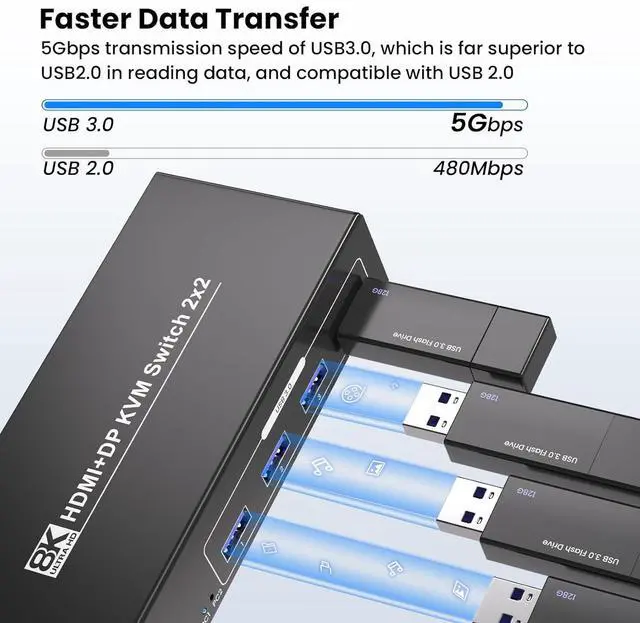
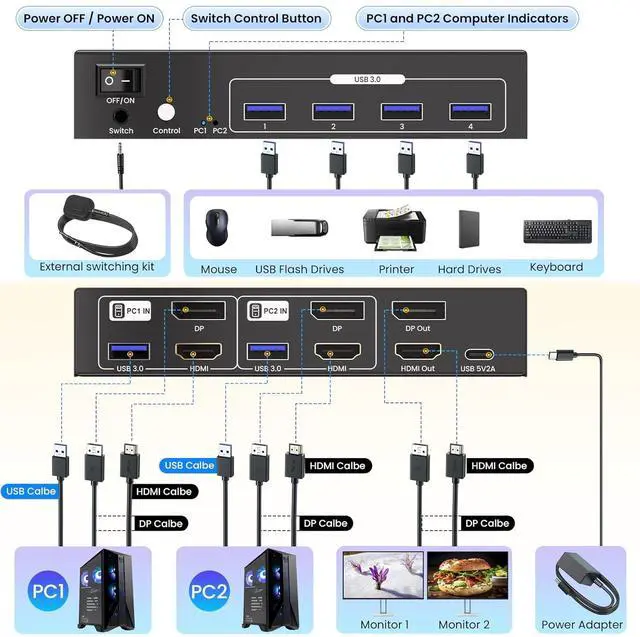
Advanced Peripheral Sharing: This HDMI Displayport KVM switch 2 computers 2 monitors is integrated 4 USB 3.0 hub for connecting peripherals such as keyboard, mouse, printers, or webcams. Enjoy high-speed data transfer and expand your workstations capabilities. The transmission speed of USB 3.0 is as high as 5Gbps, which is far superior to USB 2.0 in reading data, and compatible with USB 2.0. false2
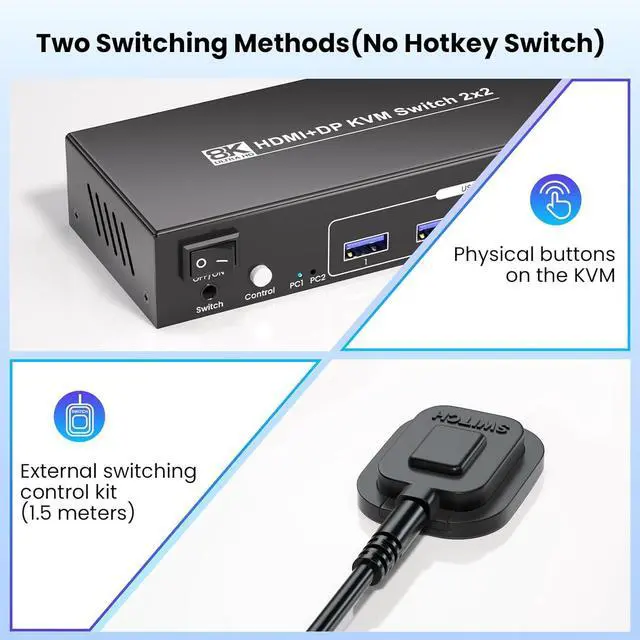
Switching Methods: Physical buttons on the dual monitor HDMI DP KVM switch, or external switching control kit to manually switch between 2 inputs. No need to reconnect cables or move devices around.
Note: no hotkey switch. falsePlug and
Play: No need for additional drivers or software. Simply connect your devices, and the 2 port HDMI DP KVM switch is ready to go. Compatible with various setups, from home offices to professional workstations. false- Dual Monitor HDMI +
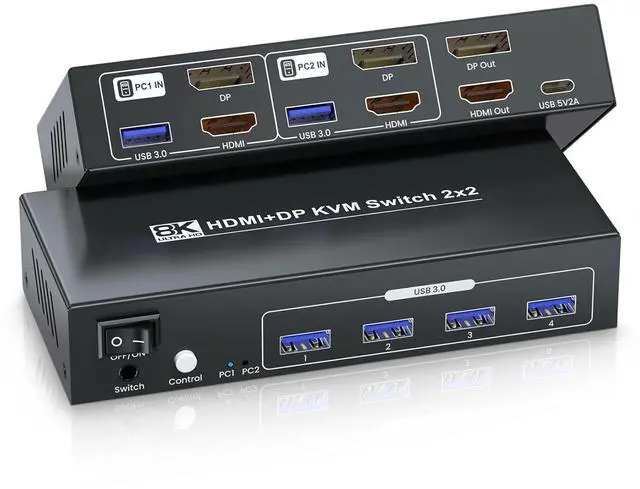
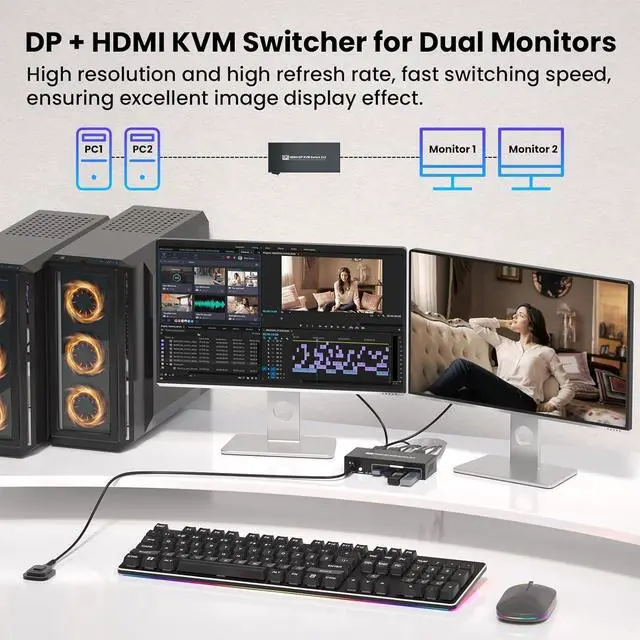
Displayport KVM Switch: This HDMI DP KVM switch 2 monitors 2 computers supports 1 HDMI and 1 DisplayPort inputs, allowing you to connect and control two computers simultaneously with a single keyboard, mouse, and 2 monitors setup. The dual output ports enable connection to two monitors (1 HDMI monitor and 1 DP monitor).
Note: Please use USB cables to connect the USB ports of PC1 & PC 2 and the KVM, otherwise the 4 USB 3.0 ports on the front of the KVM will not work.
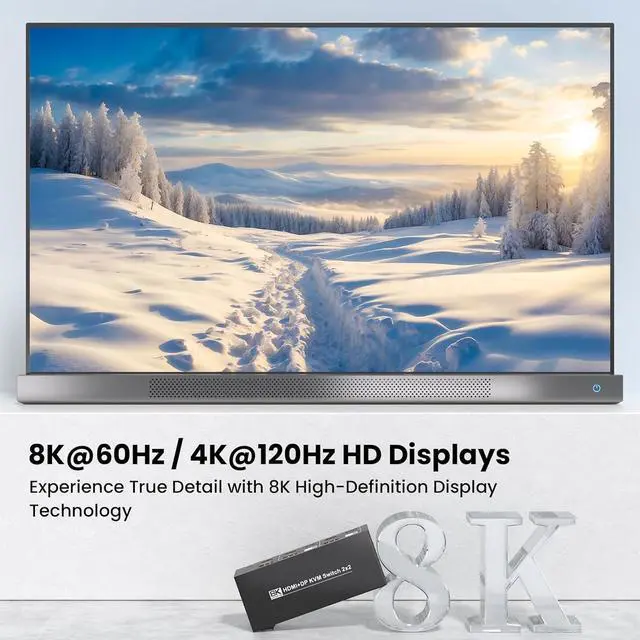
- 8K Ultra HD Resolution: Experience crystal-clear visuals with support for resolutions up to 8K (7680 x 4320) @ 60Hz and 4K@120Hz, ensuring crisp and clear image quality, whether youre gaming, designing, or working on complex projects.
Note: make sure your computers, monitors, and cables all support 8K and high refresh rates.
- Advanced Peripheral Sharing: This HDMI Displayport KVM switch 2 computers 2 monitors is integrated 4 USB 3.0 hub for connecting peripherals such as keyboard, mouse, printers, or webcams. Enjoy high-speed data transfer and expand your workstations capabilities. The transmission speed of USB 3.0 is as high as 5Gbps, which is far superior to USB 2.0 in reading data, and compatible with USB 2.0.
- 2 Switching Methods: Physical buttons on the dual monitor HDMI DP KVM switch, or external switching control kit to manually switch between 2 inputs. No need to reconnect cables or move devices around.
Note: no hotkey switch.
- Plug and Play: No need for additional drivers or software. Simply connect your devices, and the 2 port HDMI DP KVM switch is ready to go. Compatible with various setups, from home offices to professional workstation