HIGH PERFORMANCE: Total
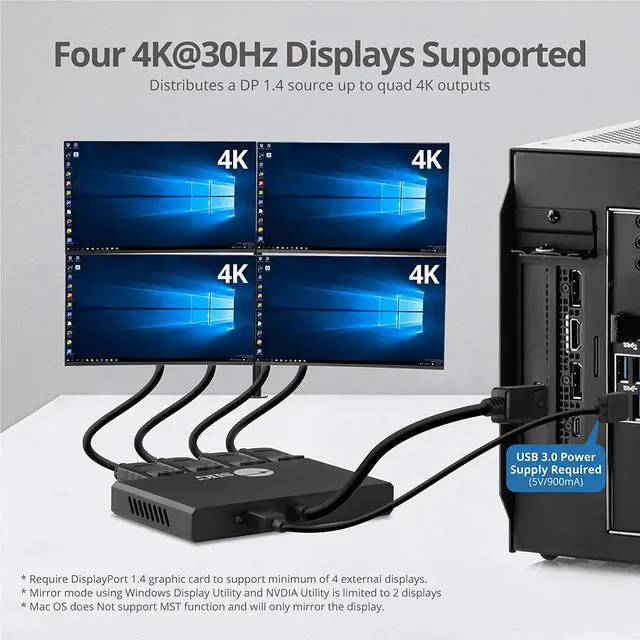
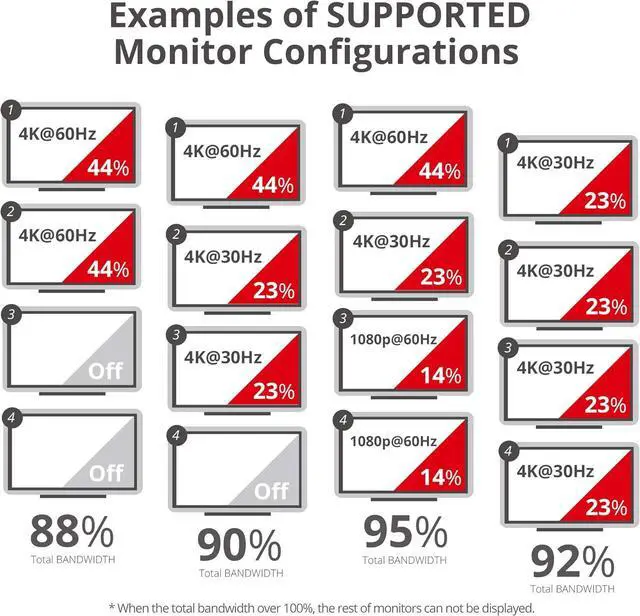
Bandwidth 32.4G bps (max): Supports one UHD 8K (7680 x 4320) @30Hz display, two 4K@60Hz displays, three or four 4K (3840x2160) @30Hz or less display. Other resolution combinations which are less than or equal to 4K@30Hz will work also. For example, four 2K, four 1080p, 4K+2K+1080p+1080p etc.
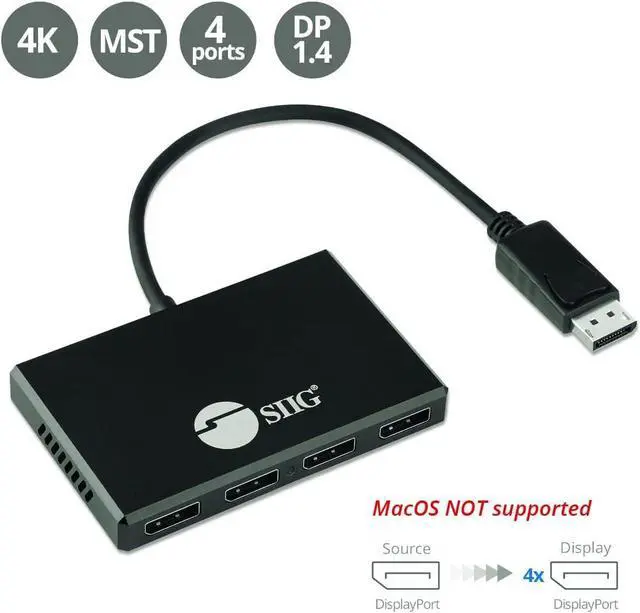
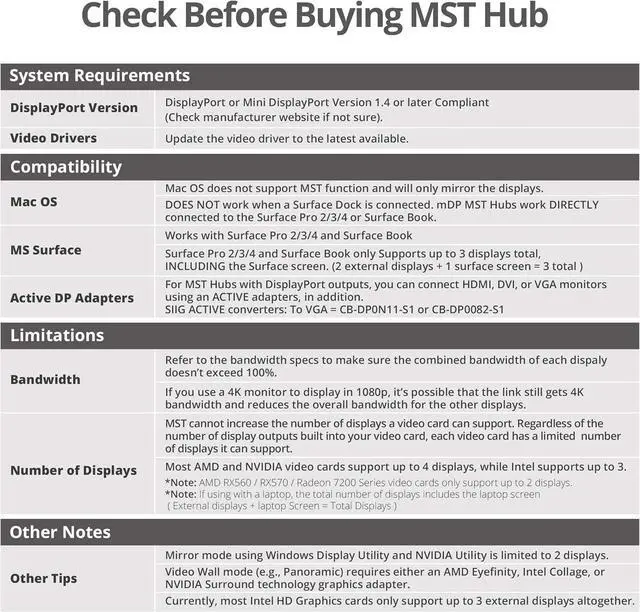
Note: The total combined bandwidth among all connected displays must NOT exceed the total maximum bandwidth of 32.4G bpsCOMPATIBILITY:!!! No Support for MacOS!!! -!!! Compatible with DisplayPort 1.4 with MST graphics cards with AMD Eyefinity, Intel Collage or NVIDIA Surround technologyEXCEPTIONAL
CUSTOMER SERVICE: Manufacturer warranty and technical support located in the silicon Valley. We understand that setting up an MST hub can be complicated so please contact us with any questions or concerns- IMPORTANT NOTES - DisplayPort 1.4 GPU/ Graphics Card required. Requires GPU/Graphics card supporting more than 4 external screens. Intel HD Graphics are limited to 3 external screens altogether. See Product Description for more important information. Contact us before purchasing if you are not sure about compatibility. Boost your productivity by connecting three DisplayPort screens to single DisplayPort 1.4 output with Multi-Stream Transport (MST) technology
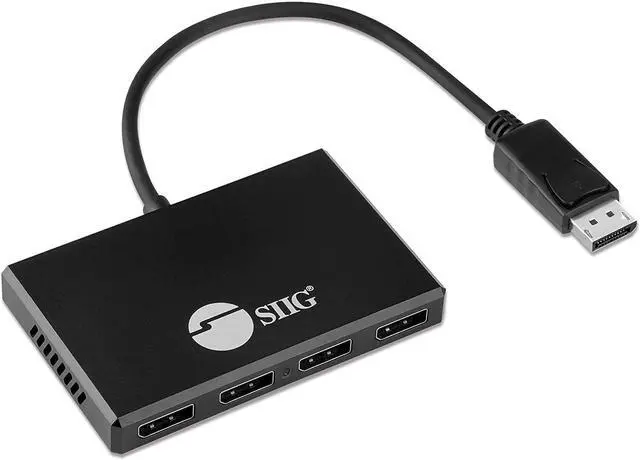
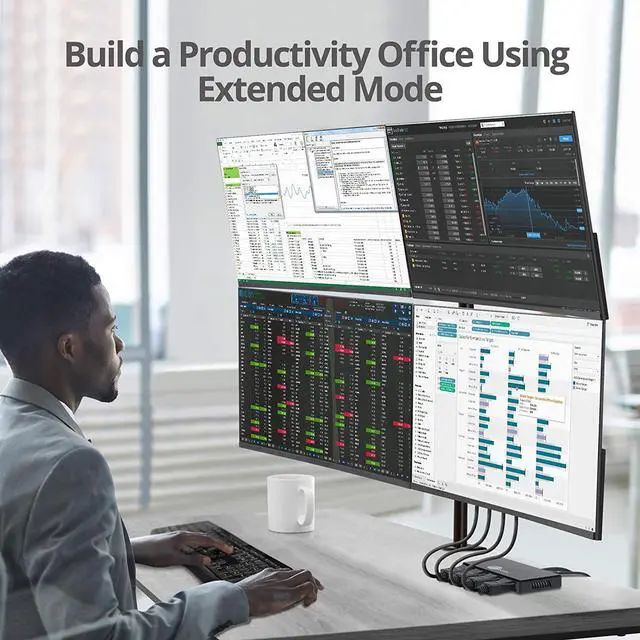
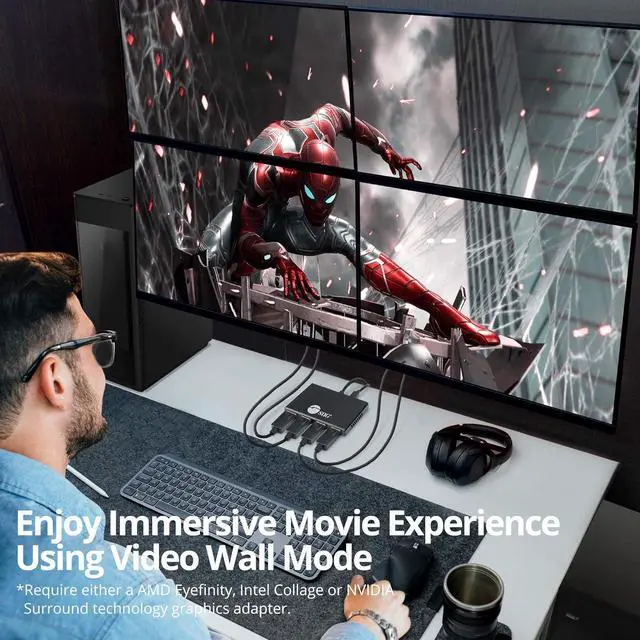
- 4 PORT DISPLAYPORT TO DisplayPort SPLITTER MST HUB - Connect 4 DisplayPort screes to your system through a single DisplayPort 1.4 output on your computer. Provides multiple display modes for various applications such as Mirror mode* Extended mode with individual content on each screen, and Panoramic Video Wall mode which combines multiple monitors to use as one large screen. ** **Requires USB bus power from a USB 3.0 port. USB 2.0 or earlier doesnt output enough power to drive this adapter
- HIGH PERFORMANCE: Total
Bandwidth 32.4G bps (max): Supports one UHD 8K (7680 x 4320) @30Hz display, two 4K@60Hz displays, three or four 4K (3840x2160) @30Hz or less display. Other resolution combinations which are less than or equal to 4K@30Hz will work also. For example, four 2K, four 1080p, 4K+2K+1080p+1080p etc.
Note: The total combined bandwidth among all connected displays must NOT exceed the total maximum bandwidth of 32.4G bps
- COMPATIBILITY:!!! No Support for MacOS!!! -!!! Compatible with DisplayPort 1.4 with MST graphics cards with AMD Eyefinity, Intel Collage or NVIDIA Surround technology
- EXCEPTIONAL CUSTOMER SERVICE: Manufacturer warranty and technical support located in the silicon Valley. We understand that setting up an MST hub can be complicated so please contact us with any questions or concer