Your Browsing History
- Free 30-day Returns
$129.98
Meet Your Seller
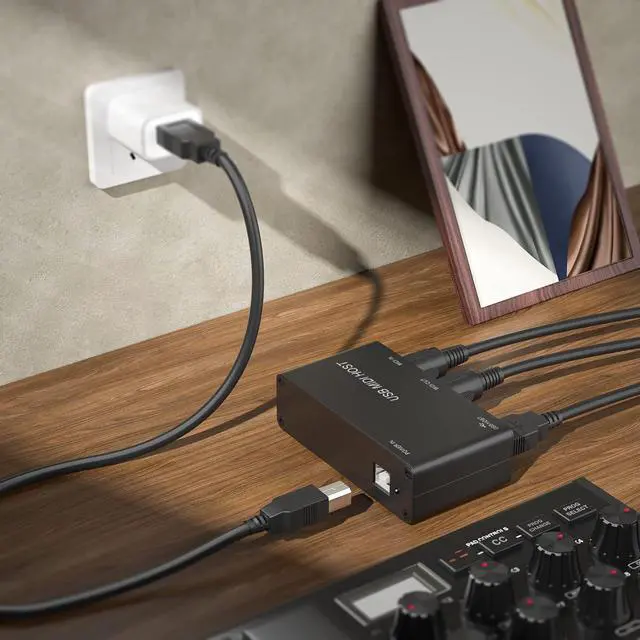
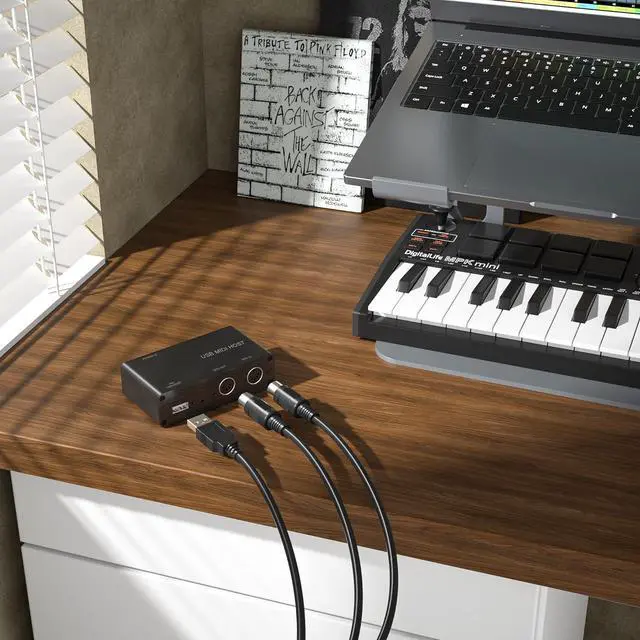
Standalone MIDI-USB Host Bridge Box - 1-In/1-Out 5-Pin MIDI Interface, LED Indicator, Metal Housing (Black)
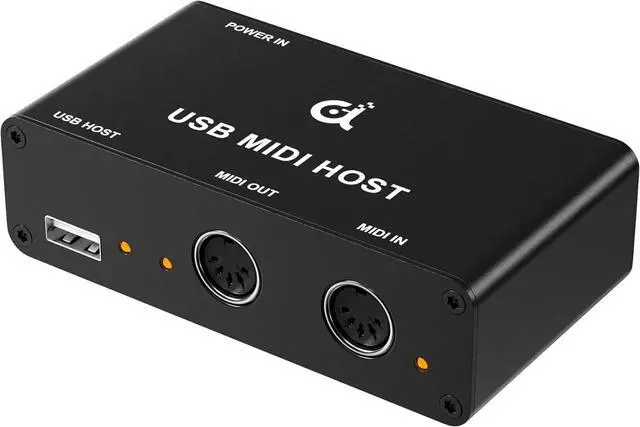
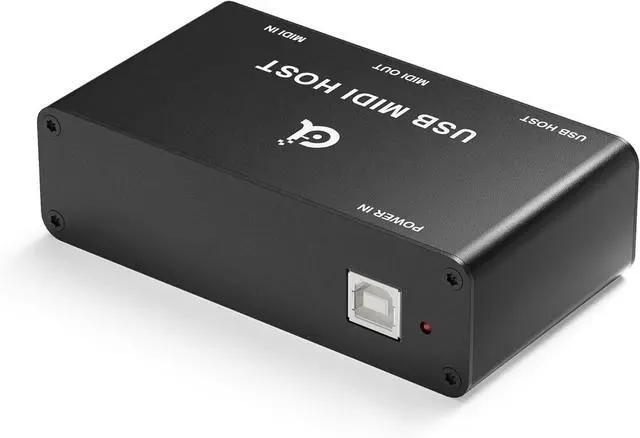
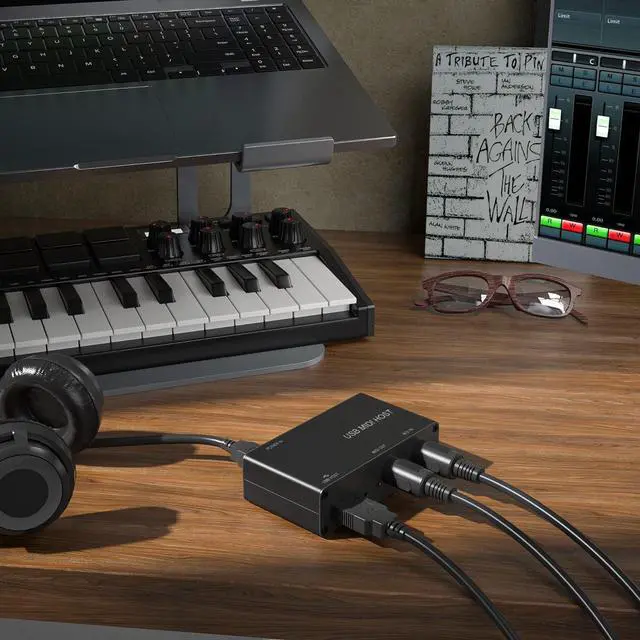
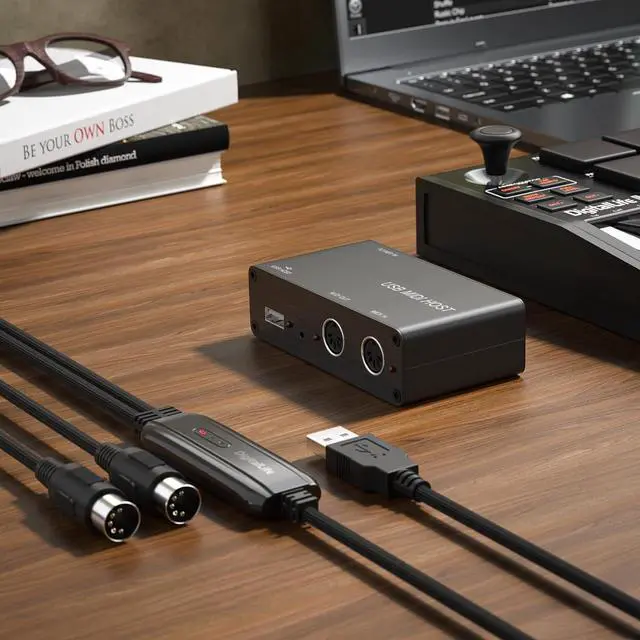
- MIDI Music Production and Learning: The DigitalLife USB-MIDI Host is designed to help musicians and students easily engage in MIDI music production and learning. It simplifies the connection of MIDI devices and supports smooth control and organization during practice and composition. It is user-friendly for both beginners and those creating more complex worksStandalone Design: The DigitalLife MIDI Host is compatible with most class-compliant USB MIDI devices, offering true plug-and-play functionality without the need for drivers. It does not support USB hubs. For optimal performance, connect your USB-MIDI keyboard directly to the host's USB Type-A port. It is not intended for use with a PC
+
+
Overview
Specs
Reviews
Any questions? Our AI beta will help you find out quickly.
Try me now
MIDI-USB Host Compatibility: USB hubs are not supported. Some MIDI devices with USB-A interfaces may not function as standard MIDI ports. These devices are used for purposes such as: (1) firmware updates, (2) special USB-A port definitions, (3) proprietary features, (4) special configurations. To ensure functionality, refer to the manual and verify settingsDriver-Free
& Plug-and-Play: Simply connect your USB-A MIDI device to the hosts USB Type-A port, and it will work without needing additional drivers. The LED indicator clearly shows the status, and the host seamlessly connects modern USB MIDI devices with traditional MIDI equipment, simplifying the setupProfessional Build and Support - The DigitalLife USB-MIDI Host is built with durability in mind, making it perfect for both studio and live environments. It comes with 2 years of after-service and 24/7 multilingual support to help maximize the performance of your MIDI setup- MIDI Music Production and
Learning: The DigitalLife USB-MIDI Host is designed to help musicians and students easily engage in MIDI music production and learning. It simplifies the connection of MIDI devices and supports smooth control and organization during practice and composition. It is user-friendly for both beginners and those creating more complex works
- Standalone Design: The DigitalLife MIDI Host is compatible with most class-compliant USB MIDI devices, offering true plug-and-play functionality without the need for drivers. It does not support USB hubs. For optimal performance, connect your USB-MIDI keyboard directly to the host's USB Type-A port. It is not intended for use with a PC
- MIDI-USB Host Compatibility: USB hubs are not supported. Some MIDI devices with USB-A interfaces may not function as standard MIDI ports. These devices are used for purposes such as: (1) firmware updates, (2) special USB-A port definitions, (3) proprietary features, (4) special configurations. To ensure functionality, refer to the manual and verify settings
- Driver-Free & Plug-and-Play: Simply connect your USB-A MIDI device to the hosts USB Type-A port, and it will work without needing additional drivers. The LED indicator clearly shows the status, and the host seamlessly connects modern USB MIDI devices with traditional MIDI equipment, simplifying the setup
- Professional Build and Support - The DigitalLife USB-MIDI Host is built with durability in mind, making it perfect for both studio and live environments. It comes with 2 years of after-service and 24/7 multilingual support to help maximize the performance of your MIDI set

& Plug-and-Play: Simply connect your USB-A MIDI device to the hosts USB Type-A port, and it will work without needing additional drivers. The LED indicator clearly shows the status, and the host seamlessly connects modern USB MIDI devices with traditional MIDI equipment, simplifying the setupProfessional Build and Support - The DigitalLife USB-MIDI Host is built with durability in mind, making it perfect for both studio and live environments. It comes with 2 years of after-service and 24/7 multilingual support to help maximize the performance of your MIDI setup- MIDI Music Production and
Learning: The DigitalLife USB-MIDI Host is designed to help musicians and students easily engage in MIDI music production and learning. It simplifies the connection of MIDI devices and supports smooth control and organization during practice and composition. It is user-friendly for both beginners and those creating more complex works
- Standalone Design: The DigitalLife MIDI Host is compatible with most class-compliant USB MIDI devices, offering true plug-and-play functionality without the need for drivers. It does not support USB hubs. For optimal performance, connect your USB-MIDI keyboard directly to the host's USB Type-A port. It is not intended for use with a PC
- MIDI-USB Host Compatibility: USB hubs are not supported. Some MIDI devices with USB-A interfaces may not function as standard MIDI ports. These devices are used for purposes such as: (1) firmware updates, (2) special USB-A port definitions, (3) proprietary features, (4) special configurations. To ensure functionality, refer to the manual and verify settings
- Driver-Free & Plug-and-Play: Simply connect your USB-A MIDI device to the hosts USB Type-A port, and it will work without needing additional drivers. The LED indicator clearly shows the status, and the host seamlessly connects modern USB MIDI devices with traditional MIDI equipment, simplifying the setup
- Professional Build and Support - The DigitalLife USB-MIDI Host is built with durability in mind, making it perfect for both studio and live environments. It comes with 2 years of after-service and 24/7 multilingual support to help maximize the performance of your MIDI set
Warranty & Returns
Warranty, Returns, And Additional Information
Warranty
- Please contact the Seller directly for warranty information. Warranty information may also be found on the Manufacturer's website.
- CONTACT
Return Policies
- Return for refund within: 30 days
- Return for replacement within: 30 days
- This item is covered by Halo Electronics Return Policy
Manufacturer Contact Info
- For a directory of all our manufacturers, please click below.
- Manufacturers Directory
LOADING...