

Your Browsing History

- Free 30-day Returns
$193.97


Meet Your Seller


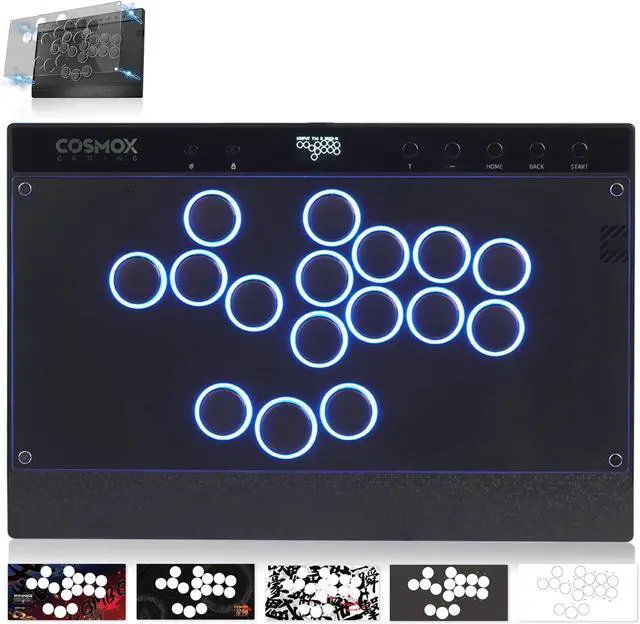
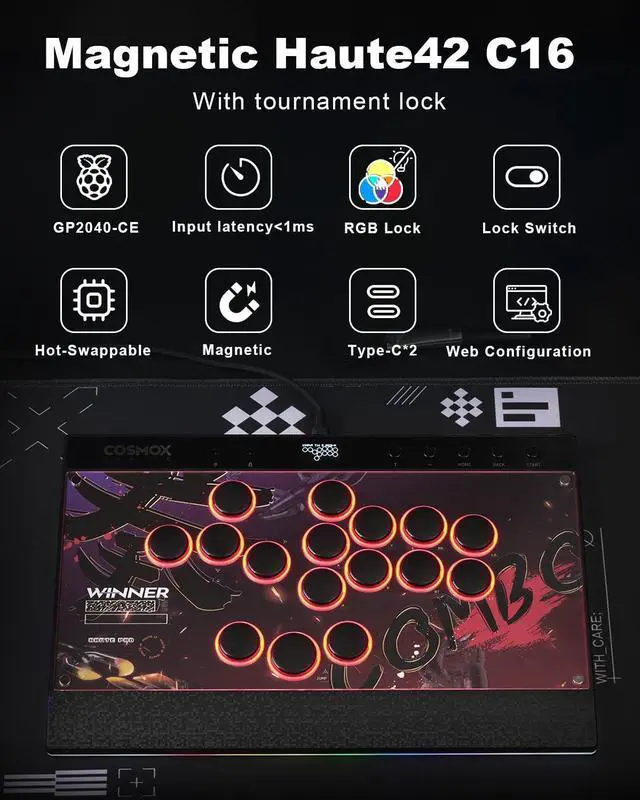
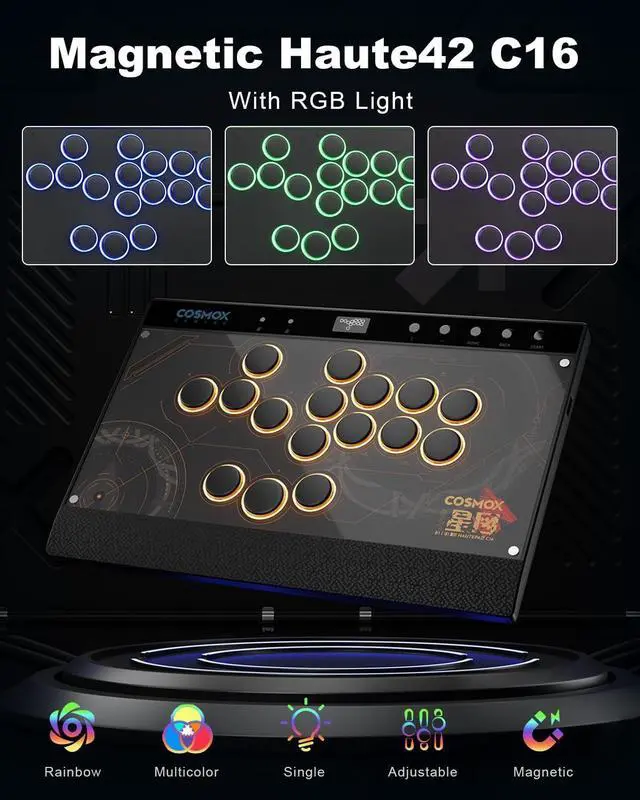


Haute42 Leverless Controller Arcade Stick: Magnetic Leverless Arcade Stick with RGB Rims,Premium Black Haute42 C16 Arcade Controller for PC/PS3/PS4/Switch Game with Lock Button Support Hot Swap & SOCD
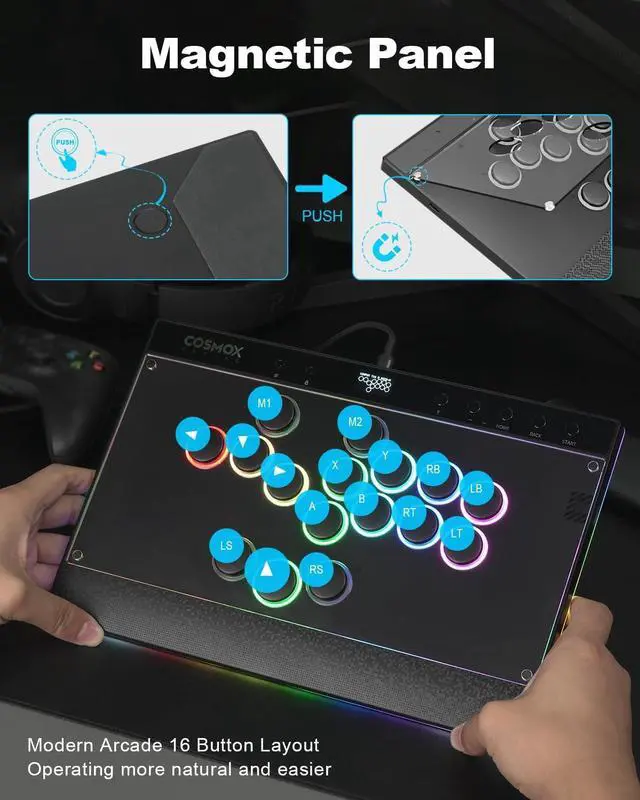
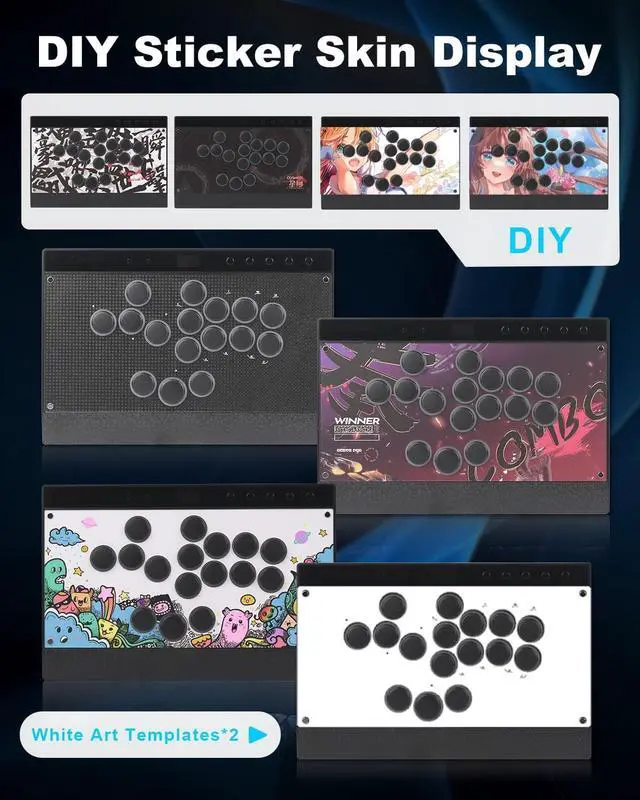
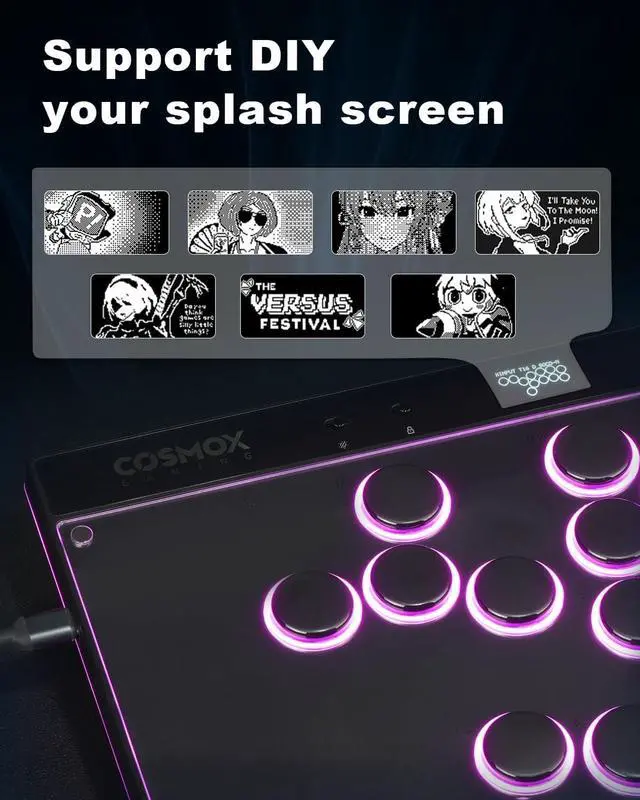
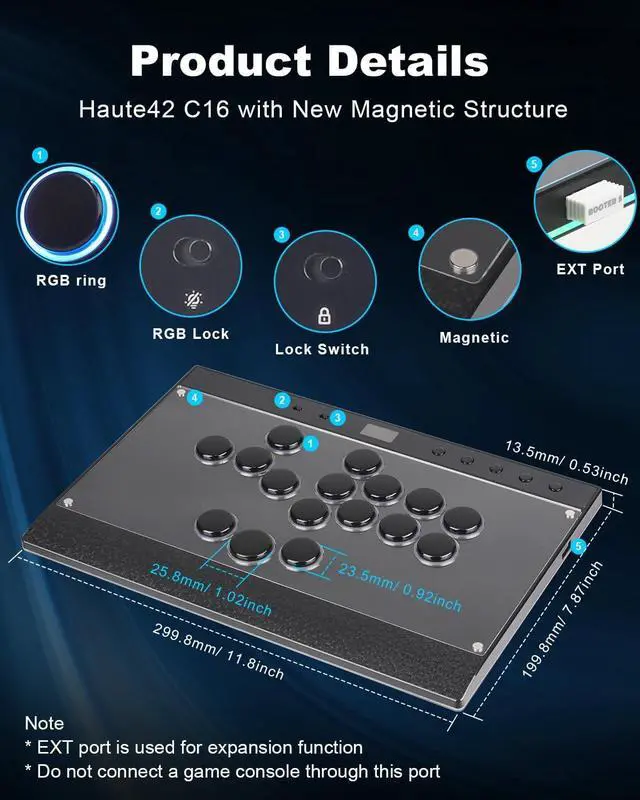
- New Magnetic Design Haute42 C16: This magnetic panel lets you easily DIY your own artwork without screws.(Frosted and transparent panels shipped randomly) Just press the back push button to open.This is an unprecedented innovation from haute42.We also added RGB rings around the buttons and an ergonomic wrist rest to enhance both the look and feel of your gaming experience
- Tournament Lock Switch & RGB: This leverless controller C16 features a tournament lock switch that deactivates extra buttons to prevent accidental presses or disconnections, keeping you focused and in control during intense competition.
- Ultra Low Latency & Supports firmware updates:Haute42 leverless controller adopts Raspberry Pi RP2024 controller chip with firmware GP2040-CE, <1ms latency, no leakage of more than 95% of the frames, After plugging your controller into a PC, then access 192.168.7.1 in a web browser to begin configuration),Support firmware update-Strong technical support team
+
+
Overview
Specs
Reviews

Any questions? Our AI mode will help you find out quickly.
Try me now
System Compatibility: Haute42 C16 is compatible with Windows 10 or above, Steam Deck, PS3, PS4 (Need Adapter), Switch, Windows (Keyboard mode only) If you have any questions about connecting PS4/PS5, you can visit our official website
The package contains haute42 C16, art templates*4, white art templates*2, Wind Engine*2, 3M data cable, switch puller and introduction manual. We have a strong technical team to provide technical support, so that you can purchase without worry
How to connect the Switch2: Press and hold the A button while plugging in the cable to switch to SWITCH mode. Then, press and hold BACK + START + Left Directional Button to switch to Left Stick mode. After that, it should work properly on Switch2
The package contains haute42 C16, art templates*4, white art templates*2, Wind Engine*2, 3M data cable, switch puller and introduction manual. We have a strong technical team to provide technical support, so that you can purchase without worry
How to connect the Switch2: Press and hold the A button while plugging in the cable to switch to SWITCH mode. Then, press and hold BACK + START + Left Directional Button to switch to Left Stick mode. After that, it should work properly on Switch2
Warranty & Returns
Warranty, Returns, And Additional Information
Warranty
- Please contact the Seller directly for warranty information. Warranty information may also be found on the Manufacturer's website.
- CONTACT
Return Policies
- Return for refund within: 30 days
- Return for replacement within: 30 days
- This item is covered by Halo Electronics Return Policy
Manufacturer Contact Info
- For a directory of all our manufacturers, please click below.
- Manufacturers Directory
LOADING...