



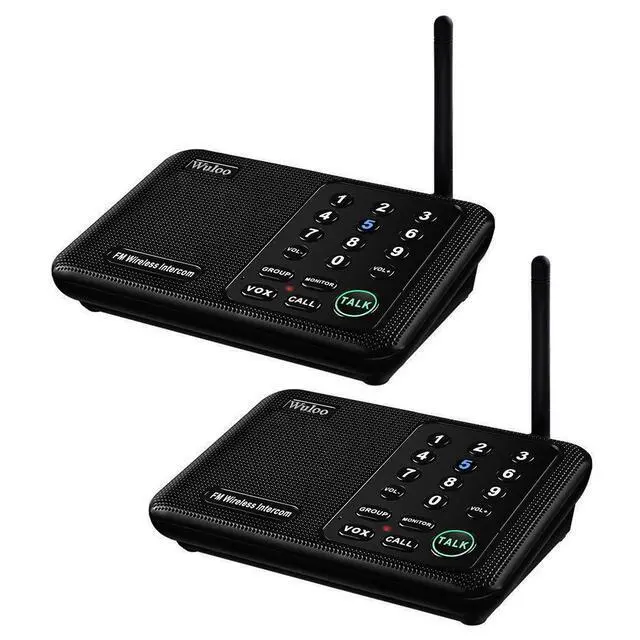
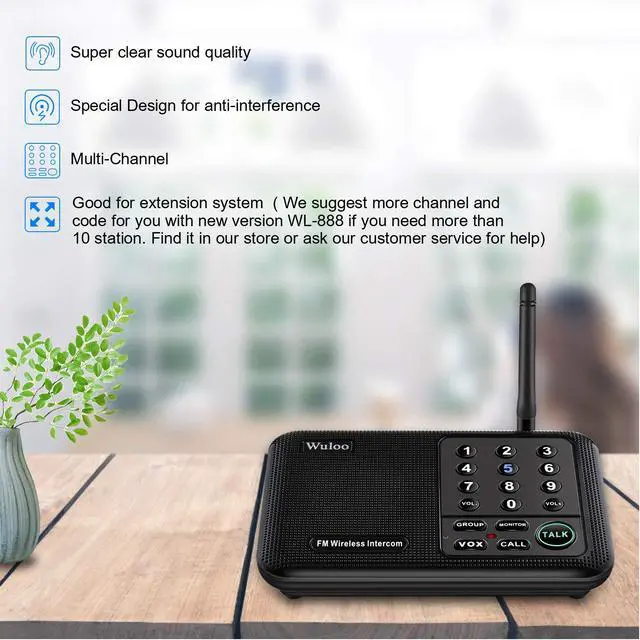



 Intercom System WL666 - 2 Stations Black | 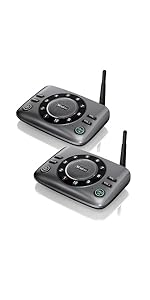 Upgrade handsfree Intercom System S600 - 2 Stations | 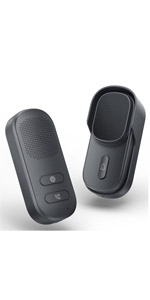 NEW Upgrade intercom doorbell | 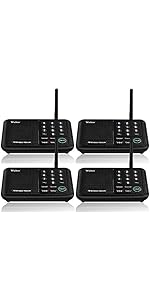 Intercom System WL666 - 4 Stations Black | 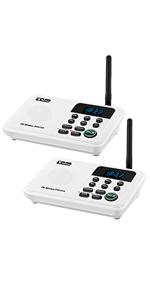 Intercom System WL888 - 2 Stations White | 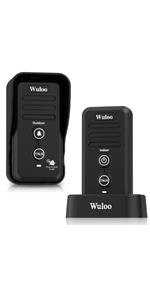 Intercom Doorbell W1T1 - Black | |
|---|---|---|---|---|---|---|
| Customer Reviews | — | — | — | — | — | — |
| Price | — | — | — | — | — | — |
| Talking | Press and hold to TALK | Hands free to TALK | Hands free to TALK | Press and hold to TALK | Press and hold to TALK | Press and hold to TALK |
| Channel Quantity | 10 Channel | 10 Channel | no data | 10 Channel | 22 Channel | none |
| Code Quantity | 3 Code | 10 Code | no data | 3 Code | 100 Code | 3 Code |
| Signal Range | 1 Mile ( 5280 ft ) | 1 Mile ( 5280 ft ) | 1/3 Mile | 1 Mile ( 5280 ft ) | 1 Mile ( 5280 ft ) | 1/2 Mile ( 2640 ft ) |
| Power ON/OFF Key | none | ? | no data | none | ? | The indoor machine has Power button, and the outdoor machine without; |
| Expandable | ? | ? | ? | ? | ? | ? |
| Use For | System less than 10 units | System less than 10 units | Home, Office, Business | System less than 10 units | System more than 10 units | Home, Office, Business, Outdoor Activities |
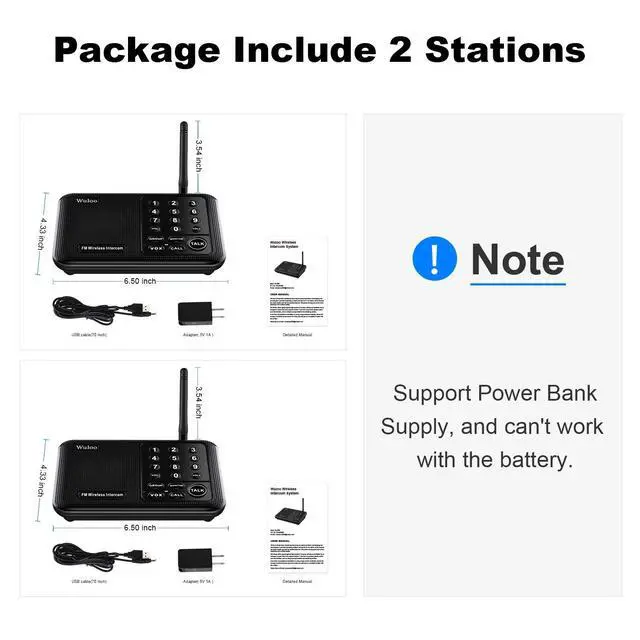
| Power Bank | Support 5V 1A (Not included) | Support 5V 1A (Not included) | Support 5V 1A (Not included) | Support 5V 1A (Not included) | Support 5V 1A (Not included) | Don't support power bank, use rechargeable battery (Battery included) |
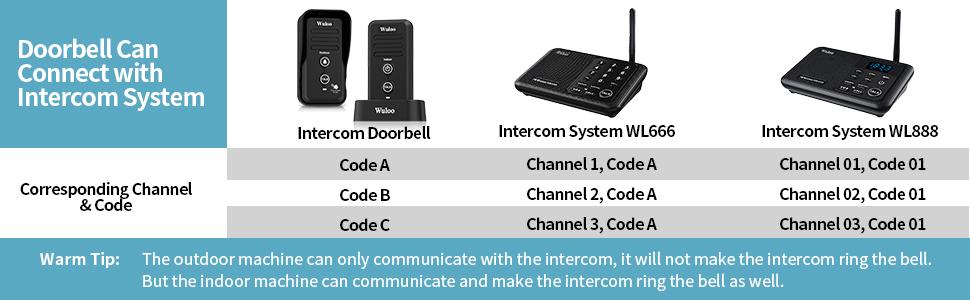
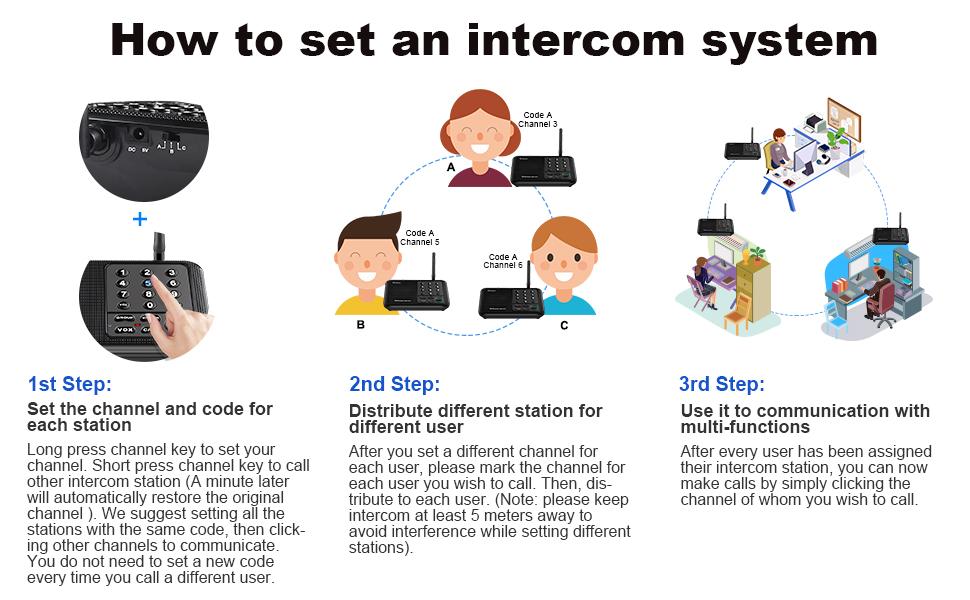
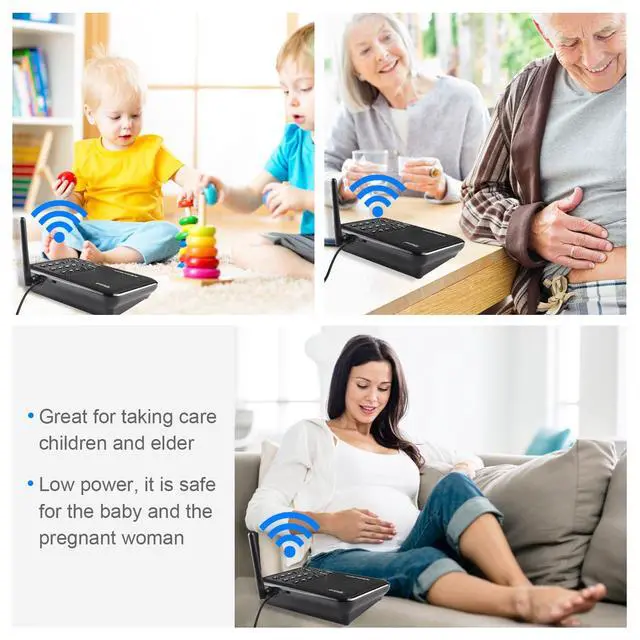
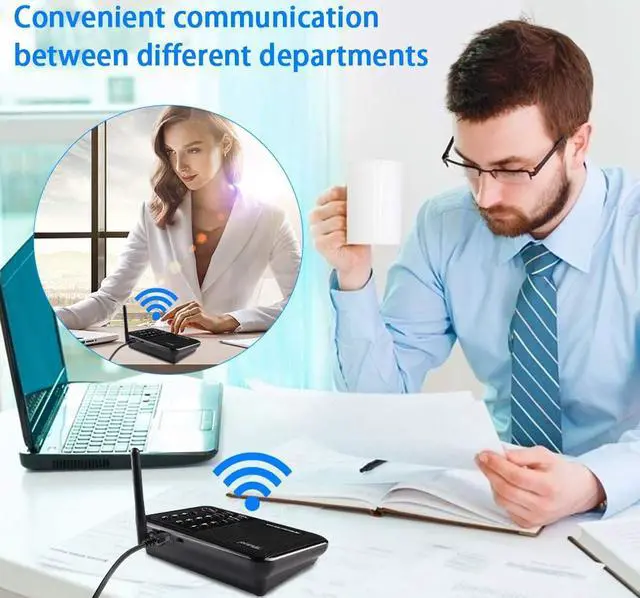
Usage Scenarios
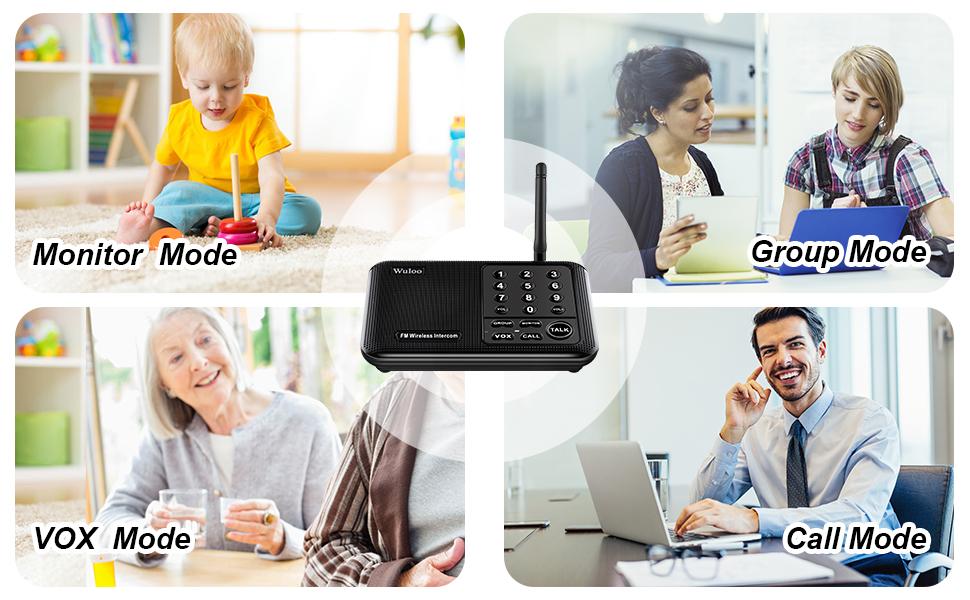
Troubleshooting
1. Channel key does not light----Check the AC power cord. Is it connected properly? Or change AC adapter to test.
2. Cannot receive response---- Please make sure the intercom set to designated channel? If not, be sure to release TALK when you are not speaking into the intercom. Also be sure to press TALK or CALL when the intercom is in MONITOR mode.
3. Cannot talk to another intercom---- Are both intercoms set to the same channel and code? Please make sure they are properly set up and that you’ve waited until the other user has finished talking.
4.Strong and continuous "beep" sound, static noise ----Move intercoms further apart to eliminate audio feedback. Or, change your intercom to another channel or code.
5. Unit doesn't work----Try the units in a different location. If the units work in a different location but not in your home, there may be a problem with your home concrete wall.
6. Cannot communicate----Confirm both units are set to the same channel and code when you want to communicate. Or, change locations by using Power Bank and moving to other locations for better reception and transmission. Or change the channel code.
Note:
1.1.5080 feet signal range is tested in the open area, the realy signal range in antual use may less for obstacles in the circumstance. please note it and put the intercom system in the rgiht place for better signal range.
2. The intercom system is a real-time communication system which has no memory or storage function. Because of this, you cannot receive any information while you are talking with others. Additionally, you cannot speak to another user if they are speaking at the same time.
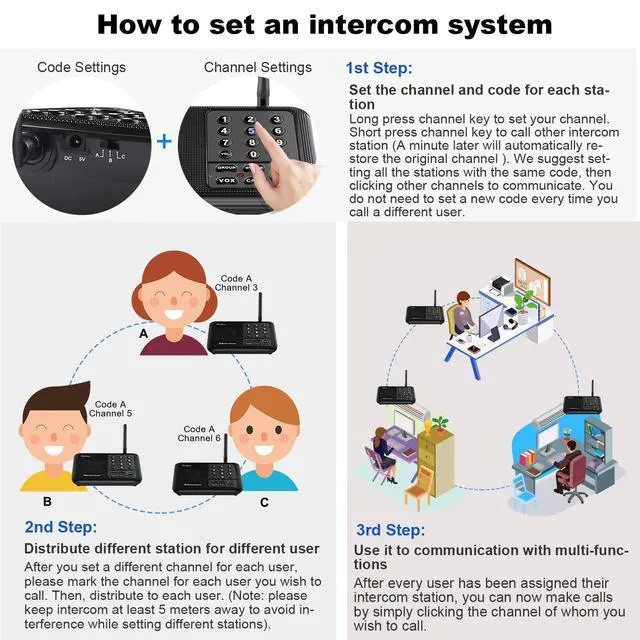
3. Please note that you will need to set the same channel and code if you want 2 intercom stations to receive communication. It also means any other intercoms can also communicate if they have same channel code. For example, your neighbors may be able to interfere with your intercom system. We suggest setting another channel or code to avoid interference.
4. A tip for setting your home intercom system
For example, let’s say you have a 4 station intercom system for your home for different rooms. You can set all 4 stations with the same code A(code A, B or C are choices), then you set different channels for all 4 stations. In this case, you can just click a channel number to call others without set code because your codes are all the same. If your system receives interference, you can change it to another code for all of your stations without changing every station's channel making this a very convenient option.
5. We sincerely suggest that you can read User Manual before you use our intercom system.
- Warm Tip:
Our company is a professional company for FM wireless products. All of our products have passed FCC certification, the FCC ID for this product is 2AOBR-666, you can use it without any worries.

Wuloo FM Wireless Technology
- Intercom system
- Driveway Alarm
- Intercom Doorbell

Wuloo is specialized in designing and manufacturing FM wireless products for more than 20 years.
We are committed to making our customers' lives safer and more convenient.
We are dedicated to providing customers with the best products and service.
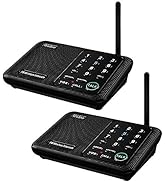
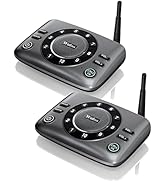
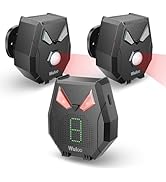
The Most Popular
What makes our products unique?
Wuloo is specialized in designing and manufacturing FM wireless products for more than 10 years. All Wuloo products will research other similar products before manufacturing, we can ensure all of our products are better than others.
Why do we love what we do?
Wuloo focus on designing better FM wireless products. We are committed to making our customers' lives safer and more convenient, which do not need to work with unstable Wifi.
Why you say Wuloo service is the best?
Love it or refund is our promise.
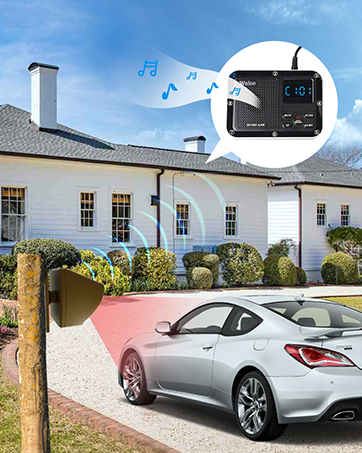
Wuloo Driveway Alarm
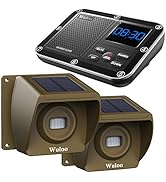
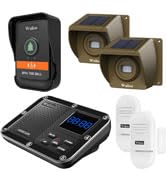
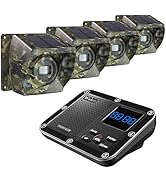
Wuloo Driveway Alarm System
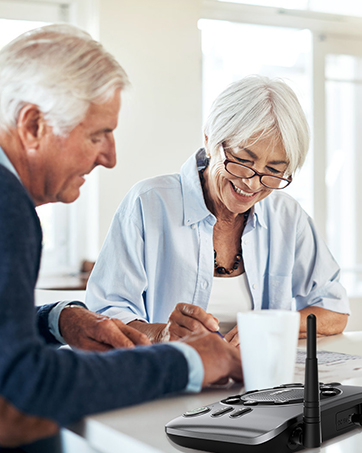
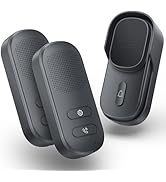
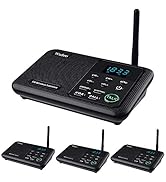
Wuloo S600 hands free intercom
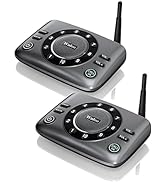
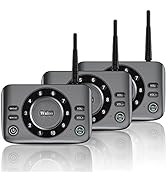
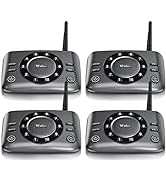
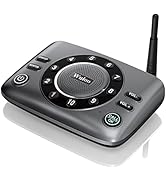
Wuloo S600 Hands Free intercom
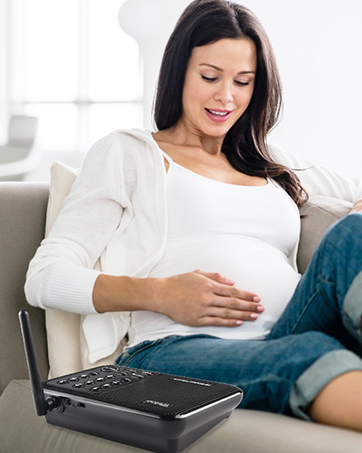
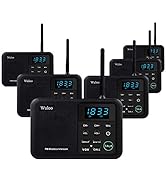
Wuloo intercom system WL666
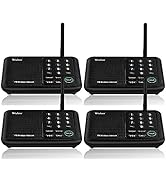
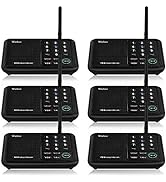
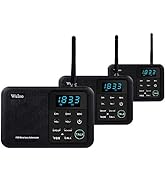
Wuloo intercom system WL666
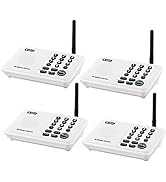
Wuloo intercom system WL888
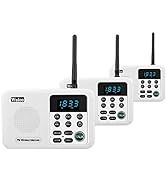
Wuloo intercom system WL888
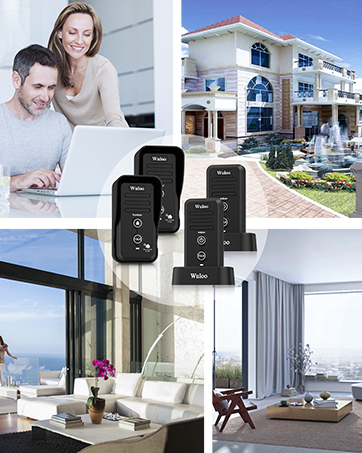
Wuloo intercom doorbell system
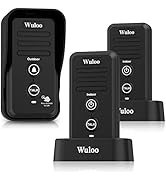
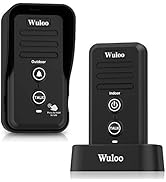
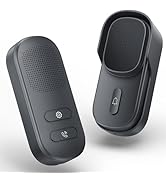
Wuloo intercom doorbell system
Intercom System WL666 - 2 Stations Black | Upgrade handsfree Intercom System S600 - 2 Stations | NEW Upgrade intercom doorbell | Intercom System WL666 - 4 Stations Black | Intercom System WL888 - 2 Stations White | Intercom Doorbell W1T1 - Black | |
|---|---|---|---|---|---|---|
| Customer Reviews | — | — | — | — | — | — |
| Price | — | — | — | — | — | — |
| Talking | Press and hold to TALK | Hands free to TALK | Hands free to TALK | Press and hold to TALK | Press and hold to TALK | Press and hold to TALK |
| Channel Quantity | 10 Channel | 10 Channel | no data | 10 Channel | 22 Channel | none |
| Code Quantity | 3 Code | 10 Code | no data | 3 Code | 100 Code | 3 Code |
| Signal Range | 1 Mile ( 5280 ft ) | 1 Mile ( 5280 ft ) | 1/3 Mile | 1 Mile ( 5280 ft ) | 1 Mile ( 5280 ft ) | 1/2 Mile ( 2640 ft ) |
| Power ON/OFF Key | none | ? | no data | none | ? | The indoor machine has Power button, and the outdoor machine without; |
| Expandable | ? | ? | ? | ? | ? | ? |
| Use For | System less than 10 units | System less than 10 units | Home, Office, Business | System less than 10 units | System more than 10 units | Home, Office, Business, Outdoor Activities |
| Power Bank | Support 5V 1A (Not included) | Support 5V 1A (Not included) | Support 5V 1A (Not included) | Support 5V 1A (Not included) | Support 5V 1A (Not included) | Don't support power bank, use rechargeable battery (Battery included) |
Usage Scenarios
Troubleshooting
1. Channel key does not light----Check the AC power cord. Is it connected properly? Or change AC adapter to test.
2. Cannot receive response---- Please make sure the intercom set to designated channel? If not, be sure to release TALK when you are not speaking into the intercom. Also be sure to press TALK or CALL when the intercom is in MONITOR mode.
3. Cannot talk to another intercom---- Are both intercoms set to the same channel and code? Please make sure they are properly set up and that you’ve waited until the other user has finished talking.
4.Strong and continuous "beep" sound, static noise ----Move intercoms further apart to eliminate audio feedback. Or, change your intercom to another channel or code.
5. Unit doesn't work----Try the units in a different location. If the units work in a different location but not in your home, there may be a problem with your home concrete wall.
6. Cannot communicate----Confirm both units are set to the same channel and code when you want to communicate. Or, change locations by using Power Bank and moving to other locations for better reception and transmission. Or change the channel code.
Note:
1.1.5080 feet signal range is tested in the open area, the realy signal range in antual use may less for obstacles in the circumstance. please note it and put the intercom system in the rgiht place for better signal range.
2. The intercom system is a real-time communication system which has no memory or storage function. Because of this, you cannot receive any information while you are talking with others. Additionally, you cannot speak to another user if they are speaking at the same time.
3. Please note that you will need to set the same channel and code if you want 2 intercom stations to receive communication. It also means any other intercoms can also communicate if they have same channel code. For example, your neighbors may be able to interfere with your intercom system. We suggest setting another channel or code to avoid interference.
4. A tip for setting your home intercom system
For example, let’s say you have a 4 station intercom system for your home for different rooms. You can set all 4 stations with the same code A(code A, B or C are choices), then you set different channels for all 4 stations. In this case, you can just click a channel number to call others without set code because your codes are all the same. If your system receives interference, you can change it to another code for all of your stations without changing every station's channel making this a very convenient option.
5. We sincerely suggest that you can read User Manual before you use our intercom system.
- Warm Tip:
Our company is a professional company for FM wireless products. All of our products have passed FCC certification, the FCC ID for this product is 2AOBR-666, you can use it without any worries.
Wuloo FM Wireless Technology
- Intercom system
- Driveway Alarm
- Intercom Doorbell
Wuloo is specialized in designing and manufacturing FM wireless products for more than 20 years.
We are committed to making our customers' lives safer and more convenient.
We are dedicated to providing customers with the best products and service.
The Most Popular
What makes our products unique?
Wuloo is specialized in designing and manufacturing FM wireless products for more than 10 years. All Wuloo products will research other similar products before manufacturing, we can ensure all of our products are better than others.
Why do we love what we do?
Wuloo focus on designing better FM wireless products. We are committed to making our customers' lives safer and more convenient, which do not need to work with unstable Wifi.
Why you say Wuloo service is the best?
Love it or refund is our promise.
Wuloo Driveway Alarm
Wuloo Driveway Alarm System
Wuloo S600 hands free intercom
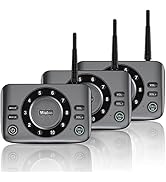
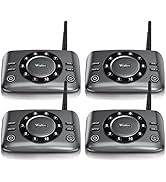
Wuloo S600 Hands Free intercom
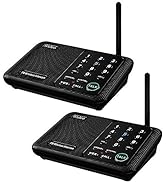
Wuloo intercom system WL666
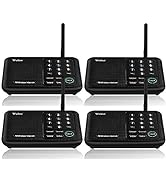
Wuloo intercom system WL666
Wuloo intercom system WL888
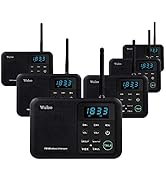
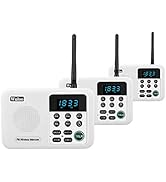
Wuloo intercom system WL888
Wuloo intercom doorbell system
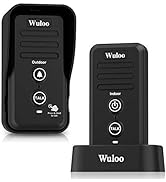
Wuloo intercom doorbell system
