









JSAUX 6-in-1 Docking Station and PD 100W Charger

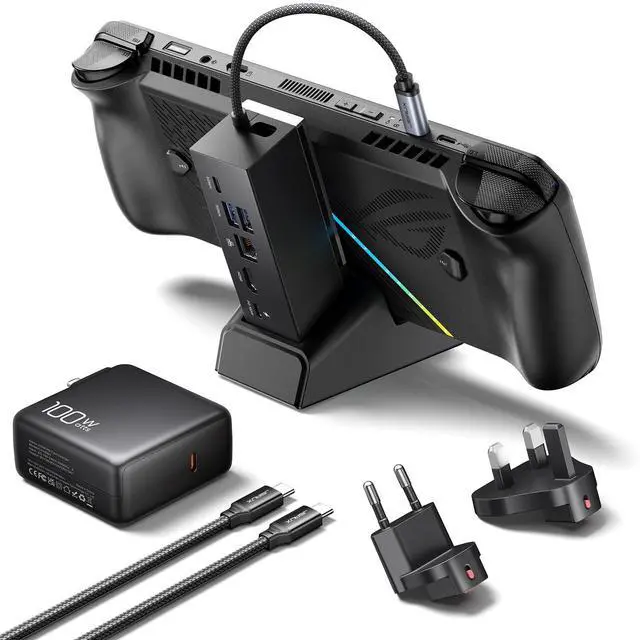
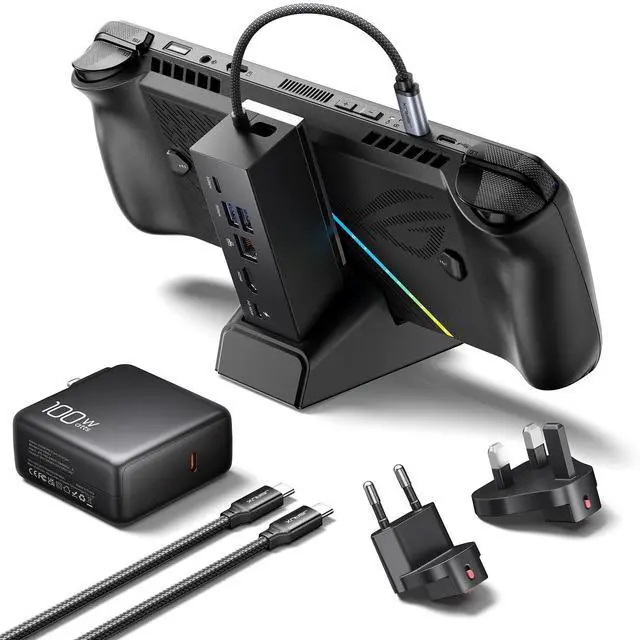
What You Get: 1× Docking Station HB0609, 1× 100W Charger, 1× USB C to USB C Cable, 1× European Plug Adapter, and 1× UK Plug Adapter

What are the dimensions of the Docking Station HB0609B?
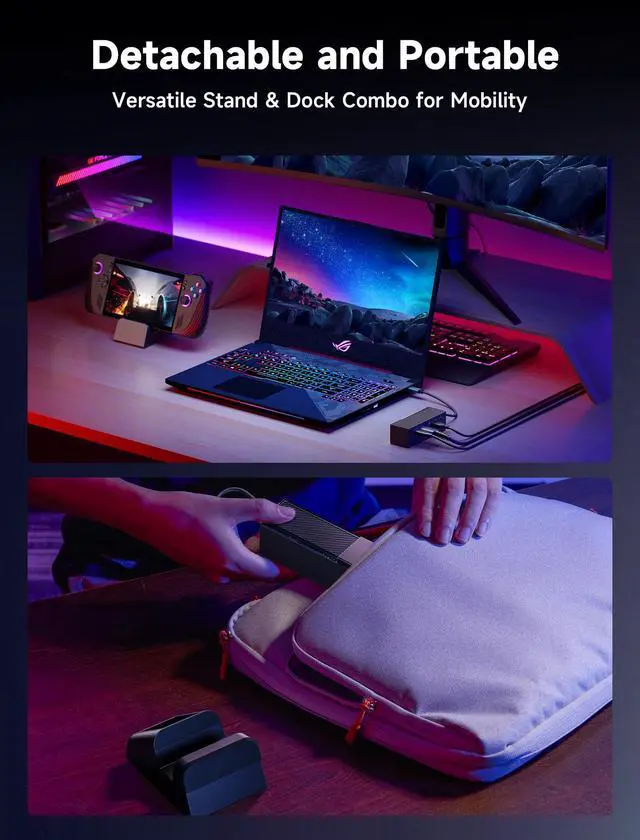
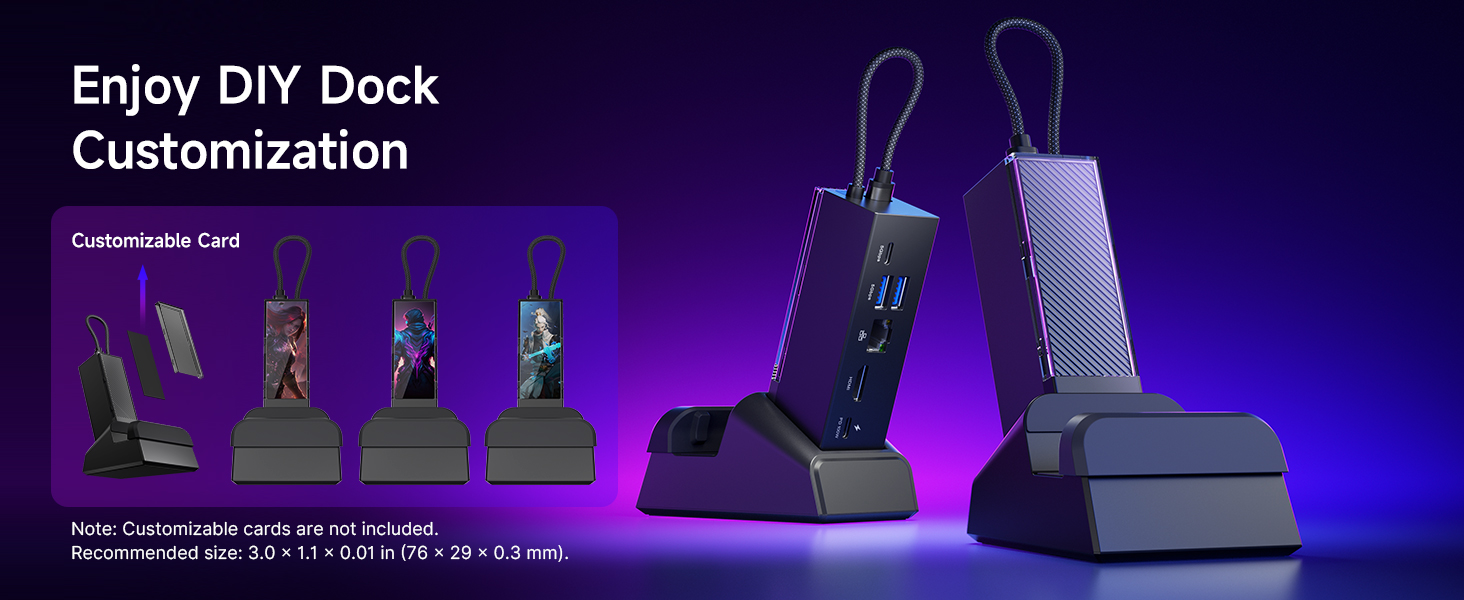
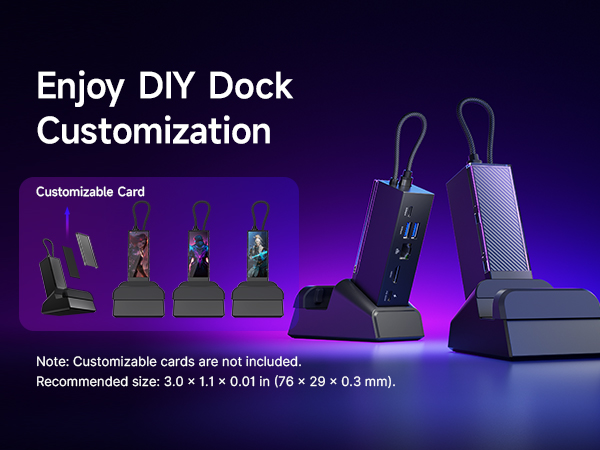
Dock Size: 120 × 37 × 33 mm (4.72" × 1.46" × 1.30"). Standbase Size: 103 × 75 mm (4.06" × 2.95").
Which monitors are not compatible?
These models may not be compatible: Samsung Monitor LG32G73TQSNXZA / 65” Sony Bravia K65XR80 / Samsung UE50NU7400U 50" 4K Ultra HD Smart / LG UM7180PVB.
How do I enable Turbo Mode on the ROG Ally (X)?
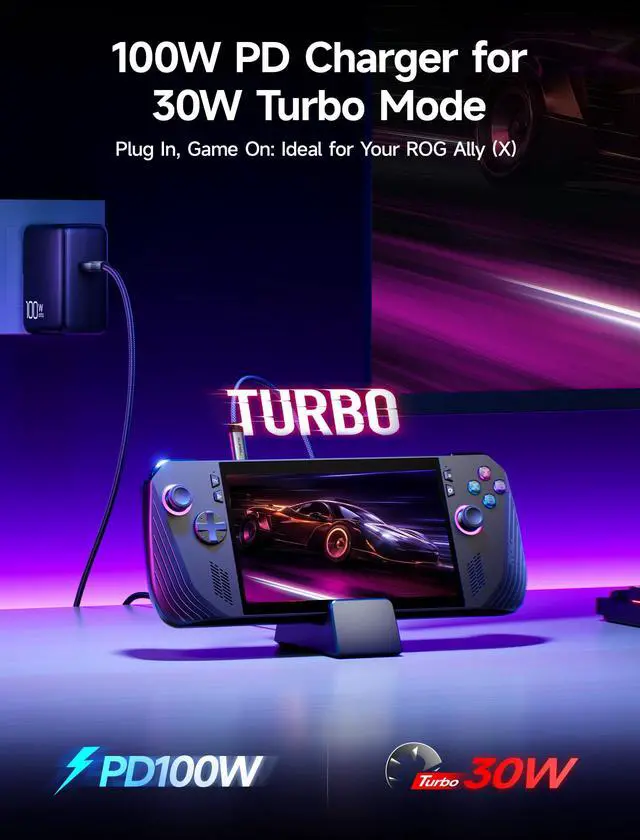
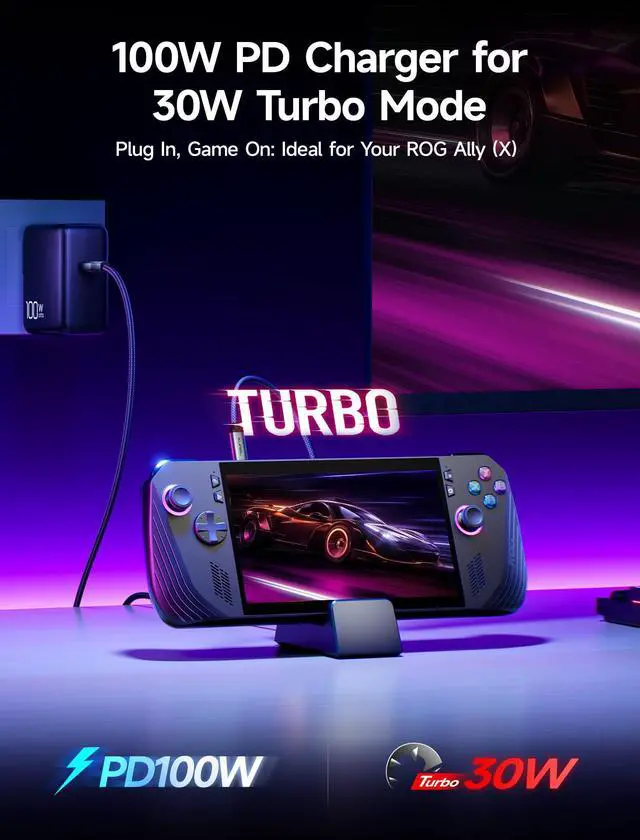
To enable Turbo Mode, press the Control Center button on the left side of your ROG Ally (X) and switch to Turbo. This mode uses 25W for maximum performance, and when plugged in, it boosts to 30W for better framerates.
Then how to enable 30W Turbo Mode?
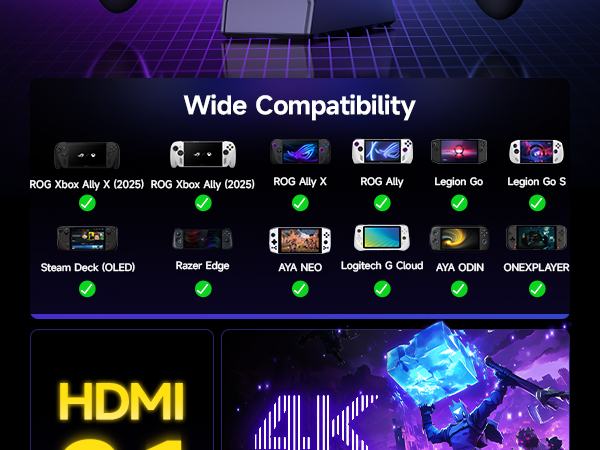
For 30W Turbo Mode, a 100W PD CHARGER is essential. It ensures the dock can handle the increased power demand for optimal performance.
Why does my ROG Ally (X) stop charging at 80%? How do I charge to 100%?
Battery Care Mode limits charging to 80% to extend battery life. To charge to 100%, open the MyASUS app, go to Customization, turn off Battery Care Mode, and enable Instant Full-Charge Mode, which will take effect for 24 hours.
Interface Parameters
JSAUX 6-in-1 Docking Station and PD 100W Charger

What You Get: 1× Docking Station HB0609, 1× 100W Charger, 1× USB C to USB C Cable, 1× European Plug Adapter, and 1× UK Plug Adapter

What are the dimensions of the Docking Station HB0609B?
Dock Size: 120 × 37 × 33 mm (4.72" × 1.46" × 1.30"). Standbase Size: 103 × 75 mm (4.06" × 2.95").
Which monitors are not compatible?
These models may not be compatible: Samsung Monitor LG32G73TQSNXZA / 65” Sony Bravia K65XR80 / Samsung UE50NU7400U 50" 4K Ultra HD Smart / LG UM7180PVB.
How do I enable Turbo Mode on the ROG Ally (X)?
To enable Turbo Mode, press the Control Center button on the left side of your ROG Ally (X) and switch to Turbo. This mode uses 25W for maximum performance, and when plugged in, it boosts to 30W for better framerates.
Then how to enable 30W Turbo Mode?
For 30W Turbo Mode, a 100W PD CHARGER is essential. It ensures the dock can handle the increased power demand for optimal performance.
Why does my ROG Ally (X) stop charging at 80%? How do I charge to 100%?
Battery Care Mode limits charging to 80% to extend battery life. To charge to 100%, open the MyASUS app, go to Customization, turn off Battery Care Mode, and enable Instant Full-Charge Mode, which will take effect for 24 hours.
Interface Parameters
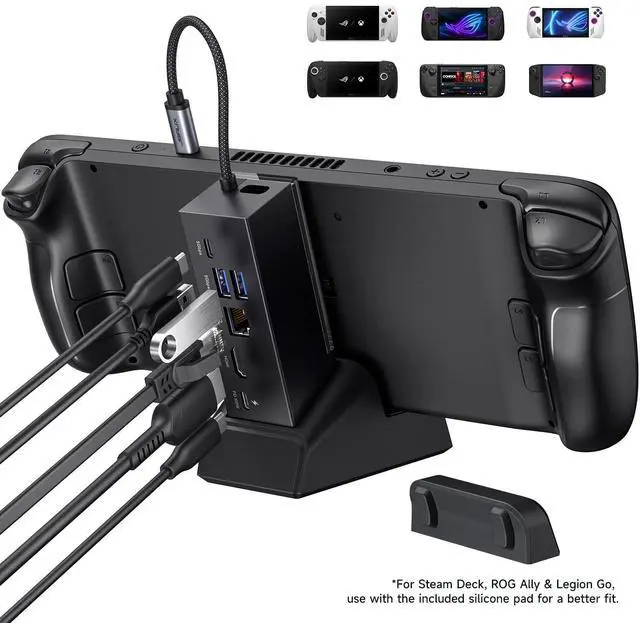
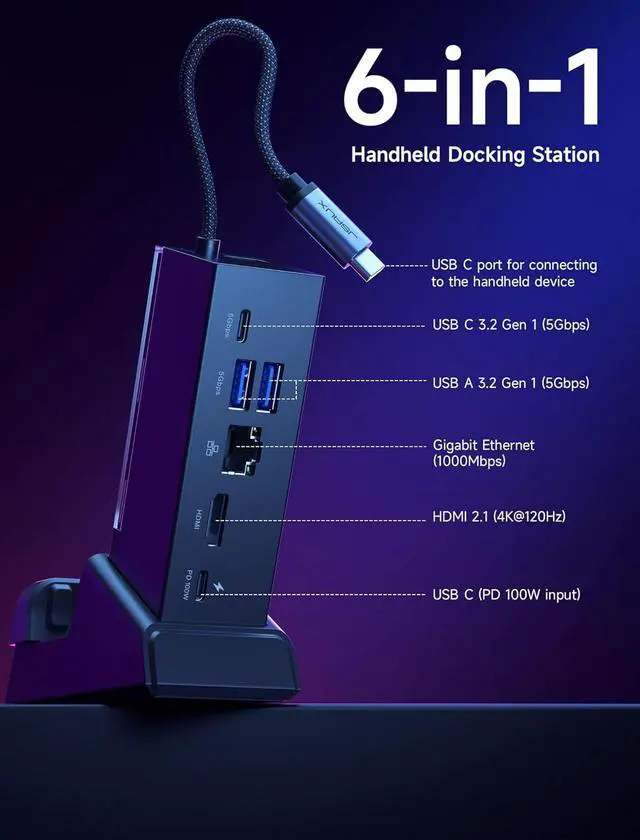
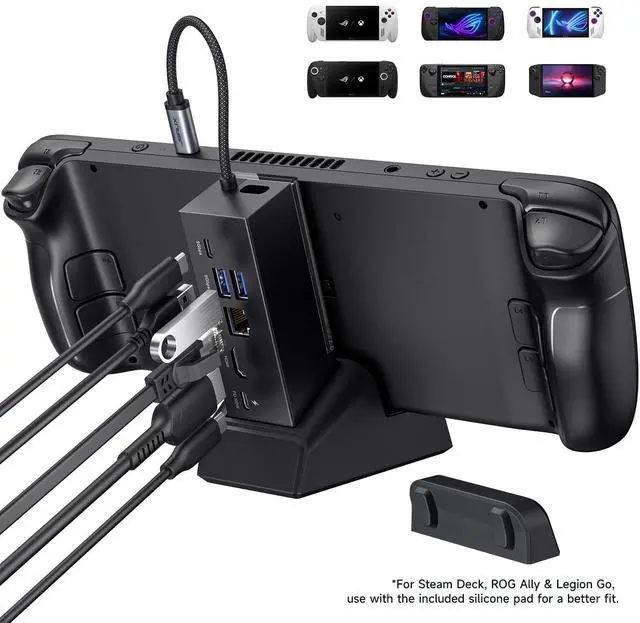
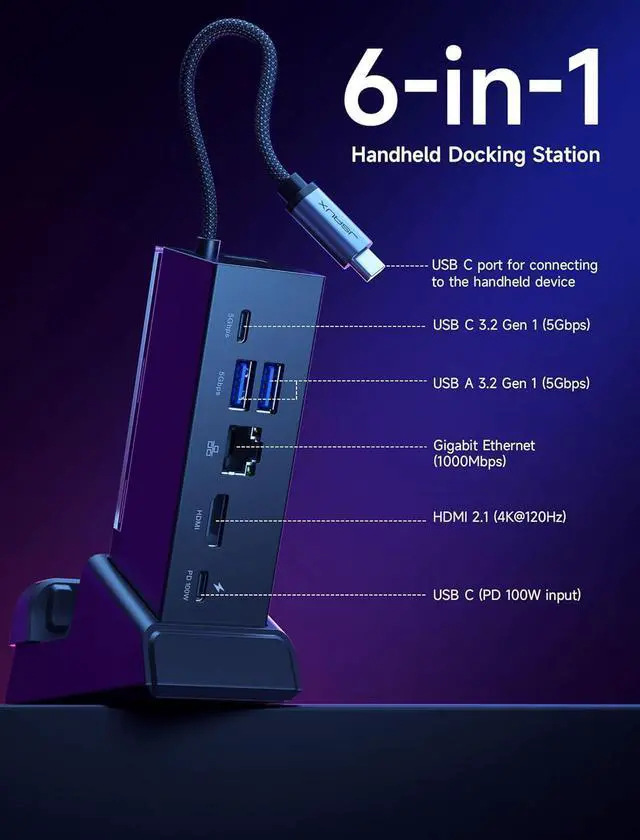
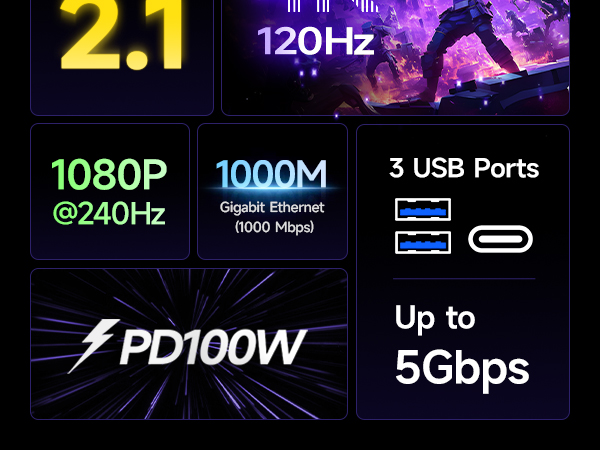
| * | 1x USB C port for connecting to the handheld device |
|---|---|
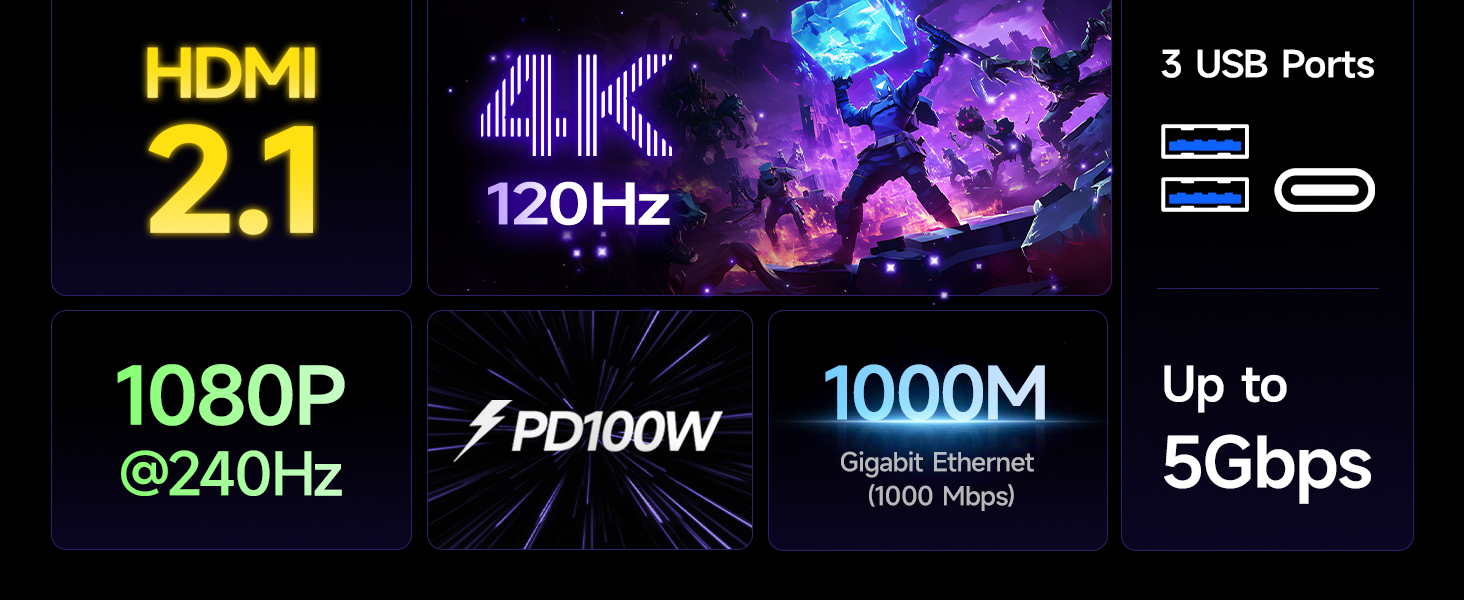
| * | 1x USB C 3.2 Gen 1 (5Gbps) |
| * | 2x USB A 3.2 Gen 1 (5Gbps) |
| * | 1x Gigabit Ethernet (1000 Mbps) |
| * | 1x HDMI (4K@120Hz /1080P@240Hz) |
| * | 1x USB C (PD 100W input) |