




5 in 1 Multi-ports Card Reader
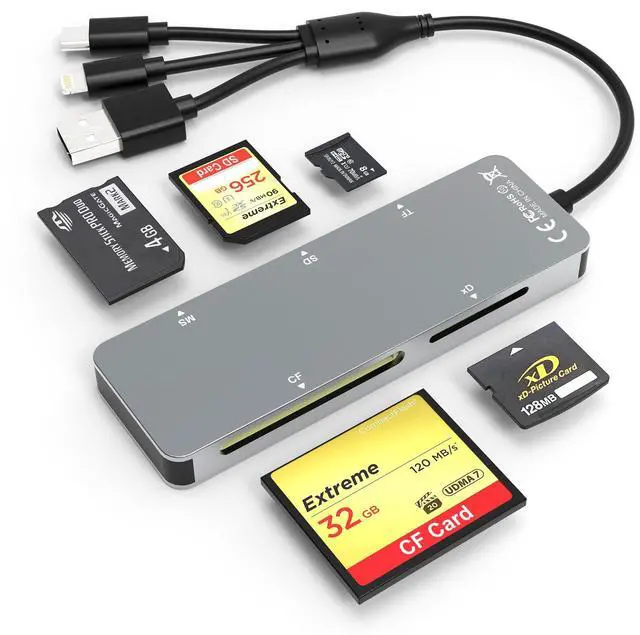
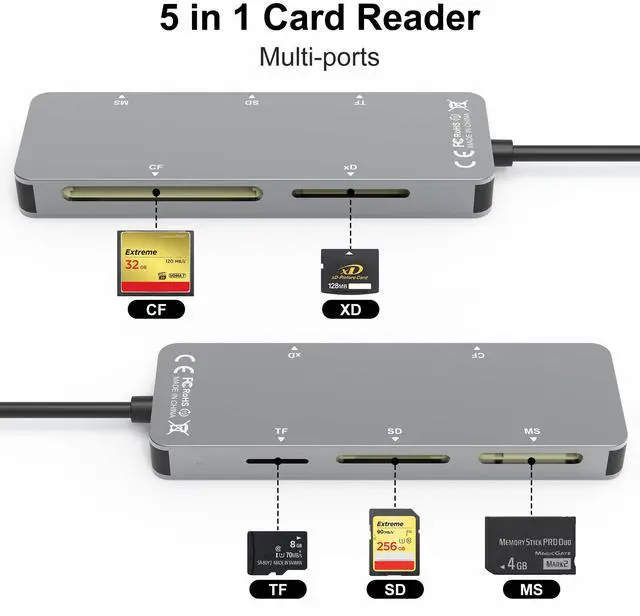
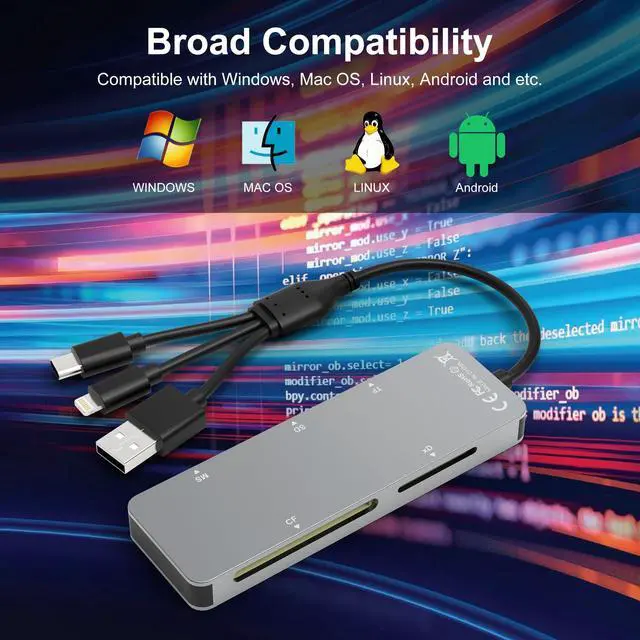
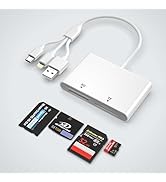
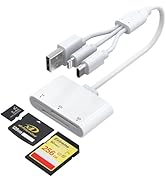
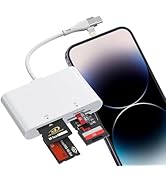
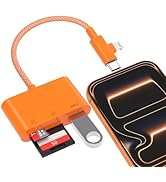
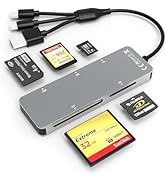
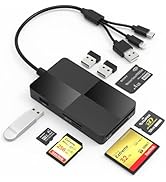
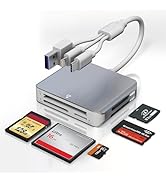
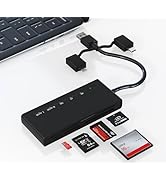
With its SD/TF/MS/CF/XD card slots, this compact flash card reader supports a wide range of memory card formats, including XD, SDXC, SDHC, SD, CF, MS, Micro SDXC, Micro SDHC, and Micro SD cards.


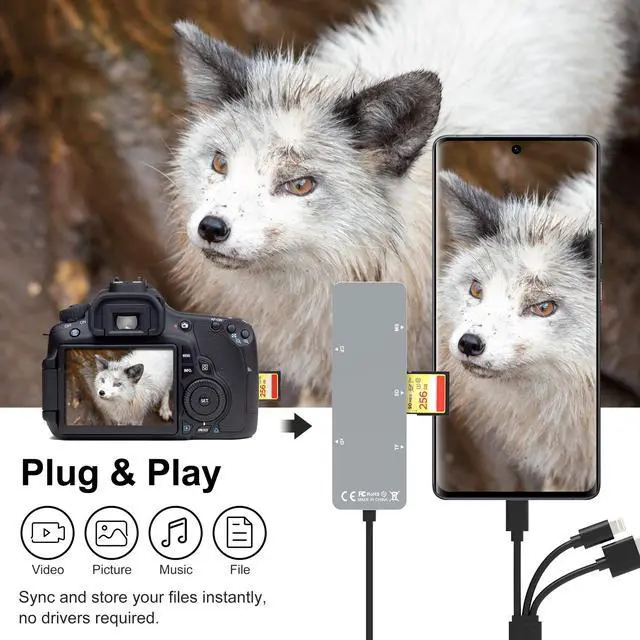
Plug and Play
The SD card reader doesn't rely on Wi-Fi, a network, or drivers. It allows you to directly plugging the card reader into your Type C / USB A /Lightning device and it is immediately ready for use, easily transfer photo video and file information.

480Mbps Super Speed Transfer
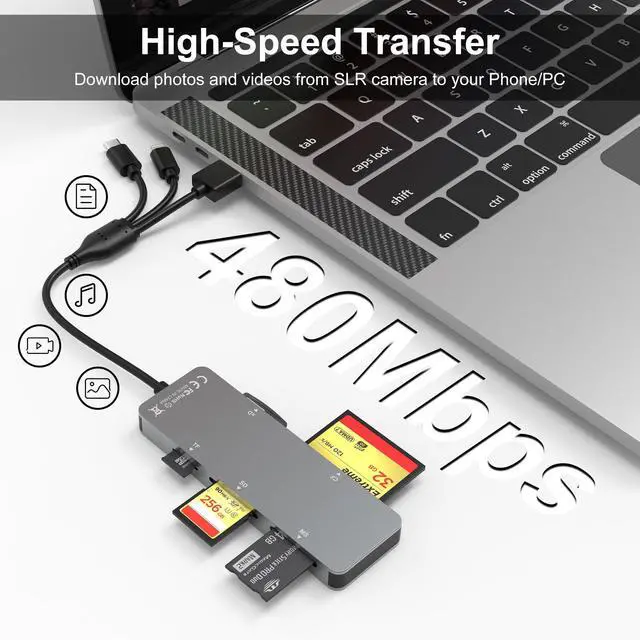
With 480Mbps data transfer, you can transfer your images and videos from your card to the i- Phone /Pad/ Android / computer soon, save a lot of time and improve your work efficiency.

Three Data Dable Ports
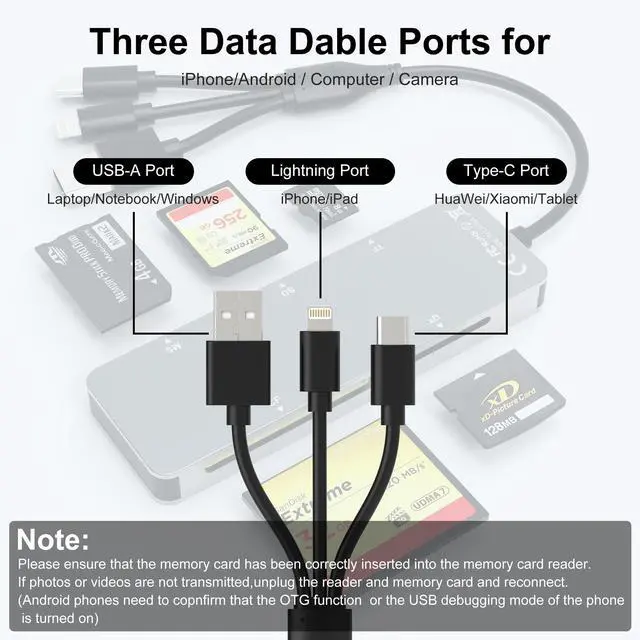
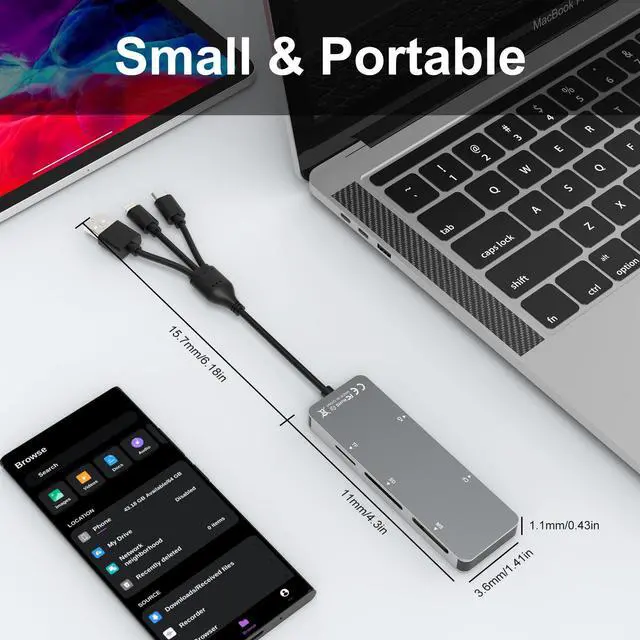
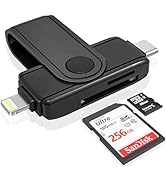
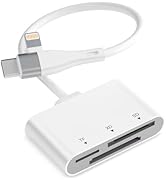
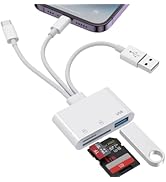
The memory card adapter features Lightning+USB C+USB A data dable ports suitable for i-Phone/i-Pad computers, etc devices. The 50cm cable leaves more space for the other ports.

OS How to store from phone to memory card?
- 1.Insert the memory card into the card reader,
- 2.Then insert the caard reader into the iPhone find the "photos" app
- 3.Select the picture or video you want to save to the memory card
- 4.Click the button in the lower left corner Click on "save to files"
- 5.Find the card reader file and select Save File to complete the operation.(generally data of memory card is on “Untiled” or "NONAME", which is the name of your memory card)
OS How to store from memory card to phone?
- 1.Insert the memory card into the card reader,
- 2.Then insert tthe card reader into the iPhone,
- 3.Find the "files" app, Click"Untitled",
- 4.Selsct the photo or video you want to import into your iPhhone
- 5.Select "Save Items" to complete the ooperation.

*Warm Prompt*
- This compact flash card reader is equipped with SD/TF/MS/CF/XD card slots. However,due to the limitation of system, only one card can be read at a time. Please do not read two cards at the same time.
- Please ensure that the memory card has been correctly inserted into the memory card reader.If photos or videos are not transmitted,unplug the reader and memory card and reconnect.(Android phones need to copnfirm that the OTG function or the USB debugging mode of the phone is turned on)
- When some Android phones are plugged in for the first time, a message may pop up indicating that the format does not match and the USB flash drive needs to be formatted. After formatting, it can be used normally and there is no need to perform this operation again later.

5 in 1 Multi-ports Card Reader
With its SD/TF/MS/CF/XD card slots, this compact flash card reader supports a wide range of memory card formats, including XD, SDXC, SDHC, SD, CF, MS, Micro SDXC, Micro SDHC, and Micro SD cards.
Plug and Play
The SD card reader doesn't rely on Wi-Fi, a network, or drivers. It allows you to directly plugging the card reader into your Type C / USB A /Lightning device and it is immediately ready for use, easily transfer photo video and file information.
480Mbps Super Speed Transfer
With 480Mbps data transfer, you can transfer your images and videos from your card to the i- Phone /Pad/ Android / computer soon, save a lot of time and improve your work efficiency.
Three Data Dable Ports
The memory card adapter features Lightning+USB C+USB A data dable ports suitable for i-Phone/i-Pad computers, etc devices. The 50cm cable leaves more space for the other ports.
OS How to store from phone to memory card?
- 1.Insert the memory card into the card reader,
- 2.Then insert the caard reader into the iPhone find the "photos" app
- 3.Select the picture or video you want to save to the memory card
- 4.Click the button in the lower left corner Click on "save to files"
- 5.Find the card reader file and select Save File to complete the operation.(generally data of memory card is on “Untiled” or "NONAME", which is the name of your memory card)
OS How to store from memory card to phone?
- 1.Insert the memory card into the card reader,
- 2.Then insert tthe card reader into the iPhone,
- 3.Find the "files" app, Click"Untitled",
- 4.Selsct the photo or video you want to import into your iPhhone
- 5.Select "Save Items" to complete the ooperation.
*Warm Prompt*
- This compact flash card reader is equipped with SD/TF/MS/CF/XD card slots. However,due to the limitation of system, only one card can be read at a time. Please do not read two cards at the same time.
- Please ensure that the memory card has been correctly inserted into the memory card reader.If photos or videos are not transmitted,unplug the reader and memory card and reconnect.(Android phones need to copnfirm that the OTG function or the USB debugging mode of the phone is turned on)
- When some Android phones are plugged in for the first time, a message may pop up indicating that the format does not match and the USB flash drive needs to be formatted. After formatting, it can be used normally and there is no need to perform this operation again later.
Card Reader
Card Reader
Card Reader
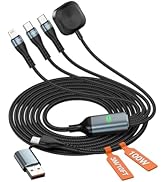
100W Charging Cable