

Your Browsing History

Meet Your Seller

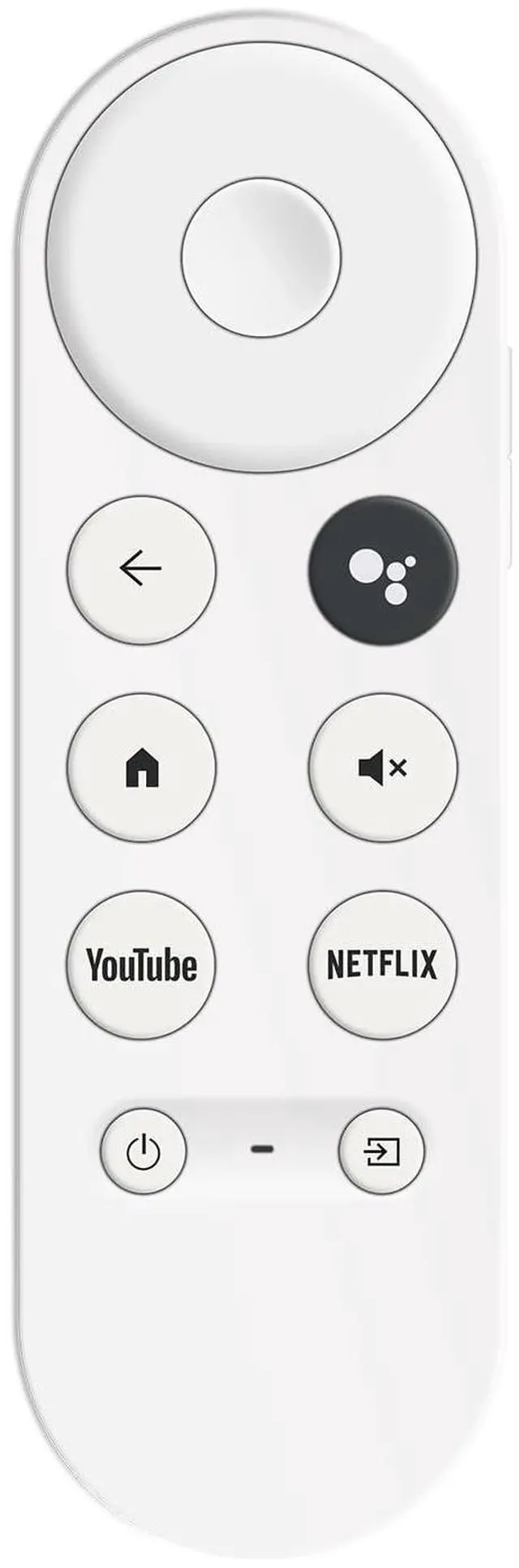
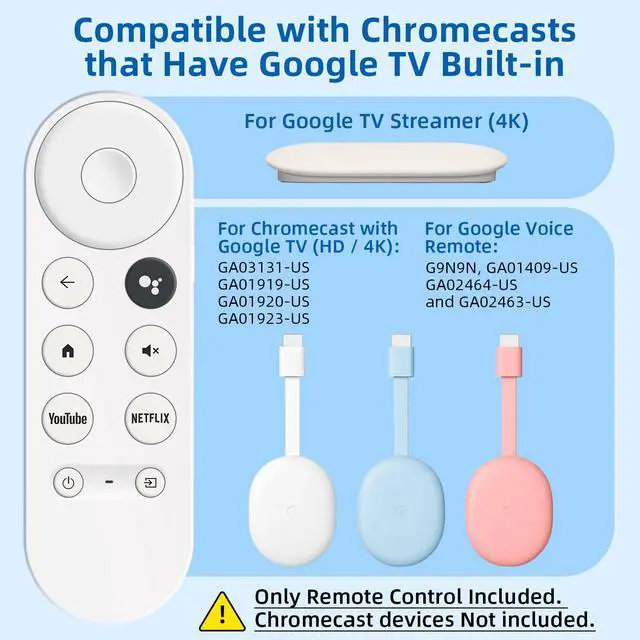
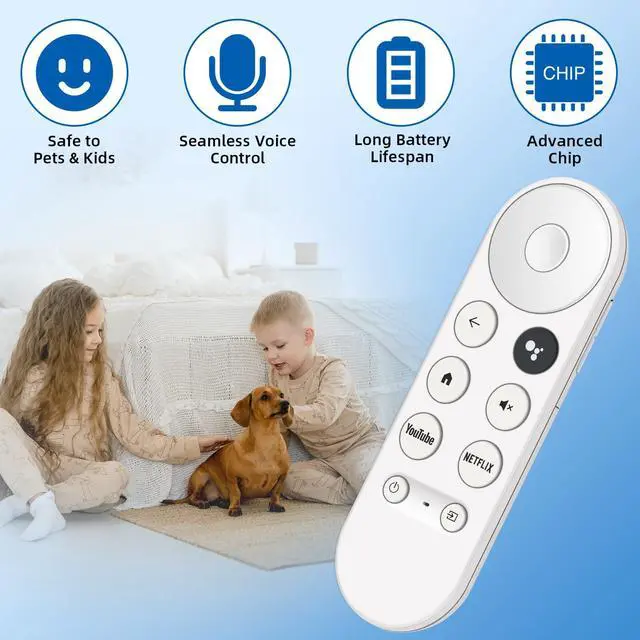
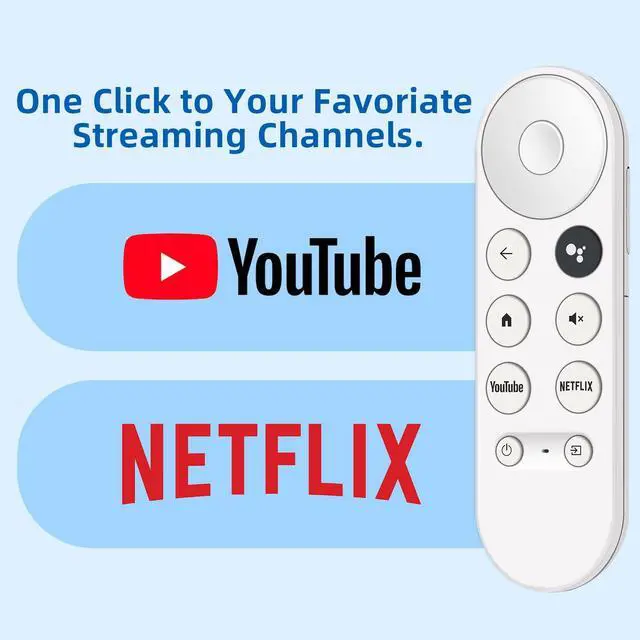


Replacement Remote for Chromecast with Google TV Built-in. 1-Year
Limited time offer, ends 09/18 By WanJin World Shop
- Wide Compatibility: This high-quality remote works with all LG Smart TVs from 2018 to 2025 that support voice control. It serves as a perfect substitute for LG Magic Remotes, such as MR20GA, MR19BA, MR24GN/GA, MR23GN/GA, MR22GA/GN, MR21GA/GC, MR25GA, AKB76039902, AKB75855501 and others. Please Note: This remote might not connect with TVs lacking voice control support or those manufactured before 2018. It does not work with soundbars. Voice Control Feature: Conveniently locate your preferred content using the integrated voice function. Simply press the microphone button to look for programs, change volume, select inputs, or enjoy music through straightforward voice commands. Pairing Instructions: Step 1: On your Chromecast/Google TV device, press and hold the Auto Pairing button until the TV shows "Searching for accessories." Then press and hold the BACK and HOME buttons on the remote simultaneously until the LED indicator begins to flash. Step 2: Wait for 5-10 seconds until "Chromecast Remote" appears on the TV display, then press the Auto Pairing button on the Chromecast/Google TV device again to choose it. Step 3: Press and hold the Auto Pairing button again for approximately 5 seconds until the TV screen displays "Pairing" under "Chromecast Remote". Step 4: If the connection is unsuccessful, repeat the pairing procedure until it works
+
+
Overview
Specs
Reviews

Any questions? Our AI mode will help you find out quickly.
Try me now
Wide Compatibility: This high-quality remote works with all LG Smart TVs from 2018 to 2025 that support voice control. It serves as a perfect substitute for LG Magic Remotes, such as MR20GA, MR19BA, MR24GN/GA, MR23GN/GA, MR22GA/GN, MR21GA/GC, MR25GA, AKB76039902, AKB75855501 and others.
Please Note: This remote might not connect with TVs lacking voice control support or those manufactured before
2018. It does not work with soundbars.
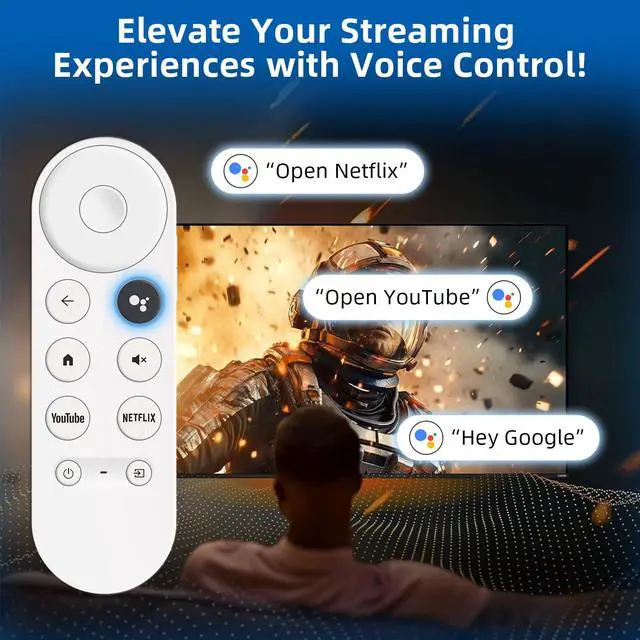
Voice Control Feature: Conveniently locate your preferred content using the integrated voice function. Simply press the microphone button to look for programs, change volume, select inputs, or enjoy music through straightforward voice commands.
Pairing Instructions: Step
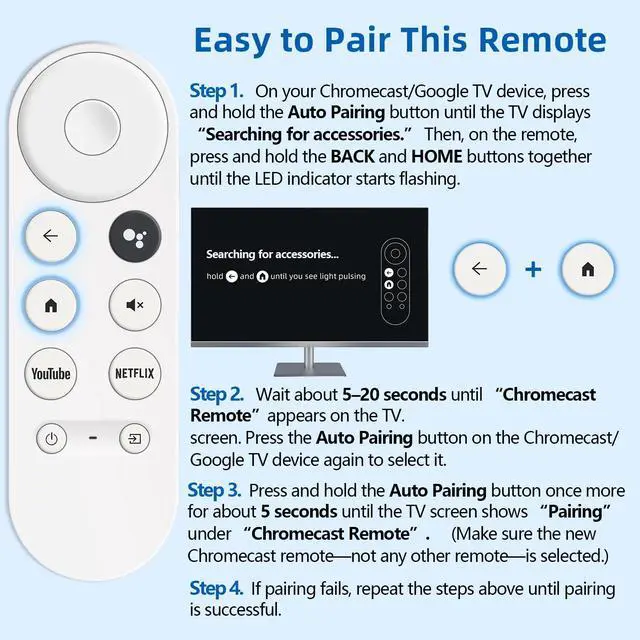
1: On your Chromecast/Google TV device, press and hold the Auto Pairing button until the TV shows "Searching for accessories. " Then press and hold the BACK and HOME buttons on the remote simultaneously until the LED indicator begins to flash.
Step 2: Wait for 5-10 seconds until "Chromecast Remote" appears on the TV display, then press the Auto Pairing button on the Chromecast/Google TV device again to choose it.
Step 3: Press and hold the Auto Pairing button again for approximately 5 seconds until the TV screen displays "Pairing" under "Chromecast Remote".
Step 4: If the connection is unsuccessful, repeat the pairing procedure until it works
Please Note: This remote might not connect with TVs lacking voice control support or those manufactured before
2018. It does not work with soundbars.
Voice Control Feature: Conveniently locate your preferred content using the integrated voice function. Simply press the microphone button to look for programs, change volume, select inputs, or enjoy music through straightforward voice commands.
Pairing Instructions: Step
1: On your Chromecast/Google TV device, press and hold the Auto Pairing button until the TV shows "Searching for accessories. " Then press and hold the BACK and HOME buttons on the remote simultaneously until the LED indicator begins to flash.
Step 2: Wait for 5-10 seconds until "Chromecast Remote" appears on the TV display, then press the Auto Pairing button on the Chromecast/Google TV device again to choose it.
Step 3: Press and hold the Auto Pairing button again for approximately 5 seconds until the TV screen displays "Pairing" under "Chromecast Remote".
Step 4: If the connection is unsuccessful, repeat the pairing procedure until it works
Warranty & Returns
Warranty, Returns, And Additional Information
Warranty
- Please contact the Seller directly for warranty information. Warranty information may also be found on the Manufacturer's website.
- CONTACT
Return Policies
- Return for refund within: 30 days
- Return for replacement within: 30 days
- This item is covered by WanJin World Shop Return Policy
Manufacturer Contact Info
- For a directory of all our manufacturers, please click below.
- Manufacturers Directory
LOADING...