

Your Browsing History

Meet Your Seller


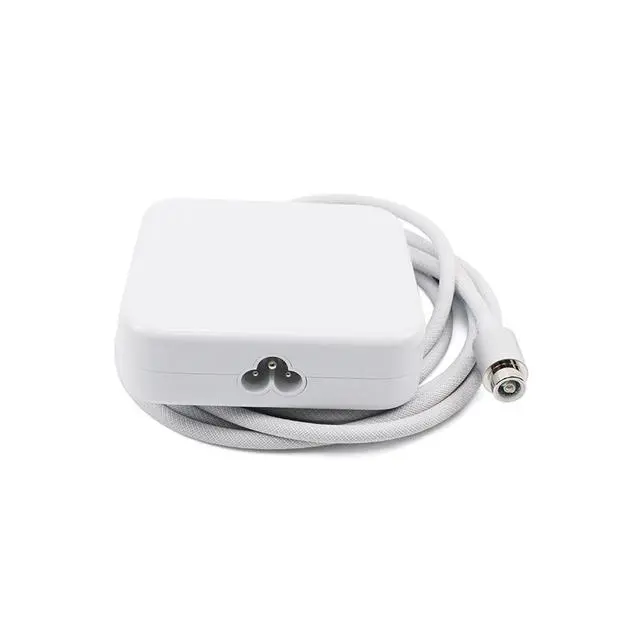
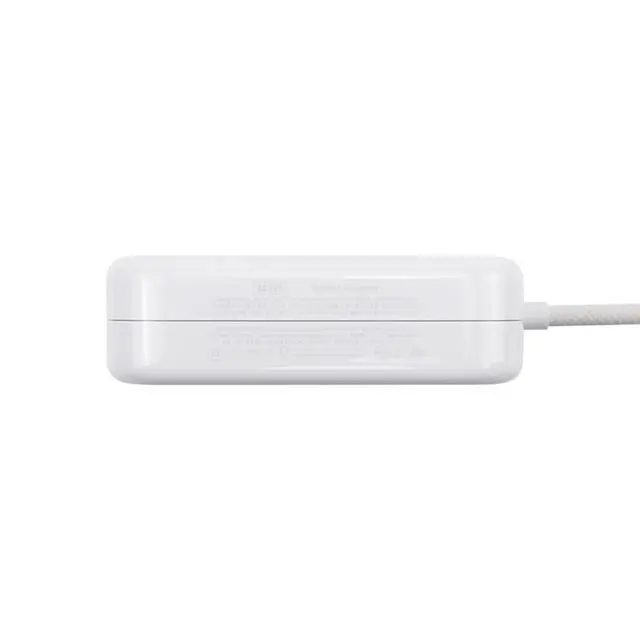
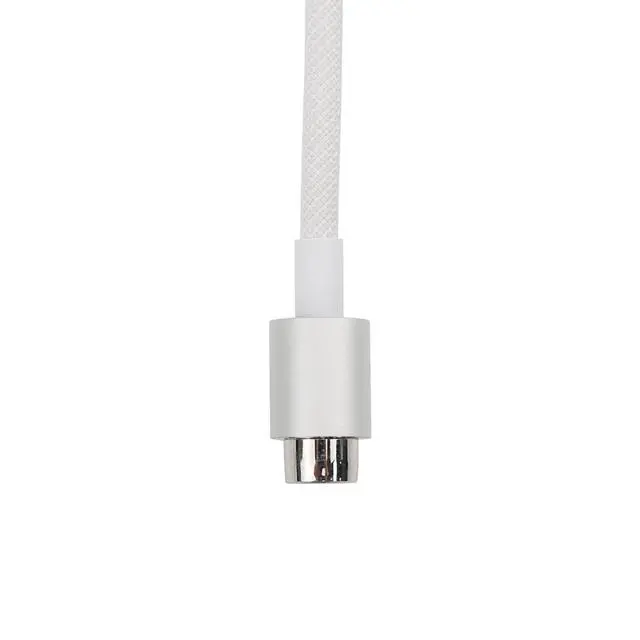


143w Power Adapter Without Ethernet A2388 Replacement for iMac (24 inch M1/M3/M4) A2290 A2439 A2438 A2873 A2874 A3137 A3247 US Power Cord Cable 661-18535 661-46778 (Silver)
Limited time offer, ends 08/26 By FiveMacro Store
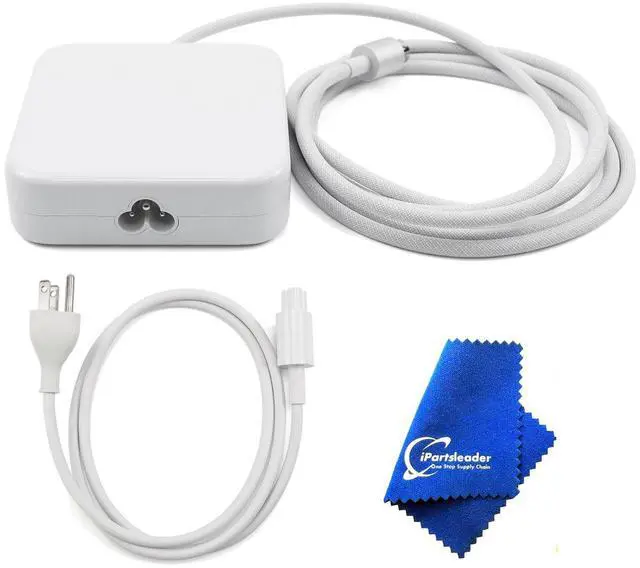
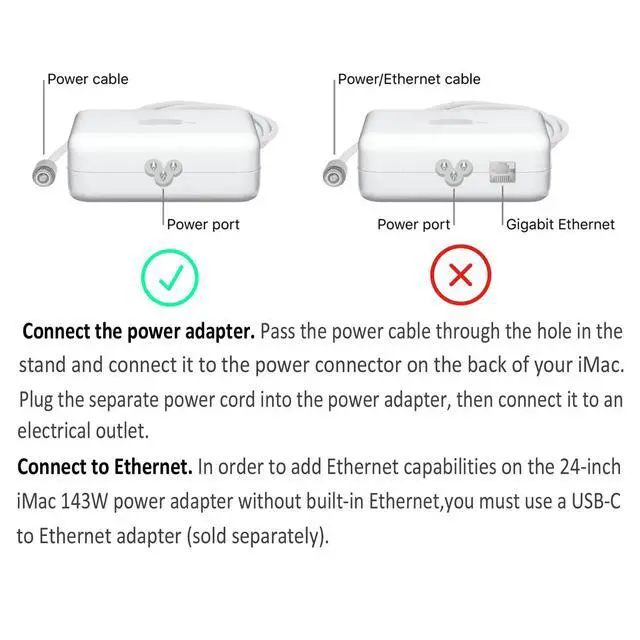
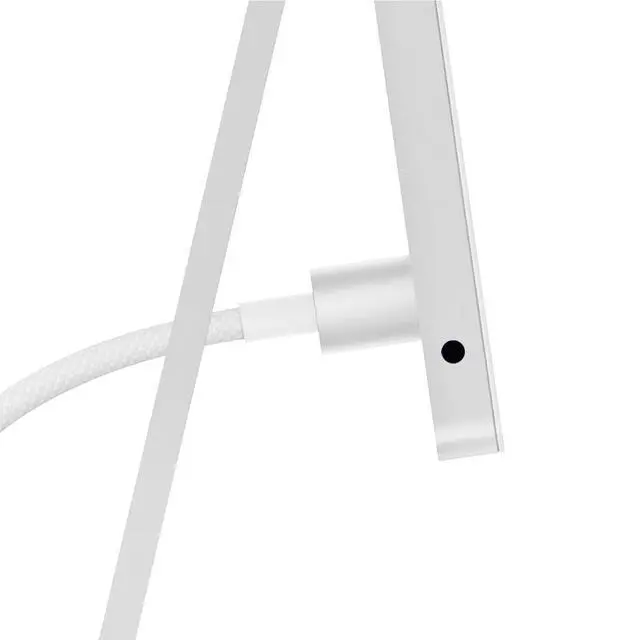
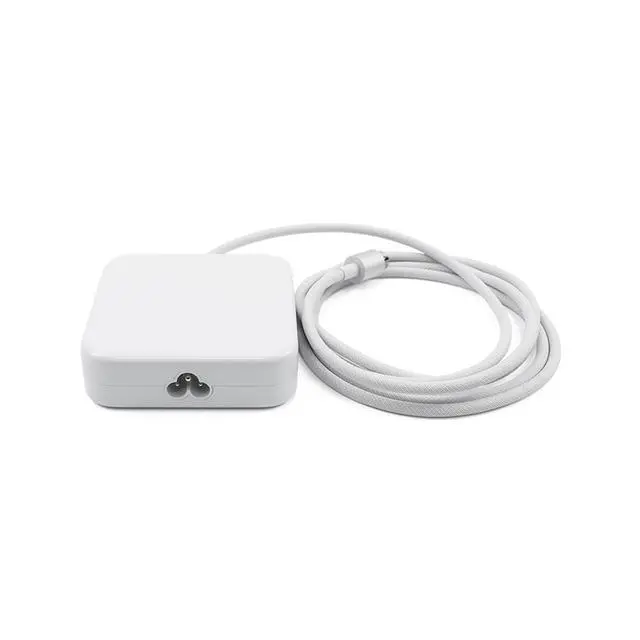
- **Compatible Models** This 143W power adapter without Ethernet, model number A2388, is designed for iMac (24-inch M1/M3/M4) models A2290, A2439, A2438, A2873, A2874, A3137, and A3247. It utilizes a US power cord and matches part numbers 661-18535 and 661-46778. **Package Contains** - One 143W power adapter without Ethernet (A2388) - One US version power cord - One fiber polishing cloth **APN and PPN** - Power Adapter Part Number: 661-18535, 661-46778 (Silver w/Ethernet) - Power Cord US Part Number: 923-05141 **Connect the Power Adapter** 1. Route the power cable through the opening in the stand and attach it to the power connector on the rear of your iMac. 2. Insert the separate power cord into the power adapter, then plug it into a power outlet. **Important Note** To enable Ethernet connectivity on the 24-inch iMac with two or four ports after purchase, a separate USB-C to Ethernet adapter is required
+
+
Overview
Specs
Reviews

Any questions? Our AI mode will help you find out quickly.
Try me now
**Compatible Models** This 143W power adapter without Ethernet, model number A2388, is designed for iMac (24-inch M1/M3/M4) models A2290, A2439, A2438, A2873, A2874, A3137, and A3247. It utilizes a US power cord and matches part numbers 661-18535 and 661-46778. **Package Contains** - One 143W power adapter without Ethernet (A2388) - One US version power cord - One fiber polishing cloth **APN and PPN** -
Power Adapter Part Number: 661-18535, 661-46778 (Silver w/Ethernet) - Power Cord US
Part Number: 923-05141 **Connect the Power Adapter** 1. Route the power cable through the opening in the stand and attach it to the power connector on the rear of your iMac. 2. Insert the separate power cord into the power adapter, then plug it into a power outlet. **Important Note** To enable Ethernet connectivity on the 24-inch iMac with two or four ports after purchase, a separate USB-C to Ethernet adapter is required
Power Adapter Part Number: 661-18535, 661-46778 (Silver w/Ethernet) - Power Cord US
Part Number: 923-05141 **Connect the Power Adapter** 1. Route the power cable through the opening in the stand and attach it to the power connector on the rear of your iMac. 2. Insert the separate power cord into the power adapter, then plug it into a power outlet. **Important Note** To enable Ethernet connectivity on the 24-inch iMac with two or four ports after purchase, a separate USB-C to Ethernet adapter is required
Warranty & Returns
Warranty, Returns, And Additional Information
Warranty
- Please contact the Seller directly for warranty information. Warranty information may also be found on the Manufacturer's website.
- CONTACT
Return Policies
- Return for refund within: 30 days
- Return for replacement within: 30 days
- This item is covered by FiveMacro Store Return Policy
Manufacturer Contact Info
- For a directory of all our manufacturers, please click below.
- Manufacturers Directory
LOADING...