

Your Browsing History

Meet Your Seller




New Backlight V5 Pro Voice Remote Control, Compatible with vSeeBox V1/V2,V5/V1/V2/V3 Pro,V3 Plus,V1 Max,Elite,Max Smart Bluetooth Voice Remote Control
Limited time offer, ends 08/26 By FiveMacro Store
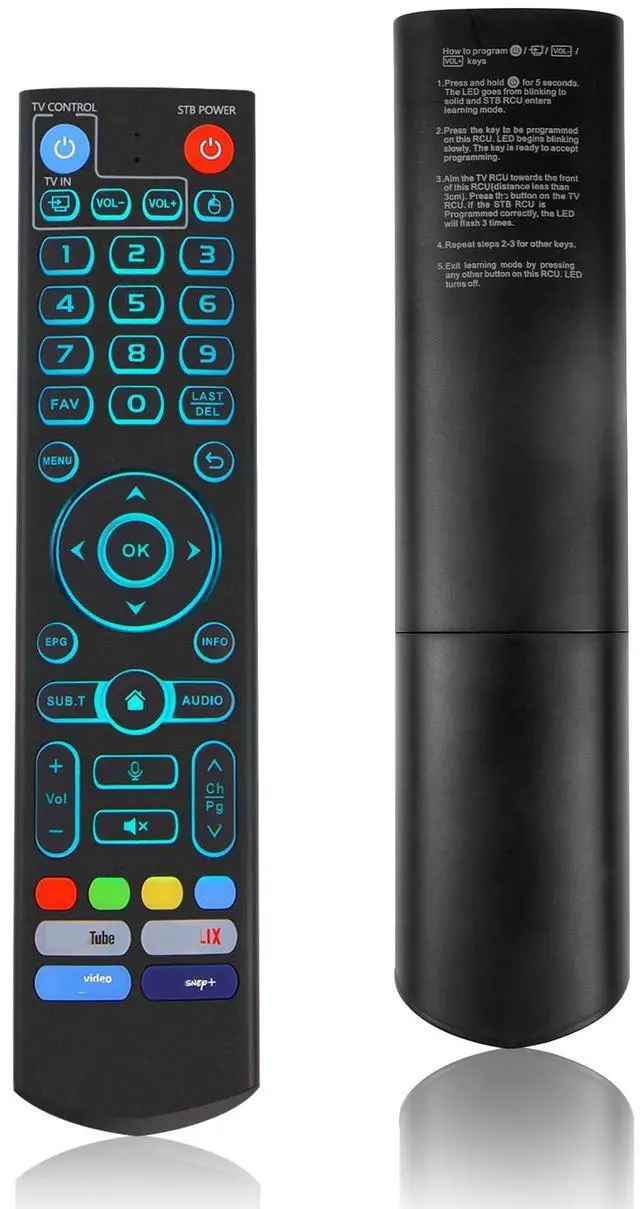
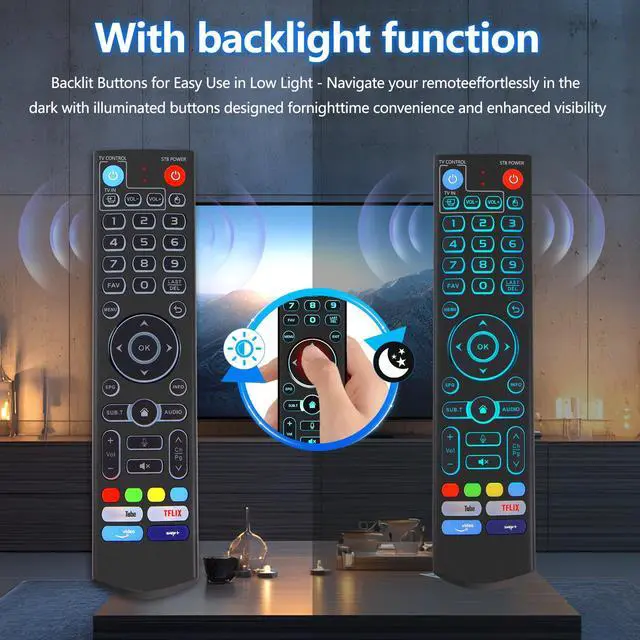
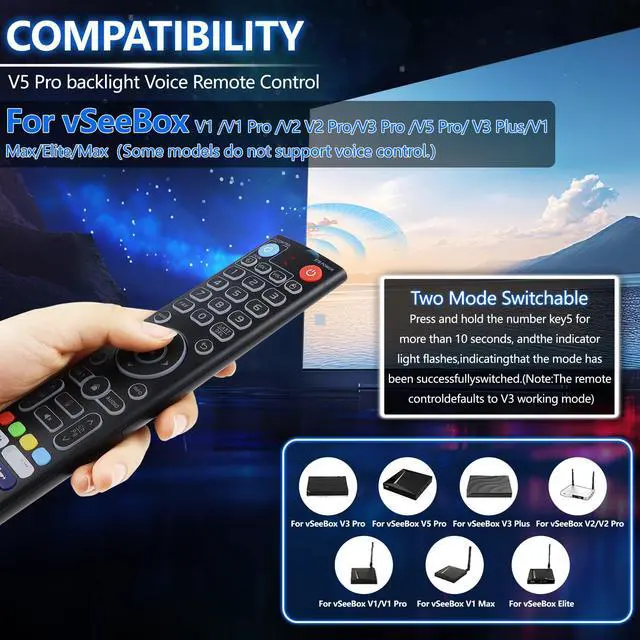
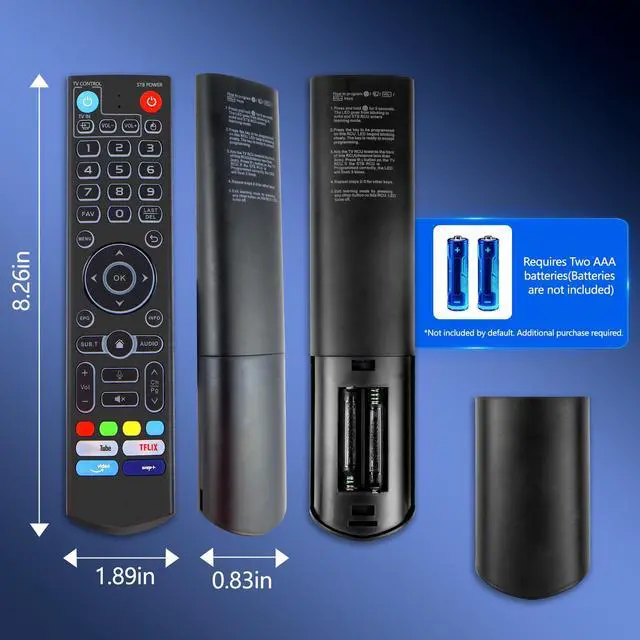
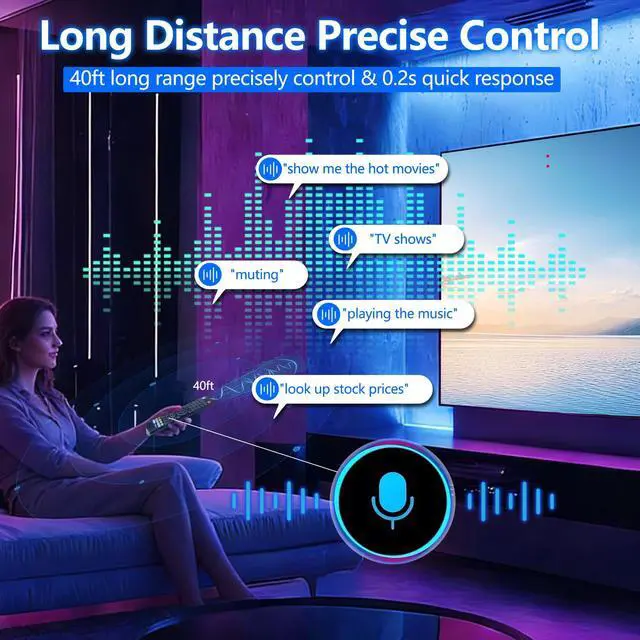
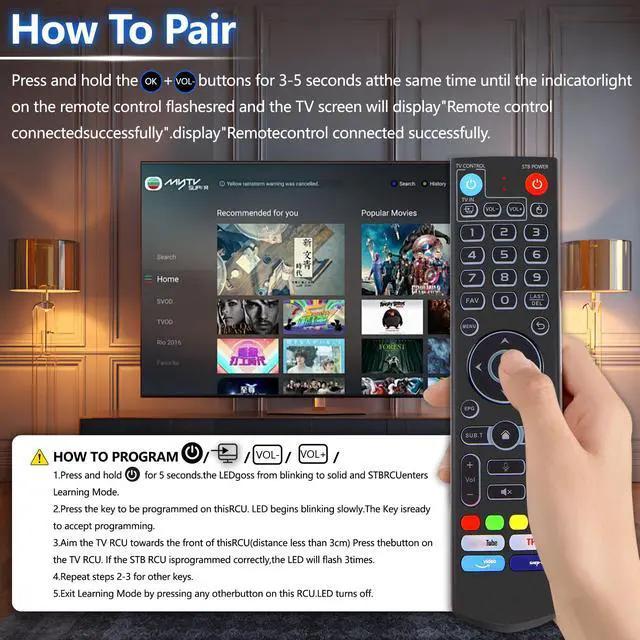
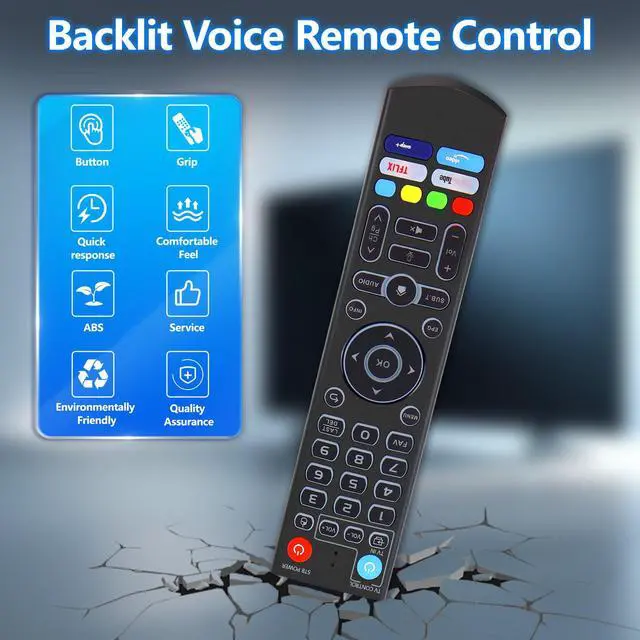
- The V5 Pro Backlit Voice Remote is compatible with vSeeBox models, including V5 Pro, V3 Pro, V3 Plus, V1, V1 Pro, V2, V2 Pro, V1 Max, Elite, and Max. Constructed from ABS plastic and silicone, this remote provides excellent comfort and sturdiness. Employing infrared technology, it offers an extended transmission range exceeding 25 feet, a swift response time as quick as 0.3 seconds, and key durability tested for over 120,000 clicks. [Quick Pairing] Press and hold the OK and Vol- buttons simultaneously for about five seconds until the remote's indicator light flashes continuously, indicating Bluetooth is active. Go to System Settings > Bluetooth > Pair New Device, find the remote, and connect to the device. If pairing is unsuccessful, delete the old device from the system first, then repeat the steps. This voice remote supports V3 and V2 operating modes. Press and hold the number 5 button for more than ten seconds to change modes. (Default mode: V3) [Premium Features] The V5 Pro Voice Remote Control has illuminated buttons. When the buttons are difficult to see at night, touch any button to turn on the backlight for better visibility. Its voice control is highly convenientuse voice commands to change channels, modify volume, or look for movies. (Note: Voice control is not available on some models.) [Programming Instructions] 1. Press and hold the Power button for 5 seconds until the LED remains lit. 2. Press the button on the V5 remote you to program. 3. Position the V5 rem
+
+
Overview
Specs
Reviews

Any questions? Our AI mode will help you find out quickly.
Try me now
The V5 Pro Backlit Voice Remote is compatible with vSeeBox models, including V5 Pro, V3 Pro, V3 Plus, V1, V1 Pro, V2, V2 Pro, V1 Max, Elite, and Max. Constructed from ABS plastic and silicone, this remote provides excellent comfort and sturdiness. Employing infrared technology, it offers an extended transmission range exceeding 25 feet, a swift response time as quick as 0.3 seconds, and key durability tested for over 120, 000 clicks. [Quick Pairing] Press and hold the OK and Vol- buttons simultaneously for about five seconds until the remote's indicator light flashes continuously, indicating Bluetooth is active.
Go to System Settings > Bluetooth > Pair New Device, find the remote, and connect to the device. If pairing is unsuccessful, delete the old device from the system first, then repeat the steps. This voice remote supports V3 and V2 operating modes. Press and hold the number 5 button for more than ten seconds to change modes.
(Default mode: V3) [Premium Features] The V5 Pro Voice Remote Control has illuminated buttons. When the buttons are difficult to see at night, touch any button to turn on the backlight for better visibility. Its voice control is highly convenientuse voice commands to change channels, modify volume, or look for movies.
(Note: Voice control is not available on some models. ) [Programming Instructions] 1. Press and hold the Power button for 5 seconds until the LED remains lit. 2. Press the button on the V5 remote you to program. 3. Position the V5 remote face-to-face with the other remote, then press the button. If programming is successful, the LED will flash 3 times. 4. Repeat steps 2-3 to program the remaining buttons. 5. Press any other button to exit learning mode; the LED turns off
Go to System Settings > Bluetooth > Pair New Device, find the remote, and connect to the device. If pairing is unsuccessful, delete the old device from the system first, then repeat the steps. This voice remote supports V3 and V2 operating modes. Press and hold the number 5 button for more than ten seconds to change modes.
(Default mode: V3) [Premium Features] The V5 Pro Voice Remote Control has illuminated buttons. When the buttons are difficult to see at night, touch any button to turn on the backlight for better visibility. Its voice control is highly convenientuse voice commands to change channels, modify volume, or look for movies.
(Note: Voice control is not available on some models. ) [Programming Instructions] 1. Press and hold the Power button for 5 seconds until the LED remains lit. 2. Press the button on the V5 remote you to program. 3. Position the V5 remote face-to-face with the other remote, then press the button. If programming is successful, the LED will flash 3 times. 4. Repeat steps 2-3 to program the remaining buttons. 5. Press any other button to exit learning mode; the LED turns off
Warranty & Returns
Warranty, Returns, And Additional Information
Warranty
- Please contact the Seller directly for warranty information. Warranty information may also be found on the Manufacturer's website.
- CONTACT
Return Policies
- Return for refund within: 30 days
- Return for replacement within: 30 days
- This item is covered by FiveMacro Store Return Policy
Manufacturer Contact Info
- For a directory of all our manufacturers, please click below.
- Manufacturers Directory
LOADING...