

Your Browsing History

Meet Your Seller


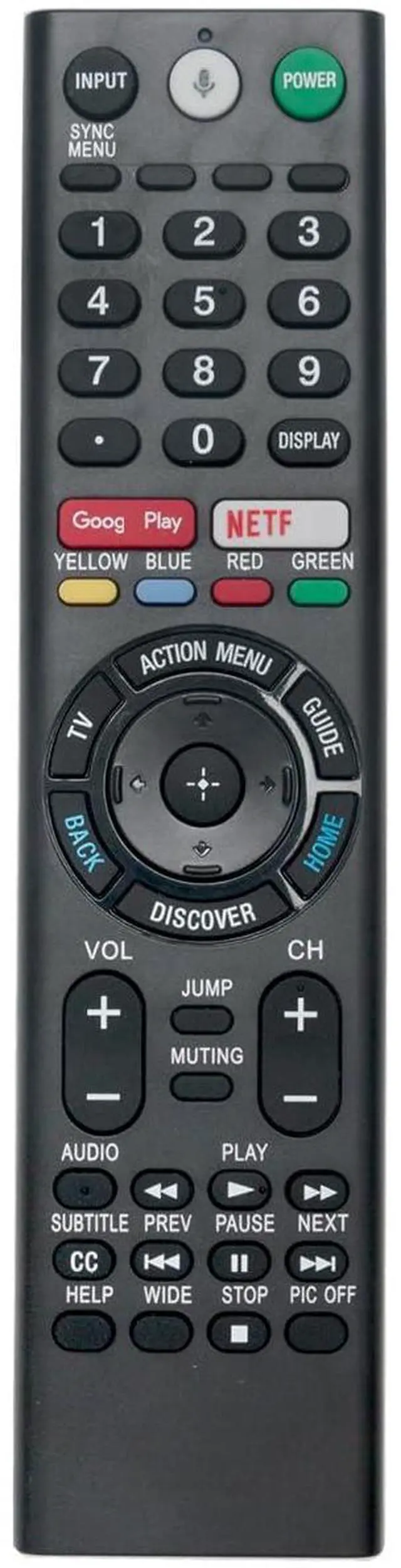
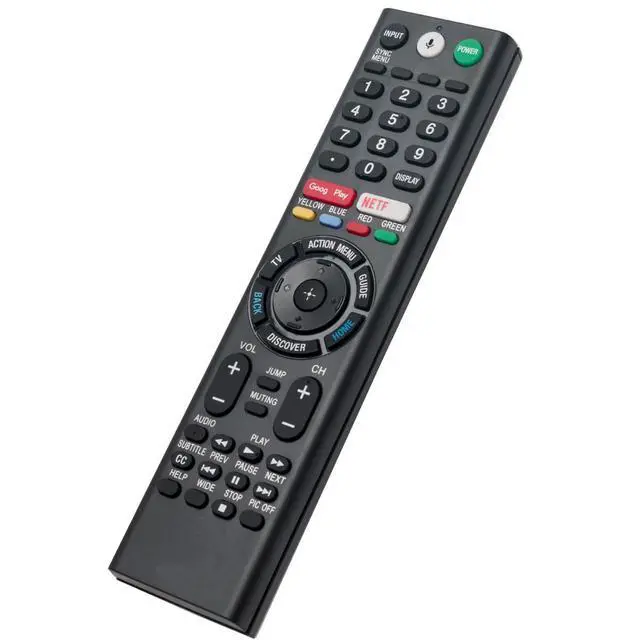
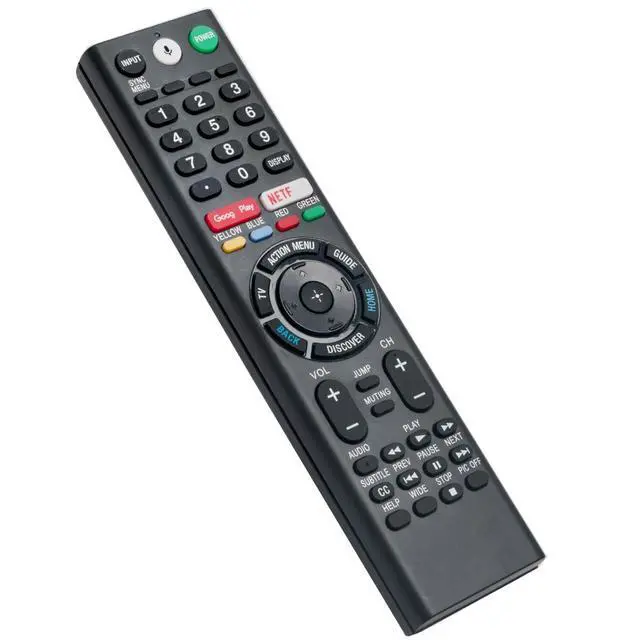
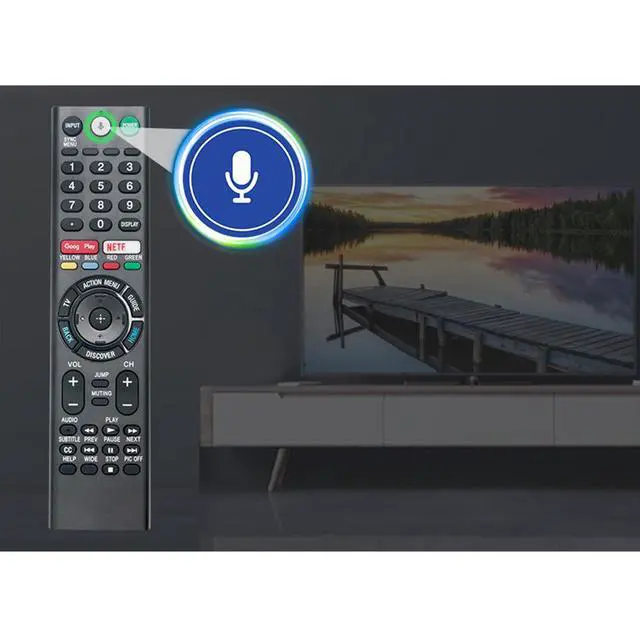


RMF-TX200U Voice Replacement Remote Applicable for Sony TV XBR-65X930D | XBR-75X940D XBR-65X900E XBR-75X900E XBR-65X930E XBR-75X940E XBR-43X800D XBR-49X800D XBR-65X850D XBR-75X850D XBR-55X850D
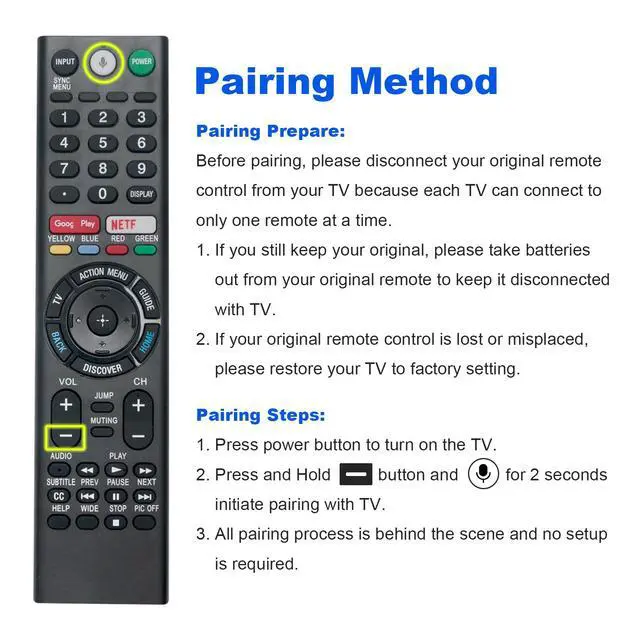
- New RMF-TX200U Replacement Voice Remote Control suitable for Sony Bravia TV models such as XBR-100Z9D, XBR-49X900E, XBR-55X900E, XBR-65X900E, XBR-75X900E, XBR-65X930E, XBR-75X940E, XBR-43X800D, XBR-49X800D, XBR-65X850D, XBR-75X850D, XBR-55X850D, XBR-85X850D, XBR-55X930D, XBR-65X930D, and XBR-75X940D. If voice control does not function, navigate to the menu on your television, activate the VOICE CONTROL setting, and then pair the remote with your TV. Please pair this remote with your television prior to use. Pairing Steps: 1. Press the power button to switch on the TV. 2. Press and hold the Vol(-) button and the Mic button for 2 seconds to start the pairing process with the TV. 3. The complete pairing procedure is managed in the background and no additional configuration is needed. Power Supply: Requires 2X 1.5V AAA Alkaline Batteries (batteries are not provided)
+
+
Overview
Specs
Reviews

Any questions? Our AI mode will help you find out quickly.
Try me now
New RMF-TX200U Replacement Voice Remote Control suitable for Sony Bravia TV models such as XBR-100Z9D, XBR-49X900E, XBR-55X900E, XBR-65X900E, XBR-75X900E, XBR-65X930E, XBR-75X940E, XBR-43X800D, XBR-49X800D, XBR-65X850D, XBR-75X850D, XBR-55X850D, XBR-85X850D, XBR-55X930D, XBR-65X930D, and XBR-75X940D. If voice control does not function, navigate to the menu on your television, activate the VOICE CONTROL setting, and then pair the remote with your TV. Please pair this remote with your television prior to use.
Pairing Steps: 1. Press the power button to switch on the TV. 2. Press and hold the Vol(-) button and the Mic button for 2 seconds to start the pairing process with the TV. 3. The complete pairing procedure is managed in the background and no additional configuration is needed.
Power Supply: Requires 2X 1.5V AAA Alkaline Batteries (batteries are not provided)
Pairing Steps: 1. Press the power button to switch on the TV. 2. Press and hold the Vol(-) button and the Mic button for 2 seconds to start the pairing process with the TV. 3. The complete pairing procedure is managed in the background and no additional configuration is needed.
Power Supply: Requires 2X 1.5V AAA Alkaline Batteries (batteries are not provided)
Warranty & Returns
Warranty, Returns, And Additional Information
Warranty
- Please contact the Seller directly for warranty information. Warranty information may also be found on the Manufacturer's website.
- CONTACT
Return Policies
- Return for refund within: 30 days
- Return for replacement within: 30 days
- This item is covered by FiveMacro Store Return Policy
Manufacturer Contact Info
- For a directory of all our manufacturers, please click below.
- Manufacturers Directory
LOADING...