

Your Browsing History

Meet Your Seller


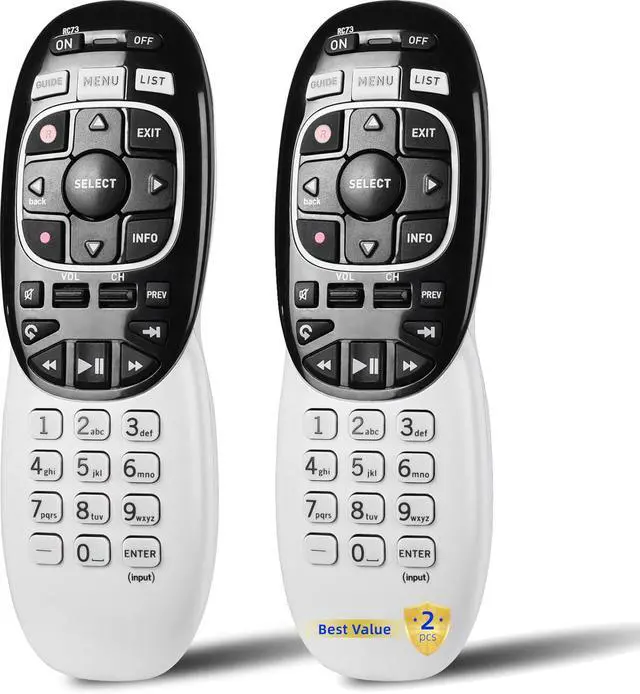

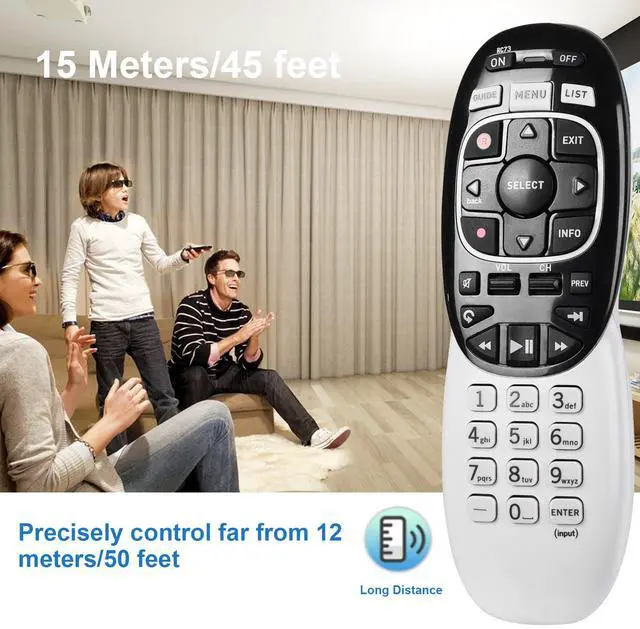
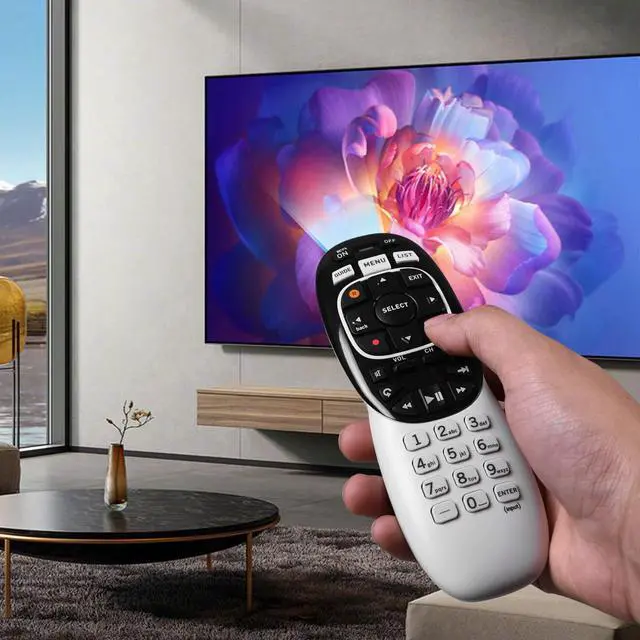

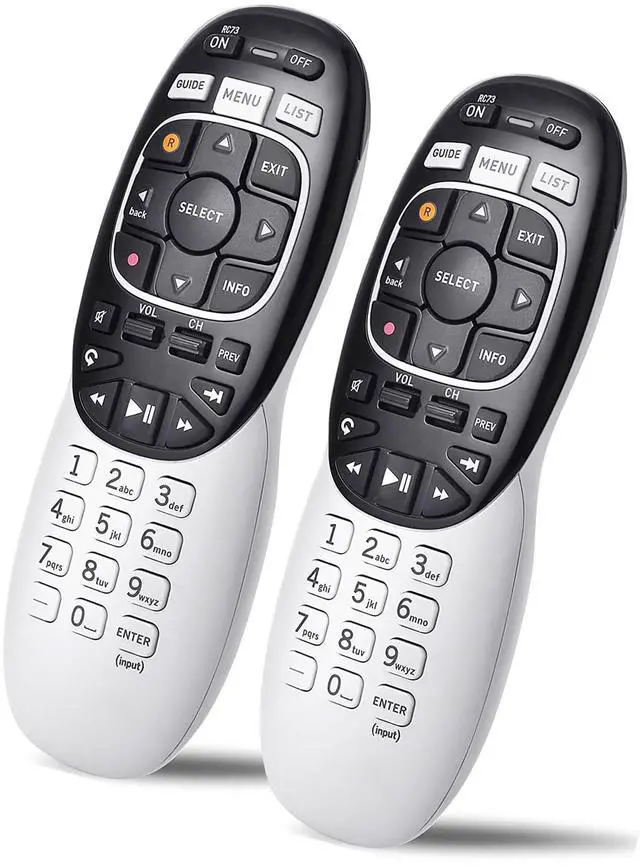


2 Packs Universal RC73 IR/RF Remote Control Replacement Compatible with DirecTV HR20 HR21 HR34 HR44 HR54 DVR Satellite Dish Receiver
Limited time offer, ends 09/17 By FiveMacro Store
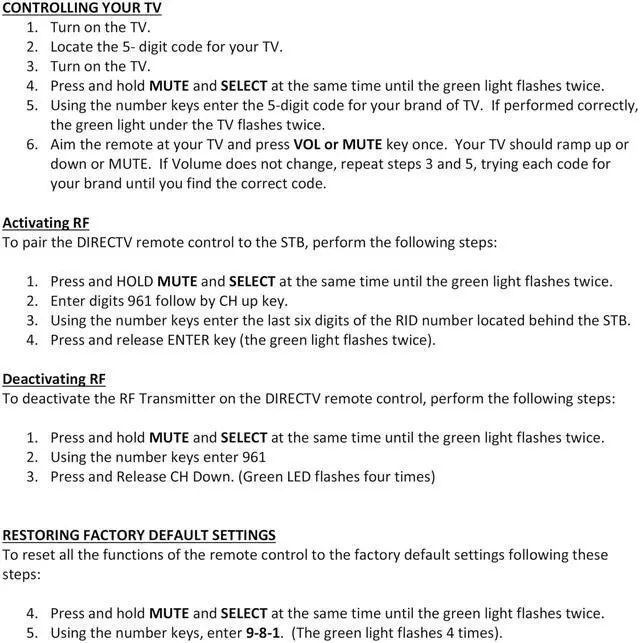
- Compatible Model: In RF mode, this remote is compatible with Genie (model HR44 or higher), Genie Lite, Genie Mini, 4K Genie Mini, and Wireless Genie Mini (model C41W or higher). In IR mode, it works with all DIRECTV receivers and DIRECTV Ready TVs (requires pointing at the equipment). Setup Before Use: 1. Point the remote at your device, such as a Genie, Genie Mini, or Wireless Genie Mini. 2. Press and hold the MUTE and ENTER buttons on your remote simultaneously. 3. The screen will display "Applying IR/RF Setup." The remote is now synced. If that didn't help, try resetting the remote to its default factory settings: 1. Press and hold MUTE and SELECT until the LED blinks to reset the RC73 remote. 2. Type the numbers "9, 8, 1" in that order after releasing MUTE and SELECT. 3. After typing the above three numbers, the light on the remote should blink again
+
+
Overview
Specs
Reviews

Any questions? Our AI mode will help you find out quickly.
Try me now
Compatible Model: In RF mode, this remote is compatible with Genie (model HR44 or higher), Genie Lite, Genie Mini, 4K Genie Mini, and Wireless Genie Mini (model C41W or higher). In IR mode, it works with all DIRECTV receivers and DIRECTV Ready TVs (requires pointing at the equipment).
Setup Before Use: 1. Point the remote at your device, such as a Genie, Genie Mini, or Wireless Genie Mini. 2. Press and hold the MUTE and ENTER buttons on your remote simultaneously. 3. The screen will display "Applying IR/RF Setup. " The remote is now synced. If that didn't help, try resetting the remote to its default factory settings: 1. Press and hold MUTE and SELECT until the LED blinks to reset the RC73 remote. 2. Type the numbers "9, 8, 1" in that order after releasing MUTE and SELECT. 3. After typing the above three numbers, the light on the remote should blink again
Setup Before Use: 1. Point the remote at your device, such as a Genie, Genie Mini, or Wireless Genie Mini. 2. Press and hold the MUTE and ENTER buttons on your remote simultaneously. 3. The screen will display "Applying IR/RF Setup. " The remote is now synced. If that didn't help, try resetting the remote to its default factory settings: 1. Press and hold MUTE and SELECT until the LED blinks to reset the RC73 remote. 2. Type the numbers "9, 8, 1" in that order after releasing MUTE and SELECT. 3. After typing the above three numbers, the light on the remote should blink again
Warranty & Returns
Warranty, Returns, And Additional Information
Warranty
- Please contact the Seller directly for warranty information. Warranty information may also be found on the Manufacturer's website.
- CONTACT
Return Policies
- Return for refund within: 30 days
- Return for replacement within: 30 days
- This item is covered by FiveMacro Store Return Policy
Manufacturer Contact Info
- For a directory of all our manufacturers, please click below.
- Manufacturers Directory
LOADING...