

Your Browsing History

Meet Your Seller


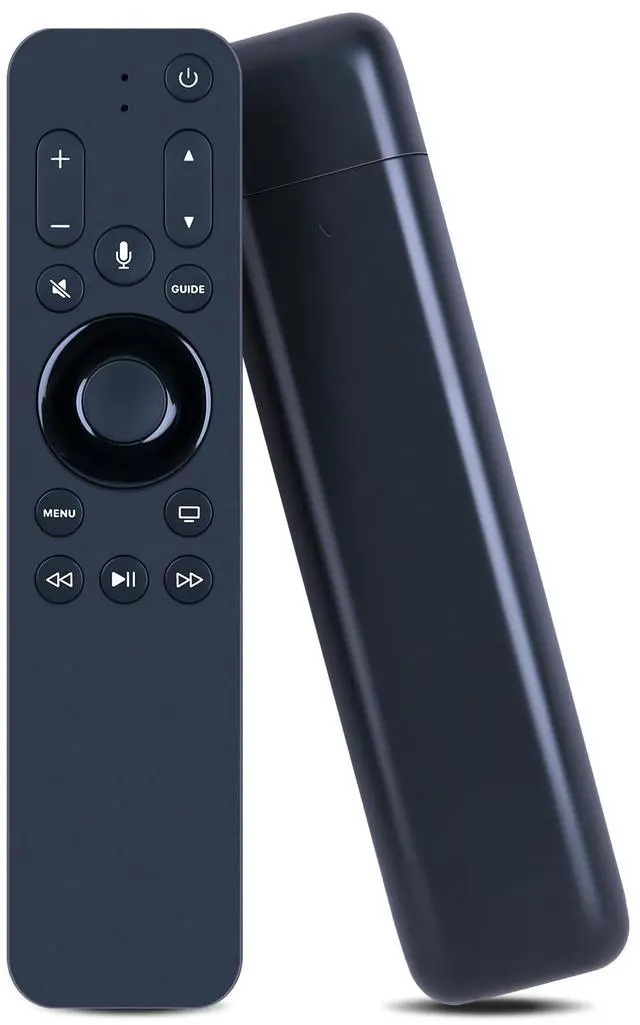



URC1110 Replacement Remote Control for Apple TV HD & 4K TV Box - Supports Siri Voice
Limited time offer, ends 09/17 By FiveMacro Store
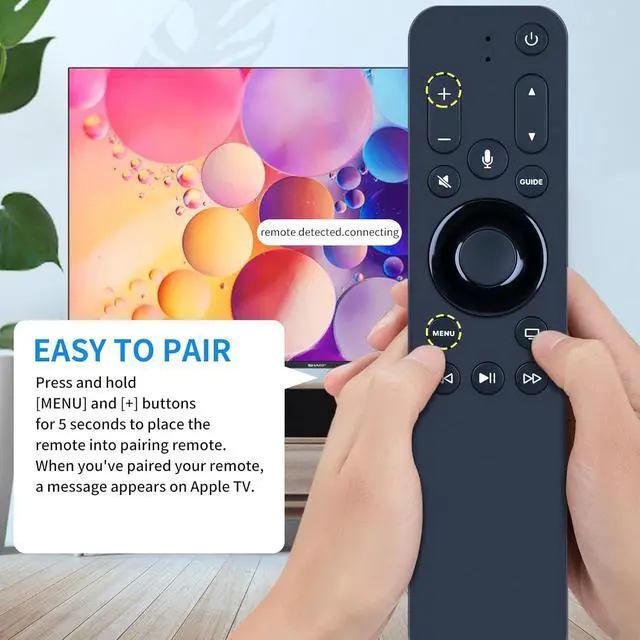
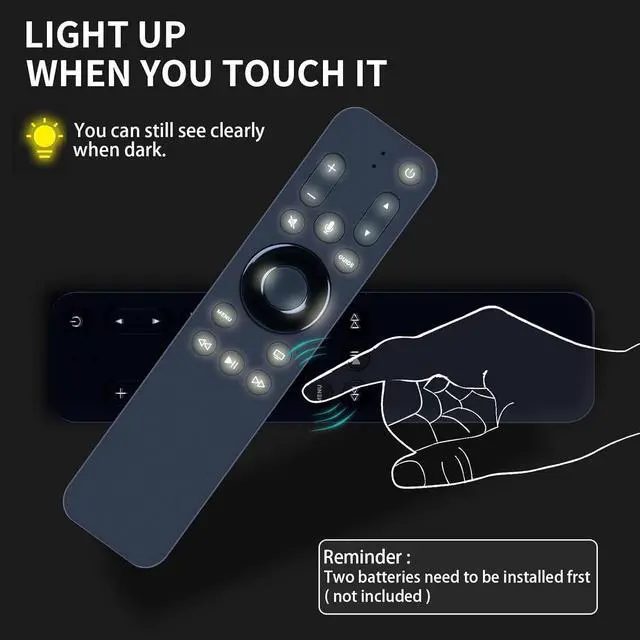
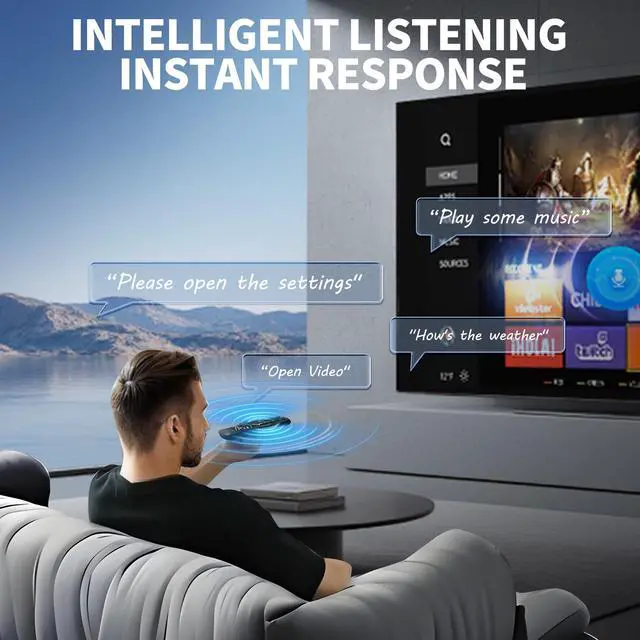
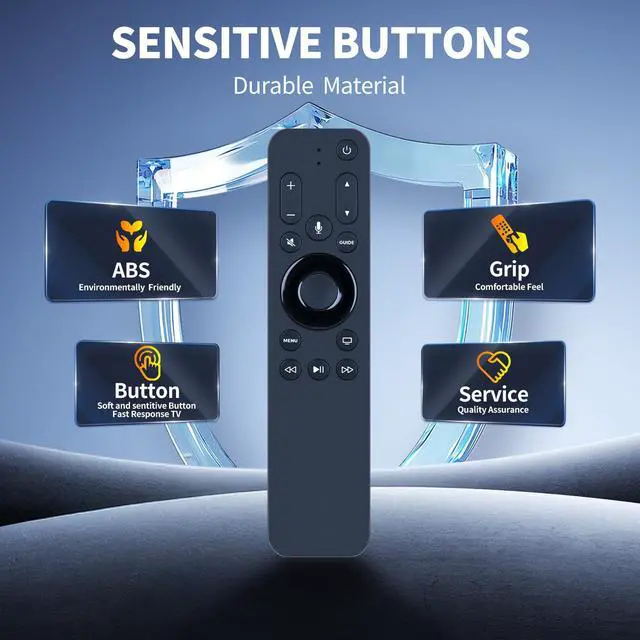
- Perfect Compatibility & ReplacementThis replacement remote control is designed for use with Apple TV HD and Apple TV 4K TV Box. Note: You can pair your remote with only one Apple TV at a time. When you pair a remote, any previously paired remote is automatically unpaired. Easy to PairPress and hold the [MENU] and [+] buttons for 5 seconds to place the remote into pairing mode. When you've paired your remote, a message appears on Apple TV. Tip: When using this remote, please update your Apple TV to tvOS 14.3 or later. Support Siri VoiceAsk Siri to find and access content across live TV and streaming apps. Backlit KeysPress and hold any button on the remote to activate the backlight, making the remote easy to locate even in low-light conditions. Tip: This differs from the traditional motion-sensing backlighting method of original remotes
+
+
Overview
Specs
Reviews

Any questions? Our AI mode will help you find out quickly.
Try me now
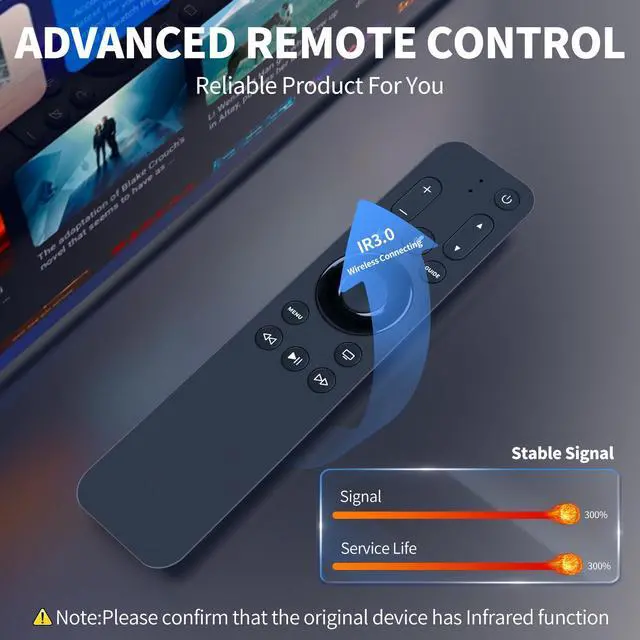
Perfect Compatibility & ReplacementThis replacement remote control is designed for use with Apple TV HD and Apple TV 4K TV Box.
Note: You can pair your remote with only one Apple TV at a time. When you pair a remote, any previously paired remote is automatically unpaired. Easy to PairPress and hold the [MENU] and [+] buttons for 5 seconds to place the remote into pairing mode. When you've paired your remote, a message appears on Apple TV.
Tip: When using this remote, please update your Apple TV to tvOS 14.3 or later. Support Siri VoiceAsk Siri to find and access content across live TV and streaming apps. Backlit KeysPress and hold any button on the remote to activate the backlight, making the remote easy to locate even in low-light conditions.
Tip: This differs from the traditional motion-sensing backlighting method of original remotes
Note: You can pair your remote with only one Apple TV at a time. When you pair a remote, any previously paired remote is automatically unpaired. Easy to PairPress and hold the [MENU] and [+] buttons for 5 seconds to place the remote into pairing mode. When you've paired your remote, a message appears on Apple TV.
Tip: When using this remote, please update your Apple TV to tvOS 14.3 or later. Support Siri VoiceAsk Siri to find and access content across live TV and streaming apps. Backlit KeysPress and hold any button on the remote to activate the backlight, making the remote easy to locate even in low-light conditions.
Tip: This differs from the traditional motion-sensing backlighting method of original remotes
Warranty & Returns
Warranty, Returns, And Additional Information
Warranty
- Please contact the Seller directly for warranty information. Warranty information may also be found on the Manufacturer's website.
- CONTACT
Return Policies
- Return for refund within: 30 days
- Return for replacement within: 30 days
- This item is covered by FiveMacro Store Return Policy
Manufacturer Contact Info
- For a directory of all our manufacturers, please click below.
- Manufacturers Directory
LOADING...