

Your Browsing History

Meet Your Seller


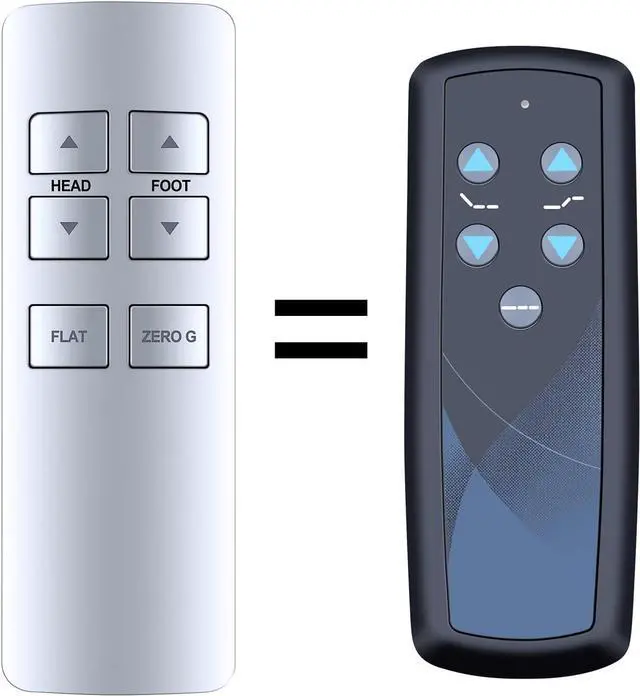
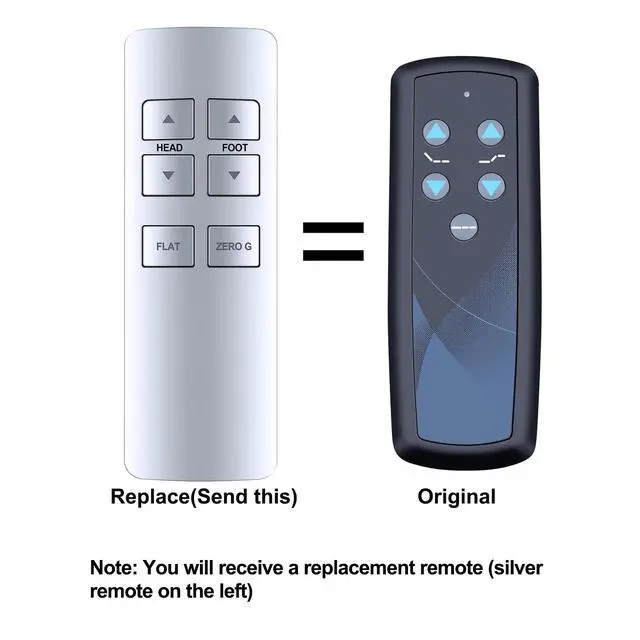


RF358C Replacement Remote Control for Ease 1.0, for Tempur-Pedic Ease 2.0 Adjustable Beds
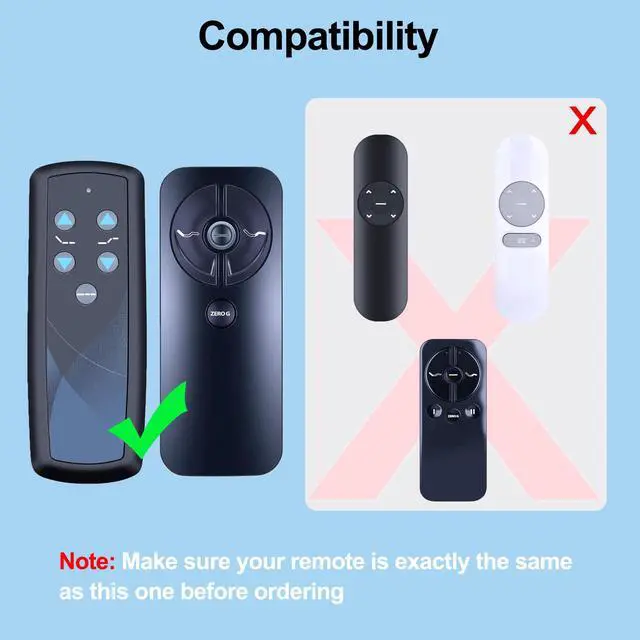
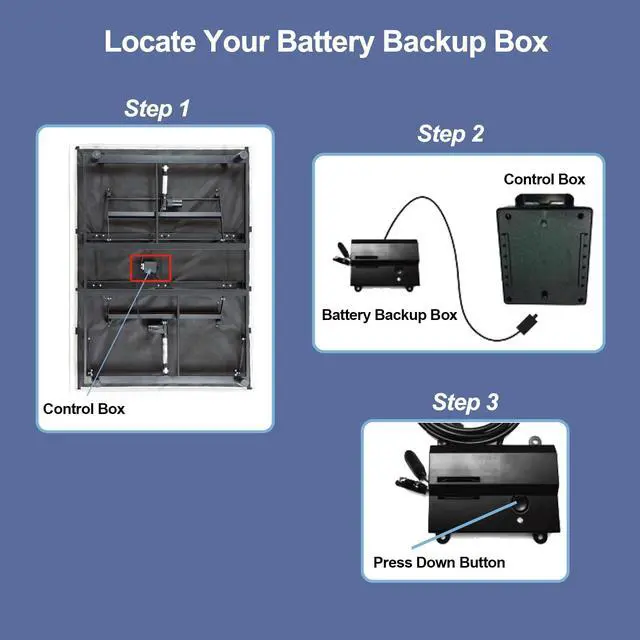
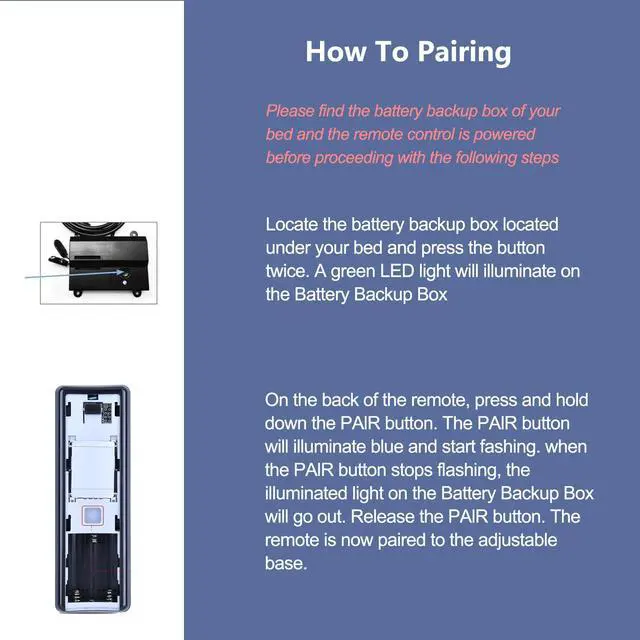
- Note: This remote is not compatible with Ease 3.0 or Ease 4.0 adjustable beds. This is not a universal or original remote, but its functionality matches that of the original remote control. Compatible Models: This replacement adjustable bed remote control is designed for Ease 1.0 and Tempur-Pedic Ease 2.0. How to Pair: 1) Find the Battery Backup Box and press its button TWICE. A green light will turn on the Battery Backup Box. 2) On the back of the remote, press and hold the PAIR button. The PAIR button will light up and begin flashing. When the PAIR button stops flashing, the illuminated light on the Battery Backup Box will turn off. Release the PAIR button. The remote is now paired to the adjustable base. Package Included: 1 x bed remote control (3 AAA Batteries and Instructions are Not Included)
+
+
Overview
Specs
Reviews

Any questions? Our AI mode will help you find out quickly.
Try me now
Note: This remote is not compatible with Ease 3.0 or Ease 4.0 adjustable beds. This is not a universal or original remote, but its functionality matches that of the original remote control.
Compatible Models: This replacement adjustable bed remote control is designed for Ease 1.0 and Tempur-Pedic Ease 2.0.
How to Pair: 1) Find the Battery Backup Box and press its button TWICE. A green light will turn on the Battery Backup Box. 2) On the back of the remote, press and hold the PAIR button. The PAIR button will light up and begin flashing. When the PAIR button stops flashing, the illuminated light on the Battery Backup Box will turn off. Release the PAIR button. The remote is now paired to the adjustable base.
Package Included: 1 x bed remote control (3 AAA Batteries and Instructions are Not Included)
Compatible Models: This replacement adjustable bed remote control is designed for Ease 1.0 and Tempur-Pedic Ease 2.0.
How to Pair: 1) Find the Battery Backup Box and press its button TWICE. A green light will turn on the Battery Backup Box. 2) On the back of the remote, press and hold the PAIR button. The PAIR button will light up and begin flashing. When the PAIR button stops flashing, the illuminated light on the Battery Backup Box will turn off. Release the PAIR button. The remote is now paired to the adjustable base.
Package Included: 1 x bed remote control (3 AAA Batteries and Instructions are Not Included)
Warranty & Returns
Warranty, Returns, And Additional Information
Warranty
- Please contact the Seller directly for warranty information. Warranty information may also be found on the Manufacturer's website.
- CONTACT
Return Policies
- Return for refund within: 30 days
- Return for replacement within: 30 days
- This item is covered by WanJin World Shop Return Policy
Manufacturer Contact Info
- For a directory of all our manufacturers, please click below.
- Manufacturers Directory
LOADING...