

Your Browsing History

Meet Your Seller


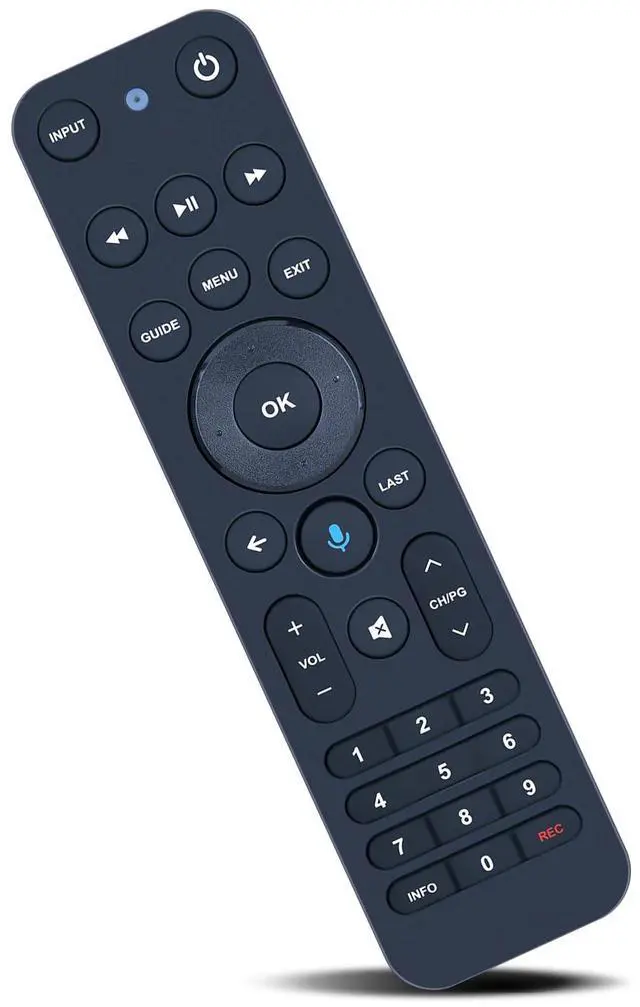
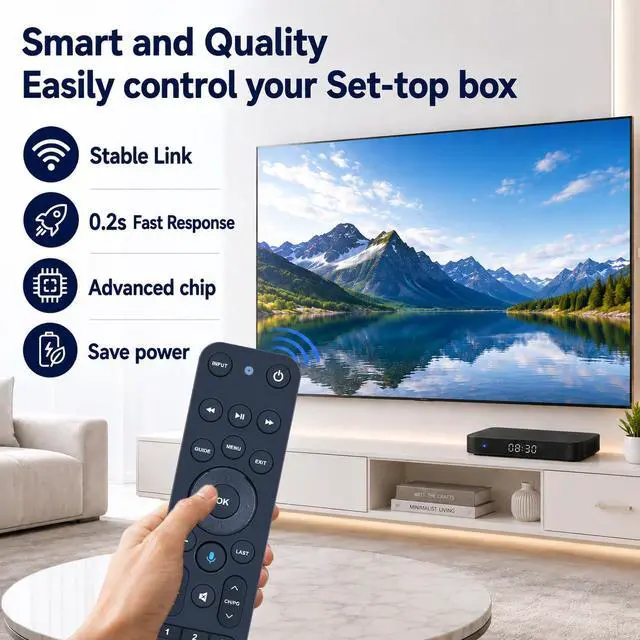
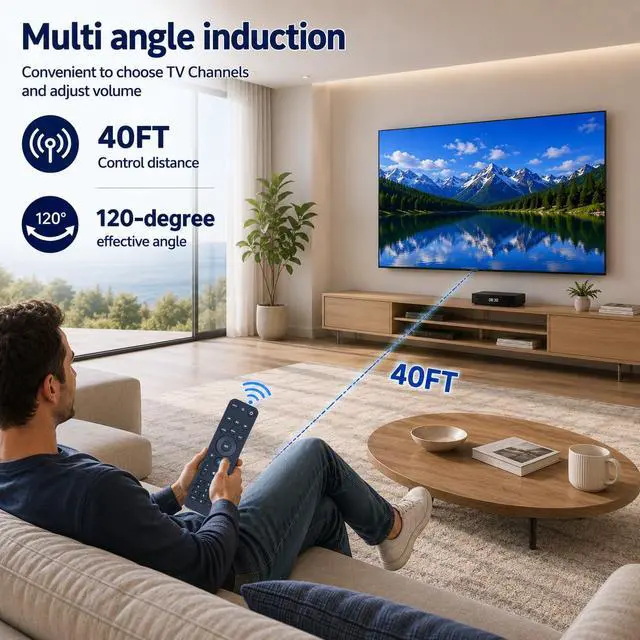


Replacement Voice Remote Control for Verizon FiOS TV One | Compatible with 2019 MG3-R32140B & VRC4100 BLE - All-in-One Smart Voice Remote Control, Easy to Pair
Limited time offer, ends 08/26 By WanJin World Shop
- Compatible with Verizon FiOS TV One, designed for 2019 models MG3-R32140B and VRC4100 BLE. Note: Works with Verizon. Does NOT work with Frontier. How to Pair: 1. Press and hold the [Play/Pause] and [0] buttons simultaneously for 3 seconds. 2. Release the buttons when the blue light begins flashing on the remote. 3. When the blue light stops flashing, your voice remote is connected, paired and ready for use. Using your voice remote to control your TV or Audio: Option 1: 1. Navigate to Menu > Settings > Voice control > Fios TV Voice Remote > Program Voice Remote > Automatic Setup. 2. Once the automatic setup finishes, you'll see a "Success" message in the top right of the TV screen. Option 2: 1. Navigate to Menu > Settings > Voice control > Fios TV Voice Remote > Program Voice Remote > Manual Setup. 2. Select your TV or Receiver Brand and Model and follow the instructions. 3. You will see a "Success" message in the top right of the TV screen when the setup is complete. High Quality: Constructed from high-grade ABS material, which is impact-resistant and has no unusual odor. Durable for prolonged use and safe for you and your children. Easy to use: Simple pairing and setup. After inserting 2*AA batteries (not included), just follow the pairing steps until successful, and it will effectively replace your original remote
+
+
Overview
Specs
Reviews

Any questions? Our AI mode will help you find out quickly.
Try me now
Compatible with Verizon FiOS TV One, designed for 2019 models MG3-R32140B and VRC4100 BLE.
Note: Works with Verizon. Does NOT work with Frontier.
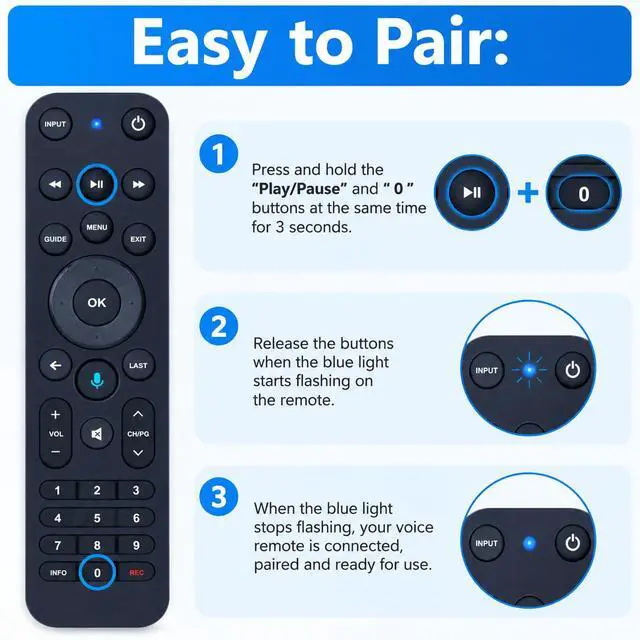
How to Pair:
1. Press and hold the [Play/Pause] and [0] buttons simultaneously for 3 seconds.
2. Release the buttons when the blue light begins flashing on the remote.
3. When the blue light stops flashing, your voice remote is connected, paired and ready for use. Using your voice remote to control your TV or
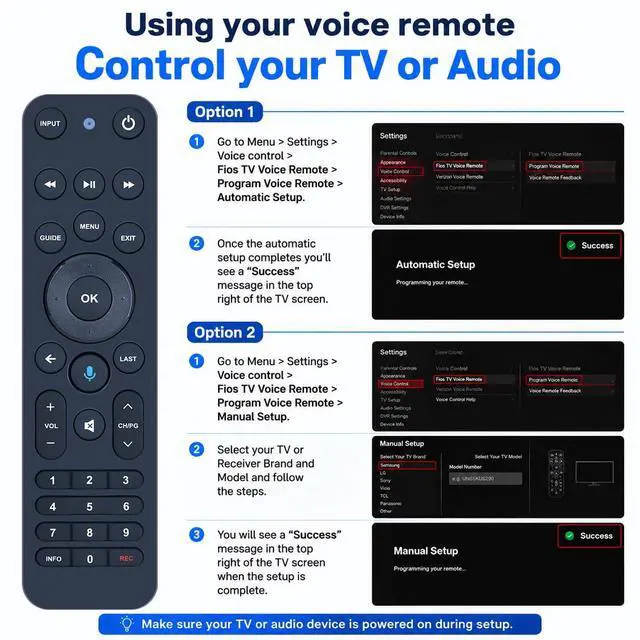
Audio: Option
1:
1. Navigate to Menu > Settings > Voice control > Fios TV Voice Remote > Program Voice Remote > Automatic Setup.
2. Once the automatic setup finishes, you'll see a "Success" message in the top right of the TV screen.
Option 2:
1. Navigate to Menu > Settings > Voice control > Fios TV Voice Remote > Program Voice Remote > Manual Setup.
2. Select your TV or Receiver Brand and Model and follow the instructions.
3. You will see a "Success" message in the top right of the TV screen when the setup is complete.
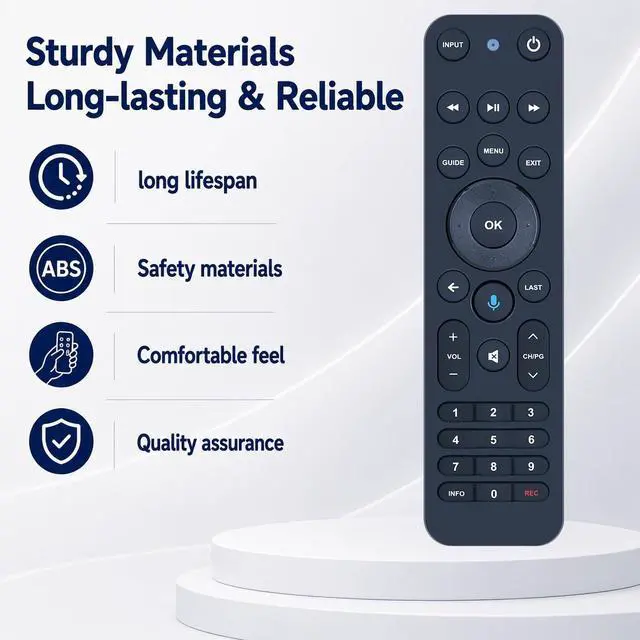
High Quality: Constructed from high-grade ABS material, which is impact-resistant and has no unusual odor. Durable for prolonged use and safe for you and your children.
Easy to use: Simple pairing and setup. After inserting 2*AA batteries (not included), just follow the pairing steps until successful, and it will effectively replace your original remote
Note: Works with Verizon. Does NOT work with Frontier.
How to Pair:
1. Press and hold the [Play/Pause] and [0] buttons simultaneously for 3 seconds.
2. Release the buttons when the blue light begins flashing on the remote.
3. When the blue light stops flashing, your voice remote is connected, paired and ready for use. Using your voice remote to control your TV or
Audio: Option
1:
1. Navigate to Menu > Settings > Voice control > Fios TV Voice Remote > Program Voice Remote > Automatic Setup.
2. Once the automatic setup finishes, you'll see a "Success" message in the top right of the TV screen.
Option 2:
1. Navigate to Menu > Settings > Voice control > Fios TV Voice Remote > Program Voice Remote > Manual Setup.
2. Select your TV or Receiver Brand and Model and follow the instructions.
3. You will see a "Success" message in the top right of the TV screen when the setup is complete.
High Quality: Constructed from high-grade ABS material, which is impact-resistant and has no unusual odor. Durable for prolonged use and safe for you and your children.
Easy to use: Simple pairing and setup. After inserting 2*AA batteries (not included), just follow the pairing steps until successful, and it will effectively replace your original remote
Warranty & Returns
Warranty, Returns, And Additional Information
Warranty
- Please contact the Seller directly for warranty information. Warranty information may also be found on the Manufacturer's website.
- CONTACT
Return Policies
- Return for refund within: 30 days
- Return for replacement within: 30 days
- This item is covered by WanJin World Shop Return Policy
Manufacturer Contact Info
- For a directory of all our manufacturers, please click below.
- Manufacturers Directory
LOADING...