

Your Browsing History

Meet Your Seller


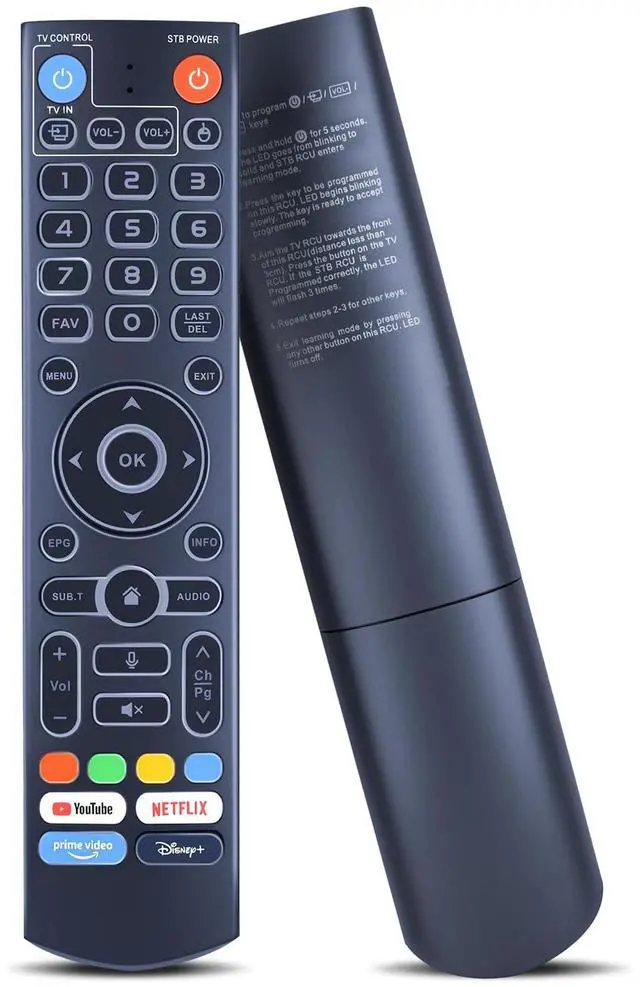
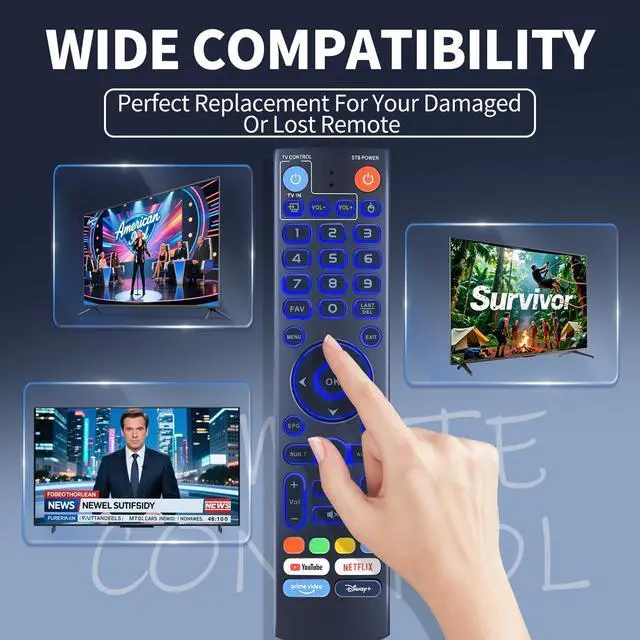



Replacement Remote Control for vSeeBox V3 Pro/Plus, Compatible with V3/V2/V1/V5 Pro, V1/V6 Max, WE 2USAT & Elite Series, Backlit, Voice Search
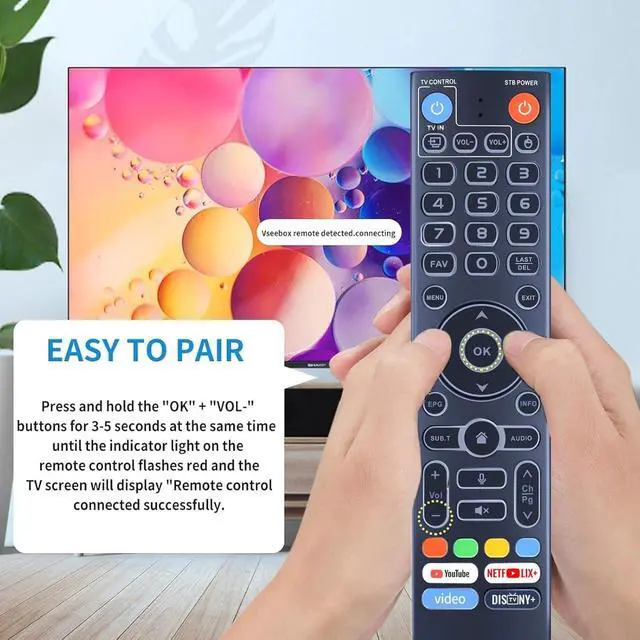
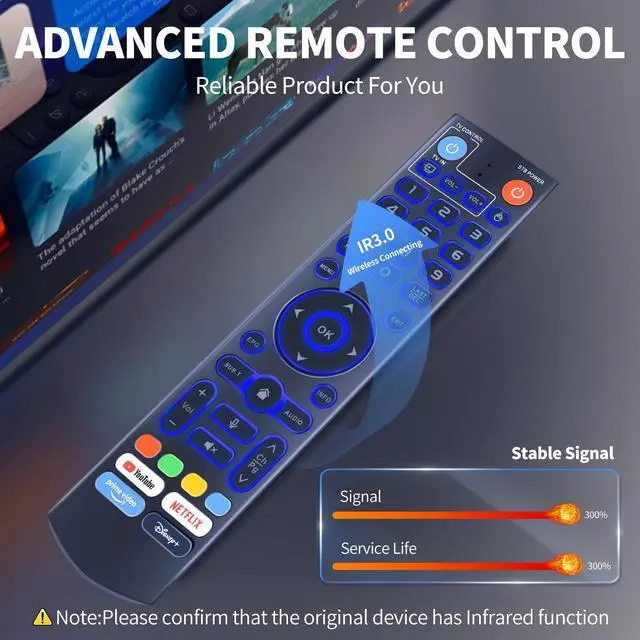
- Perfect Compatibility and Replacement: This replacement voice remote control is compatible with the V3 Pro/Plus, V3, V2, V1, V5 Pro, V1/V6 Max WE 2USAT, and the Elite Series. Dual Working Mode: Features V3 working mode and V2 working mode. To switch modes, press and hold the number key 5 for over 10 seconds. The indicator light will flash, indicating a successful mode change. V3 Pro working mode is suitable for the V3 Pro model; V2 Pro working mode is suitable for the V1 Pro, V2 Pro, Max, and Elite models. (Note: The remote control for the V3 model defaults to V3 working mode.) Backlit: For easier use in dim lighting, simply touch any button on the remote to illuminate the backlit buttons. How to Use This V3 Remote Control on V1 Pro/V2 Pro/Max/Elite: Press and hold the OK and volume-down (vol-) keys together for about five seconds until the remote's indicator light flashes continuously. This indicates the Bluetooth of the V3 remote is activated. Then, pair the remote under System Settings > Bluetooth > Pair New Device, find the remote control, and connect to it. (If it is not found, Bluetooth may not be enabled. Please press and hold the OK and vol- keys on the remote together again to enable Bluetooth.)
+
+
Overview
Specs
Reviews

Any questions? Our AI mode will help you find out quickly.
Try me now
Perfect Compatibility and
Replacement: This replacement voice remote control is compatible with the V3 Pro/Plus, V3, V2, V1, V5 Pro, V1/V6 Max WE 2USAT, and the Elite Series.
Dual Working Mode: Features V3 working mode and V2 working mode. To switch modes, press and hold the number key 5 for over 10 seconds. The indicator light will flash, indicating a successful mode change. V3 Pro working mode is suitable for the V3 Pro model; V2 Pro working mode is suitable for the V1 Pro, V2 Pro, Max, and Elite models.
(Note: The remote control for the V3 model defaults to V3 working mode. )
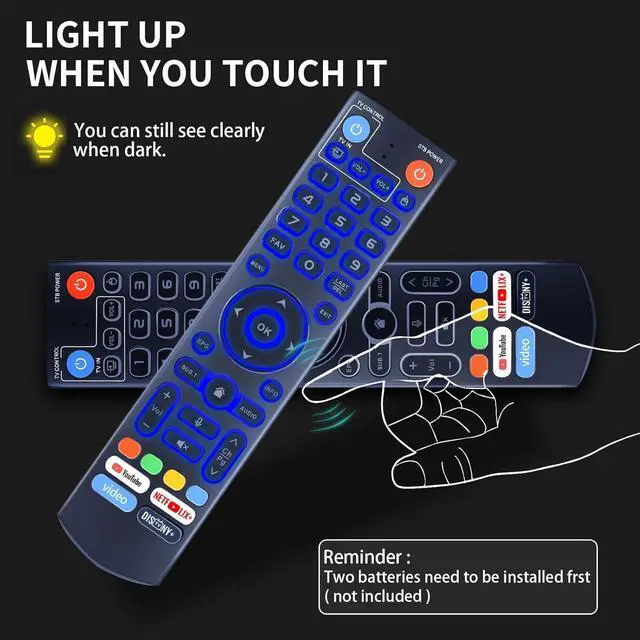
Backlit: For easier use in dim lighting, simply touch any button on the remote to illuminate the backlit buttons. How to Use This V3 Remote Control on
V1 Pro/V2 Pro/Max/Elite: Press and hold the OK and volume-down (vol-) keys together for about five seconds until the remote's indicator light flashes continuously. This indicates the Bluetooth of the V3 remote is activated. Then, pair the remote under System Settings > Bluetooth > Pair New Device, find the remote control, and connect to it. (If it is not found, Bluetooth may not be enabled. Please press and hold the OK and vol- keys on the remote together again to enable Bluetooth. )
Replacement: This replacement voice remote control is compatible with the V3 Pro/Plus, V3, V2, V1, V5 Pro, V1/V6 Max WE 2USAT, and the Elite Series.
Dual Working Mode: Features V3 working mode and V2 working mode. To switch modes, press and hold the number key 5 for over 10 seconds. The indicator light will flash, indicating a successful mode change. V3 Pro working mode is suitable for the V3 Pro model; V2 Pro working mode is suitable for the V1 Pro, V2 Pro, Max, and Elite models.
(Note: The remote control for the V3 model defaults to V3 working mode. )
Backlit: For easier use in dim lighting, simply touch any button on the remote to illuminate the backlit buttons. How to Use This V3 Remote Control on
V1 Pro/V2 Pro/Max/Elite: Press and hold the OK and volume-down (vol-) keys together for about five seconds until the remote's indicator light flashes continuously. This indicates the Bluetooth of the V3 remote is activated. Then, pair the remote under System Settings > Bluetooth > Pair New Device, find the remote control, and connect to it. (If it is not found, Bluetooth may not be enabled. Please press and hold the OK and vol- keys on the remote together again to enable Bluetooth. )
Warranty & Returns
Warranty, Returns, And Additional Information
Warranty
- Please contact the Seller directly for warranty information. Warranty information may also be found on the Manufacturer's website.
- CONTACT
Return Policies
- Return for refund within: 30 days
- Return for replacement within: 30 days
- This item is covered by WanJin World Shop Return Policy
Manufacturer Contact Info
- For a directory of all our manufacturers, please click below.
- Manufacturers Directory
LOADING...