

Your Browsing History

Meet Your Seller

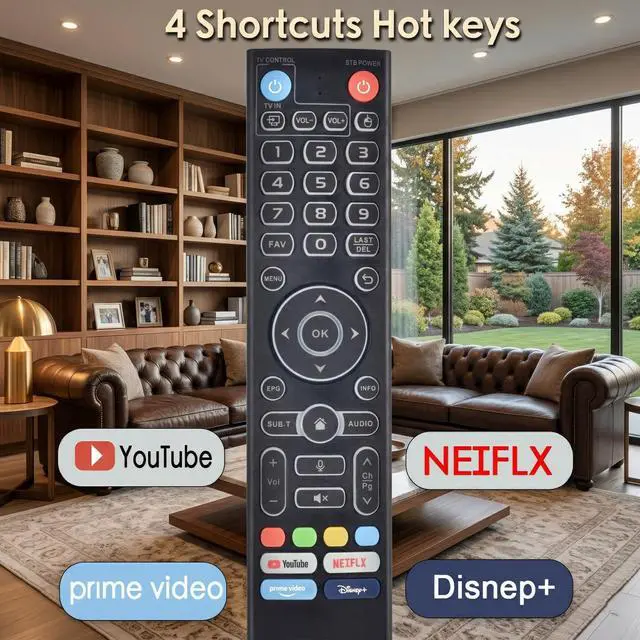


for vSeeBox V3 Pro Replacement Backlit Voice Remote Control,Compatible with vSeeBox V6 Plus/Max V5 Pro V3 Plus/V3/V2/V1 Max/Elite Ultra
Limited time offer, ends 09/17 By FiveMacro Store
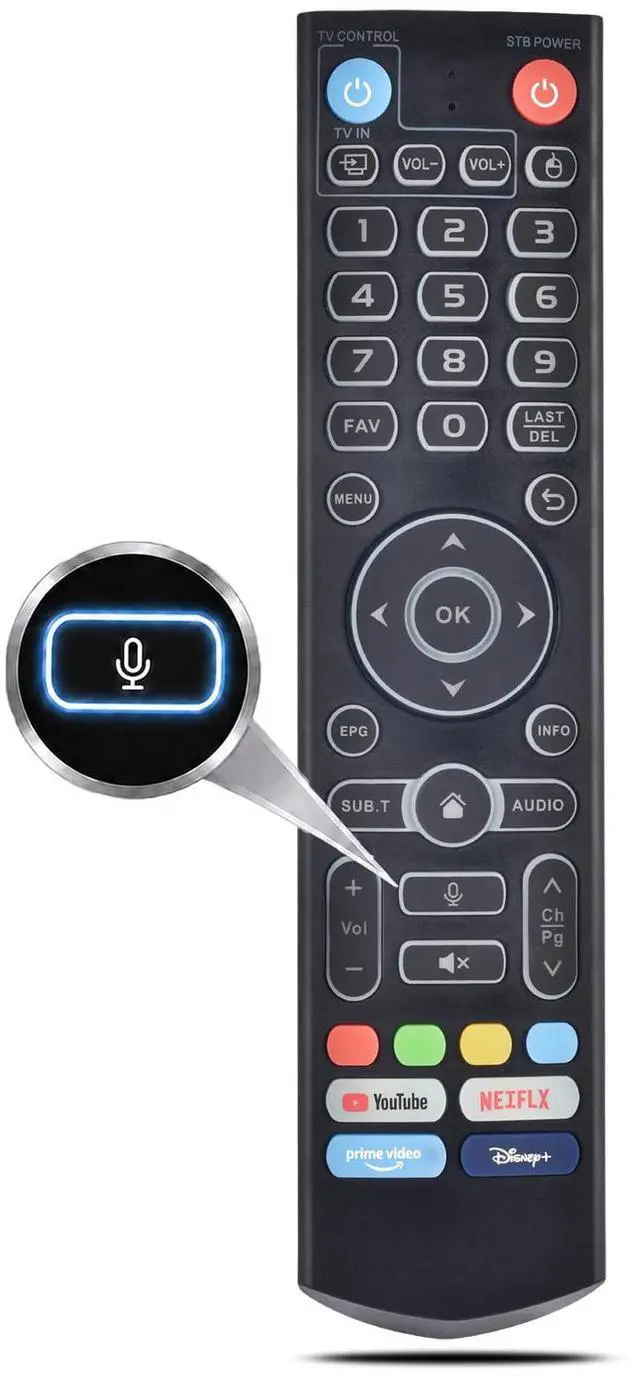
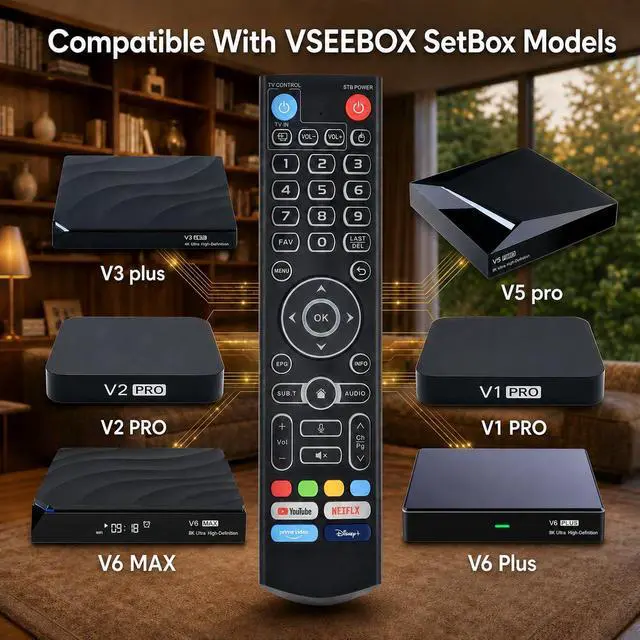
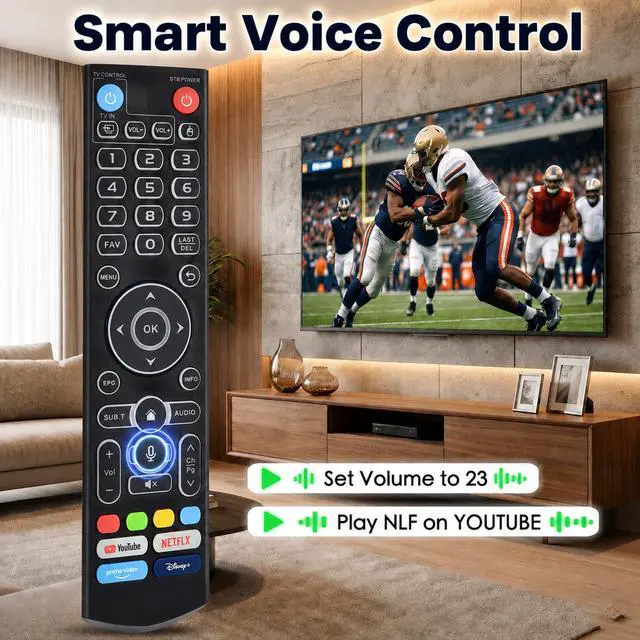
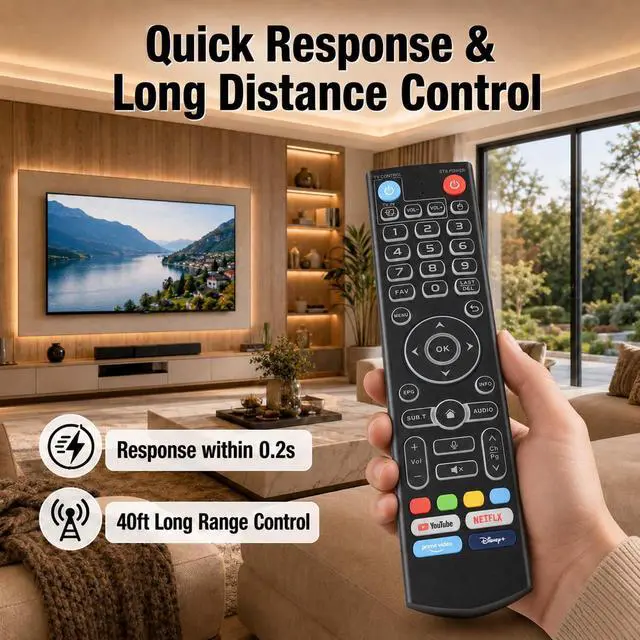
- This V3 Pro 2025 newest version voice remote control is compatible with select vSeeBox models, including vSeeBox V6 Plus/Max, V5 Pro, V3 Plus, V3 Pro, V2 Pro, V1 Pro, V1 Max, and Elite Ultra. Note: V1 Max, V1 Pro, and V2 Pro do not support the voice command feature. Powered by stable infrared technology, the remote offers a transmission distance of over 10m / 32ft with strong signal performance. Responsive buttons ensure fast control with a reaction time of 0.2s. Each key is tested for over 100,000 presses for durability. To program TV control keys: Press and hold the TV POWER button for 5 seconds until the LED turns solid to enter learning mode. Then press the target key on this remote (LED flashes slowly), and point your original TV remote within 3cm (1 inch) to press the matching button. The LED will flash 3 times if successful. Repeat for other keys. Press any button to exit learning mode when finished (LED turns off). The remote features two built-in working modes: V3 Mode and V2 Mode. By default, it is set to V3 Mode. To switch to V2 Mode, press and hold the number 5 key for more than 10 seconds the indicator light will flash, confirming the mode change is successful. V2 Mode is fully compatible with Backlit vSeeBox V1 Pro, V2 Pro, Max, and Elite. Note: The remote defaults to V3 Mode upon first use. To pair this remote with Backlit vSeeBox V1 Pro, V2 Pro, Max, or Elite, hold OK + VOL for 5 seconds until the light flashes. Then go to Settings Bluetooth Pair New
+
+
Overview
Specs
Reviews

Any questions? Our AI mode will help you find out quickly.
Try me now
This V3 Pro 2025 newest version voice remote control is compatible with select vSeeBox models, including vSeeBox V6 Plus/Max, V5 Pro, V3 Plus, V3 Pro, V2 Pro, V1 Pro, V1 Max, and Elite Ultra.
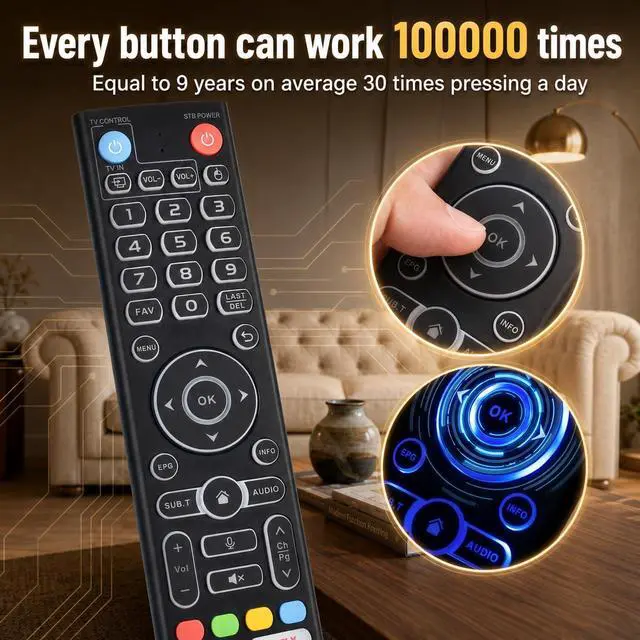
Note: V1 Max, V1 Pro, and V2 Pro do not support the voice command feature. Powered by stable infrared technology, the remote offers a transmission distance of over 10m / 32ft with strong signal performance. Responsive buttons ensure fast control with a reaction time of 0.2 s. Each key is tested for over 100, 000 presses for durability. To program
TV control keys: Press and hold the TV POWER button for 5 seconds until the LED turns solid to enter learning mode. Then press the target key on this remote (LED flashes slowly), and point your original TV remote within 3cm (1 inch) to press the matching button. The LED will flash 3 times if successful. Repeat for other keys. Press any button to exit learning mode when finished (LED turns off). The remote features two built-in working modes: V3 Mode and V2 Mode. By default, it is set to V3 Mode. To switch to V2 Mode, press and hold the number 5 key for more than 10 seconds the indicator light will flash, confirming the mode change is successful. V2 Mode is fully compatible with Backlit vSeeBox V1 Pro, V2 Pro, Max, and Elite.
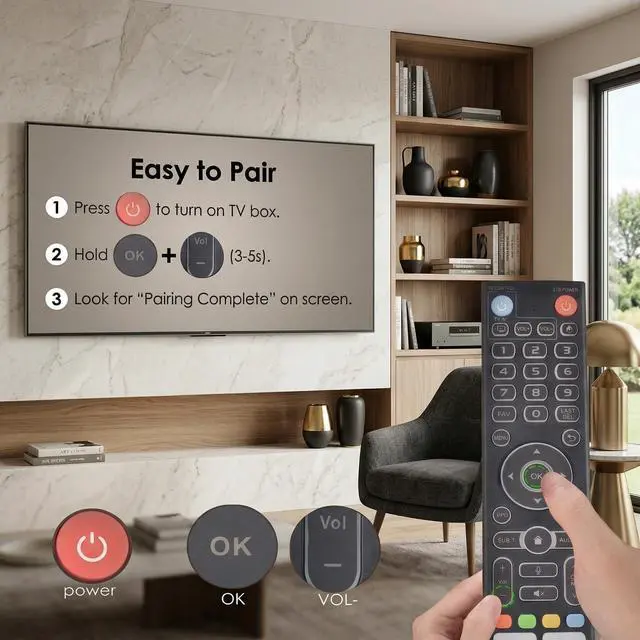
Note: The remote defaults to V3 Mode upon first use. To pair this remote with Backlit vSeeBox V1 Pro, V2 Pro, Max, or Elite, hold OK + VOL for 5 seconds until the light flashes. Then go to Settings Bluetooth Pair New Device and select the remote to connect. If it doesnt appear, repeat the same step to re-enter pairing mode and try again
Note: V1 Max, V1 Pro, and V2 Pro do not support the voice command feature. Powered by stable infrared technology, the remote offers a transmission distance of over 10m / 32ft with strong signal performance. Responsive buttons ensure fast control with a reaction time of 0.2 s. Each key is tested for over 100, 000 presses for durability. To program
TV control keys: Press and hold the TV POWER button for 5 seconds until the LED turns solid to enter learning mode. Then press the target key on this remote (LED flashes slowly), and point your original TV remote within 3cm (1 inch) to press the matching button. The LED will flash 3 times if successful. Repeat for other keys. Press any button to exit learning mode when finished (LED turns off). The remote features two built-in working modes: V3 Mode and V2 Mode. By default, it is set to V3 Mode. To switch to V2 Mode, press and hold the number 5 key for more than 10 seconds the indicator light will flash, confirming the mode change is successful. V2 Mode is fully compatible with Backlit vSeeBox V1 Pro, V2 Pro, Max, and Elite.
Note: The remote defaults to V3 Mode upon first use. To pair this remote with Backlit vSeeBox V1 Pro, V2 Pro, Max, or Elite, hold OK + VOL for 5 seconds until the light flashes. Then go to Settings Bluetooth Pair New Device and select the remote to connect. If it doesnt appear, repeat the same step to re-enter pairing mode and try again
Warranty & Returns
Warranty, Returns, And Additional Information
Warranty
- Please contact the Seller directly for warranty information. Warranty information may also be found on the Manufacturer's website.
- CONTACT
Return Policies
- Return for refund within: 30 days
- Return for replacement within: 30 days
- This item is covered by FiveMacro Store Return Policy
Manufacturer Contact Info
- For a directory of all our manufacturers, please click below.
- Manufacturers Directory
LOADING...