

Your Browsing History

Meet Your Seller


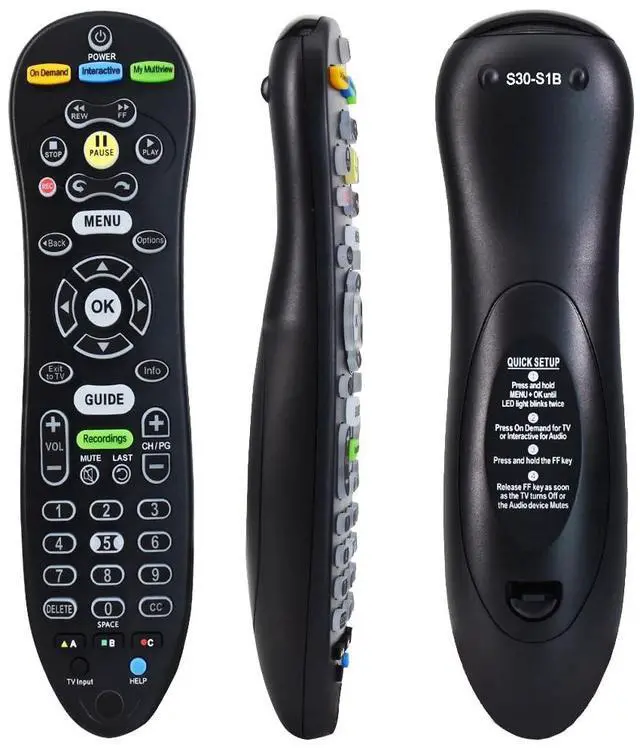
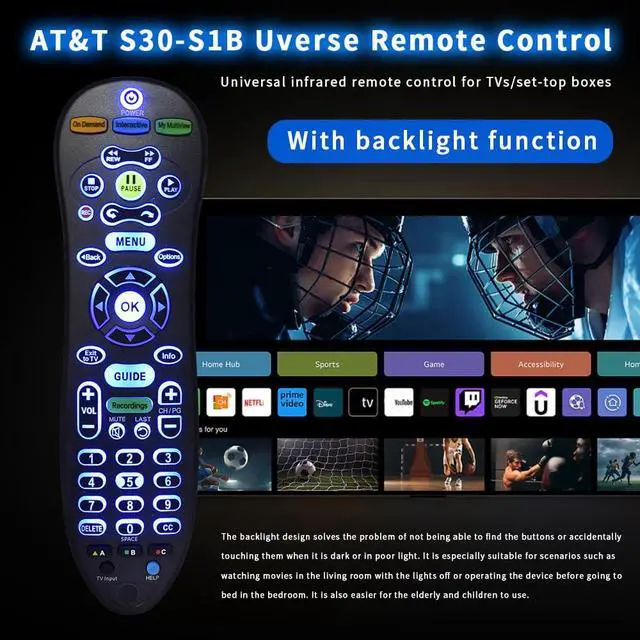
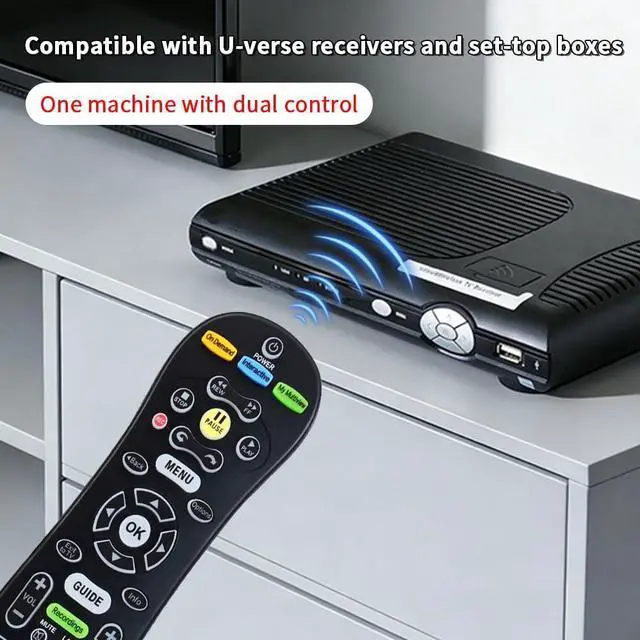
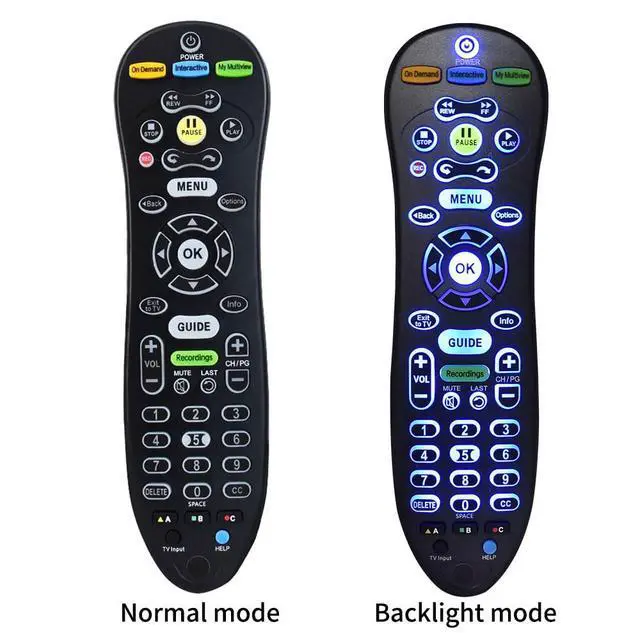


S30 S30-S1B Remote for AT&T U-Verse Receiver | S30 Remote Replacement with U-Verse Receiver Cable Box ISB7005 ISB7000, Remote with Backlit Function
Limited time offer, ends 09/17 By FiveMacro Store
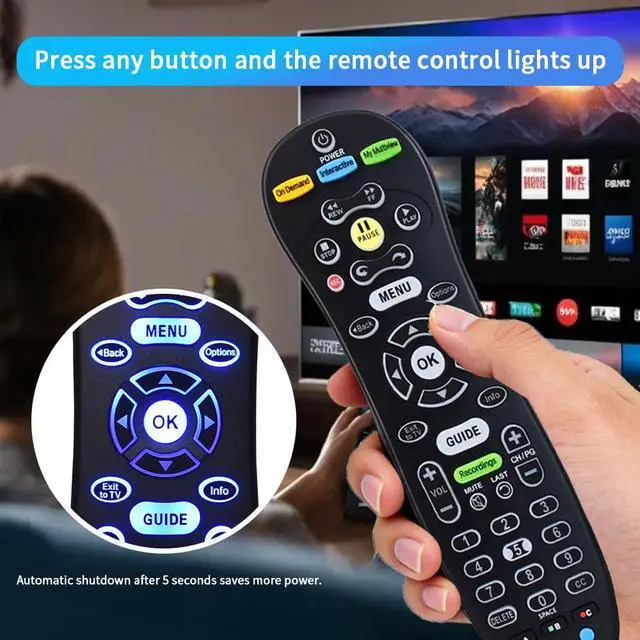
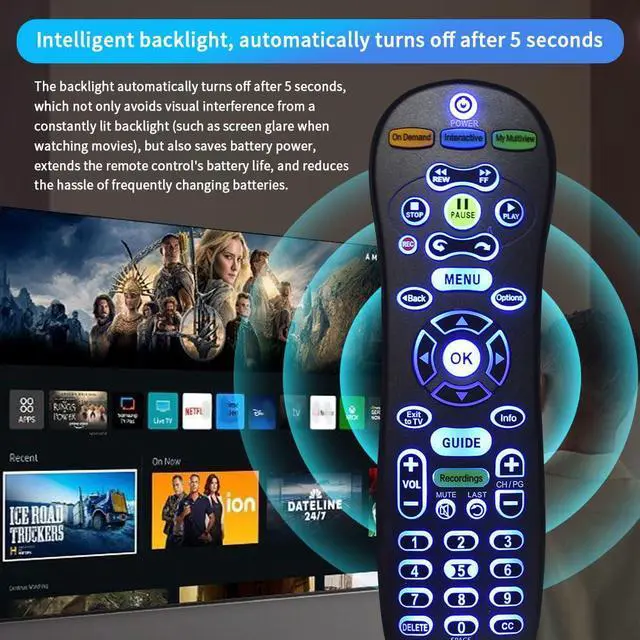
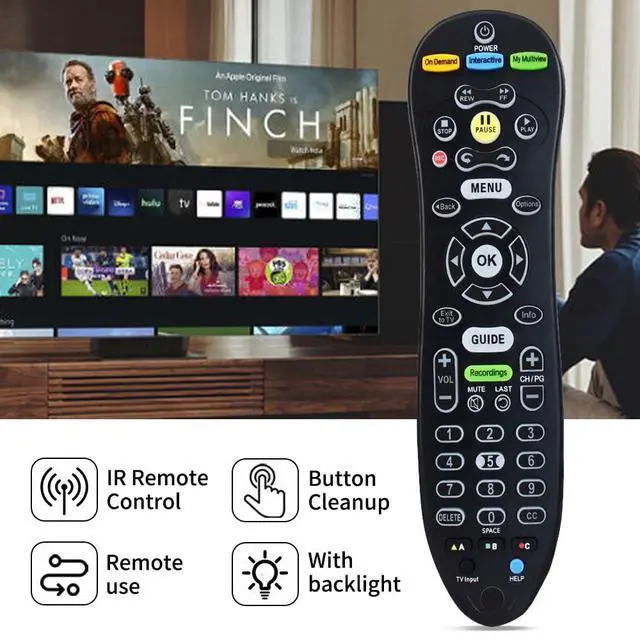
- **Excellent Compatibility** This S30 remote is designed for AT&T U-Verse S30 receivers, including the U-Verse Receiver Cable Box ISB7005 and ISB7000. Utilizing advanced chip technology, it ensures a reliable connection and stable performance across various devices. **Key Features** Constructed from durable ABS material with an ergonomic curved shape for a comfortable grip. It features responsive buttons. It provides a control range of over 30 feet and a 120° angle for greater remote control flexibility. **Practical Design** The comfortable grip design suits everyday practical requirements. The distinctive backlight function allows for precise operation in low-light conditions. **Simple Pairing Process** 1. Press and hold the MENU and OK buttons simultaneously until the LED indicator flashes twice. 2. Press the On Demand button for TV or the Interactive button for Audio. 3. Press and hold the Fast Forward (FF) key. 4. Release the FF key immediately when the TV powers off or the Audio device mutes
+
+
Overview
Specs
Reviews

Any questions? Our AI mode will help you find out quickly.
Try me now
**Excellent Compatibility** This S30 remote is designed for AT&T U-Verse S30 receivers, including the U-Verse Receiver Cable Box ISB7005 and ISB7000. Utilizing advanced chip technology, it ensures a reliable connection and stable performance across various devices. **Key Features** Constructed from durable ABS material with an ergonomic curved shape for a comfortable grip. It features responsive buttons. It provides a control range of over 30 feet and a 120° angle for greater remote control flexibility. **Practical Design** The comfortable grip design suits everyday practical requirements. The distinctive backlight function allows for precise operation in low-light conditions.
**Simple Pairing Process** 1. Press and hold the MENU and OK buttons simultaneously until the LED indicator flashes twice. 2. Press the On Demand button for TV or the Interactive button for Audio. 3. Press and hold the Fast Forward (FF) key. 4. Release the FF key immediately when the TV powers off or the Audio device mutes
**Simple Pairing Process** 1. Press and hold the MENU and OK buttons simultaneously until the LED indicator flashes twice. 2. Press the On Demand button for TV or the Interactive button for Audio. 3. Press and hold the Fast Forward (FF) key. 4. Release the FF key immediately when the TV powers off or the Audio device mutes
Warranty & Returns
Warranty, Returns, And Additional Information
Warranty
- Please contact the Seller directly for warranty information. Warranty information may also be found on the Manufacturer's website.
- CONTACT
Return Policies
- Return for refund within: 30 days
- Return for replacement within: 30 days
- This item is covered by FiveMacro Store Return Policy
Manufacturer Contact Info
- For a directory of all our manufacturers, please click below.
- Manufacturers Directory
LOADING...