

Your Browsing History

Meet Your Seller


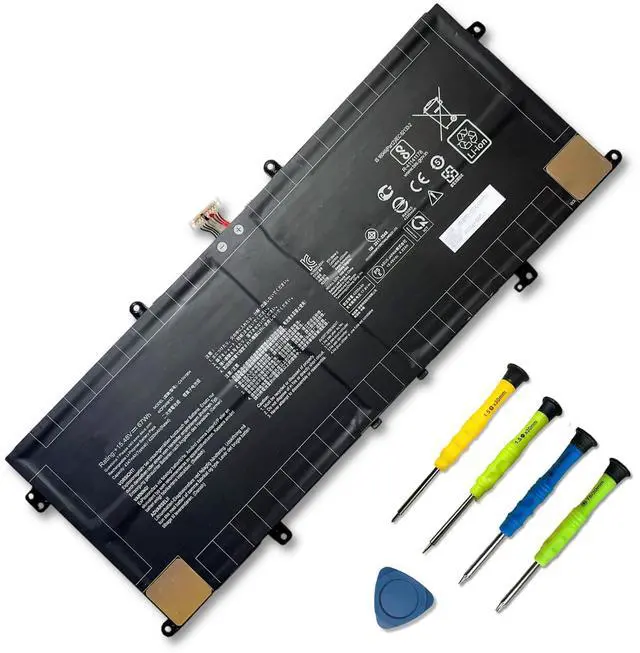


C41N1904 C41N1904-1 Battery for ASUS ZenBook 13 UX325SA UX425UA | 15.48V 67Wh; for ASUS ZenBook 13 BX325JA UM325SA UX363EA-EM045R 14 UM425IA HM053T Flip S13 UX393EA VivoBook S14 S435EA
Limited time offer, ends 08/26 By WanJin World Shop
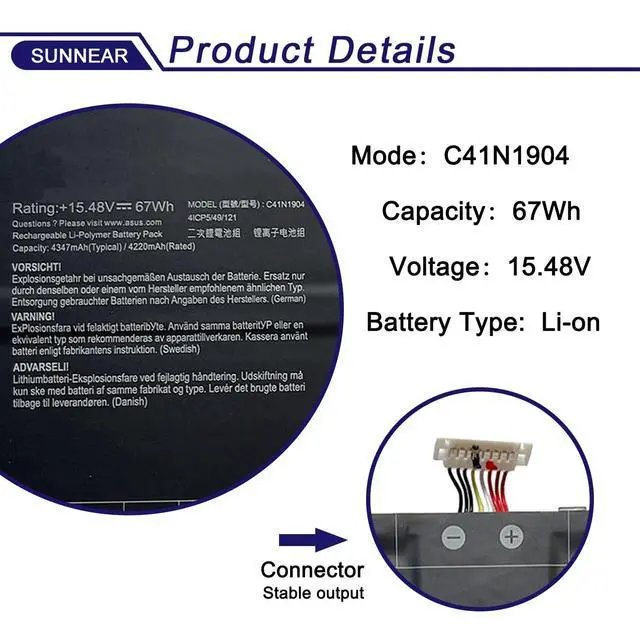
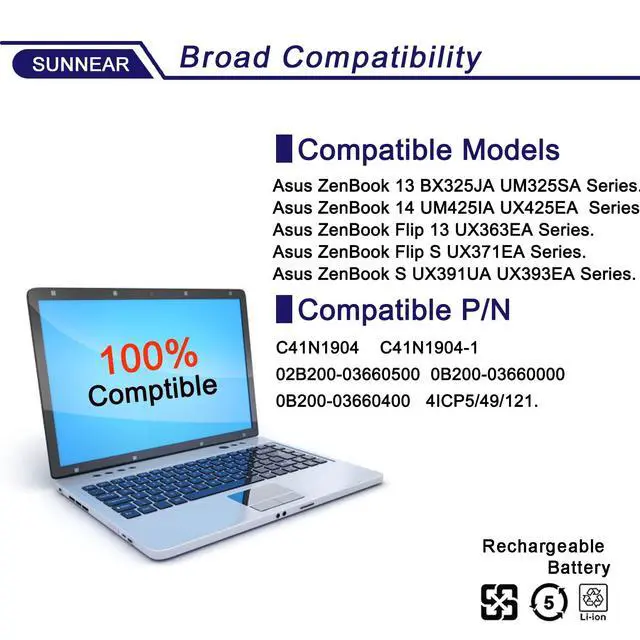
- Specifications: - Model: C41N1904 - Voltage: 15.48V - Capacity: 67Wh / 5209mAh - Battery type: Li-ion - Contains installation tools. This battery is compatible with the following laptop/notebook models: ZenBook 13 UX325EA, UX325JA, UM325UA, UM325SA, BX325JA-EG081R Series; ZenBook 14 UM425IA, UX425EA, UX425JA Series; ZenBook S UX391UA, UX393EA, UX393JA-HK004T Series; ZenBook Flip 13 UX363EA, UX362FA-BP8505T, UX363JA-XB71T Series; ZenBook Flip S UX371EA Series; VivoBook S14 S435EA Series. It also matches these part numbers: C41N1904, C41N1904-1, 4ICP5/49/121, 0B200-03660000, 0B200-03660200, 0B200-03660300, 0B200-03660400, 0B200-03660500. Purchasing Note: Given the variety of laptop battery models, it may be difficult to identify the exact one you require. We advise opening the rear cover of your laptop to verify the original battery's model number. Tips: If the new battery is not detected upon initial installation, please reinstall it and ensure the connection interface is fully seated. Drain the new battery to approximately 5% (avoid 0%), then charge it fully. Perform 3-4 complete charge and discharge cycles to condition the new battery
+
+
Overview
Specs
Reviews

Any questions? Our AI mode will help you find out quickly.
Try me now
Specifications
: -Model: C41N1904 -
Voltage: 15.48V -
Capacity: 67Wh / 5209mAh -
Battery type: Li-ion - Contains installation tools. This battery is compatible with the following laptop/notebook models: ZenBook 13 UX325EA, UX325JA, UM325UA, UM325SA, BX325JA-EG081R Series; ZenBook 14 UM425IA, UX425EA, UX425JA Series; ZenBook S UX391UA, UX393EA, UX393JA-HK004T Series; ZenBook Flip 13 UX363EA, UX362FA-BP8505T, UX363JA-XB71T Series; ZenBook Flip S UX371EA Series; VivoBook S14 S435EA Series. It also matches these part numbers: C41N1904, C41N1904-1, 4ICP5/49/121, 0B200-03660000, 0B200-03660200, 0B200-03660300, 0B200-03660400, 0B200-03660500.
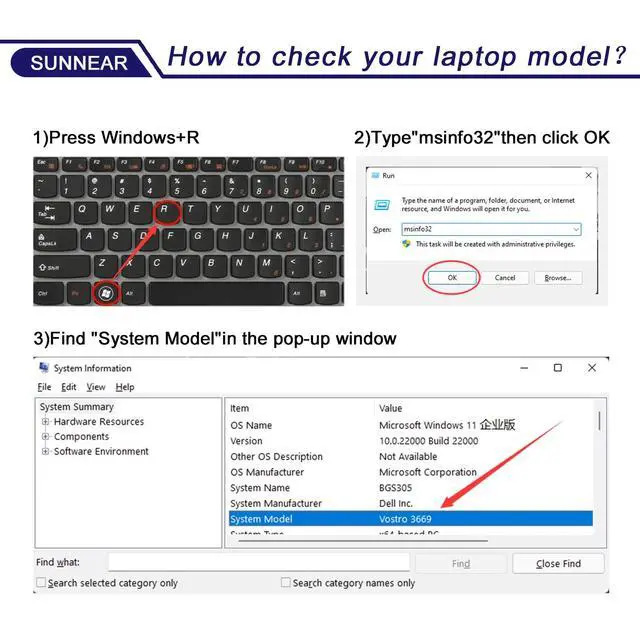
Purchasing Note: Given the variety of laptop battery models, it may be difficult to identify the exact one you require. We advise opening the rear cover of your laptop to verify the original battery's model number.
Tips: If the new battery is not detected upon initial installation, please reinstall it and ensure the connection interface is fully seated. Drain the new battery to approximately 5% (avoid 0%), then charge it fully. Perform 3-4 complete charge and discharge cycles to condition the new battery
Warranty & Returns
Warranty, Returns, And Additional Information
Warranty
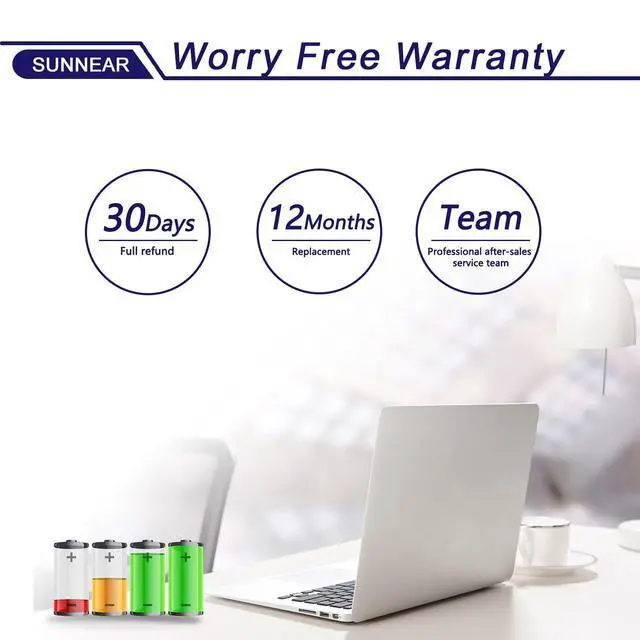
- Please contact the Seller directly for warranty information. Warranty information may also be found on the Manufacturer's website.
- CONTACT
Return Policies
- Return for refund within: 30 days
- Return for replacement within: 30 days
- This item is covered by WanJin World Shop Return Policy
Manufacturer Contact Info
- For a directory of all our manufacturers, please click below.
- Manufacturers Directory
LOADING...