

Your Browsing History

Meet Your Seller



Navigation SD Card for Mazda CX-5/CX-9 2016-2020, Mazda 3 2014-2018 | for Mazda 6/CX-3/MX-5 2016-2024, Car GPS Navigation System for USA/Canada/Mexico
Limited time offer, ends 09/17 By FiveMacro Store
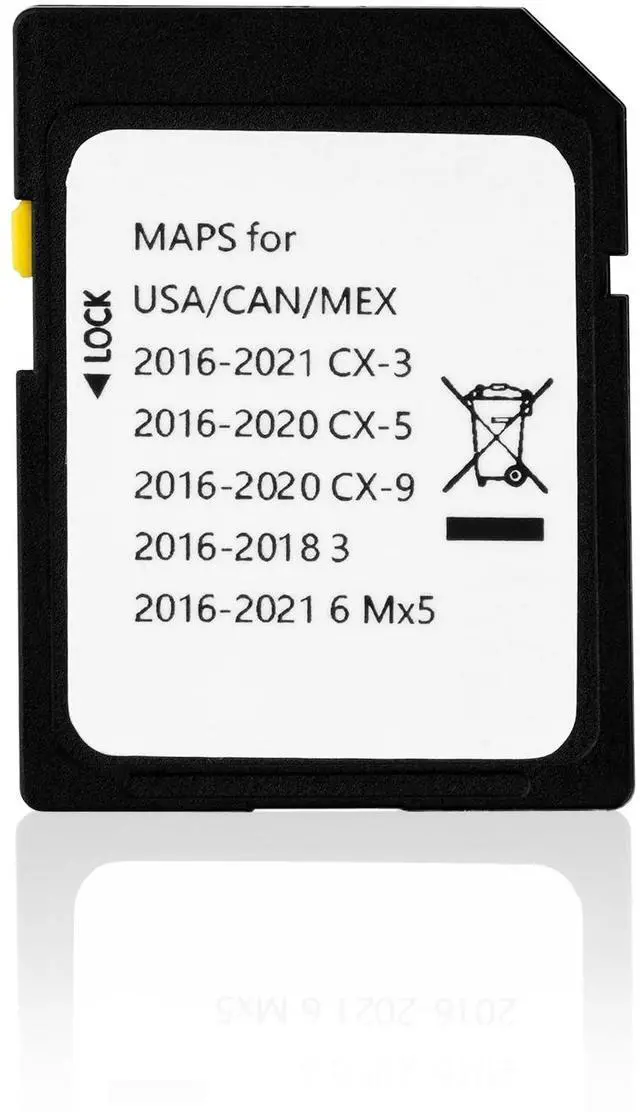
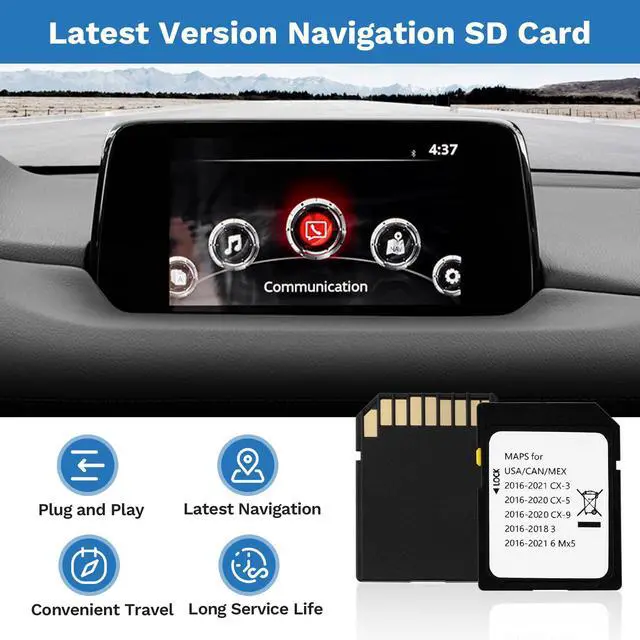
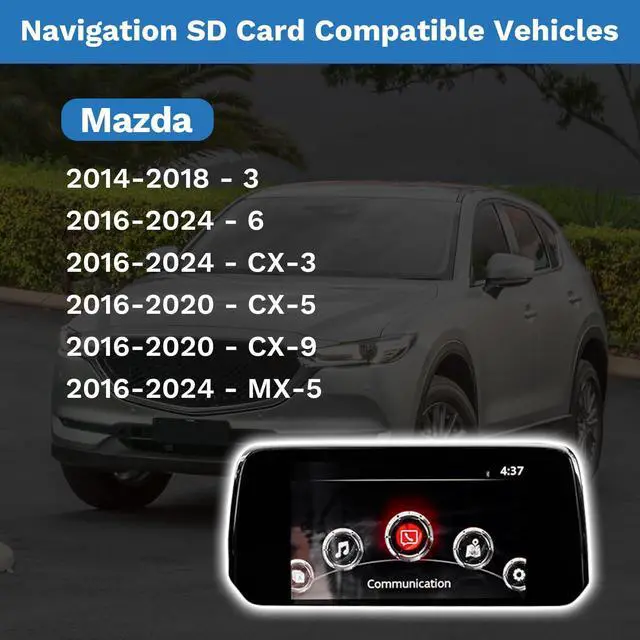
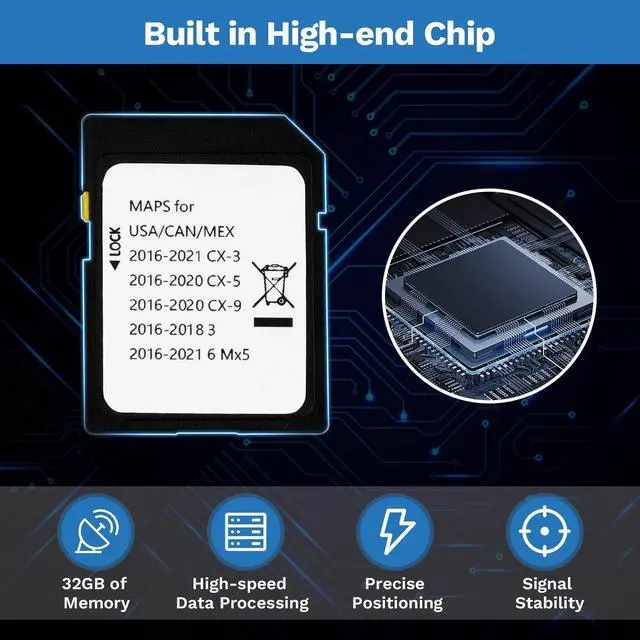
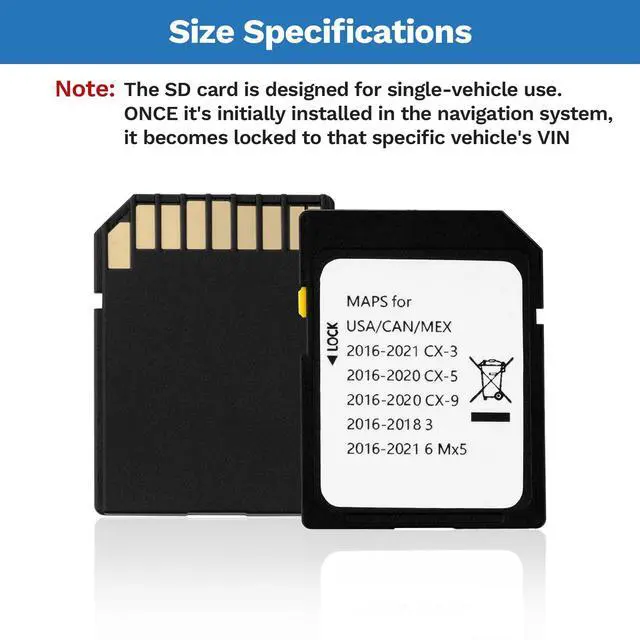
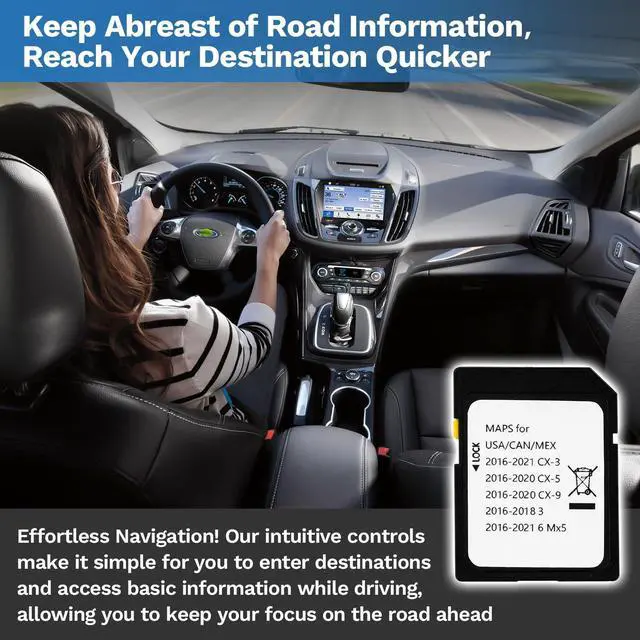
- This navigation SD card is designed for use with the Mazda 3 (2014-2018), Mazda 6, CX-3, and MX-5 (2016-2024), as well as the CX-5 and CX-9 (2016-2020). This SD card stores video data for in-car navigation systems, containing maps and road information. It features the most recent map database, offering expanded coverage of hundreds of cities, counties, and metropolitan areas across all 50 U.S. states, Puerto Rico, and Canada. (Note: Intended for SYNC systems utilizing SD card navigation.) This navigation SD card incorporates a premium chip. It provides 32GB of storage and high-speed data processing, ensuring reliable performance during operation. To install, first turn off the vehicle's ignition. Then, locate the SD card slot and insert the new navigation SD card until it clicks into place. (The slot is spring-loaded. Avoid pulling the SD card out without fully inserting it, as this could damage the chip.) Please confirm your vehicle model and specifications before ordering
+
+
Overview
Specs
Reviews

Any questions? Our AI mode will help you find out quickly.
Try me now
This navigation SD card is designed for use with the Mazda 3 (2014-2018), Mazda 6, CX-3, and MX-5 (2016-2024), as well as the CX-5 and CX-9 (2016-2020). This SD card stores video data for in-car navigation systems, containing maps and road information. It features the most recent map database, offering expanded coverage of hundreds of cities, counties, and metropolitan areas across all 50 U. S. states, Puerto Rico, and Canada.
(Note: Intended for SYNC systems utilizing SD card navigation. ) This navigation SD card incorporates a premium chip. It provides 32GB of storage and high-speed data processing, ensuring reliable performance during operation. To install, first turn off the vehicle's ignition. Then, locate the SD card slot and insert the new navigation SD card until it clicks into place. (The slot is spring-loaded. Avoid pulling the SD card out without fully inserting it, as this could damage the chip. ) Please confirm your vehicle model and specifications before ordering
(Note: Intended for SYNC systems utilizing SD card navigation. ) This navigation SD card incorporates a premium chip. It provides 32GB of storage and high-speed data processing, ensuring reliable performance during operation. To install, first turn off the vehicle's ignition. Then, locate the SD card slot and insert the new navigation SD card until it clicks into place. (The slot is spring-loaded. Avoid pulling the SD card out without fully inserting it, as this could damage the chip. ) Please confirm your vehicle model and specifications before ordering
Warranty & Returns
Warranty, Returns, And Additional Information
Warranty
- Please contact the Seller directly for warranty information. Warranty information may also be found on the Manufacturer's website.
- CONTACT
Return Policies
- Return for refund within: 30 days
- Return for replacement within: 30 days
- This item is covered by FiveMacro Store Return Policy
Manufacturer Contact Info
- For a directory of all our manufacturers, please click below.
- Manufacturers Directory
LOADING...