

Your Browsing History

Meet Your Seller


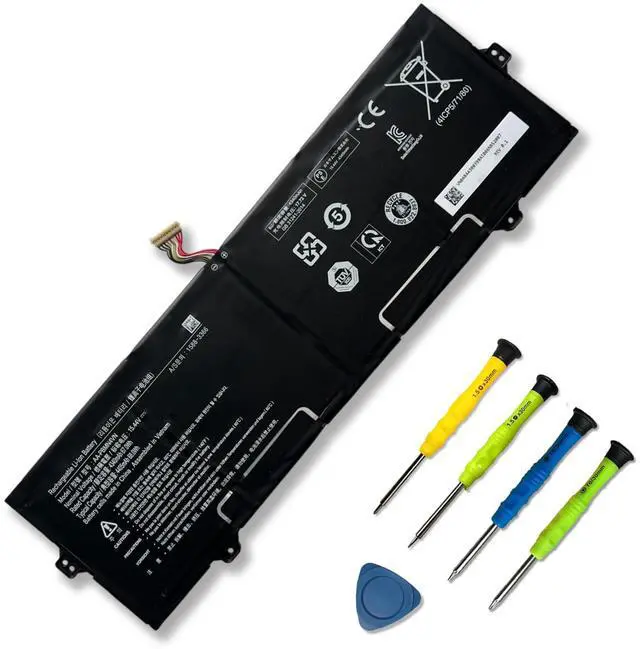
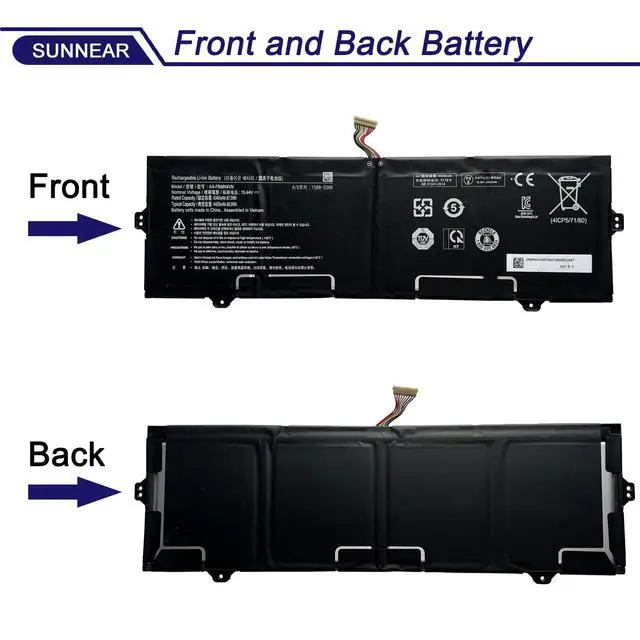


AA-PBMN4VN Laptop Battery Compatible with Samsung Galaxy Book Pro 360 15 15.6 NP950XDB NP950XDB-KA1US NP950XDB-KB1US NP950QDB Series BA43-00398 BA4300398 BA43-00398A 15.44V 68Wh 4405mAh
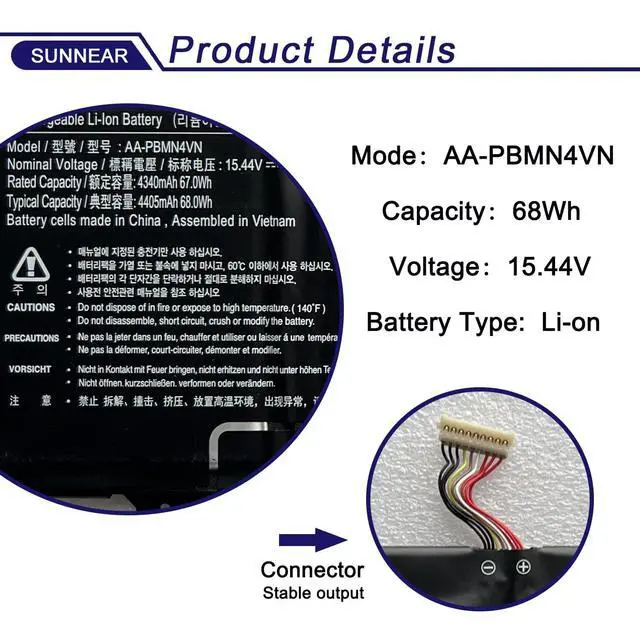
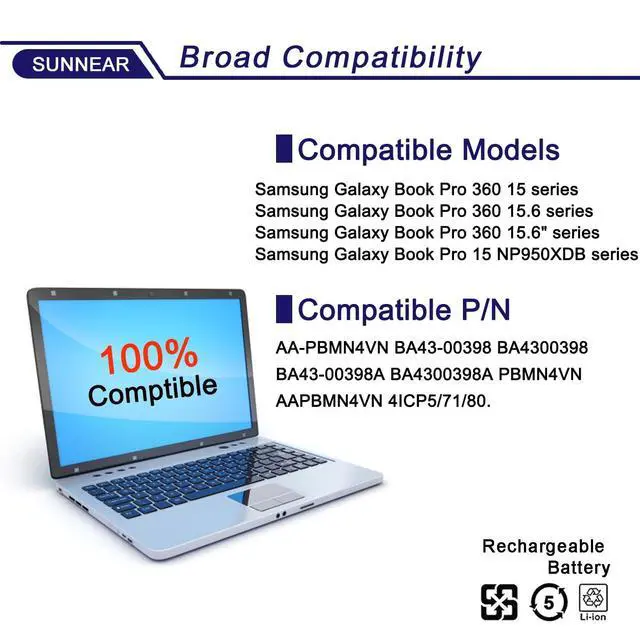
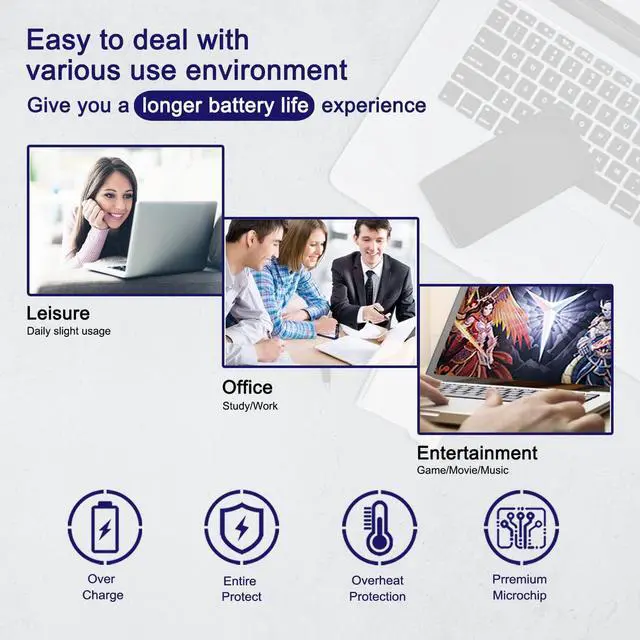
- Specifications: Model: AA-PBMN4VN Voltage: 15.44V Capacity: 67Wh/4340mAh Battery type: Lithium-ion. Includes installation tools. Compatible Laptop/Notebook Models: For Samsung Galaxy Book Pro 360 15.6'' series. For Samsung Galaxy Book Pro 15 models: NP950XDB, NP950XDB-KA1US, NP950XDB-KB1US, NP950XDB-KC3US, NP950XDB-KC5US. For Samsung Galaxy Book Pro 360 15 models: NP950QDB, NP950QDB-KB1US, NP950QDB-KB3US, NP950QED-KB1US, NP950XED-KA2US. Compatible Part Numbers: AA-PBMN4VN, BA43-00398, BA4300398, BA43-00398A, BA4300398A, PBMN4VN, AAPBMN4VN, 4ICP5/71/80. Purchasing Note: Due to the variety of laptop battery models, you may not be able to accurately determine the model you need. Please open the back cover of the laptop to verify the original battery model number. Tips: If the new battery is not recognized during initial installation, please reinstall it and check if the interface is fully connected. Run the new battery down to 5% (not 0%), then fully charge it and complete 3-4 power cycles to activate the new battery
+
+
Overview
Specs
Reviews

Any questions? Our AI mode will help you find out quickly.
Try me now
Specifications
:Model: AA-PBMN4VN
Voltage: 15.44V
Capacity: 67Wh/4340mAh
Battery type: Lithium-ion. Includes installation tools.
Compatible Laptop/Notebook Models: For Samsung Galaxy Book Pro 360 15.6 '' series. For Samsung Galaxy Book Pro 15 models: NP950XDB, NP950XDB-KA1US, NP950XDB-KB1US, NP950XDB-KC3US, NP950XDB-KC5US. For Samsung Galaxy Book Pro 360 15 models: NP950QDB, NP950QDB-KB1US, NP950QDB-KB3US, NP950QED-KB1US, NP950XED-KA2US.
Compatible Part Numbers: AA-PBMN4VN, BA43-00398, BA4300398, BA43-00398A, BA4300398A, PBMN4VN, AAPBMN4VN, 4ICP5/71/80.
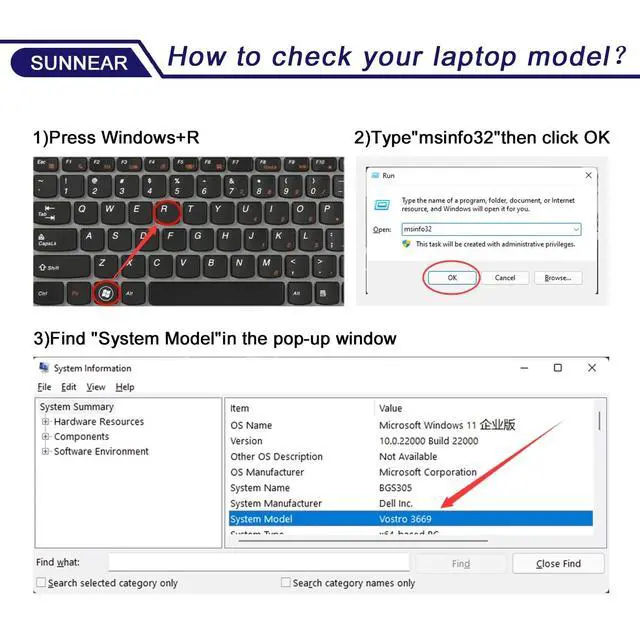
Purchasing Note: Due to the variety of laptop battery models, you may not be able to accurately determine the model you need. Please open the back cover of the laptop to verify the original battery model number.
Tips: If the new battery is not recognized during initial installation, please reinstall it and check if the interface is fully connected. Run the new battery down to 5% (not 0%), then fully charge it and complete 3-4 power cycles to activate the new battery
Warranty & Returns
Warranty, Returns, And Additional Information
Warranty
- Please contact the Seller directly for warranty information. Warranty information may also be found on the Manufacturer's website.
- CONTACT
Return Policies
- Return for refund within: 30 days
- Return for replacement within: 30 days
- This item is covered by WanJin World Shop Return Policy
Manufacturer Contact Info
- For a directory of all our manufacturers, please click below.
- Manufacturers Directory
LOADING...