

Your Browsing History

Meet Your Seller

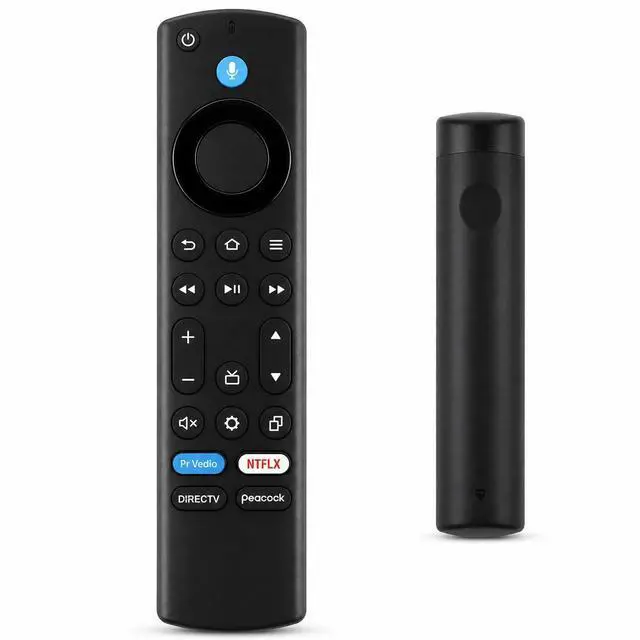
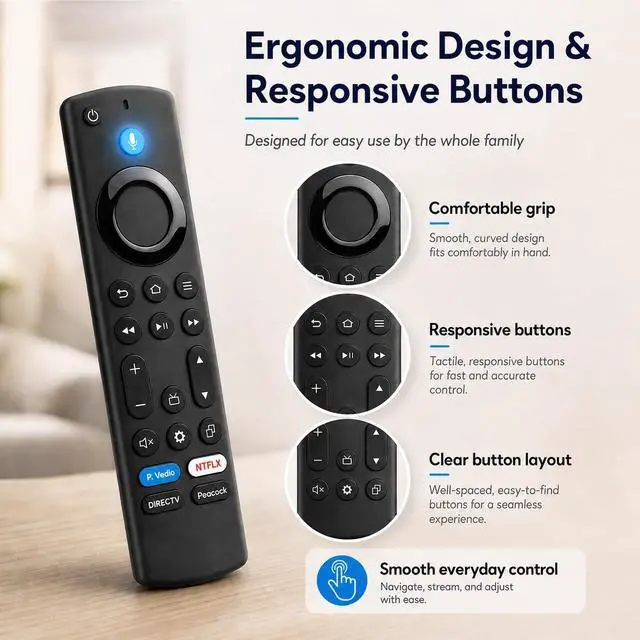
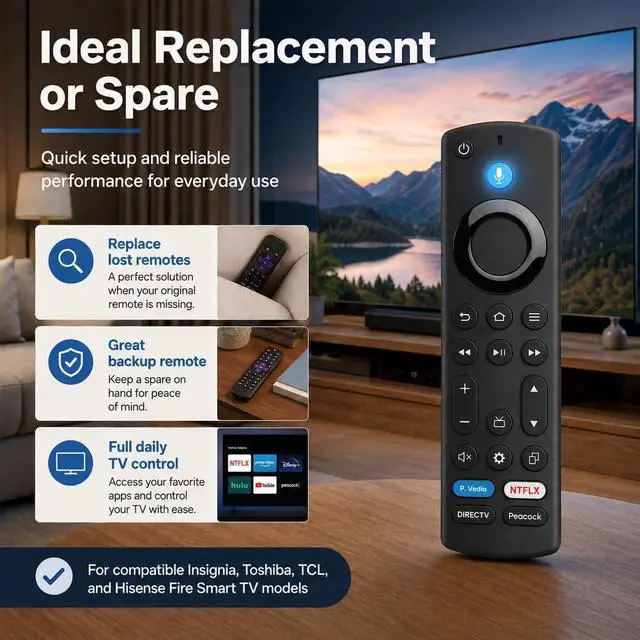


Voice Remote for FireSeries TV, for Insignia Toshiba TCL Hisense | Bluetooth Pairing, Voice Search and 4 App Keys for FireSeries TVs
Limited time offer, ends 09/17 By FiveMacro Store
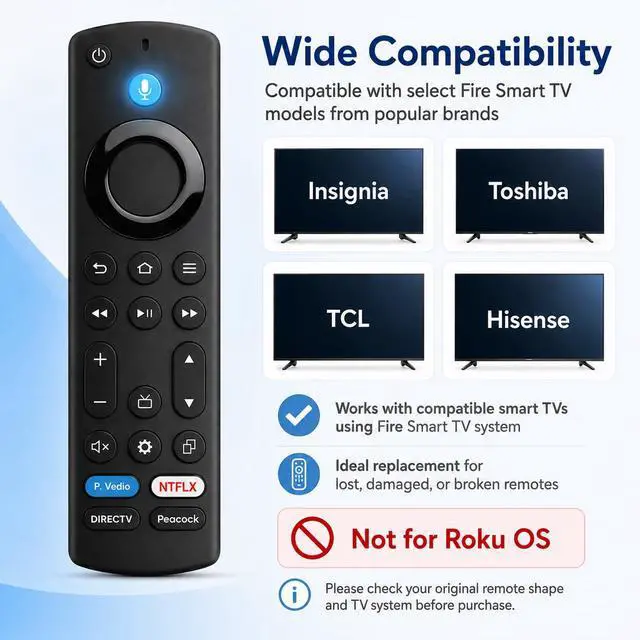
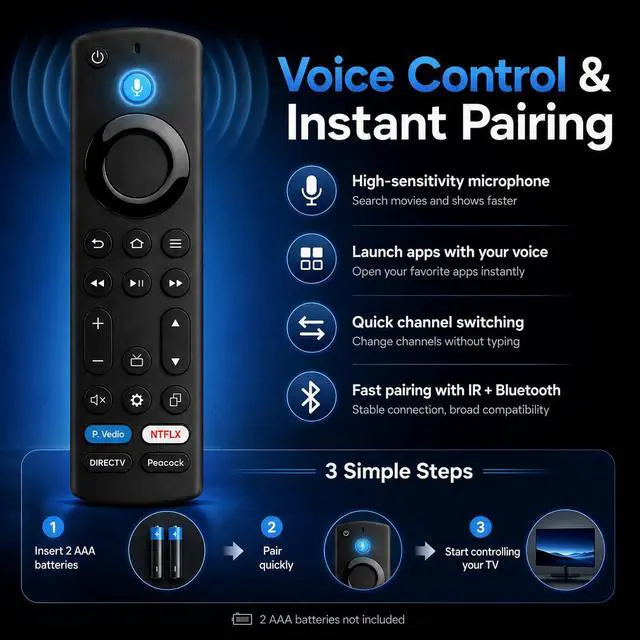
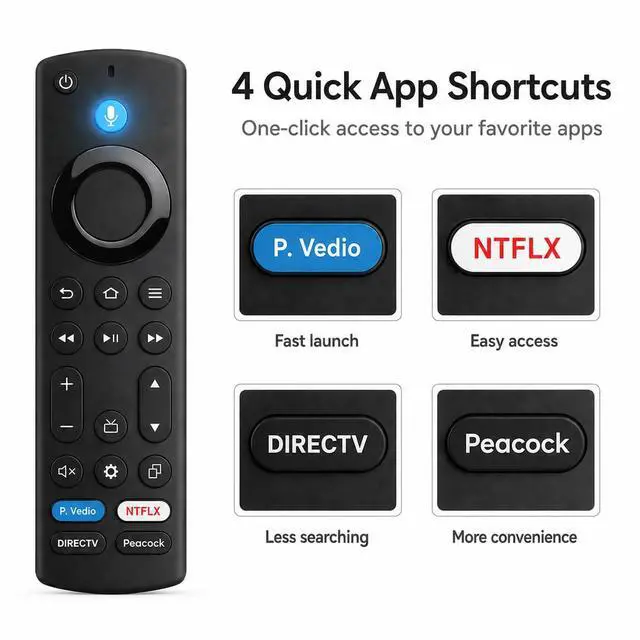
- Designed for FireSeries TVs: a replacement voice remote for Insignia, Toshiba, TCL, and Hisense FireSeries TVs. A handy spare or substitute when the original remote is lost, damaged, worn, or unresponsive. Voice Search on Supported TVs: Press the voice button to search for movies, launch apps, and utilize compatible smart TV voice functions. Voice capabilities require a compatible TV, successful pairing, and system support. Bluetooth Pairing and Daily Operation: Engineered for everyday TV navigation with Bluetooth pairing. Employ it for power, volume, menu navigation, app selection, playback, and standard streaming control. 4 App Shortcut Keys: Four preset shortcut buttons assist in launching common streaming apps more quickly without navigating the home screen. The slim profile and responsive keys are crafted for regular home use. Simple Setup Before Use: Install 2 AAA batteries, then pair the remote if your TV prompts for registration. If it does not connect automatically, press and hold the Home button until the pairing process begins. Batteries are not included
+
+
Overview
Specs
Reviews

Any questions? Our AI mode will help you find out quickly.
Try me now
Designed for
FireSeries TVs: a replacement voice remote for Insignia, Toshiba, TCL, and Hisense FireSeries TVs. A handy spare or substitute when the original remote is lost, damaged, worn, or unresponsive. Voice Search on
Supported TVs: Press the voice button to search for movies, launch apps, and utilize compatible smart TV voice functions. Voice capabilities require a compatible TV, successful pairing, and system support. Bluetooth Pairing and
Daily Operation: Engineered for everyday TV navigation with Bluetooth pairing. Employ it for power, volume, menu navigation, app selection, playback, and standard streaming control.
4 App Shortcut Keys: Four preset shortcut buttons assist in launching common streaming apps more quickly without navigating the home screen. The slim profile and responsive keys are crafted for regular home use.
Simple Setup Before Use: Install 2 AAA batteries, then pair the remote if your TV prompts for registration. If it does not connect automatically, press and hold the Home button until the pairing process begins. Batteries are not included
FireSeries TVs: a replacement voice remote for Insignia, Toshiba, TCL, and Hisense FireSeries TVs. A handy spare or substitute when the original remote is lost, damaged, worn, or unresponsive. Voice Search on
Supported TVs: Press the voice button to search for movies, launch apps, and utilize compatible smart TV voice functions. Voice capabilities require a compatible TV, successful pairing, and system support. Bluetooth Pairing and
Daily Operation: Engineered for everyday TV navigation with Bluetooth pairing. Employ it for power, volume, menu navigation, app selection, playback, and standard streaming control.
4 App Shortcut Keys: Four preset shortcut buttons assist in launching common streaming apps more quickly without navigating the home screen. The slim profile and responsive keys are crafted for regular home use.
Simple Setup Before Use: Install 2 AAA batteries, then pair the remote if your TV prompts for registration. If it does not connect automatically, press and hold the Home button until the pairing process begins. Batteries are not included
Warranty & Returns
Warranty, Returns, And Additional Information
Warranty
- Please contact the Seller directly for warranty information. Warranty information may also be found on the Manufacturer's website.
- CONTACT
Return Policies
- Return for refund within: 30 days
- Return for replacement within: 30 days
- This item is covered by FiveMacro Store Return Policy
Manufacturer Contact Info
- For a directory of all our manufacturers, please click below.
- Manufacturers Directory
LOADING...