

Your Browsing History

Meet Your Seller


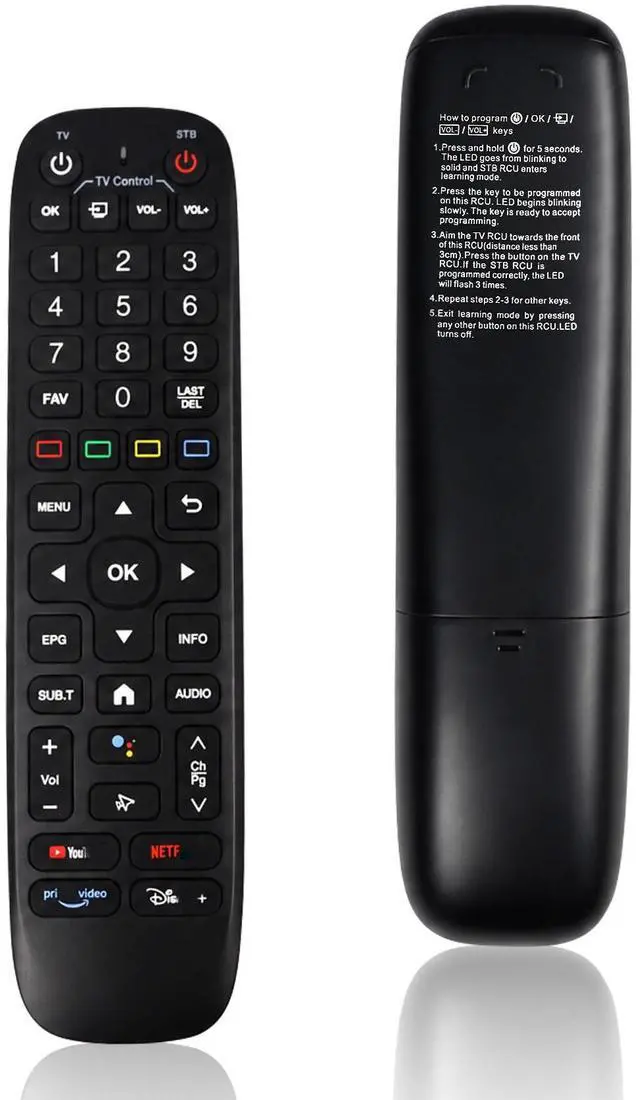


New Backlight V6 Plus Voice Remote Control, Compatible with vSeeBox V6 Plus Intelligent Bluetooth Voice Remote Control
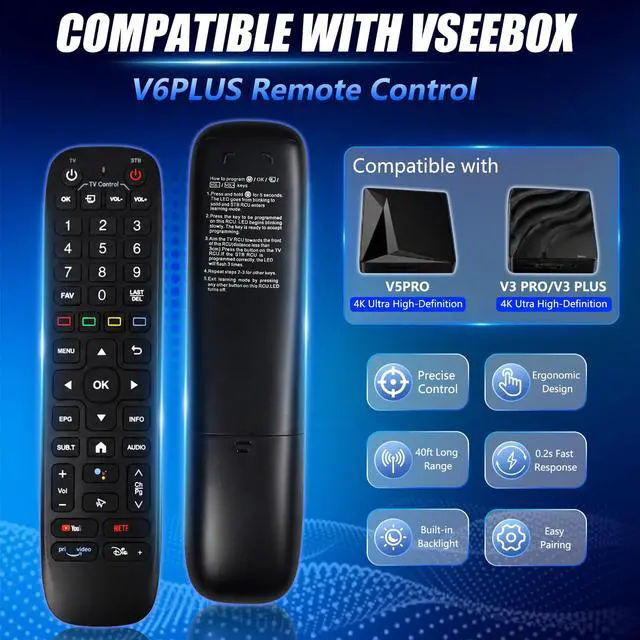
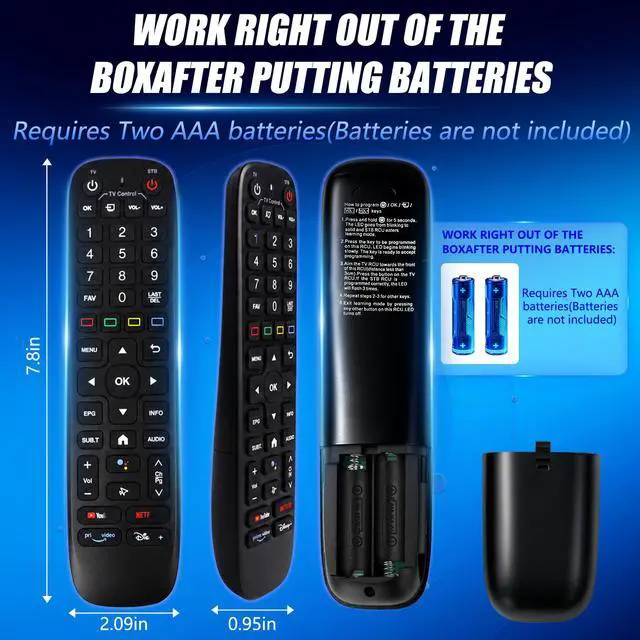
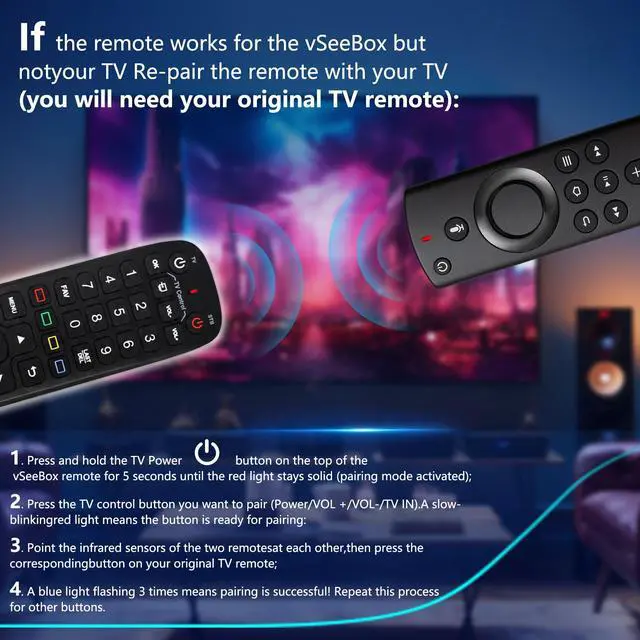
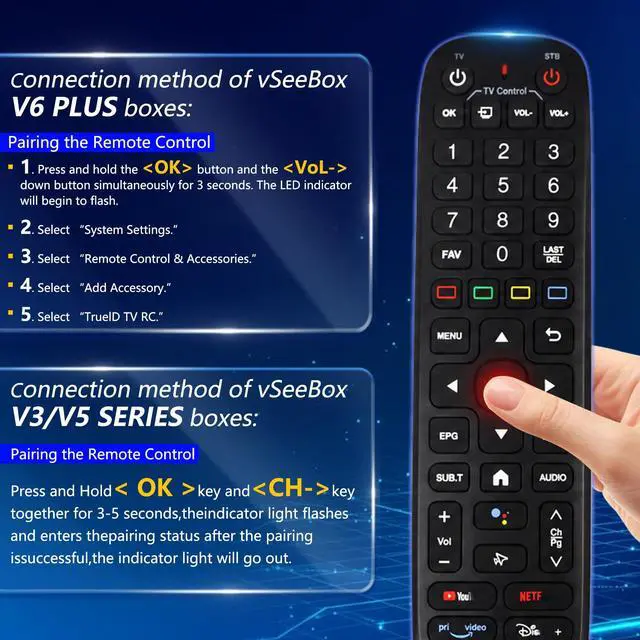
- This remote control requires two AA batteries (not included). If the product still does not function after inserting the batteries, use a needle-like tool to push the silver metal contact connected to the positive terminal of the battery out of the battery compartment, then reinsert the batteries and attempt pairing again. This remote control is compatible with the Vseebox V6 Plus, Vsee Box V5 Pro, V3 Plus, and V3 Pro. It is constructed from ABS plastic and silicone, providing excellent comfort and durability. Utilizing infrared technology, it delivers a longer transmission range (over 25 feet), rapid response times (as short as 0.3 seconds), and button durability tested for over 120,000 presses. How to pair with the V6 Plus set-top box: 1. Press and hold the [OK] button and the [VOL-] button simultaneously for 3 seconds. The LED indicator will begin to flash. 2. Select "System Settings." 3. Select "Remote Control & Accessories." 4. Select "Add Accessory." 5. Select "TruelD TV RC." Note: Set the PowerKey function to "Sleep." Do not select "Power Off," otherwise you will need to press the "Back" button every time you turn on the device. Pairing Method for V3/V5 Series Set-Top Boxes: Press and hold the [OK] and [CH-] buttons for 35 seconds; the indicator light will flash and the device will enter pairing mode. Go to System Settings - Bluetooth - Pair New Device, locate the remote control, and connect the device. Once pairing is successful, the indicator light will turn off.
+
+
Overview
Specs
Reviews

Any questions? Our AI mode will help you find out quickly.
Try me now
This remote control requires two AA batteries (not included). If the product still does not function after inserting the batteries, use a needle-like tool to push the silver metal contact connected to the positive terminal of the battery out of the battery compartment, then reinsert the batteries and attempt pairing again. This remote control is compatible with the Vseebox V6 Plus, Vsee Box V5 Pro, V3 Plus, and V3 Pro. It is constructed from ABS plastic and silicone, providing excellent comfort and durability. Utilizing infrared technology, it delivers a longer transmission range (over 25 feet), rapid response times (as short as 0.3 seconds), and button durability tested for over 120, 000 presses.
How to pair with the
V6 Plus set-top box: 1. Press and hold the [OK] button and the [VOL-] button simultaneously for 3 seconds. The LED indicator will begin to flash. 2. Select "System Settings. " 3. Select "Remote Control & Accessories. " 4. Select "Add Accessory. " 5. Select "TruelD TV RC.
" Note: Set the PowerKey function to "Sleep. " Do not select "Power Off, " otherwise you will need to press the "Back" button every time you turn on the device. Pairing Method for V3/V5
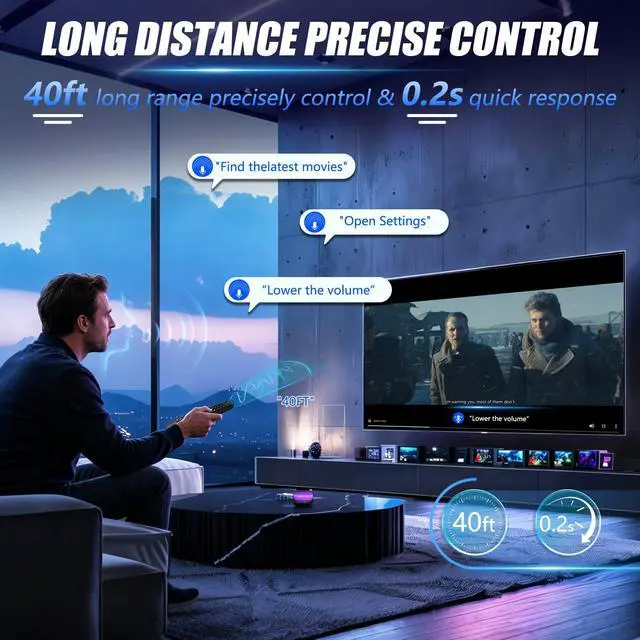
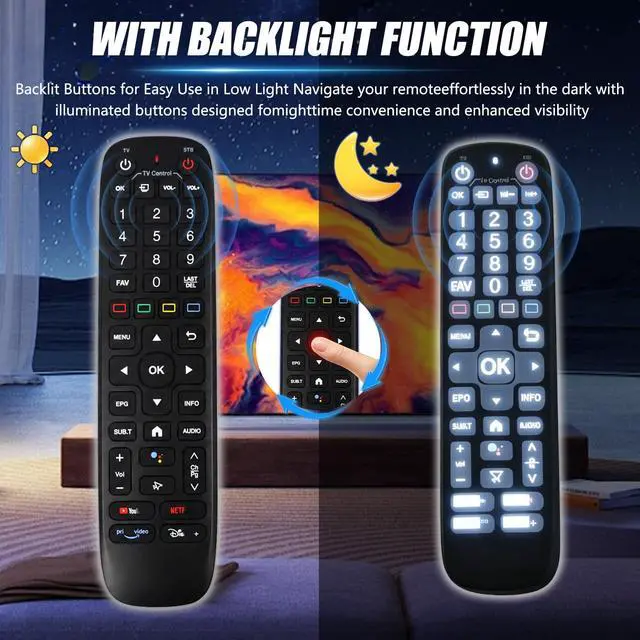
Series Set-Top Boxes: Press and hold the [OK] and [CH-] buttons for 35 seconds; the indicator light will flash and the device will enter pairing mode. Go to System Settings - Bluetooth - Pair New Device, locate the remote control, and connect the device. Once pairing is successful, the indicator light will turn off. If pairing fails, please remove the old device from the system first, then follow the steps again. The Bluetooth Voice Remote features backlit buttons. When the buttons are hard to see at night, simply touch any button to activate the backlight for improved visibility. Its voice control is highly convenientuse voice commands to change channels, adjust the volume, or search for movies.
(Note: Voice control is not supported on some models. )
How to pair with the
V6 Plus set-top box: 1. Press and hold the [OK] button and the [VOL-] button simultaneously for 3 seconds. The LED indicator will begin to flash. 2. Select "System Settings. " 3. Select "Remote Control & Accessories. " 4. Select "Add Accessory. " 5. Select "TruelD TV RC.
" Note: Set the PowerKey function to "Sleep. " Do not select "Power Off, " otherwise you will need to press the "Back" button every time you turn on the device. Pairing Method for V3/V5
Series Set-Top Boxes: Press and hold the [OK] and [CH-] buttons for 35 seconds; the indicator light will flash and the device will enter pairing mode. Go to System Settings - Bluetooth - Pair New Device, locate the remote control, and connect the device. Once pairing is successful, the indicator light will turn off. If pairing fails, please remove the old device from the system first, then follow the steps again. The Bluetooth Voice Remote features backlit buttons. When the buttons are hard to see at night, simply touch any button to activate the backlight for improved visibility. Its voice control is highly convenientuse voice commands to change channels, adjust the volume, or search for movies.
(Note: Voice control is not supported on some models. )
Warranty & Returns
Warranty, Returns, And Additional Information
Warranty
- Please contact the Seller directly for warranty information. Warranty information may also be found on the Manufacturer's website.
- CONTACT
Return Policies
- Return for refund within: 30 days
- Return for replacement within: 30 days
- This item is covered by WanJin World Shop Return Policy
Manufacturer Contact Info
- For a directory of all our manufacturers, please click below.
- Manufacturers Directory
LOADING...