

Your Browsing History

Meet Your Seller
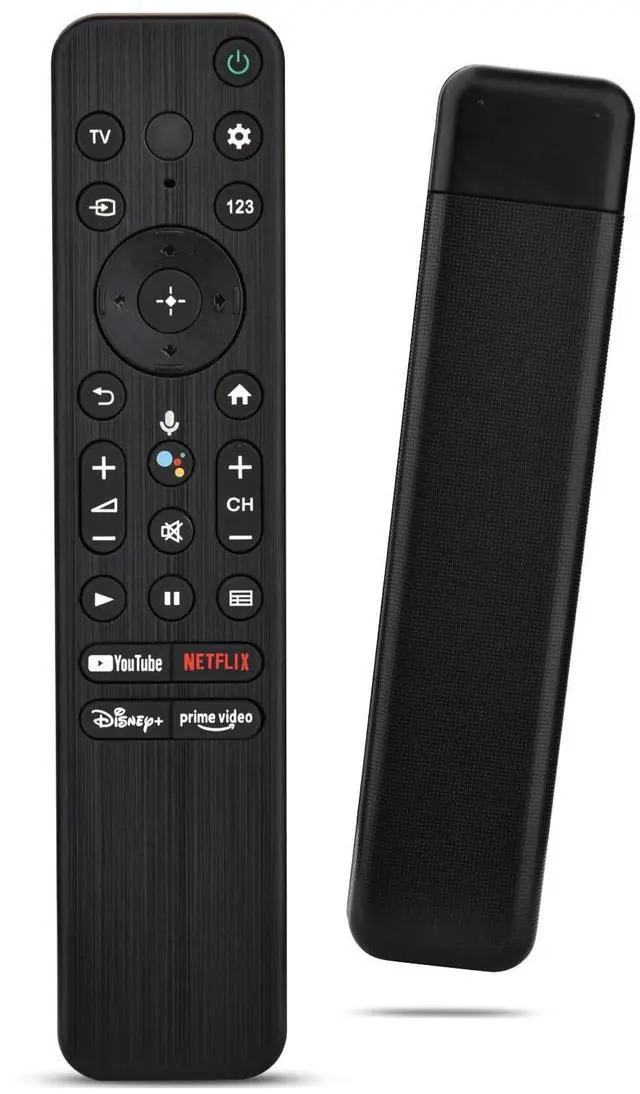
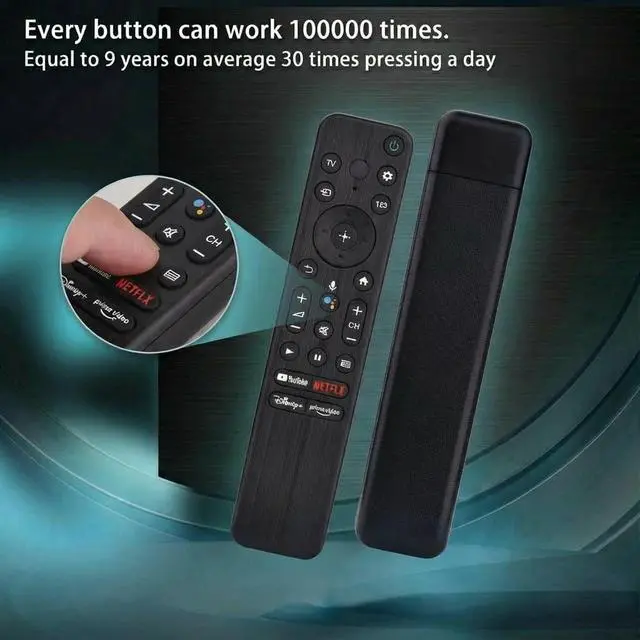
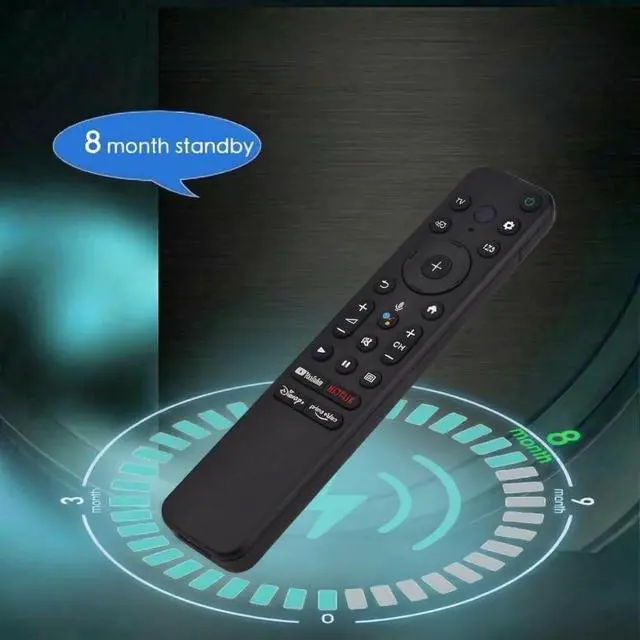
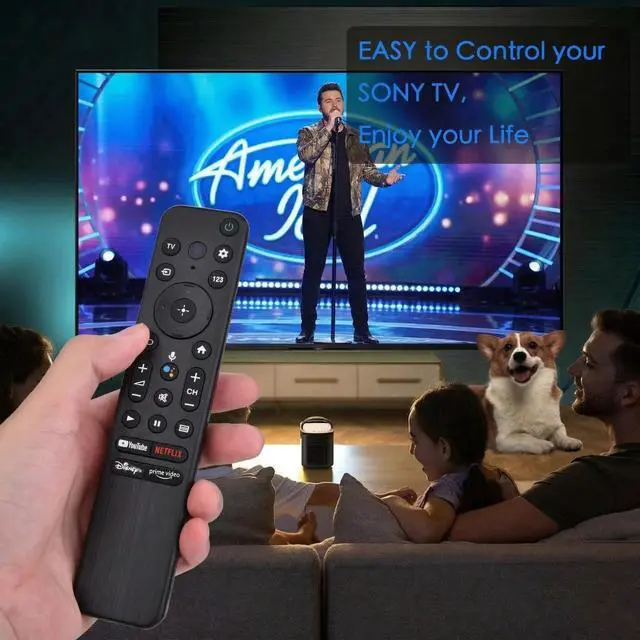


Voice Remote for Sony Smart TVs,Replacement Control for All 2018 to 2025 Sony Bravia Google 4K UHD LED LCD HD Smart TVs, with 4 Quick Link Buttons
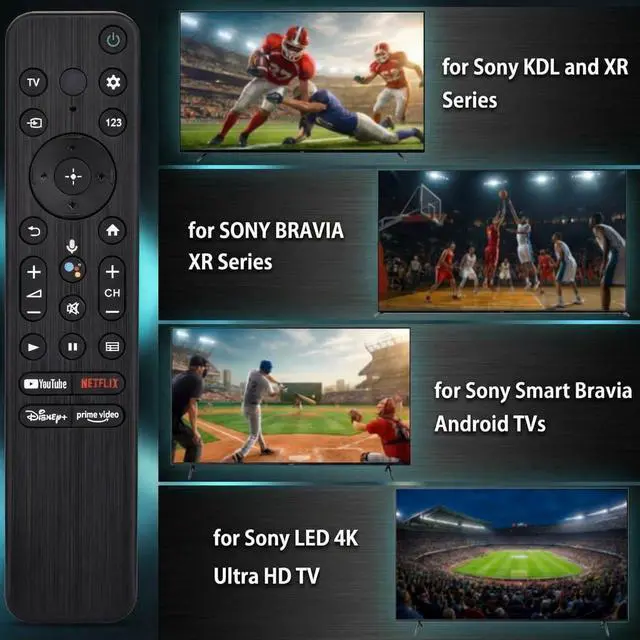
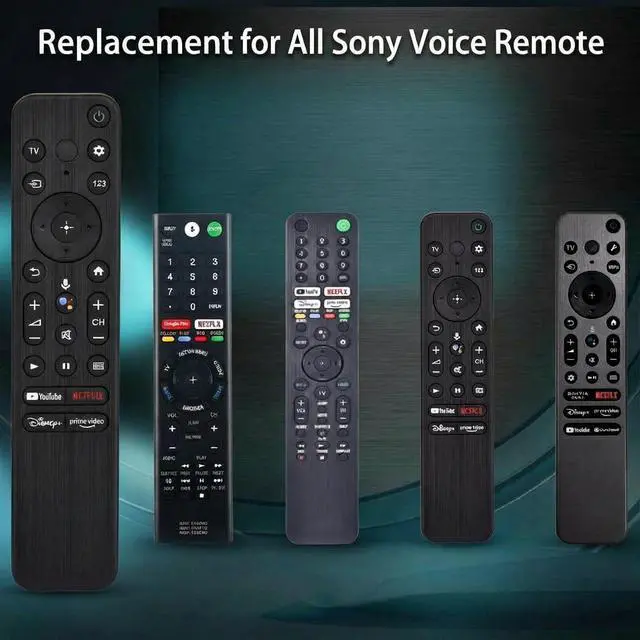
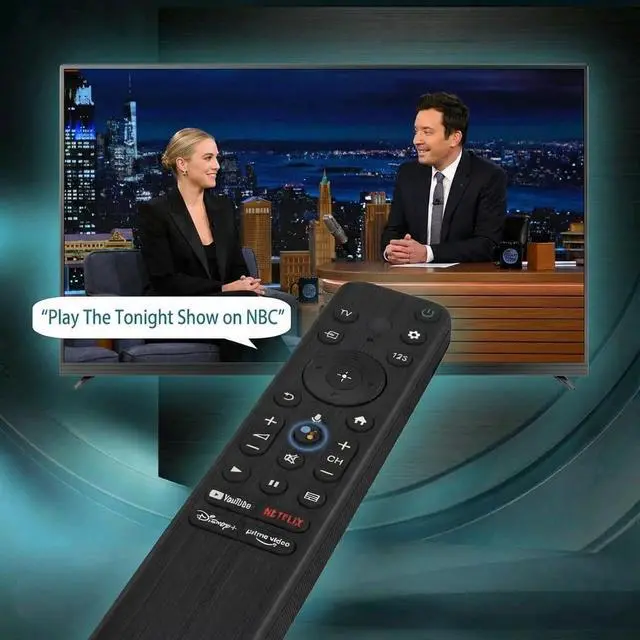
- Universal voice remote control replacement for Sony TV remotes RMF-TX800U, RMF-TX810U, RMF-TX811U, RMF-TX820U, RMF-TX900U, RMF-TX910U, RMF-TX920U, RMF-TX520U, RMF-TX500U, RMF-TX600U, RMF-TX611U, RMF-TX621U, RM F-TX300U, and RM F-TX310U. Compatible with all Sony Google Bravia Series TVs, Sony XBR Series TVs, Sony XR Series TVs, Sony KD Series TVs, Sony KDL Series TVs, Sony 4K UHD Crystal HDR TVs, and Sony OLED Ultra HD TVs from 2018 to 2025. This smart TV remote enables voice control. By pressing the microphone button, you can tell the TV what you want and it happens. Note: Only compatible with voice-enabled devices. Quickly access your favorite content with preset app buttons for Netflix, YouTube, Disney+, and Prime Video. Please follow these steps to pair this remote before using voice search. Go to your TV Settings -> Remotes & Accessories or BT -> Remote Control -> Connect via BT. To start the pairing process, press and hold the "VOL -" button while simultaneously pressing the "Mic" button for 3-5 seconds. Package contains: 1x New Remote (battery not included), 1x User Manual
+
+
Overview
Specs
Reviews

Any questions? Our AI mode will help you find out quickly.
Try me now
Universal voice remote control replacement for Sony TV remotes RMF-TX800U, RMF-TX810U, RMF-TX811U, RMF-TX820U, RMF-TX900U, RMF-TX910U, RMF-TX920U, RMF-TX520U, RMF-TX500U, RMF-TX600U, RMF-TX611U, RMF-TX621U, RM F-TX300U, and RM F-TX310U. Compatible with all Sony Google Bravia Series TVs, Sony XBR Series TVs, Sony XR Series TVs, Sony KD Series TVs, Sony KDL Series TVs, Sony 4K UHD Crystal HDR TVs, and Sony OLED Ultra HD TVs from 2018 to 2025. This smart TV remote enables voice control. By pressing the microphone button, you can tell the TV what you want and it happens.
Note: Only compatible with voice-enabled devices. Quickly access your favorite content with preset app buttons for Netflix, YouTube, Disney+, and Prime Video. Please follow these steps to pair this remote before using voice search. Go to your TV Settings -> Remotes & Accessories or BT -> Remote Control -> Connect via BT. To start the pairing process, press and hold the "VOL -" button while simultaneously pressing the "Mic" button for 3-5 seconds.
Package contains: 1x New Remote (battery not included), 1x User Manual
Note: Only compatible with voice-enabled devices. Quickly access your favorite content with preset app buttons for Netflix, YouTube, Disney+, and Prime Video. Please follow these steps to pair this remote before using voice search. Go to your TV Settings -> Remotes & Accessories or BT -> Remote Control -> Connect via BT. To start the pairing process, press and hold the "VOL -" button while simultaneously pressing the "Mic" button for 3-5 seconds.
Package contains: 1x New Remote (battery not included), 1x User Manual
Warranty & Returns
Warranty, Returns, And Additional Information
Warranty
- Please contact the Seller directly for warranty information. Warranty information may also be found on the Manufacturer's website.
- CONTACT
Return Policies
- Return for refund within: 30 days
- Return for replacement within: 30 days
- This item is covered by Audivibe Return Policy
Manufacturer Contact Info
- For a directory of all our manufacturers, please click below.
- Manufacturers Directory
LOADING...