

Your Browsing History

Meet Your Seller


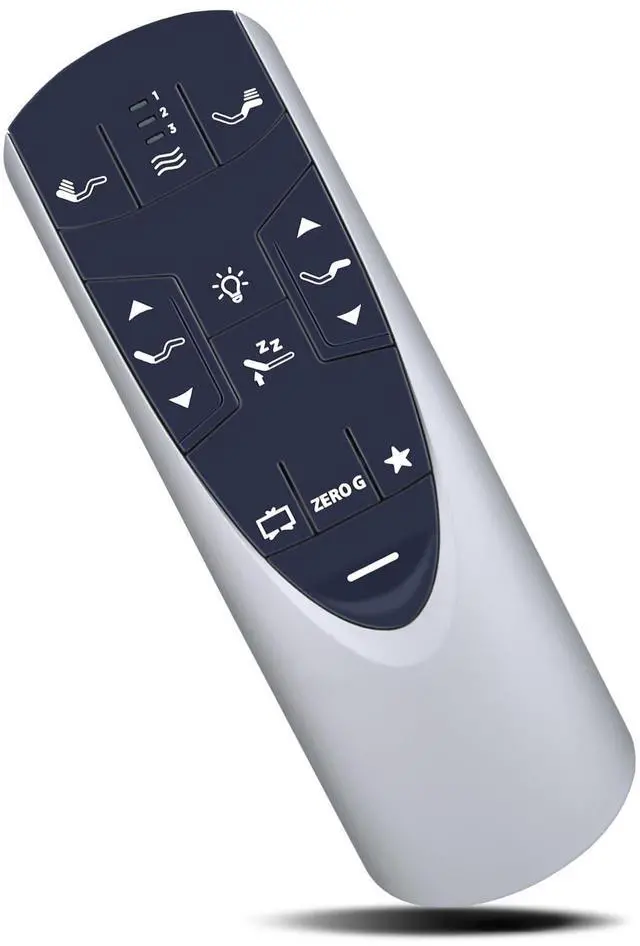
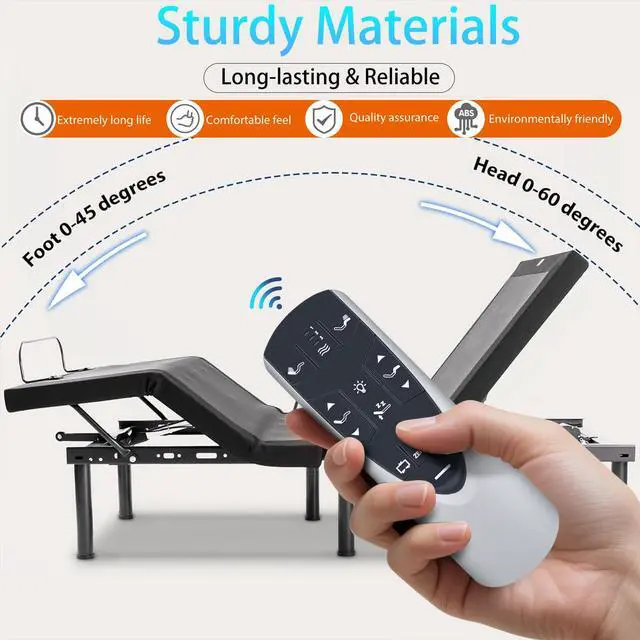
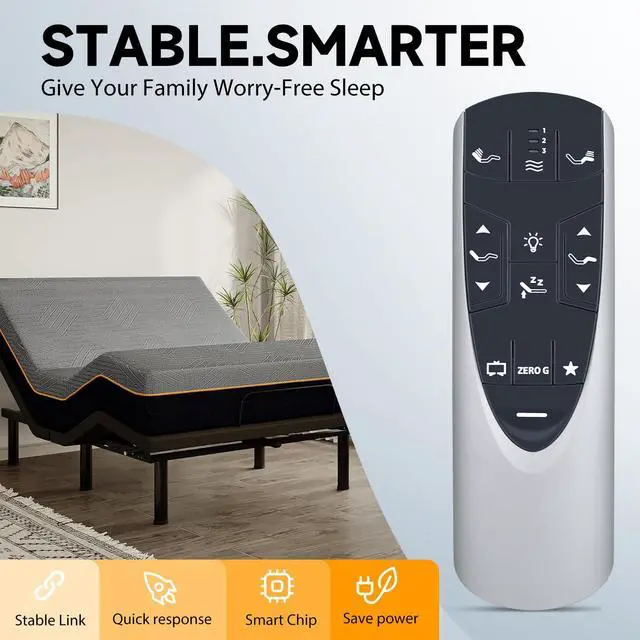
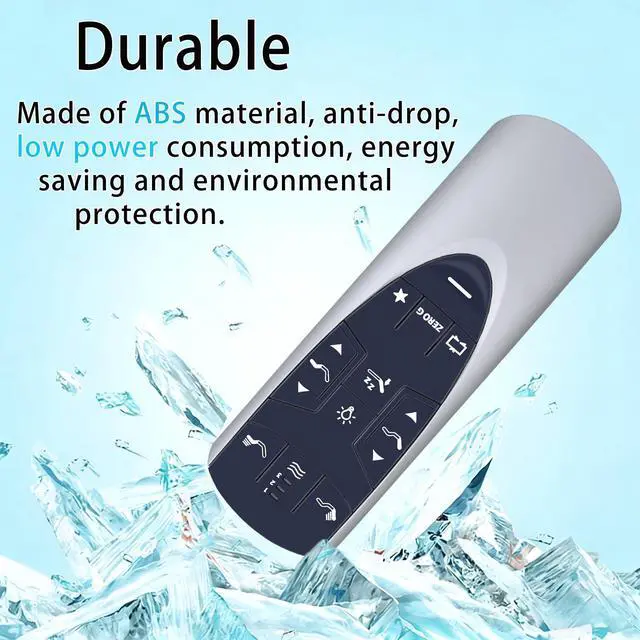
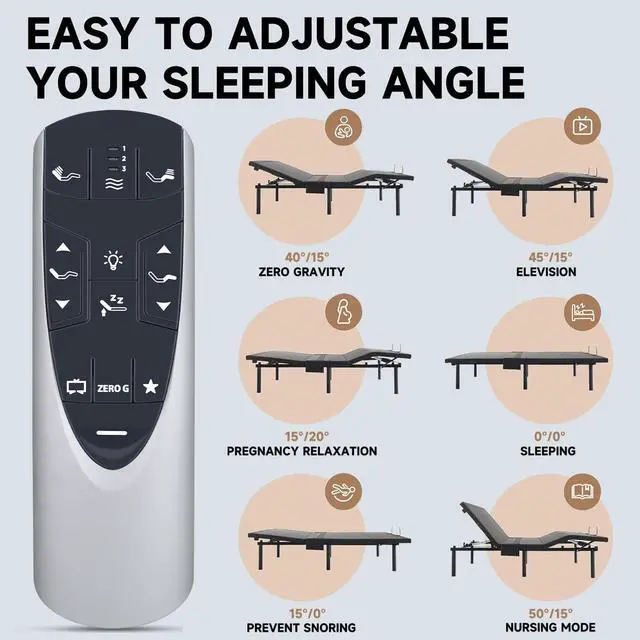
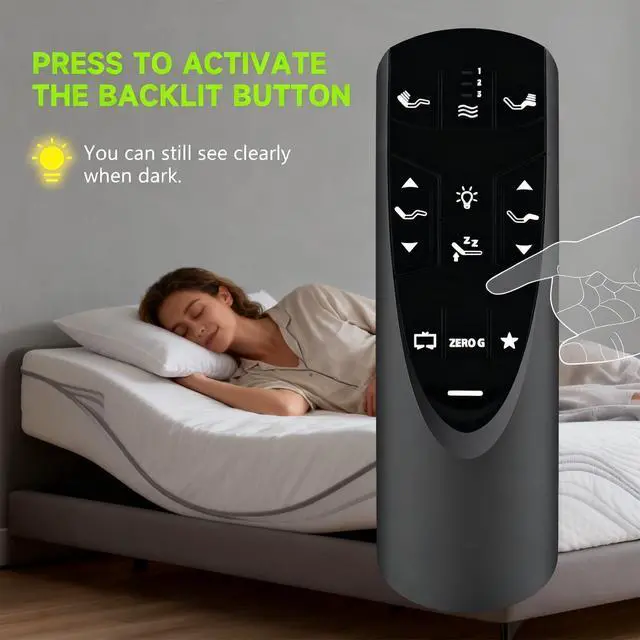


Replacement Remote Control for TempurPedic Ergo/Ergo Extend Adjustable Bed | Compatible with Adjustable Bed Base JDLK.33.01.18 JLDK.33.01.36 RF502A RF358A Remote (with Backlight)
Limited time offer, ends 09/28 By JadeEssence Shop
- Compatible with Tempur-Pedic Ergo or Ergo Extend Adjustable bed base models JDLK.33.01.18 RF358A, JLDK.33.01.36, and RF502A (with backlight). Step 1: Ensure your base remote has fresh batteries. Step 2: Locate the Battery Backup Box and press the POWER DOWN button twice. A light on the Battery Backup Box will illuminate. Step 3: On the back of the remote, press and hold down the PAIR button. The PAIR button will illuminate blue and start flashing. When the PAIR button stops flashing, the illuminated light on the Battery Backup Box will go out. Step 4: Release the PAIR button and test all remote functions. Note: If pairing fails, reset the controller box on the bed or deactivate child lock and then pair again. Deactivate Child Lock: Press and hold the FOOT UP and FOOT DOWN buttons together for approximately six (6) seconds. The remote backlight will flash twice. When the backlight goes away, the remote is no longer in Child Lock. Advanced Infrared Technology: Delivers a robust and stable signal using infrared technology, featuring a long transmission range and a 0.2-second quick response. Enables control of your bed from various angles without obstruction. Simple to Use: Easy pairing and setup. After installing the battery (not included), just follow the pairing steps until successful, and it will effectively replace your original remote
+
+
Overview
Specs
Reviews

Any questions? Our AI mode will help you find out quickly.
Try me now
Compatible with Tempur-Pedic Ergo or Ergo Extend Adjustable bed base models JDLK. 33.01. 18 RF358A, JLDK. 33.01. 36, and RF502A (with backlight).
Step 1: Ensure your base remote has fresh batteries.
Step 2: Locate the Battery Backup Box and press the POWER DOWN button twice. A light on the Battery Backup Box will illuminate.
Step 3: On the back of the remote, press and hold down the PAIR button. The PAIR button will illuminate blue and start flashing. When the PAIR button stops flashing, the illuminated light on the Battery Backup Box will go out.
Step 4: Release the PAIR button and test all remote functions.
Note: If pairing fails, reset the controller box on the bed or deactivate child lock and then pair again.
Deactivate Child Lock: Press and hold the FOOT UP and FOOT DOWN buttons together for approximately six (6) seconds. The remote backlight will flash twice. When the backlight goes away, the remote is no longer in Child Lock.
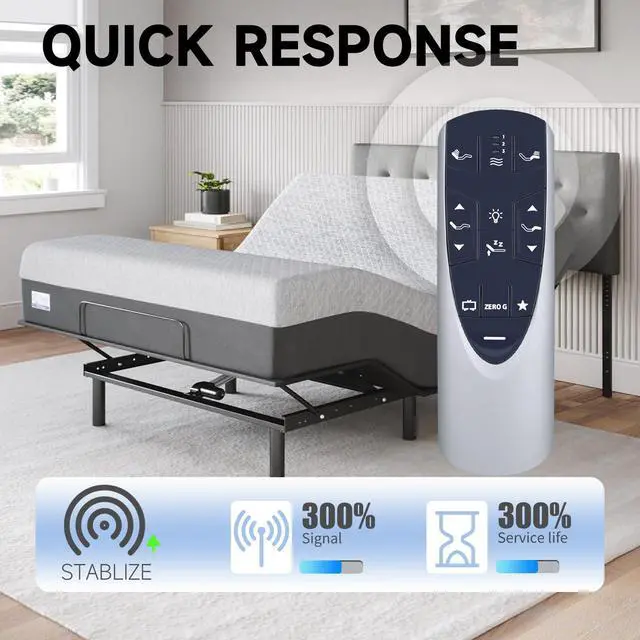
Advanced Infrared Technology: Delivers a robust and stable signal using infrared technology, featuring a long transmission range and a 0.2 -second quick response. Enables control of your bed from various angles without obstruction.
Simple to Use: Easy pairing and setup. After installing the battery (not included), just follow the pairing steps until successful, and it will effectively replace your original remote
Step 1: Ensure your base remote has fresh batteries.
Step 2: Locate the Battery Backup Box and press the POWER DOWN button twice. A light on the Battery Backup Box will illuminate.
Step 3: On the back of the remote, press and hold down the PAIR button. The PAIR button will illuminate blue and start flashing. When the PAIR button stops flashing, the illuminated light on the Battery Backup Box will go out.
Step 4: Release the PAIR button and test all remote functions.
Note: If pairing fails, reset the controller box on the bed or deactivate child lock and then pair again.
Deactivate Child Lock: Press and hold the FOOT UP and FOOT DOWN buttons together for approximately six (6) seconds. The remote backlight will flash twice. When the backlight goes away, the remote is no longer in Child Lock.
Advanced Infrared Technology: Delivers a robust and stable signal using infrared technology, featuring a long transmission range and a 0.2 -second quick response. Enables control of your bed from various angles without obstruction.
Simple to Use: Easy pairing and setup. After installing the battery (not included), just follow the pairing steps until successful, and it will effectively replace your original remote
Warranty & Returns
Warranty, Returns, And Additional Information
Warranty
- Please contact the Seller directly for warranty information. Warranty information may also be found on the Manufacturer's website.
- CONTACT
Return Policies
- Return for refund within: 30 days
- Return for replacement within: 30 days
- This item is covered by JadeEssence Shop Return Policy
Manufacturer Contact Info
- For a directory of all our manufacturers, please click below.
- Manufacturers Directory
LOADING...