

Your Browsing History
- Free 30-day Returns
$34.49

Meet Your Seller



Replacement for LG TV Remote, for LG Remote Control for Smart TV with Voice and Pointer, Magic Remote for 2019-2025 OLED QNED NanoCell UHD 4K 8K LG TVs
Limited time offer, ends 09/29 By JadeEssence Shop
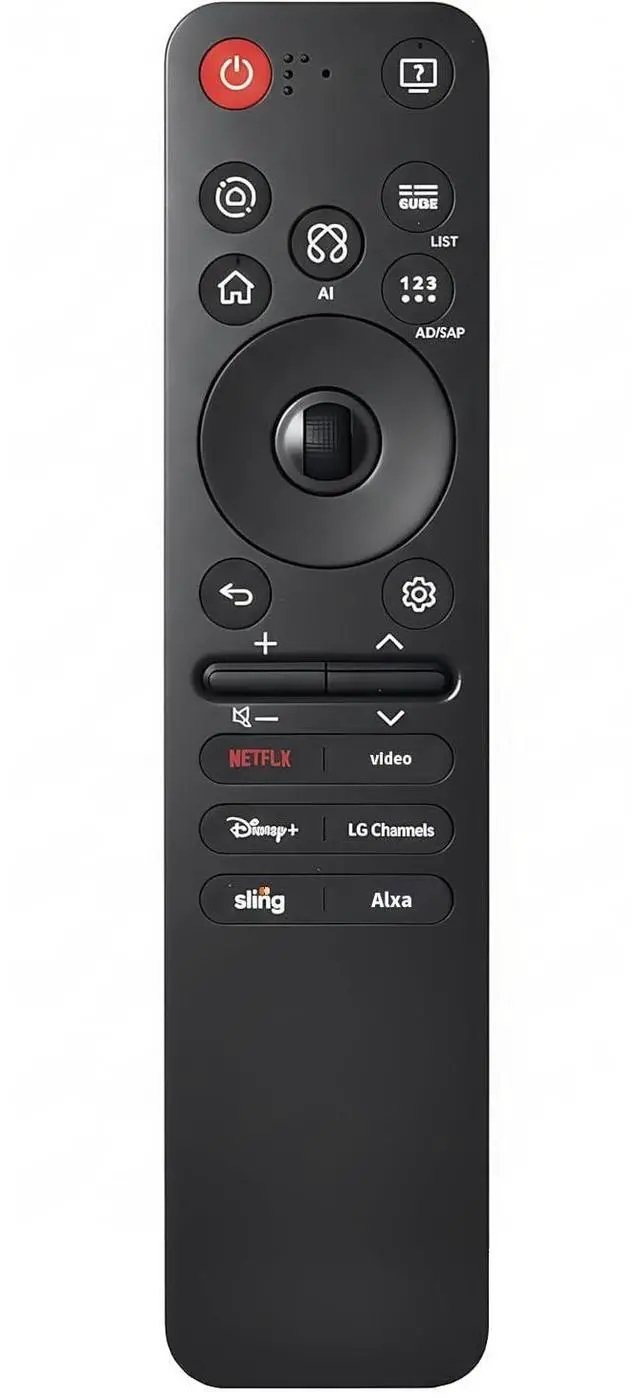
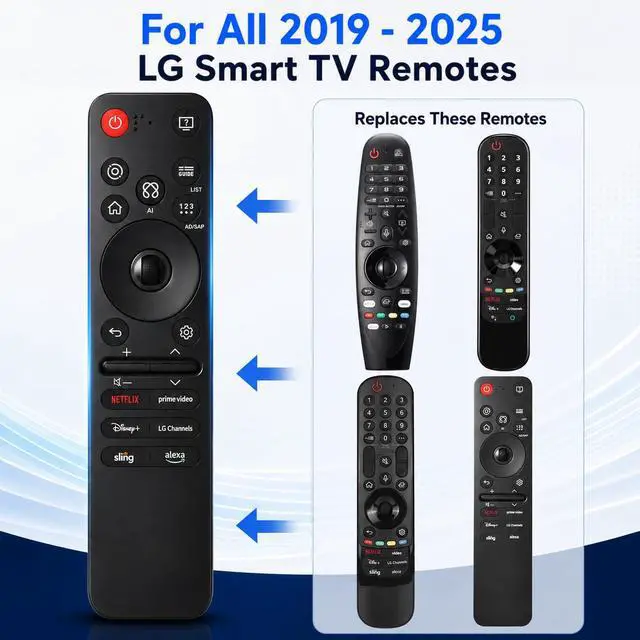
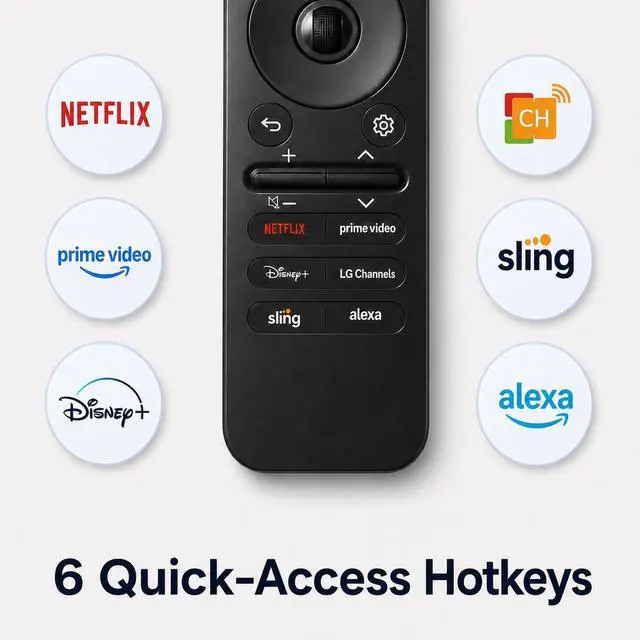
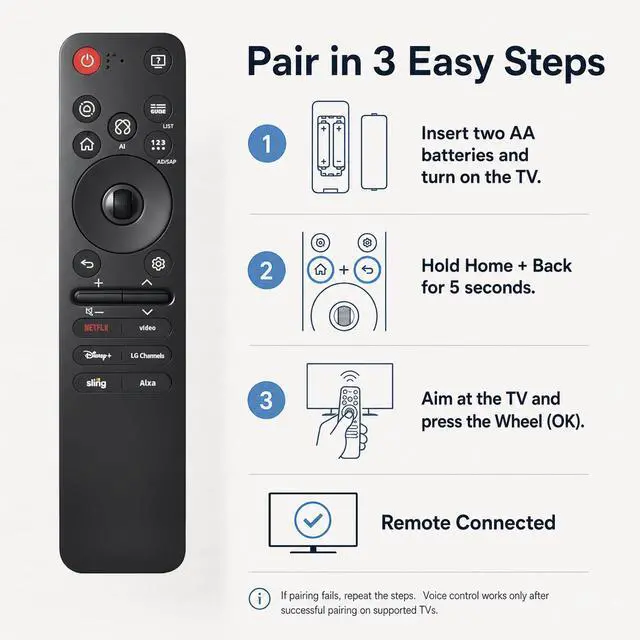
- **Wide Compatibility** This high-quality replacement remote works with LG Smart TVs from 20192025 that feature voice control. It serves as a substitute for LG Magic Remotes, such as MR24GN/GA, MR23GN/GA, MR25GA/GN, MR22GA/GN, MR21GA/GC, MR20GA, MR19BA, AKB75855501, and numerous other compatible models. For TVs launched before 2018 or models lacking built-in voice support, the voice search function might not work. This remote is designed for LG TVs exclusively and does not function with LG soundbars, TV boxes, or other LG devices. **Smart Voice Control** Sync the remote with your compatible LG TV to activate voice control and pointer features. Equipped with sophisticated voice commands and six dedicated shortcut buttons for swift access to popular streaming services like Netflix, Disney+, and LG Channels, this remote simplifies entertainment. Just use your voice to find movies, TV shows, sports, and more in moments. **Pointer & Cursor Control** Experience quick and intuitive navigation with point, click, and scroll capabilities. The integrated pointer allows you to move the cursor with ease, facilitating simple browsing of menus, content selection, and control of your compatible LG TV from nearly any spot in the room. **Easy Pairing Instructions** Step 1: Insert two AA batteries and power on your LG TV. Step 2: Press and hold the Home and Back buttons together for 57 seconds. Step 3: Aim the remote at the TV and press the Wheel (OK) button to finish pairing. If pairing fai
+
+
Overview
Specs
Reviews

Any questions? Our AI mode will help you find out quickly.
Try me now
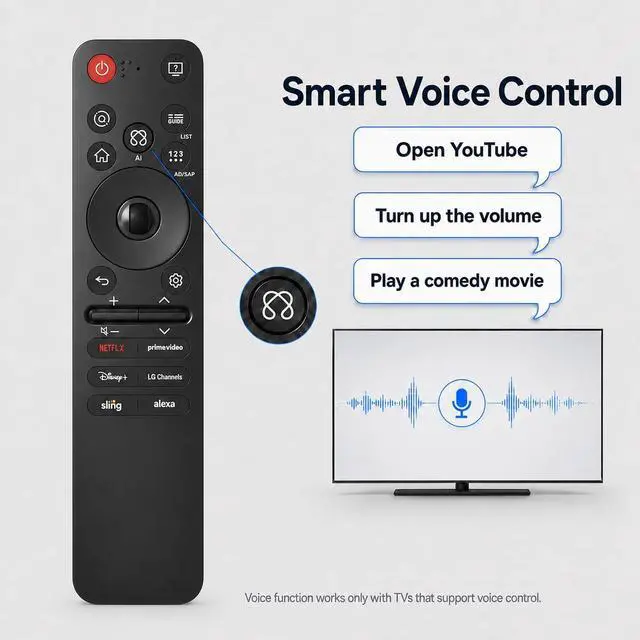
**Wide Compatibility** This high-quality replacement remote works with LG Smart TVs from 20192025 that feature voice control. It serves as a substitute for LG Magic Remotes, such as MR24GN/GA, MR23GN/GA, MR25GA/GN, MR22GA/GN, MR21GA/GC, MR20GA, MR19BA, AKB75855501, and numerous other compatible models. For TVs launched before 2018 or models lacking built-in voice support, the voice search function might not work. This remote is designed for LG TVs exclusively and does not function with LG soundbars, TV boxes, or other LG devices. **Smart Voice Control** Sync the remote with your compatible LG TV to activate voice control and pointer features.
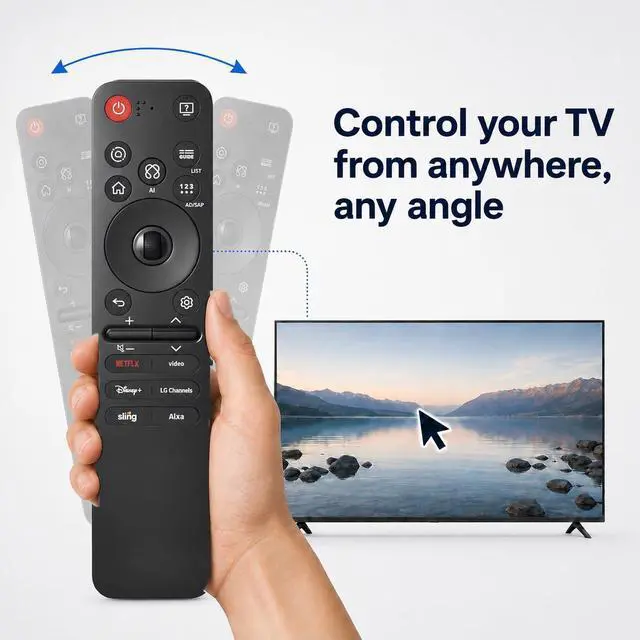
Equipped with sophisticated voice commands and six dedicated shortcut buttons for swift access to popular streaming services like Netflix, Disney+, and LG Channels, this remote simplifies entertainment. Just use your voice to find movies, TV shows, sports, and more in moments. **Pointer & Cursor Control** Experience quick and intuitive navigation with point, click, and scroll capabilities. The integrated pointer allows you to move the cursor with ease, facilitating simple browsing of menus, content selection, and control of your compatible LG TV from nearly any spot in the room.
**Easy
Pairing Instructions** Step 1: Insert two AA batteries and power on your LG TV.
Step 2: Press and hold the Home and Back buttons together for 57 seconds.
Step 3: Aim the remote at the TV and press the Wheel (OK) button to finish pairing. If pairing fails, repeat Steps 2 and 3 until the remote connects properly
Equipped with sophisticated voice commands and six dedicated shortcut buttons for swift access to popular streaming services like Netflix, Disney+, and LG Channels, this remote simplifies entertainment. Just use your voice to find movies, TV shows, sports, and more in moments. **Pointer & Cursor Control** Experience quick and intuitive navigation with point, click, and scroll capabilities. The integrated pointer allows you to move the cursor with ease, facilitating simple browsing of menus, content selection, and control of your compatible LG TV from nearly any spot in the room.
**Easy
Pairing Instructions** Step 1: Insert two AA batteries and power on your LG TV.
Step 2: Press and hold the Home and Back buttons together for 57 seconds.
Step 3: Aim the remote at the TV and press the Wheel (OK) button to finish pairing. If pairing fails, repeat Steps 2 and 3 until the remote connects properly
Warranty & Returns
Warranty, Returns, And Additional Information
Warranty
- Please contact the Seller directly for warranty information. Warranty information may also be found on the Manufacturer's website.
- CONTACT
Return Policies
- Return for refund within: 30 days
- Return for replacement within: 30 days
- This item is covered by JadeEssence Shop Return Policy
Manufacturer Contact Info
- For a directory of all our manufacturers, please click below.
- Manufacturers Directory
LOADING...