

Your Browsing History

Meet Your Seller


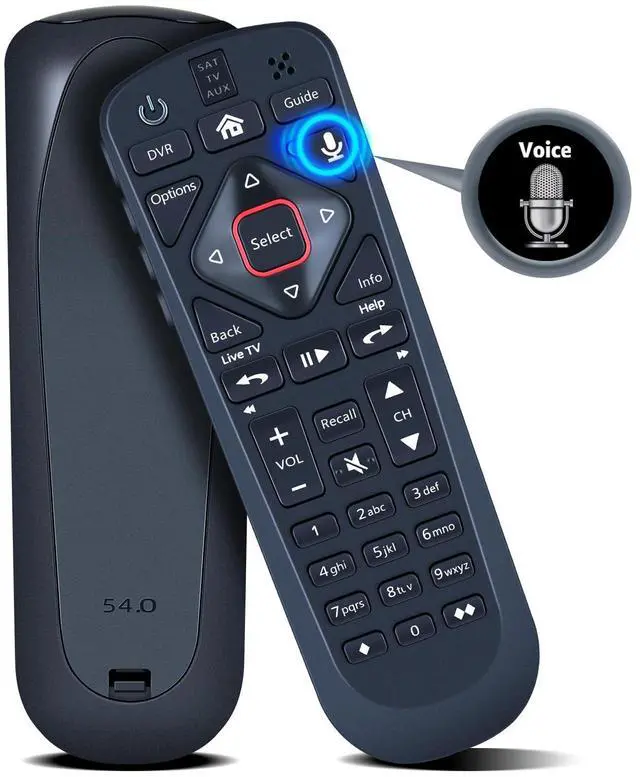
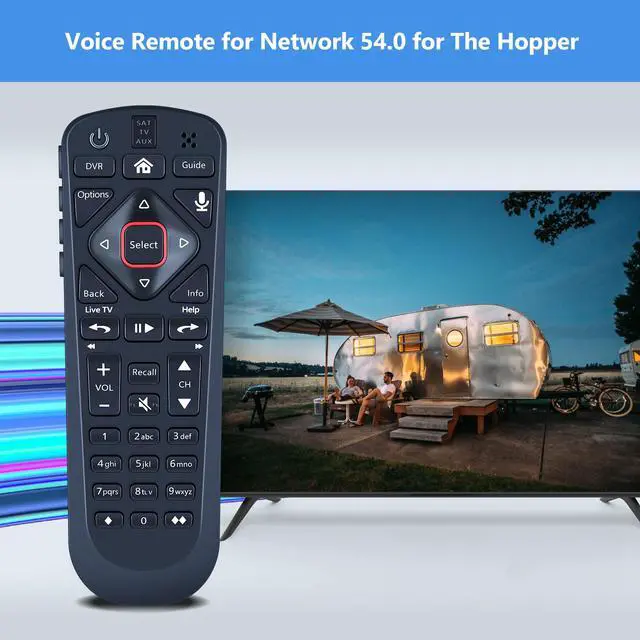
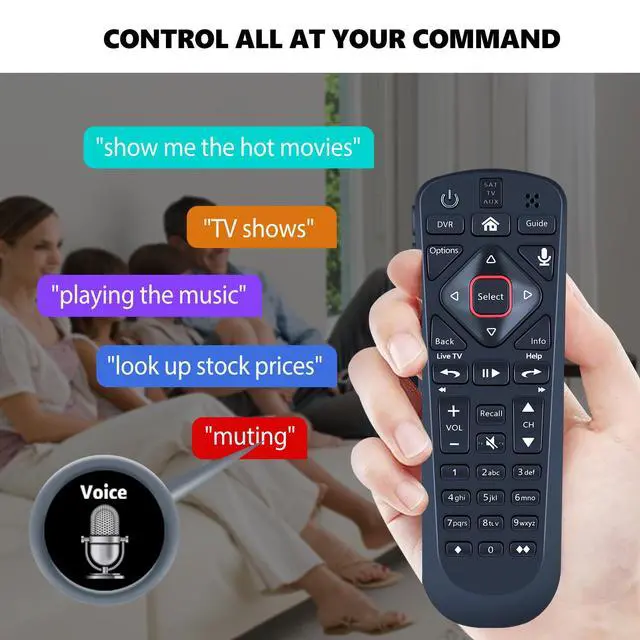
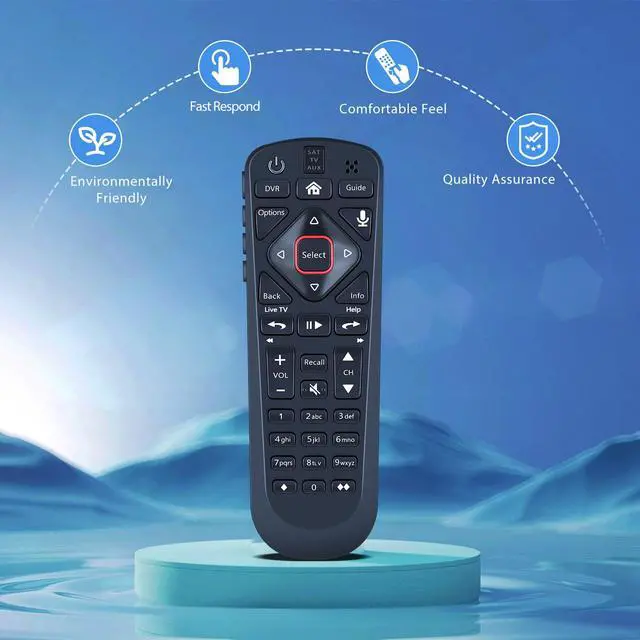
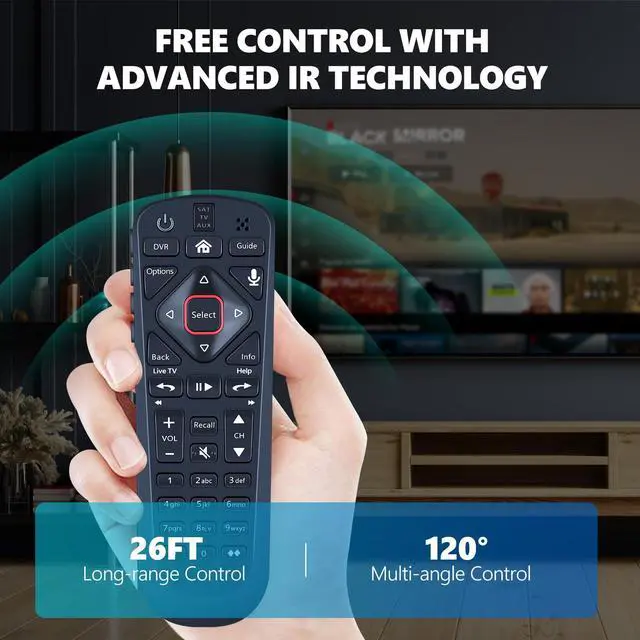
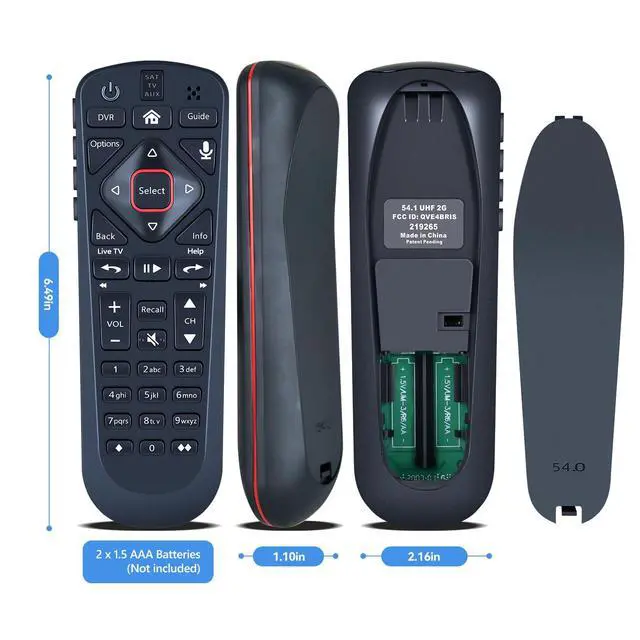


Voice Replacement for Dish Network 54.0 Remote Control for The Hopper | Easy to Pair, Voice Control
- Compatible Models: Replacement remote control for network 54.0 for the hopper. Turn On Your Remote: 1) Uncover the front panel of your receiver, and press the [SYS INFO] button. 2) Press the [SAT] button on the side of the remote. You will hear three beeps from the remote, showing it has paired with your receiver. How To Pair: 1) Press the [Home] button twice. 2) Choose Settings, then Remote Control. 3) Select TV, and then TV Pairing Wizard. 5) Follow the on-screen instructions. 6) You can also pair your remote with an Auxiliary Device, like a player or stereo. Package Contains: 1 x IR remote control (Batteries and Instructions are Not Included). This item addresses the issue when your primary remote control fails and serves as your backup remote
+
+
Overview
Specs
Reviews

Any questions? Our AI mode will help you find out quickly.
Try me now
Compatible Models: Replacement remote control for network 54.0 for the hopper.
Turn On Your Remote: 1) Uncover the front panel of your receiver, and press the [SYS INFO] button. 2) Press the [SAT] button on the side of the remote. You will hear three beeps from the remote, showing it has paired with your receiver.
How To Pair: 1) Press the [Home] button twice. 2) Choose Settings, then Remote Control. 3) Select TV, and then TV Pairing Wizard. 5) Follow the on-screen instructions. 6) You can also pair your remote with an Auxiliary Device, like a player or stereo.
Package Contains: 1 x IR remote control (Batteries and Instructions are Not Included). This item addresses the issue when your primary remote control fails and serves as your backup remote
Turn On Your Remote: 1) Uncover the front panel of your receiver, and press the [SYS INFO] button. 2) Press the [SAT] button on the side of the remote. You will hear three beeps from the remote, showing it has paired with your receiver.
How To Pair: 1) Press the [Home] button twice. 2) Choose Settings, then Remote Control. 3) Select TV, and then TV Pairing Wizard. 5) Follow the on-screen instructions. 6) You can also pair your remote with an Auxiliary Device, like a player or stereo.
Package Contains: 1 x IR remote control (Batteries and Instructions are Not Included). This item addresses the issue when your primary remote control fails and serves as your backup remote
Warranty & Returns
Warranty, Returns, And Additional Information
Warranty
- Please contact the Seller directly for warranty information. Warranty information may also be found on the Manufacturer's website.
- CONTACT
Return Policies
- Return for refund within: 30 days
- Return for replacement within: 30 days
- This item is covered by JadeEssence Shop Return Policy
Manufacturer Contact Info
- For a directory of all our manufacturers, please click below.
- Manufacturers Directory
LOADING...