

Your Browsing History
- Free 30-day Returns
$40.49

Meet Your Seller

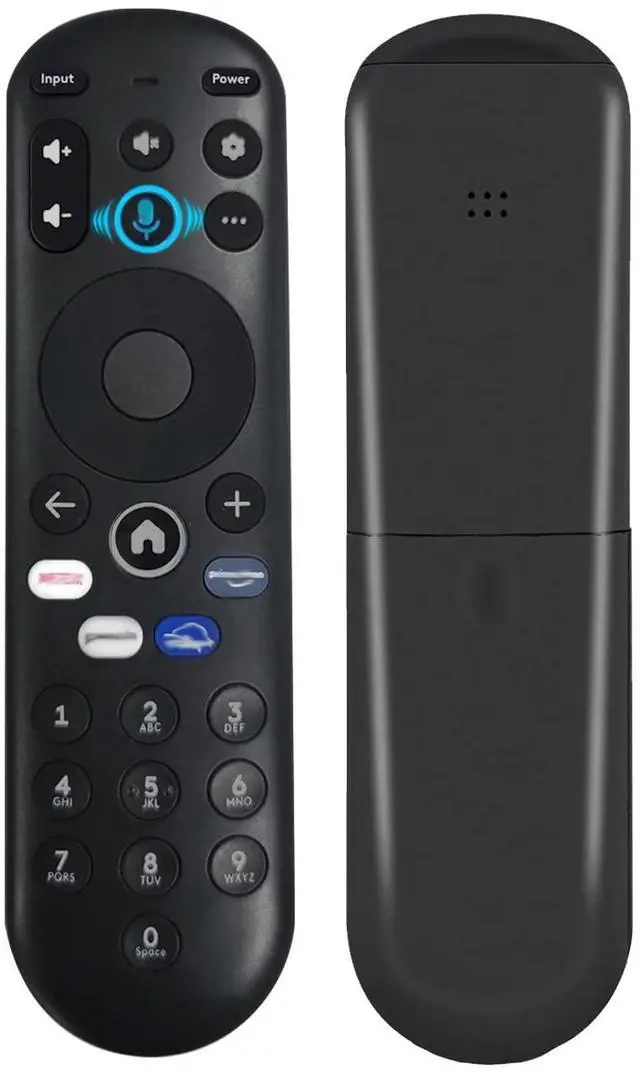
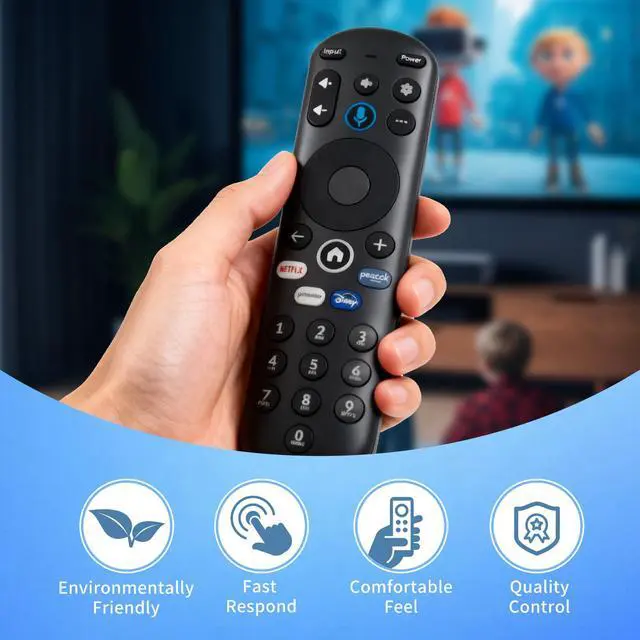
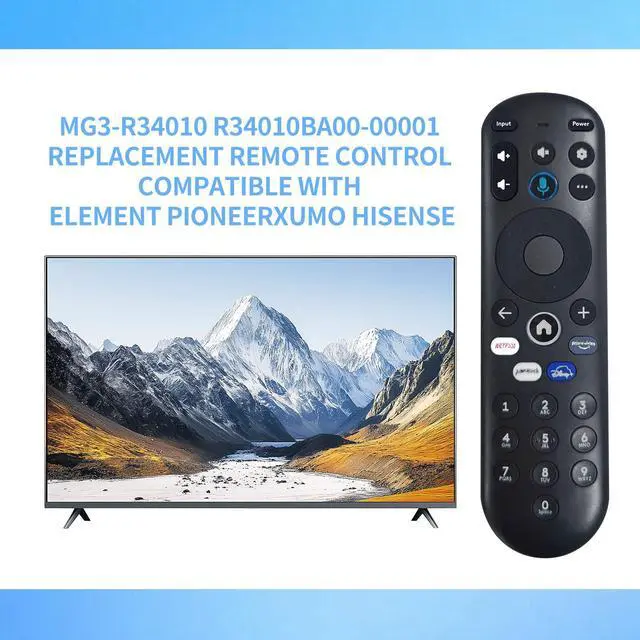
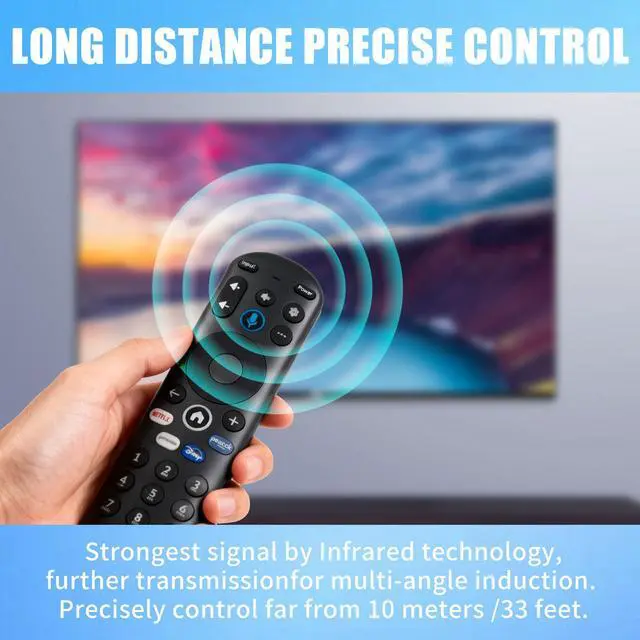


Voice Replacement Remote Control for Element 4K UHD HDR Xumo TV E500AC43C E500AC50C E500AC55C E500AC65C E500AE98C E300AE24C E550AE55C E550AE75C E550AE86C, Easy Setup, No Batteries Included
Limited time offer, ends 09/29 By JadeEssence Shop
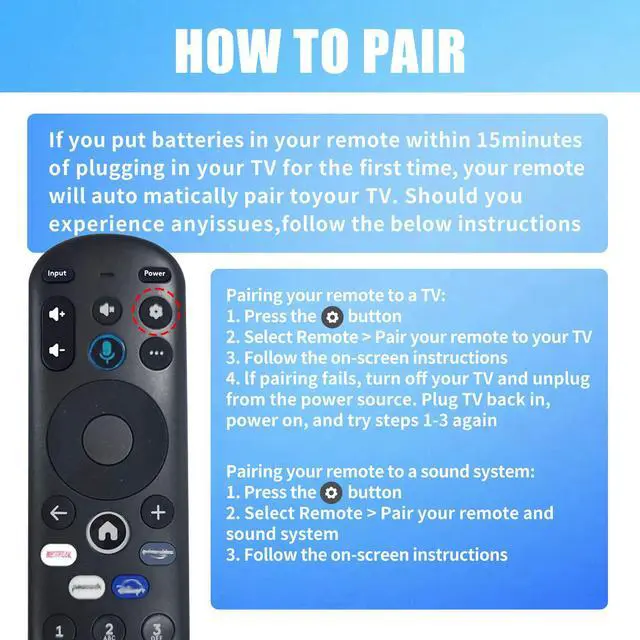
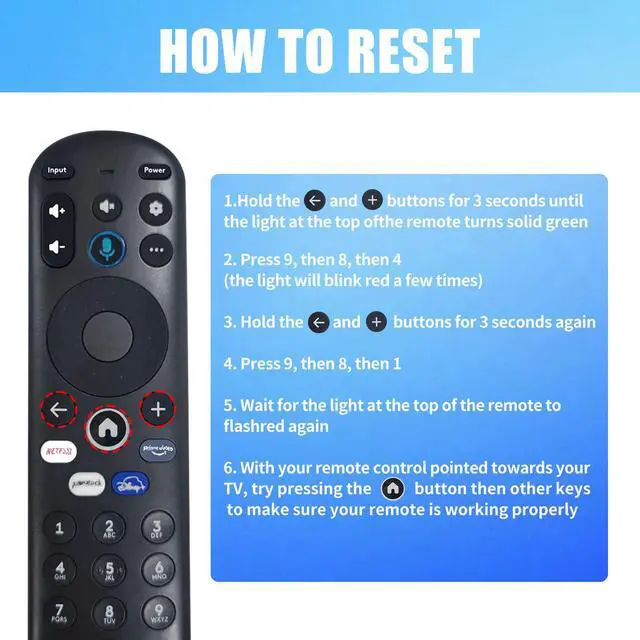
- Voice Search: The responsive voice feature offers convenience. Compatible Models: This voice replacement remote control is compatible with smart TV models: E500AE98C, E300AE24C, E550AE86C, E550AE75C, E550AE65C, E550AE55C, E550AE50C, E550AE43C, E300AE40C, E300AE32C, E500AC65C, E500AC50C, E500AC55C, E500AC43C. How To Pair: 1) Press the [Setting] button. 2) Select Remote > Pair your remote to your TV. 3) Follow the on-screen instructions. 4) If pairing is not successful, turn off your TV and unplug it from the power source. Plug the TV back in, power it on, and try steps 1-3 again. How To Reset: Refer to the product description for details on how to perform a reset. Package Included: 1 x IR remote control (Batteries and Instructions are Not Included). This remote control can function as a backup solution when your original remote stops working
+
+
Overview
Specs
Reviews

Any questions? Our AI mode will help you find out quickly.
Try me now
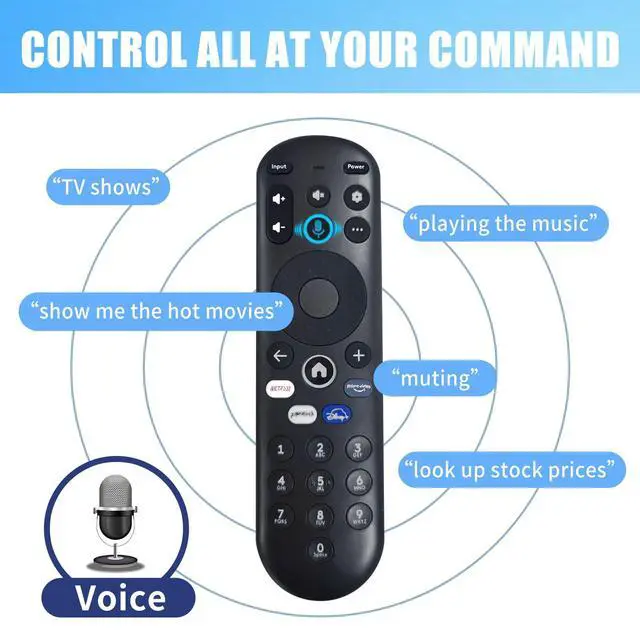
Voice Search: The responsive voice feature offers convenience.
Compatible Models: This voice replacement remote control is compatible with smart
TV models: E500AE98C, E300AE24C, E550AE86C, E550AE75C, E550AE65C, E550AE55C, E550AE50C, E550AE43C, E300AE40C, E300AE32C, E500AC65C, E500AC50C, E500AC55C, E500AC43C.
How To Pair: 1) Press the [Setting] button. 2) Select Remote > Pair your remote to your TV. 3) Follow the on-screen instructions. 4) If pairing is not successful, turn off your TV and unplug it from the power source. Plug the TV back in, power it on, and try steps 1-3 again.
How To Reset: Refer to the product description for details on how to perform a reset.
Package Included: 1 x IR remote control (Batteries and Instructions are Not Included). This remote control can function as a backup solution when your original remote stops working
Compatible Models: This voice replacement remote control is compatible with smart
TV models: E500AE98C, E300AE24C, E550AE86C, E550AE75C, E550AE65C, E550AE55C, E550AE50C, E550AE43C, E300AE40C, E300AE32C, E500AC65C, E500AC50C, E500AC55C, E500AC43C.
How To Pair: 1) Press the [Setting] button. 2) Select Remote > Pair your remote to your TV. 3) Follow the on-screen instructions. 4) If pairing is not successful, turn off your TV and unplug it from the power source. Plug the TV back in, power it on, and try steps 1-3 again.
How To Reset: Refer to the product description for details on how to perform a reset.
Package Included: 1 x IR remote control (Batteries and Instructions are Not Included). This remote control can function as a backup solution when your original remote stops working
Warranty & Returns
Warranty, Returns, And Additional Information
Warranty
- Please contact the Seller directly for warranty information. Warranty information may also be found on the Manufacturer's website.
- CONTACT
Return Policies
- Return for refund within: 30 days
- Return for replacement within: 30 days
- This item is covered by JadeEssence Shop Return Policy
Manufacturer Contact Info
- For a directory of all our manufacturers, please click below.
- Manufacturers Directory
LOADING...