

Your Browsing History
- Free 30-day Returns
$40.49

Meet Your Seller

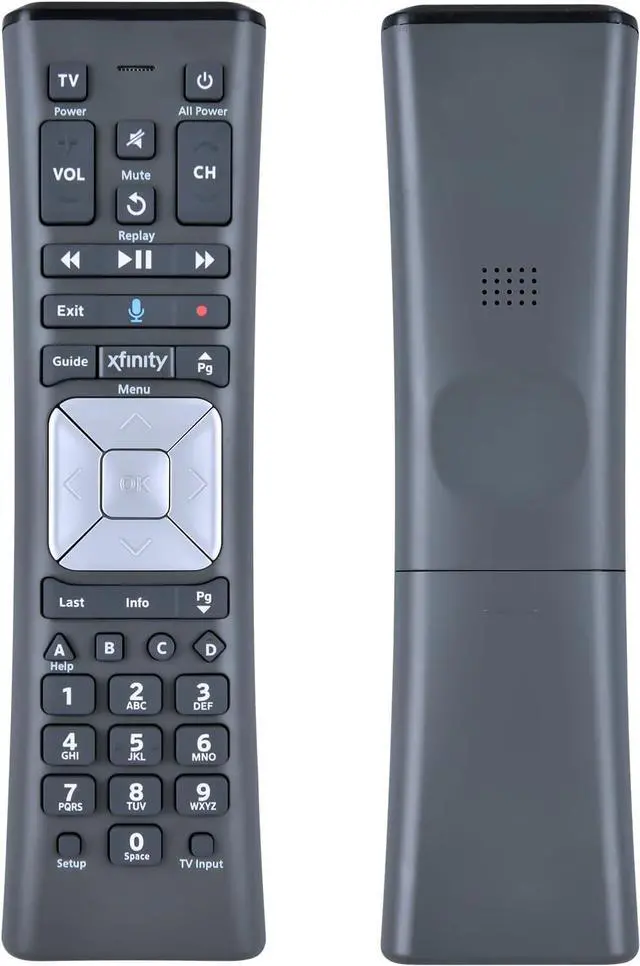
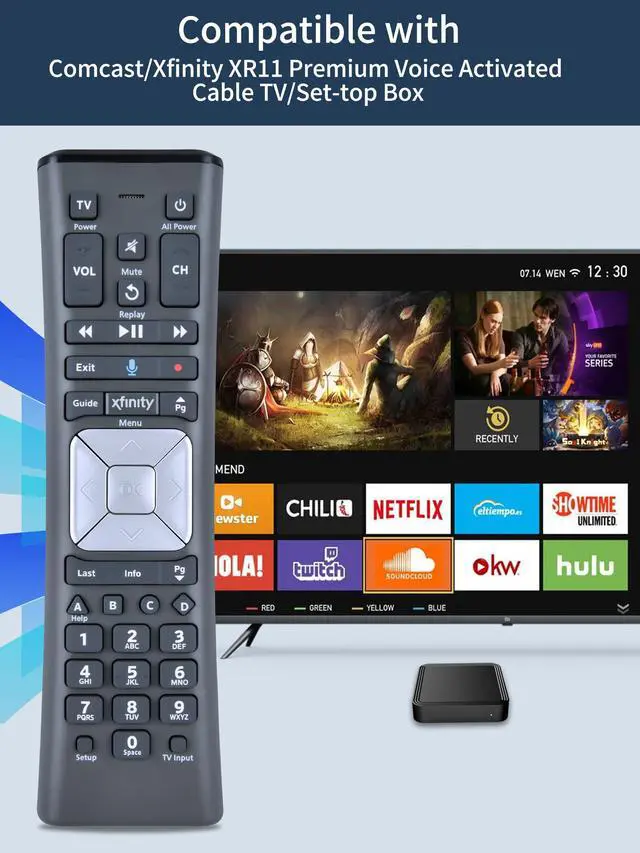
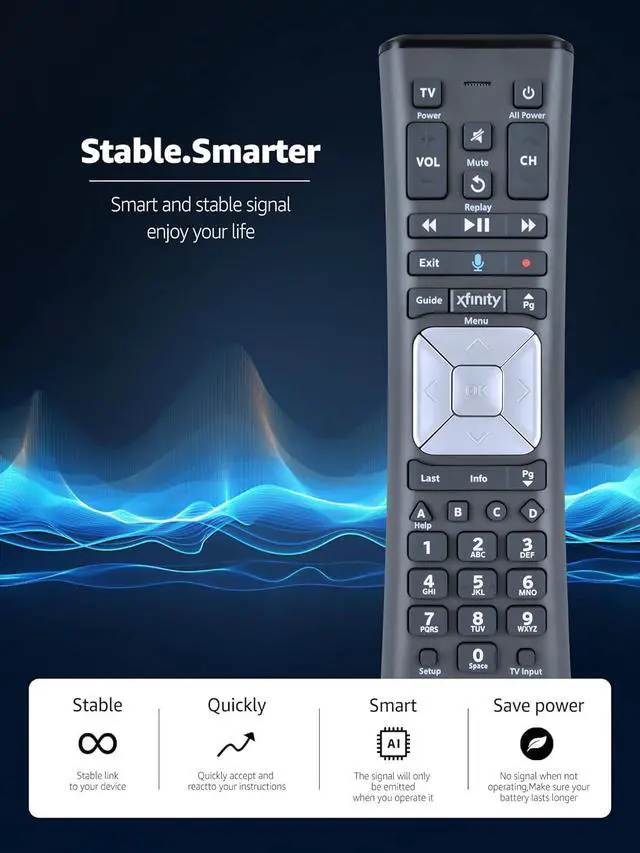
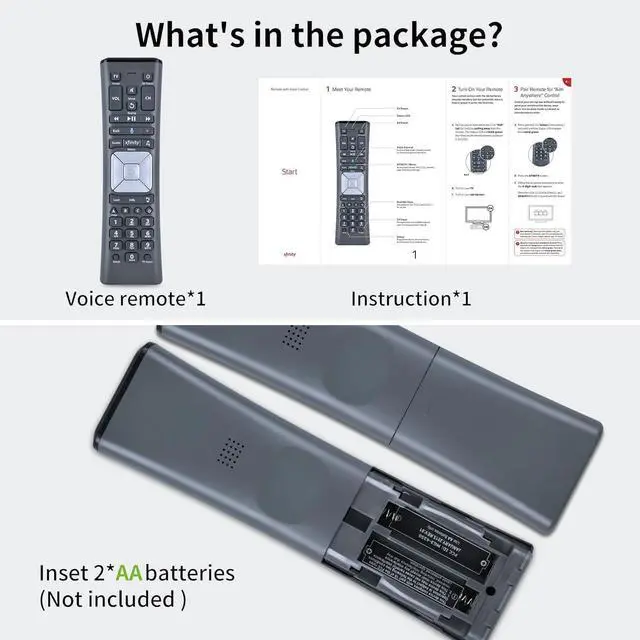


Replacement XR11 Voice Remote Control for Comcast/Xfinity XR11 Premium Voice Activated Cable TV Backlit New Remote Control
Limited time offer, ends 09/29 By JadeEssence Shop
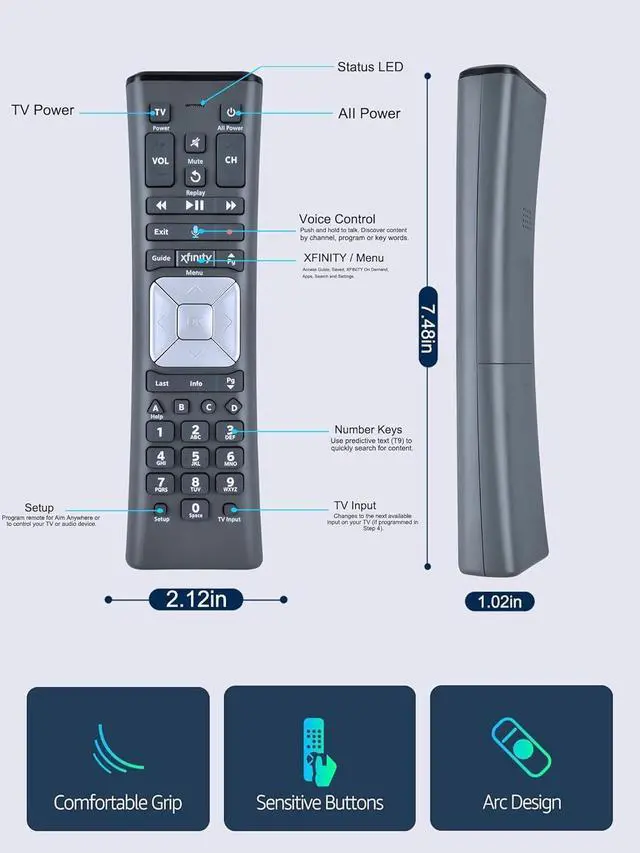
- Compatible Models: This new replacement voice remote control is designed for the Comcast/Xfinity XR11 Premium Voice Activated Cable TV Backlit model. Aim Anywhere Control (RF Capability): It functions with specific set-top boxes and HD DTA devices for television input management. Voice Search Features: Hold down the microphone button on the voice remote and speak your request to conveniently search for preferred TV programs, open apps, and more on Comcast/Xfinity TV. The voice search capability simplifies navigation. Simple Pairing Process: Step 1) Press the "Setup" button on your remote until the LED at the top turns from red to green. Step 2) Press the "Xfinity" button on the remote. The LED will start flashing green. Step 3) Accurately input the pairing code shown on the screen. Pairing is then complete. (Note: If pairing instructions do not appear on the screen after pressing the "Xfinity" button in step two, press the Xfinity button again until they are displayed.)
+
+
Overview
Specs
Reviews

Any questions? Our AI mode will help you find out quickly.
Try me now
Compatible Models: This new replacement voice remote control is designed for the Comcast/Xfinity XR11 Premium Voice Activated Cable TV Backlit model. Aim Anywhere
Control (RF Capability): It functions with specific set-top boxes and HD DTA devices for television input management.
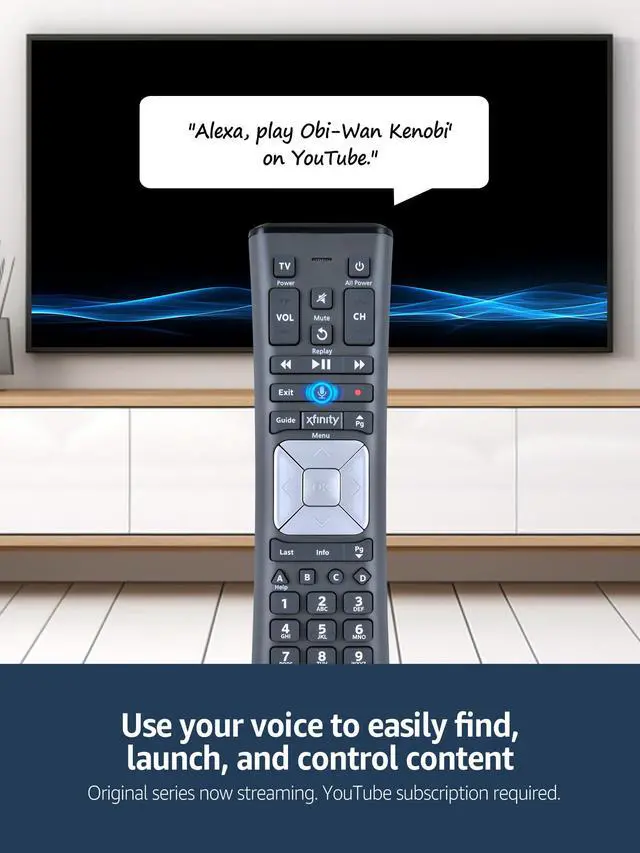
Voice Search Features: Hold down the microphone button on the voice remote and speak your request to conveniently search for preferred TV programs, open apps, and more on Comcast/Xfinity TV. The voice search capability simplifies navigation.
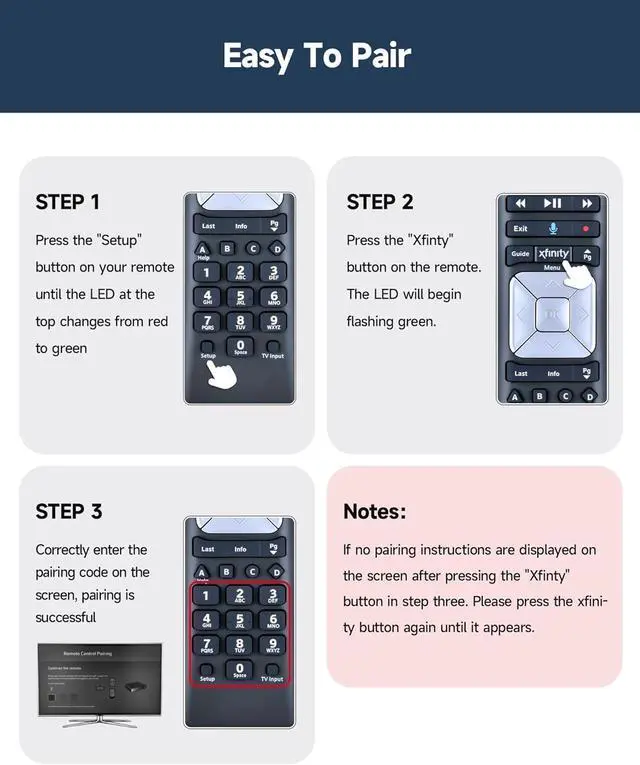
Simple Pairing Process: Step 1) Press the "Setup" button on your remote until the LED at the top turns from red to green. Step 2) Press the "Xfinity" button on the remote. The LED will start flashing green. Step 3) Accurately input the pairing code shown on the screen. Pairing is then complete.
(Note: If pairing instructions do not appear on the screen after pressing the "Xfinity" button in step two, press the Xfinity button again until they are displayed. )
Control (RF Capability): It functions with specific set-top boxes and HD DTA devices for television input management.
Voice Search Features: Hold down the microphone button on the voice remote and speak your request to conveniently search for preferred TV programs, open apps, and more on Comcast/Xfinity TV. The voice search capability simplifies navigation.
Simple Pairing Process: Step 1) Press the "Setup" button on your remote until the LED at the top turns from red to green. Step 2) Press the "Xfinity" button on the remote. The LED will start flashing green. Step 3) Accurately input the pairing code shown on the screen. Pairing is then complete.
(Note: If pairing instructions do not appear on the screen after pressing the "Xfinity" button in step two, press the Xfinity button again until they are displayed. )
Warranty & Returns
Warranty, Returns, And Additional Information
Warranty
- Please contact the Seller directly for warranty information. Warranty information may also be found on the Manufacturer's website.
- CONTACT
Return Policies
- Return for refund within: 30 days
- Return for replacement within: 30 days
- This item is covered by JadeEssence Shop Return Policy
Manufacturer Contact Info
- For a directory of all our manufacturers, please click below.
- Manufacturers Directory
LOADING...