

Your Browsing History

Meet Your Seller



CD Player for Car, External Portable Car CD Players with USB/AUX Port, Universal USB CD Player for Vehicle, Laptop, TV, Computer, for Android 4.4 and Above Navigation
- Plug-and-Play Car CD Player: This CD player is ideal for vehicles lacking a built-in CD player, offering a straightforward plug-and-play setup. It is powered directly via a USB cable, eliminating the need for an extra adapter. A USB extension cable is provided, enabling you to position the CD player conveniently anywhere in your vehicle, such as the center console, dashboard, or glove box. 2026 Chip Upgrade: This unit incorporates an advanced chip that improves electronic shock resistance, readability, compatibility, noise reduction, and data transmission. It employs anti-skip technology and professional CD decoding to faithfully reproduce every note. Supports Multiple Formats: CD, CD-R, CD-RW, MP3, WMA, and WAV. It is not compatible with Blu-ray or DVD discs. AUX Connection Method: Connect the USB end of the CD player to your car's USB port to power it on. Then, use the included AUX audio cable to link the CD player's AUX port to your car's AUX input. Select the AUX mode on your car's screen to play songs from the CD. (Note: This method is for cars that do not support playing WAV audio files directly.) USB Connection Method: Connect the CD player directly to the USB port of your car stereo or radio. Switch on the power and insert a CD; the disc will be read automatically. (Note: Some car systems may require you to select the USB music icon to access and play the songs.) Broad Compatibility: This CD player is compatible with car stereos that support playing music files in t
+
+
Overview
Specs
Reviews

Any questions? Our AI mode will help you find out quickly.
Try me now
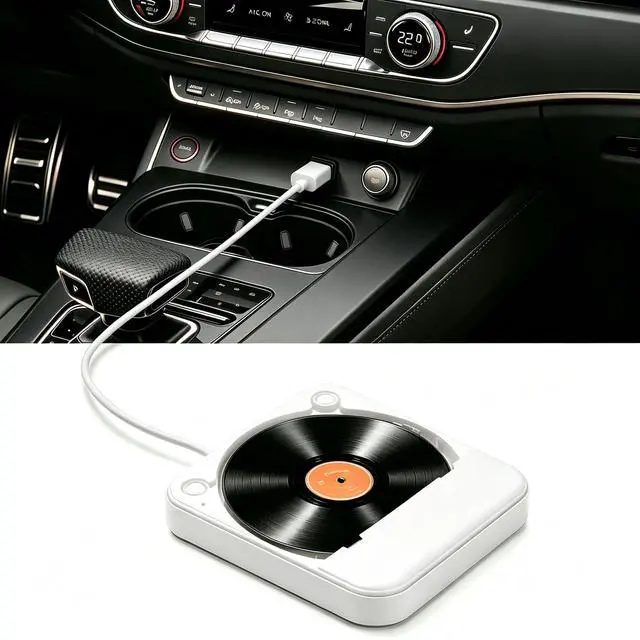
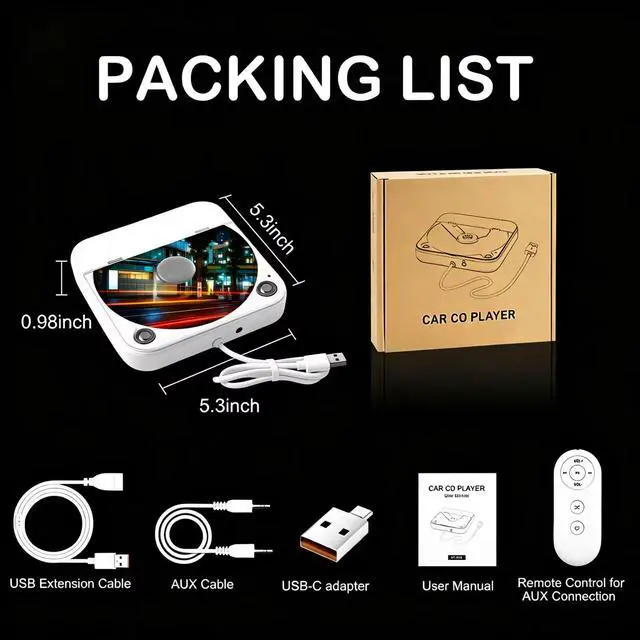
Plug-and-Play Car CD Player: This CD player is ideal for vehicles lacking a built-in CD player, offering a straightforward plug-and-play setup. It is powered directly via a USB cable, eliminating the need for an extra adapter. A USB extension cable is provided, enabling you to position the CD player conveniently anywhere in your vehicle, such as the center console, dashboard, or glove box.
2026 Chip Upgrade: This unit incorporates an advanced chip that improves electronic shock resistance, readability, compatibility, noise reduction, and data transmission. It employs anti-skip technology and professional CD decoding to faithfully reproduce every note.
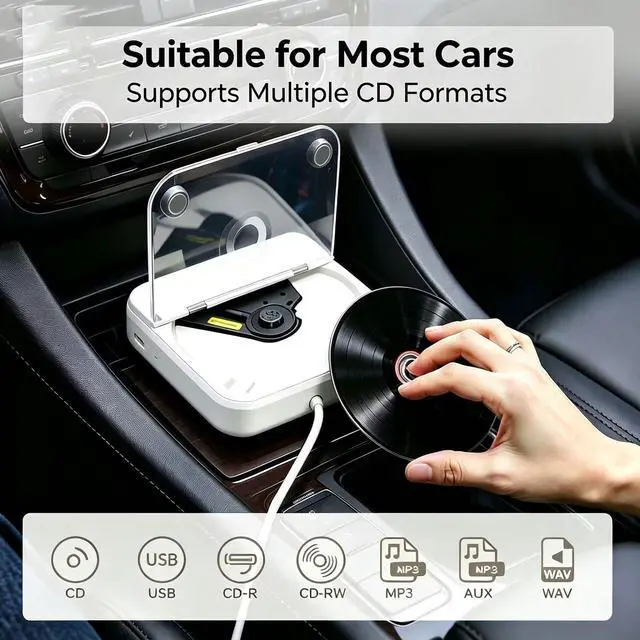
Supports Multiple Formats: CD, CD-R, CD-RW, MP3, WMA, and WAV. It is not compatible with Blu-ray or DVD discs.
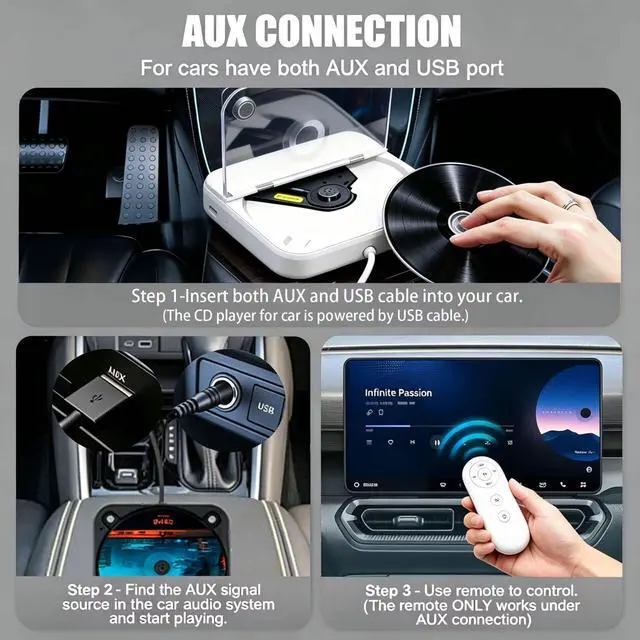
AUX Connection Method: Connect the USB end of the CD player to your car's USB port to power it on. Then, use the included AUX audio cable to link the CD player's AUX port to your car's AUX input. Select the AUX mode on your car's screen to play songs from the CD.
(Note: This method is for cars that do not support playing WAV audio files directly. )
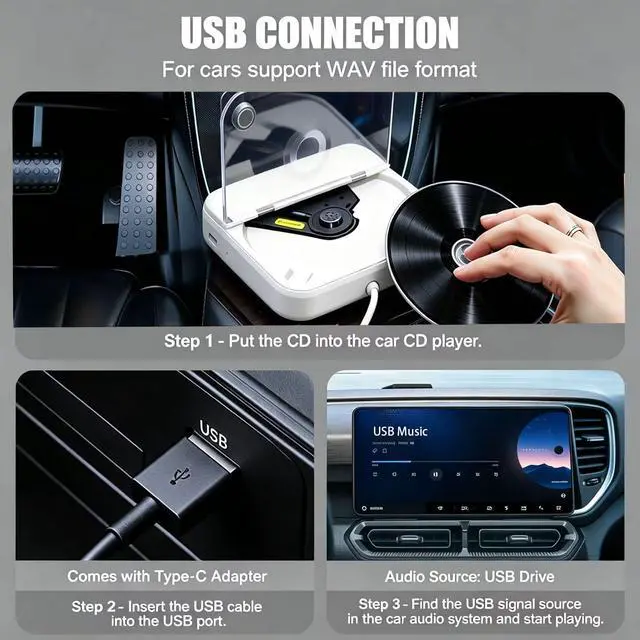
USB Connection Method: Connect the CD player directly to the USB port of your car stereo or radio. Switch on the power and insert a CD; the disc will be read automatically.
(Note: Some car systems may require you to select the USB music icon to access and play the songs. )
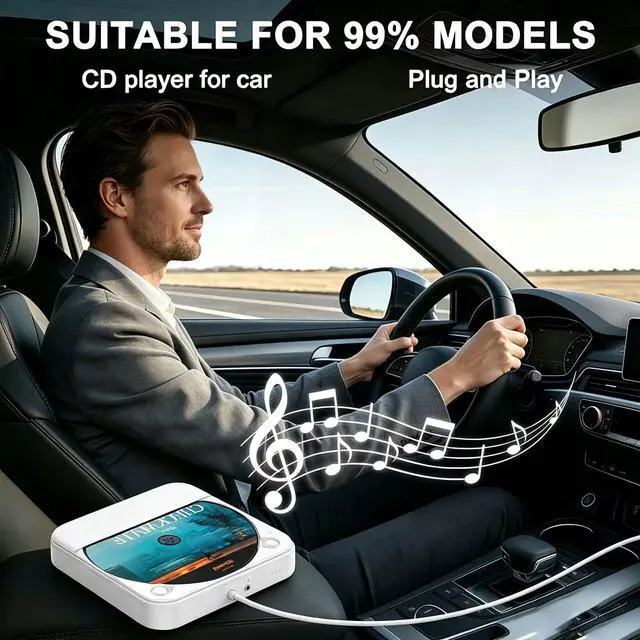
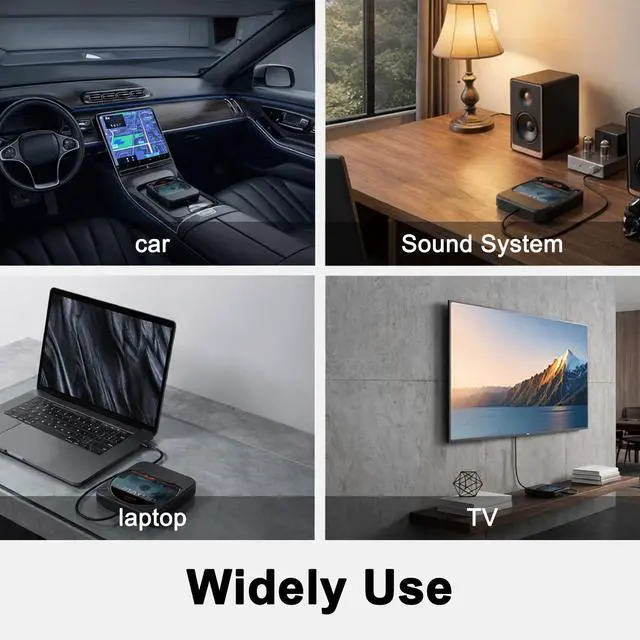
Broad Compatibility: This CD player is compatible with car stereos that support playing music files in the WAV format. It is suitable for a wide range of vehicles provided the car stereo can play WAV files. It works with both Android-based and non-Android car stereos, including many factory-installed radios produced in recent years. It can also function as a USB CD player for laptops, desktop computers, and TVs.
Note: The included remote control only operates when headphones are connected or when linked via AUX audio. This CD player does not have built-in speakers and does not include Bluetooth functionality
2026 Chip Upgrade: This unit incorporates an advanced chip that improves electronic shock resistance, readability, compatibility, noise reduction, and data transmission. It employs anti-skip technology and professional CD decoding to faithfully reproduce every note.
Supports Multiple Formats: CD, CD-R, CD-RW, MP3, WMA, and WAV. It is not compatible with Blu-ray or DVD discs.
AUX Connection Method: Connect the USB end of the CD player to your car's USB port to power it on. Then, use the included AUX audio cable to link the CD player's AUX port to your car's AUX input. Select the AUX mode on your car's screen to play songs from the CD.
(Note: This method is for cars that do not support playing WAV audio files directly. )
USB Connection Method: Connect the CD player directly to the USB port of your car stereo or radio. Switch on the power and insert a CD; the disc will be read automatically.
(Note: Some car systems may require you to select the USB music icon to access and play the songs. )
Broad Compatibility: This CD player is compatible with car stereos that support playing music files in the WAV format. It is suitable for a wide range of vehicles provided the car stereo can play WAV files. It works with both Android-based and non-Android car stereos, including many factory-installed radios produced in recent years. It can also function as a USB CD player for laptops, desktop computers, and TVs.
Note: The included remote control only operates when headphones are connected or when linked via AUX audio. This CD player does not have built-in speakers and does not include Bluetooth functionality
Warranty & Returns
Warranty, Returns, And Additional Information
Warranty
- Please contact the Seller directly for warranty information. Warranty information may also be found on the Manufacturer's website.
- CONTACT
Return Policies
- Return for refund within: 30 days
- Return for replacement within: 30 days
- This item is covered by Audivibe Return Policy
Manufacturer Contact Info
- For a directory of all our manufacturers, please click below.
- Manufacturers Directory
LOADING...