

Your Browsing History
- Free 30-day Returns
$34.99

Meet Your Seller

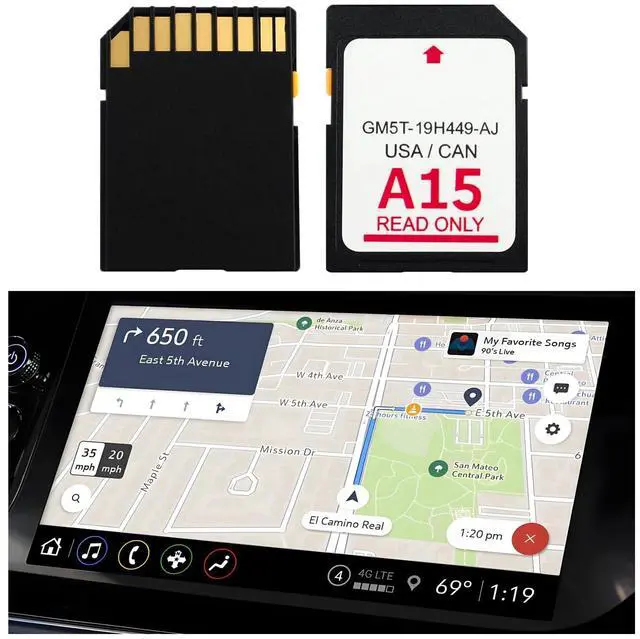
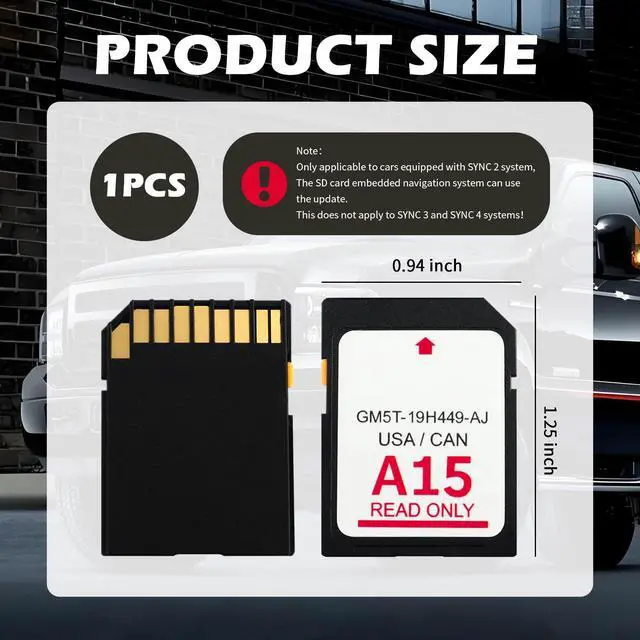


A15 Compatible with Lincoln Ford Navigation SD Card,Latest Version Sync 2 System SD Card of GPS Navigator for Car OEM GM5T-19H449-AJ,Car in-Dash Navigation GPS Units Map Card
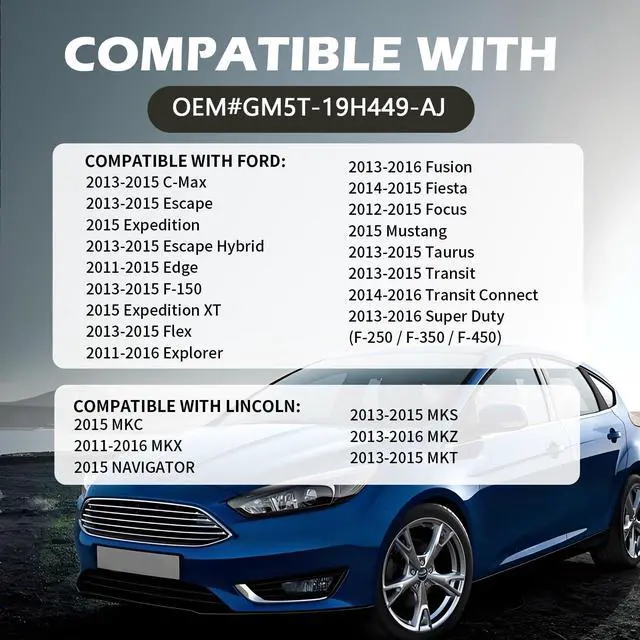
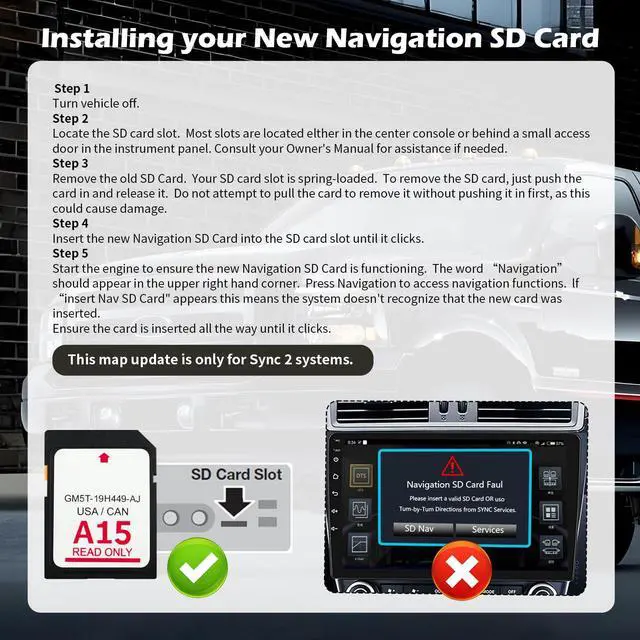
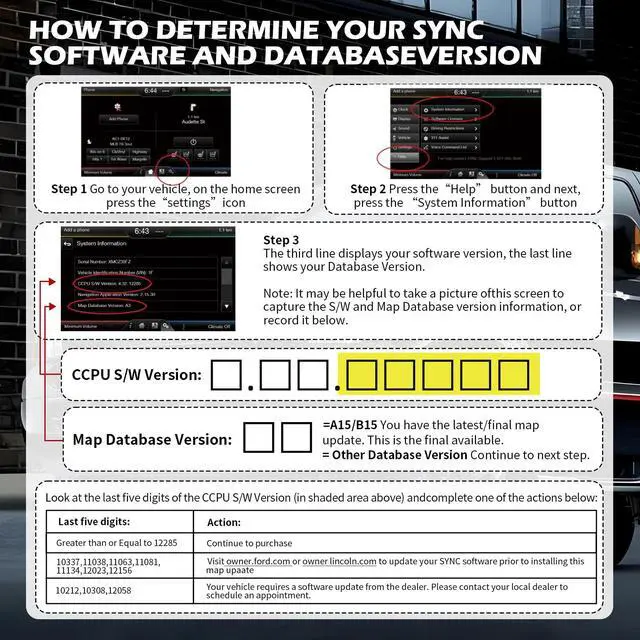
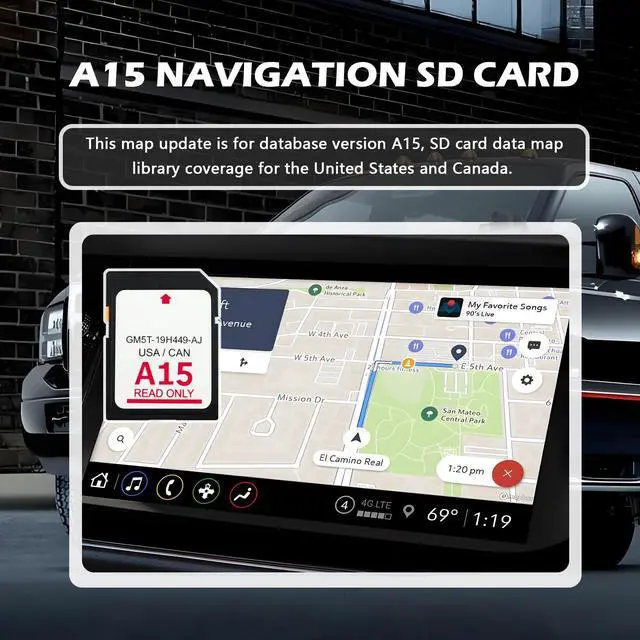
- Navigation SD card for database version A15 map library coverage for the United States and Canada. Please verify your vehicle is equipped with Sync2 systems that utilize the embedded SD card. The GPS navigation SD card is OEM part number GM5T-19H449-AJ. It is compatible with the Ford 2013-2015 C-Max, the Ford 2013-2016 Fusion, the Lincoln 2013-2015 MKS, and other suitable vehicles. This navigation SD card contains detailed map data and extensive road information. It has received recent updates to include the latest map database, allowing for quick arrival at your destination. Simple to install: Just turn off the vehicle power, locate the SD card slot (usually situated in the center console or hidden behind a dashboard access panel), remove the old SD card, and insert the new SD card until a click is heard. Usage instructions: If a fault message appears, first remove the SD card and check for damage. If no damage is visible, conduct a system factory or master reset as required
+
+
Overview
Specs
Reviews

Any questions? Our AI mode will help you find out quickly.
Try me now
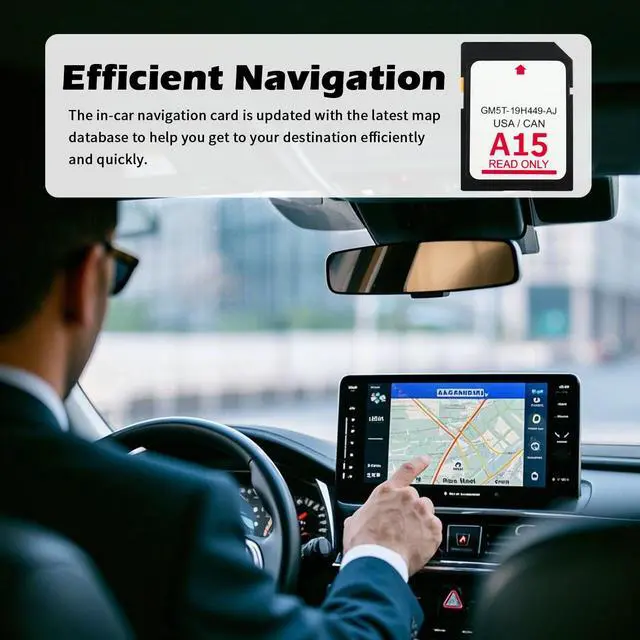
Navigation SD card for database version A15 map library coverage for the United States and Canada. Please verify your vehicle is equipped with Sync2 systems that utilize the embedded SD card. The GPS navigation SD card is OEM part number GM5T-19H449-AJ. It is compatible with the Ford 2013-2015 C-Max, the Ford 2013-2016 Fusion, the Lincoln 2013-2015 MKS, and other suitable vehicles. This navigation SD card contains detailed map data and extensive road information. It has received recent updates to include the latest map database, allowing for quick arrival at your destination.
Simple to install: Just turn off the vehicle power, locate the SD card slot (usually situated in the center console or hidden behind a dashboard access panel), remove the old SD card, and insert the new SD card until a click is heard.
Usage instructions: If a fault message appears, first remove the SD card and check for damage. If no damage is visible, conduct a system factory or master reset as required
Simple to install: Just turn off the vehicle power, locate the SD card slot (usually situated in the center console or hidden behind a dashboard access panel), remove the old SD card, and insert the new SD card until a click is heard.
Usage instructions: If a fault message appears, first remove the SD card and check for damage. If no damage is visible, conduct a system factory or master reset as required
Warranty & Returns
Warranty, Returns, And Additional Information
Warranty
- Please contact the Seller directly for warranty information. Warranty information may also be found on the Manufacturer's website.
- CONTACT
Return Policies
- Return for refund within: 30 days
- Return for replacement within: 30 days
- This item is covered by JadeEssence Shop Return Policy
Manufacturer Contact Info
- For a directory of all our manufacturers, please click below.
- Manufacturers Directory
LOADING...